
AI-powered customer experience marketing (CXM) platform that helps local businesses win.



Virtual receptionist software for Dental Offices: Answer Every Patient Call Without Hiring More Staff
Your front desk is drowning. Phones ring constantly while they’re checking in patients, verifying insurance, or handling billing questions. By the time they get to voicemail, the caller’s already booked with the practice down the street. Sound familiar? Virtual receptionist software for dental offices changes that dynamic by ensuring every call, text, and message gets an immediate response, whether your team’s available or not. For practices that live and die by appointment volume, a single missed call can mean hundreds or even thousands of dollars in lost treatment revenue over a patient’s lifetime.
It’s not that your team is lazy or disorganized. The real problem? Communication volume has exploded far beyond what one or two people can handle. Patients call to confirm appointments, ask about insurance, reschedule, inquire about cosmetic procedures, and report emergencies, all while your receptionist’s greeting someone standing right in front of them. Virtual receptionist software handles all these interactions simultaneously, around the clock, without adding payroll. It’s that simple.
Why Dental Offices Struggle With Patient Communication
Dental practices face a unique problem most other businesses don’t encounter. Your front desk isn’t just customer service, it’s the operations hub. One person answers the phone, processes payments, updates records, scans insurance cards, and manages the schedule. When that phone rings during a busy morning? It’s not laziness. It’s physics. One person can’t do five things at once. According to research from DentalBase, a significant percentage of dental practice calls go unanswered, which directly translates to lost revenue for practices depending on new patient acquisition.
Free weekly newsletter
Growth tips for dental & medical practices
Every Tuesday — actionable ideas to get more leads, reviews, and repeat customers. No fluff.
The True Cost of Missed Calls in Dentistry
A missed call at a dental office is different. Really different. When a prospective patient calls to schedule a cleaning or consultation, they’re in the decision-making moment. They got a referral. Their tooth hurts. They finally decided to address that cosmetic concern. Voicemail? The urgency fades fast, or they call the next practice on the list. According to dental practice phone statistics, the majority of patients who can’t reach an office on the first try won’t leave a voicemail. They won’t call back. That missed ring? It’s a patient you’ll never know you lost.
Here’s the financial reality. The average lifetime value of a dental patient, hygiene visits, restorative work, referrals, easily exceeds several thousand dollars. Miss just a handful of new patient calls per week, and the compounding revenue loss over a year becomes substantial. Hiring another front desk employee might seem obvious, but when you factor in salary, benefits, training, and turnover, you’re looking at significant fixed costs that don’t scale efficiently. Especially for single or two-location practices.
After-Hours and Weekend Communication Gaps
Dental offices operate weekday business hours. But patients don’t. Evening hours and weekends are prime times for research, reviews, and calls. A patient searching “emergency dentist near me” at 8 PM on Saturday isn’t waiting until Monday. The American Dental Association reports that patient expectations around accessibility have shifted significantly. More patients expect digital-first interactions from providers. So what does that actually look like? If your practice can’t capture after-hours inquiries, you’re essentially closing your doors to a large segment of potential patients. That’s lost revenue sitting on the table.
Multi-Channel Chaos
Phone calls are only part of the picture. Patients also reach out via text, website chat, Instagram DMs, Facebook Messenger, and email. Most practices have no unified system for tracking these interactions. Messages fall through the cracks. A prospective patient sends an Instagram DM about teeth whitening pricing, gets no response, and assumes you’re not professional enough. When communication lives across five or six platforms with no central tracking, your team can’t maintain consistent, timely responses. It’s nearly impossible.
How SalesCaptain’s Virtual Receptionist Software for Dental Offices Solves This
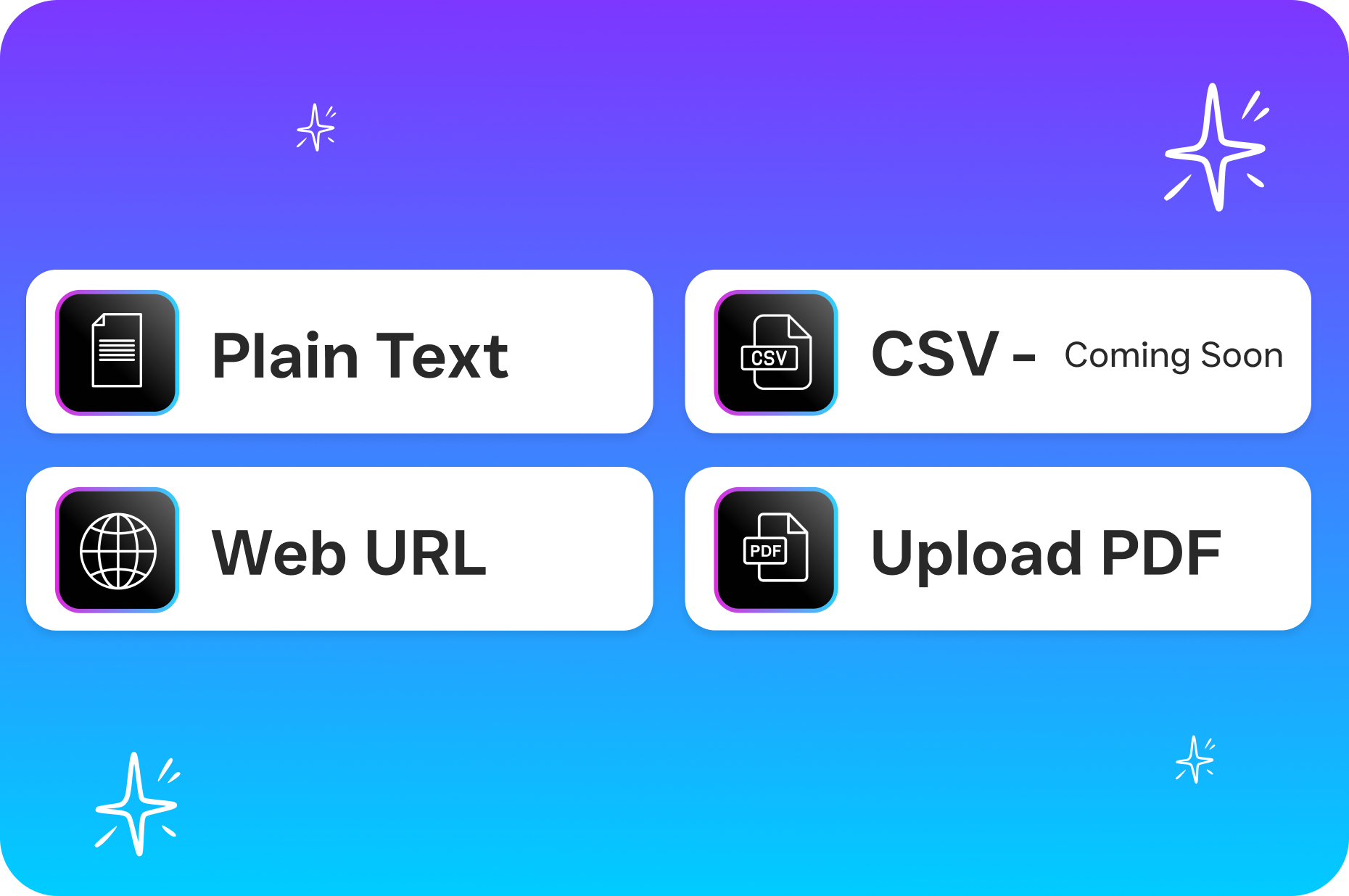
SalesCaptain solves the exact bottlenecks dental practices face every single day. Instead of patching together separate tools for phones, texts, web chat, and social media, it brings everything into one platform with AI-powered agents. These agents handle patient interactions automatically. This isn’t a basic auto-attendant with a recording and voicemail routing. It’s conversational AI that answers questions, books appointments, qualifies leads, and follows up, all without your front desk touching anything.
AI Phone Agent: Your 24/7 Front Desk Extension
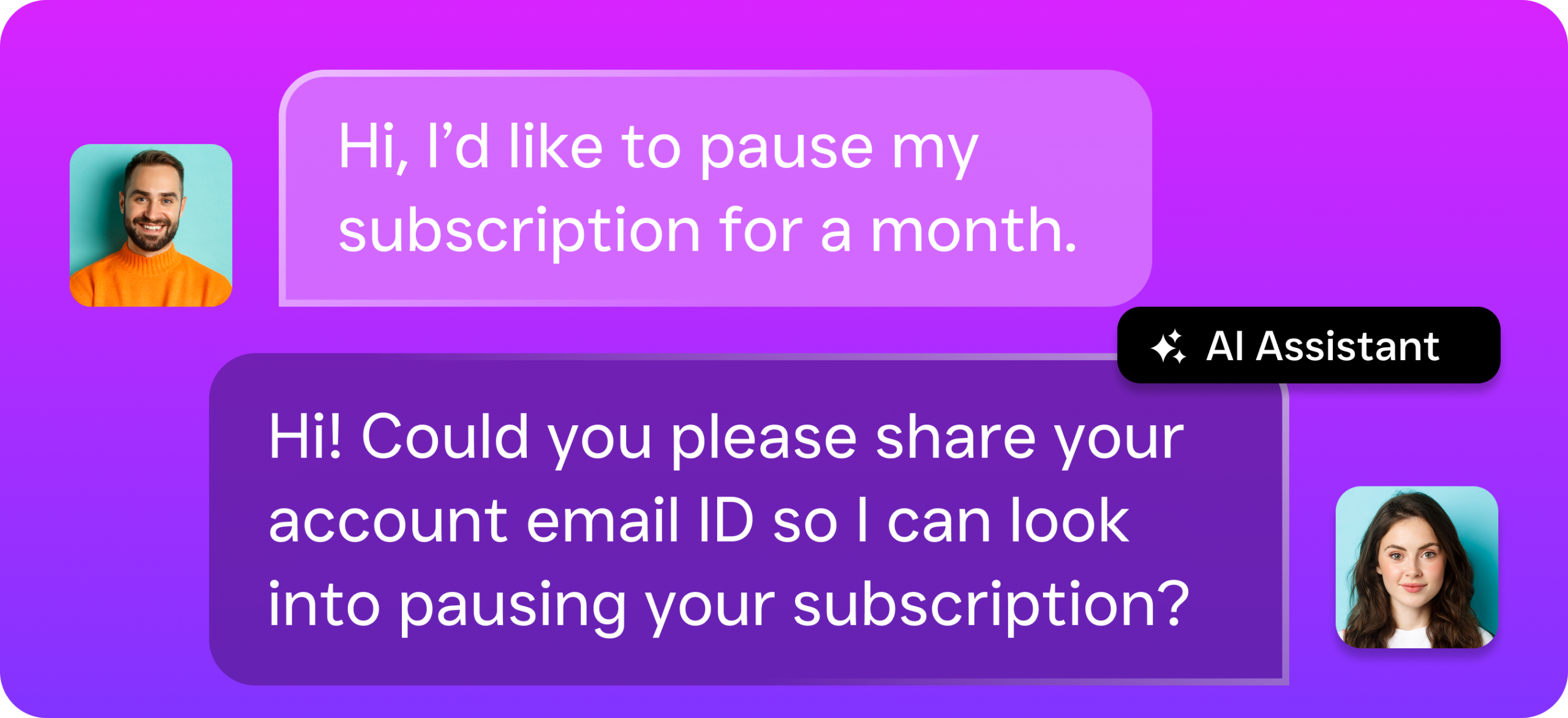
The AI Phone Agent is how SalesCaptain replaces virtual receptionist agencies or additional hires. It answers every inbound call with a natural voice that handles the most common dental interactions: scheduling, insurance questions, office hours, directions, urgent routing. But here’s the difference, it understands context. When a patient says “I need a cleaning, but I’m only free Thursdays after 3,” the AI checks availability and books it. It also blocks spam calls, saving your team from the constant robocall interruption.
For dental offices? The after-hours capability alone pays for itself. A patient calls at 7 PM about a broken crown. The AI captures details, reassures the caller, and either books a next-day appointment or flags it urgent for your on-call dentist. No more Monday voicemail marathons. No more patients calling over the weekend with zero response. Every interaction is logged in the unified inbox. Your team starts each day fully informed about what happened overnight.
AI Chat Agents: Instant Responses Across Every Channel
Dental patients increasingly prefer texting over calling. Especially younger demographics booking cosmetic and orthodontic consultations. SalesCaptain’s AI Chat Agents handle inbound messages across SMS, webchat, Instagram DMs, and Facebook Messenger with instant, intelligent responses. A patient texts “Do you accept Delta Dental?” at 10 PM? They get an accurate answer in seconds. Not a generic “We’ll get back to you during business hours” auto-reply. The chat agents handle missed call text-back too, if your team misses a call during a busy period, the patient automatically gets a text continuing the conversation.
For multi-location dental groups and DSOs, this multichannel automation is particularly valuable. Each location gets its own AI configured with location-specific details, different providers, hours, insurance panels, all managed from one platform. As Unique Dental Scheduling notes, the choice between in-office and virtual receptionists is one of the most consequential decisions a practice makes. The right technology delivers the benefits of both without the downsides of either.
Unified Inbox: One Place for Every Patient Interaction
Front desk stress in dental offices often comes from one place: switching between systems constantly. The phone tool. The text platform. Website chat. Social media DMs requiring separate logins. SalesCaptain’s unified inbox consolidates everything, calls, texts, web chats, social messages, and internal notes, into a single collaborative workspace. When your team opens the inbox, they see the complete communication history for each patient, regardless of channel. This eliminates the “I didn’t see that message” problem that ruins patient experience.
Team collaboration features are especially useful when multiple staff share front desk duties. Everyone sees what’s been said, what’s scheduled, what needs follow-up. No more sticky-note chaos. No more shouted handoffs across the office. Real-time tracking lets your office manager see exactly how quickly you’re handling inquiries and where bottlenecks exist. Patient communication turns from a guessing game into a measurable, manageable process.
Key Features of Virtual Receptionist Software for Dental Offices
24/7 Call Answering: The AI Phone Agent picks up every call, day or night, weekends and holidays included. Patients never reach voicemail unless you want them to, which means no more lost opportunities during lunch breaks, staff meetings, or after-hours. Automated Appointment Booking: Both phone and chat AI can schedule, confirm, and reschedule appointments directly. This reduces the back-and-forth that consumes front desk time and gives patients instant booking confirmation. Lead Qualification: When a new patient calls, the AI gathers key information, insurance type, reason for visit, preferred times, before your team ever sees the call. You get pre-qualified leads instead of raw calls, dramatically speeding up intake. Missed Call Text-Back: If a call goes unanswered during chaos, the system automatically texts the caller, keeping the conversation alive and preventing them from calling a competitor. Appointment Reminders: Automated text and call reminders reduce no-shows. No-shows are one of dentistry’s most expensive problems. Patients get timely reminders with the option to confirm or reschedule without calling. Spam Blocking: The AI Phone Agent filters robocalls and spam before they reach your team, reclaiming hours of productive time otherwise lost to interruptions. Workflow Automation: The drag-and-drop workflow builder automates follow-up sequences, post-appointment surveys, recall reminders, and CRM updates. It integrates with 50+ tools including HubSpot, Salesforce, Zoho, QuickBooks, and Zapier. No rip-and-replace required. Multi-Location Support: For dental groups across multiple locations, SalesCaptain offers per-location pricing starting at $159/month per location. Single-location practices get a free plan. Each location has its own AI agents, phone numbers, and configuration, managed centrally.
Real Results You Can Expect
Capture Revenue You’re Currently Losing
The most immediate impact? Recapturing patient calls and messages that currently go unanswered. When every inquiry gets an instant response, whether it’s a phone call at 2 PM or an Instagram DM at 9 PM, your practice converts more interested patients into booked appointments. Research on call answering rates in dental clinics consistently shows a strong correlation between response speed and patient acquisition. Practices responding within minutes dramatically outperform those taking hours or days to return calls.
This isn’t about working harder. It’s about eliminating the structural gap between when patients reach out and when your team can respond. The AI handles the immediate interaction. Your team handles relationship-building and clinical work that actually requires a human. Over time, capturing more patients from the same marketing spend translates directly to higher production numbers without increasing your advertising budget.
Reduce Front Desk Burnout and Turnover
Front desk turnover is chronic in dentistry, and the cause is clear: overwhelming task volume piled onto one role. When AI handles repetitive interactions, answering the same insurance question for the twentieth time, sending confirmations, filtering spam, your team focuses on engaging, meaningful work. Happier staff stay longer. You stop the constant recruiting, hiring, and training cycle that drains money and management time. According to Vital Virtuals, practices using virtual receptionist solutions significantly reduce operational costs while maintaining or improving the patient experience.
Scale Without Proportionally Increasing Headcount
Growing a dental practice traditionally means hiring more staff for more patients. Virtual receptionist software breaks that linear relationship. Adding a second location? Extending hours? Ramping up marketing for new patients? The AI scales with demand without additional hires. Your cost per patient interaction drops as volume increases, which gives you the operational runway to grow profitably instead of growing revenue while expenses keep pace.
How to Get Started in 10 Minutes
SalesCaptain is designed so non-technical business owners, dentists who’d rather be chairside than configuring software, can get running quickly. No IT support needed. No coding. No lengthy onboarding with a customer success team. Here’s what it actually looks like.
Step 1: Create Your Account and Choose a Plan
Sign up for the free Startup plan and get started with one location at no cost. Multiple locations? The Business plan is $159/month per location. Enterprise is $300/month per location with additional features and AI capacity. No long-term contract required. Test the platform with minimal risk before committing.
Step 2: Configure Your AI Agents
Use the visual builder to set up your AI Phone Agent and Chat Agents. Provide basic practice information, office hours, services, insurance accepted, appointment types, custom call handling instructions. The platform walks you through each step. Templates designed specifically for dental workflows accelerate the whole process.
Step 3: Connect Your Existing Tools
SalesCaptain integrates with tools you’re already using. Connect your CRM, practice management system, or scheduling tool through native integrations or Zapier. Appointments booked by the AI show up in your existing calendar. Patient information flows into your system without manual data entry.
Step 4: Go Live and Monitor
Configure your agents and integrations, then flip the switch. The AI begins handling calls and messages immediately. Use the unified inbox to monitor conversations in real time. Review how the AI’s handling interactions and adjust configuration as you learn what patients need most. Most practices see noticeable improvements in response times and captured leads within the first week.
Ready to see it in action?
See how dental offices use SalesCaptain to handle every patient call without hiring staff.
Book a Free Demo →Frequently Asked Questions
Can the AI handle dental-specific questions like insurance verification and procedure pricing?
Absolutely. When you set up your AI Phone Agent and Chat Agents, you provide the specific information patients commonly ask about, which insurance plans you accept, general pricing ranges, office hours, provider availability. The AI answers these questions accurately and conversationally. For questions requiring clinical judgment or detailed treatment planning, configure the AI to route the call to a team member or schedule a consultation appointment instead.
Will patients know they’re talking to an AI instead of a real person?
SalesCaptain’s AI Phone Agent uses natural-sounding voice technology that handles conversations fluidly, including context and follow-ups. It doesn’t pretend to be human, and many callers find it comparable to speaking with a knowledgeable front desk team member. Customize the agent’s tone, greeting, and personality to match your practice’s brand. You can configure transparency if that matters to your culture.
Does SalesCaptain integrate with dental practice management software?
Yes. Over 50 native integrations plus Zapier connectivity for additional flexibility. Direct integration with HubSpot, Salesforce, and Zoho. Practices using Dentrix, Eaglesoft, or Open Dental typically connect through Zapier workflows. It also integrates with scheduling tools and payment processors like QuickBooks. Most dental office tech stacks work without rip-