
AI-powered customer experience marketing (CXM) platform that helps local businesses win.


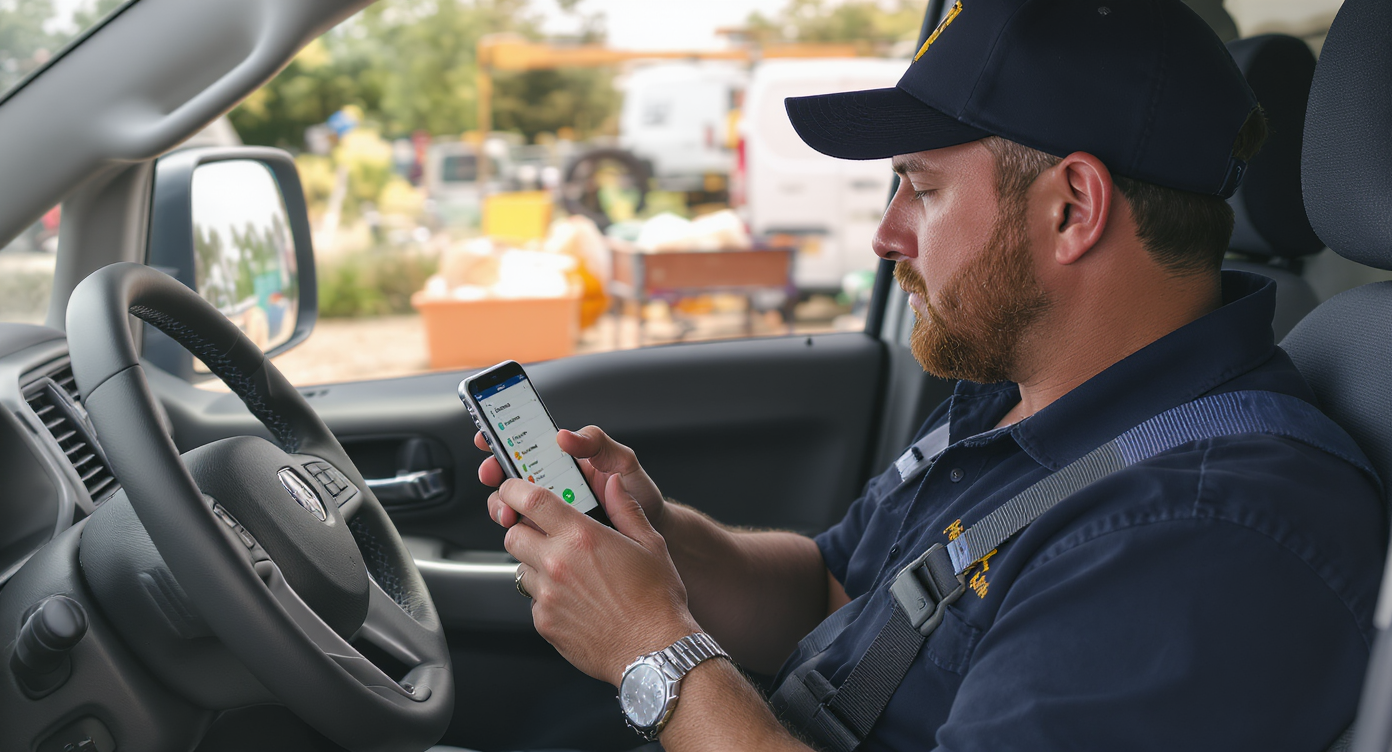
A call campaign is one of the most direct ways to reach prospects and follow up with leads. It keeps your pipeline moving. For service businesses that depend on phone conversations to close deals, running structured call campaigns isn’t optional. It’s how you turn a list of names into booked appointments and paying customers. SalesCaptain gives you the tools to build, launch, and track call campaigns without the complexity of enterprise-grade dialers or the cost of hiring a dedicated sales team.
A call campaign is an organized effort to make outbound calls to a targeted contact list with specific goals like booking appointments or following up on leads. Unlike random dialing, call campaigns use defined scripts, structured call sequences, and tracking systems to convert prospects into paying customers efficiently.
Free weekly newsletter
Growth tips for service businesses
Every Tuesday — actionable ideas to get more leads, reviews, and repeat customers. No fluff.
Quick Answer
A call campaign is a structured series of outreach calls to prospects or past clients with a specific goal—typically booking appointments or closing sales. Service businesses use them to fill their pipeline consistently by targeting leads systematically, following a script, and tracking results. Done right, campaigns convert better than random calling because they’re intentional, repeatable, and measurable.
What Is a Call Campaign?
A call campaign is an organized effort to make outbound calls to a targeted list of contacts with a specific goal. That goal might be booking consultations, following up on estimates, re-engaging past customers, or qualifying inbound leads who filled out a form but haven’t committed yet. Unlike ad-hoc dialing, a call campaign has structure. You get a defined contact list, a script or talking points, a sequence of attempts, and a way to track results.
Think of it this way. You’ve got 200 leads from last month’s marketing spend. Some filled out a web form. Others called in but didn’t book. A few are past customers due for annual service. Without a call campaign, your team cherry-picks a few names each day and forgets the rest. You lose revenue you already paid to generate. But with a structured campaign, every lead gets contacted on a schedule with consistent messaging. You can see exactly what’s working.
According to research from Databox based on 110+ expert respondents, phone calls remain one of the highest-converting lead generation channels for service businesses. Yet most SMBs don’t have a repeatable system to run them. That’s the gap a call campaign fills.
How Call Campaigns Work in SalesCaptain
Setting up a call campaign in SalesCaptain doesn’t require sales ops expertise or a week of configuration. Here’s the process from start to first dial:
- Build your contact list. Import contacts from your CRM, upload a CSV, or pull leads directly from SalesCaptain’s unified inbox. You can filter by tags, lead source, last contact date, or any custom field to target the right segment.
- Set your campaign parameters. Choose your calling hours, the number of retry attempts for unanswered calls, and the spacing between attempts. You’ll also assign the campaign to specific team members or let it distribute calls round-robin.
- Add your script or talking points. Attach notes, scripts, or context that’ll appear on-screen when each call connects. Your team sees the lead’s history, previous interactions from the unified inbox, and any relevant details before they even say hello.
- Launch and dial. SalesCaptain’s power dialer moves through the list automatically. When a call ends, the next one queues up. No manual dialing, no searching for the next number, no downtime between conversations.
- Log outcomes and trigger follow-ups. After each call, reps log the result. Based on the outcome, SalesCaptain’s workflow automation can send a follow-up text, schedule a reminder, update your CRM, or move the contact to a different campaign. Everything stays connected.
- Review performance. Post-call analytics show you connection rates, call durations, outcomes by rep, and campaign-level results. AI transcriptions and summaries capture what was discussed, so managers can coach without sitting in on every call.
Key Capabilities
- Power Dialer: Automatically dials the next contact on your list as soon as the previous call wraps. This eliminates dead time and lets a single rep make significantly more calls per hour compared to manual dialing.
- Voicemail Drop: When a call goes to voicemail, reps can drop a pre-recorded message with one click instead of waiting through the greeting and repeating the same pitch. According to Cognism’s State of Cold Calling report, most outbound calls reach voicemail, so this feature alone saves hours per campaign.
- Call Coaching and Whispering: Managers can listen to live calls and whisper guidance to reps without the prospect hearing. This is especially valuable during the first few days of a new campaign, when messaging is still being refined.
- Real-Time Speech Analytics: SalesCaptain analyzes calls as they happen, flagging sentiment shifts and key phrases. You’ll know if a conversation is going south before it ends, and reps get real-time cues to adjust their approach.
- AI Transcription and Summaries: Every campaign call is transcribed and summarized automatically. Instead of relying on rep notes (which are often incomplete), you get searchable records of what was said, what was promised, and what follow-up is needed.
- Workflow-Triggered Follow-Ups: Connect call outcomes to automated next steps. A “not interested” might trigger a nurture text sequence. A “call back later” schedules a re-attempt. A “booked” updates your CRM and sends a confirmation. No manual work required.
Who Needs This?
Call campaigns aren’t just for outbound sales teams at large companies. They’re particularly powerful for service businesses where phone conversations drive revenue. Here’s who benefits most:
- Home service companies (roofing, HVAC, plumbing, landscaping) that need to follow up on estimate requests, re-engage seasonal customers, or confirm appointments before sending a crew.
- Legal practices that receive consultation requests and need to qualify prospects quickly. Speed to contact often determines which firm gets the case.
- Healthcare and wellness providers (dental offices, MedSpas, therapy practices) running recall campaigns for patients overdue for visits or promoting new services to existing patients.
- Real estate agencies working expired listings, FSBO leads, or following up with open house attendees before competitors reach them.
- Sales managers and operations leaders at multi-location businesses who need visibility into calling activity across teams without micromanaging individual reps.
The common thread is obvious. These are businesses where every missed or delayed call has a direct revenue cost. A structured call campaign ensures no lead slips through the cracks.
Benefits of Running Call Campaigns
More Conversations Per Hour
Manual dialing wastes time. Reps spend more minutes looking up numbers, waiting for rings, and listening to voicemail greetings than they do actually talking to people. SalesCaptain’s power dialer with voicemail drop compresses dead time so your team spends the majority of their hours in real conversations. What does that look like in practice? A three-person team could make dozens of additional meaningful contacts per day without adding headcount.
Consistent Follow-Up That Actually Happens
Most service businesses know they should follow up. Few do it consistently. CallRail’s benchmarking report for small businesses highlights how quickly lead value drops when follow-up is delayed. A call campaign removes the guesswork by putting every contact into a structured sequence with defined retry logic. Your team doesn’t decide who to call next. The system does. It’s that simple.
Better Coaching, Faster Ramp-Up
New hires struggle on the phones because they’re learning in isolation. Call coaching and whispering let experienced managers guide them through live conversations. Meanwhile, AI summaries of successful calls become training material. So instead of months to ramp up, new reps can perform within weeks because they’re learning from real interactions, not hypothetical role plays.
Complete Visibility Without Micromanagement
Business owners and sales managers shouldn’t have to sit next to reps to know what’s happening. Post-call analytics, transcriptions, and sentiment tracking give you a clear picture of campaign performance. You can see which reps are connecting, which scripts are resonating, and where leads are dropping off. That data lets you make informed adjustments mid-campaign rather than waiting until the end.
How SalesCaptain Compares
Several platforms offer outbound dialing, but most are built for enterprise sales floors. They lack the surrounding tools that service businesses actually need. Aircall, at $30 per license, doesn’t include an AI voice agent, webchat, or missed-call text-back. It’s a solid call center tool. But it wasn’t designed for the SMB that needs calling, texting, and appointment booking in one place. OpenPhone keeps things simple at $15 per user, but it lacks call coaching, call queueing, voicemail drop, and real-time speech analytics. And these are exactly the features that make a call campaign productive rather than just busy work.
Dialpad offers AI features for sales teams, but it doesn’t include toll-free minutes or a social chat integration. Its workflow automation is limited compared to what SalesCaptain provides. Platforms like Podium and Birdeye focus primarily on reputation management and messaging. Neither offers a power dialer, post-call analytics, or real-time speech analytics. As BIA/Kelsey’s research on phone calls as a marketing channel demonstrates, voice remains central to SMB customer acquisition. Your platform should treat it that way.
SalesCaptain is different. It combines a power dialer with call coaching, AI transcription, voicemail drop, a unified inbox across all channels, and workflow automation that connects call outcomes to your next action. You don’t need three tools and a Zapier account to run a campaign properly.
Frequently Asked Questions
How many contacts can I include in a single call campaign?
SalesCaptain doesn’t impose a hard cap on campaign size. You can load hundreds or thousands of contacts into a campaign. But performance depends on your team size and calling hours. Most SMBs find that segmenting campaigns into focused lists of 100 to 500 contacts produces better results than blasting through a massive, unfocused list.
Can I run a call campaign and still handle inbound calls?
Absolutely. SalesCaptain’s phone system separates inbound and outbound call handling. Your AI Phone Agent can answer incoming calls, book appointments, and route urgent callers while your team focuses on outbound campaign calls. Inbound calls won’t disrupt the campaign workflow.
What happens when a campaign call goes to voicemail?
Reps can drop a pre-recorded voicemail with one click. Then they instantly move to the next contact. After the drop, SalesCaptain’s workflow automation can also trigger a follow-up text to the same contact. So you’re reaching them on two channels without extra manual effort.
Do I need a separate tool for call recording and transcription?
No. Every campaign call is automatically recorded, transcribed, and summarized by SalesCaptain’s AI. Transcriptions are searchable and tied to the contact record in your unified inbox. You can review any conversation without switching between platforms. According to recent analysis on the cost of missed business calls, having complete call records also helps identify where leads are being lost in your process.
Ready to see it in action?
See how businesses use SalesCaptain to run automated call campaigns that actually convert.
Start Running Call Campaigns That Convert
SalesCaptain gives your team a power dialer, voicemail drop, call coaching, AI transcription, and workflow automation in one platform, starting with a free plan. Stop losing leads to slow follow-up and disconnected tools.