
AI-powered customer experience marketing (CXM) platform that helps local businesses win.


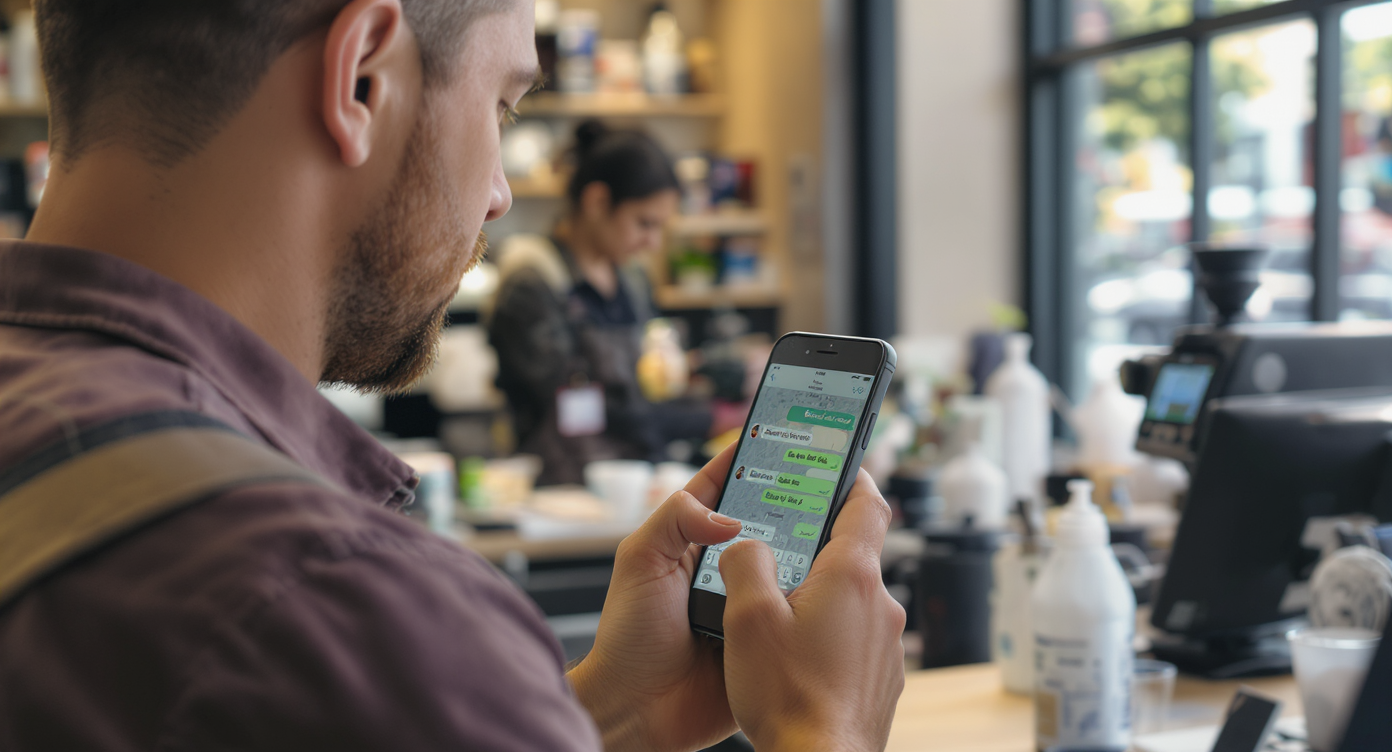
Every service business loses potential customers to slow response times. When someone texts your business and doesn’t hear back within minutes, they move on to a competitor who replies faster. Auto reply text message examples for business aren’t just a convenience feature. They’re a revenue protection tool. Whether you’re running an HVAC company, a dental office, or a law firm, automated text responses keep leads warm and customers informed while your team handles the work that actually requires a human touch. SalesCaptain’s AI Chat Agents make this effortless across SMS, webchat, Instagram DMs, and Facebook Messenger, all from one platform.
Auto reply text message examples for business are automated SMS responses sent instantly when customers text your company. They acknowledge messages, set expectations, and keep leads engaged while your team handles priority work. Service businesses use them to prevent lost customers due to slow response times.
Free weekly newsletter
Growth tips for auto dealerships & repair shops
Every Tuesday — actionable ideas to get more leads, reviews, and repeat customers. No fluff.
Quick Answer
Auto reply text messages confirm receipt, set expectations, and keep customers engaged when you’re unavailable. Effective examples include appointment confirmations, order updates, and follow-up prompts that provide value rather than generic acknowledgments. The best auto replies are personalized, brief, include next steps or timing expectations, and comply with texting regulations while maintaining your brand voice.
What Is an Auto Reply Text Message for Business?
An auto reply text message is an automated response your business sends the moment a customer texts you, without anyone on your team lifting a finger. Think of it as your digital front desk. It acknowledges the customer, sets expectations, and often captures key information before a staff member even sees the message.
These automated responses cover a wide range of scenarios. After-hours inquiries, holiday closures, appointment confirmations, missed call follow-ups, opt-in acknowledgments, and even keyword-triggered replies all fall under this umbrella. According to Text Request’s 2024 State of Business Texting Report, businesses that respond within five minutes are dramatically more likely to convert a lead than those who wait even 30 minutes.
Why Auto Replies Matter More Than You Think
Speed wins deals. That’s not a cliché—it’s just reality. EZ Texting’s 2024 consumer behavior data shows that customers overwhelmingly prefer texting businesses over calling. Yet most small businesses still don’t have any automated texting set up. There’s a huge gap between what customers expect and what businesses deliver. That’s where leads leak out.
A well-written auto reply does three things at once. It confirms receipt of the customer’s message, provides useful information or next steps, and buys your team the time they need to respond personally. Without it? The customer sits in silence wondering if anyone’s even there.
How Auto Reply Text Messages Work in SalesCaptain
Setting up automated text responses in SalesCaptain doesn’t require any technical skills. Here’s the exact process from start to finish:
- Choose your trigger. Decide what event fires the auto reply. Common triggers include incoming SMS, missed calls, after-hours messages, specific keywords, or new form submissions. SalesCaptain’s AI Chat Agents can detect intent automatically, so you’re not limited to rigid keyword matching.
- Write your message or use AI. Craft your auto reply text, or let SalesCaptain’s AI agent generate contextual responses. You can create templates for different scenarios: business hours acknowledgments, after-hours messages, appointment confirmations, and more.
- Set conditions and schedules. Apply time-based rules so the right message goes out at the right time. Your Monday through Friday auto reply can differ from your weekend message. Holiday closures get their own template.
- Connect to your workflow. Use SalesCaptain’s drag-and-drop Workflow Automation builder to chain actions together. An auto reply can trigger a CRM update, send an internal notification, schedule a follow-up, or route the conversation to a specific team member.
- Deploy across channels. Your auto replies aren’t limited to SMS. Push them to webchat, Instagram DMs, and Facebook Messenger simultaneously through SalesCaptain’s Unified Inbox. One setup covers every channel.
- Monitor and refine. Track response rates and customer engagement in real time. Because every conversation flows into a single inbox, you can see exactly which auto replies lead to booked appointments and which need tweaking.
📺 Watch: Automated Text Response Setup: Never Miss a Lead Again
Key Capabilities
SalesCaptain’s auto reply functionality goes well beyond basic canned responses. Here’s what sets it apart:
- Missed Call Text-Back: When a customer calls and nobody answers, SalesCaptain automatically sends a text within seconds. This single feature recovers leads that would otherwise vanish. According to research on the cost of missed calls, small businesses lose significant revenue annually from unanswered calls alone.
- AI-Powered Contextual Responses: Unlike static templates, SalesCaptain’s AI Chat Agents read the customer’s message and respond with relevant information. Someone asking about pricing gets a different reply than someone asking about hours. No keyword rules to configure.
- Appointment Booking Within the Reply: Auto replies can include scheduling links or let the AI agent book directly into your calendar. The customer never leaves the text conversation.
- Multichannel Consistency: Whether the message arrives via SMS, webchat, Instagram DM, or Facebook Messenger, your auto reply behavior stays consistent. Every conversation lands in one Unified Inbox for your team.
- Trigger-Based Workflow Chains: An auto reply can kick off an entire automation sequence. First reply goes out instantly, a follow-up sends two hours later if no response, and a third message goes the next morning. All automated, all customizable with the visual workflow builder.
- Opt-In and Compliance Management: Auto replies handle opt-in confirmations and opt-out requests automatically, keeping your business compliant with FCC texting regulations without manual oversight.
Who Needs This?
Auto reply text messages aren’t just for big companies with dedicated support teams. In fact, they’re most valuable for businesses where every staff member wears multiple hats. If your receptionist is also your office manager, or if you’re the business owner answering calls between jobs, automated responses are essential.
- Home service businesses (roofing, plumbing, HVAC, landscaping, appliance repair) where technicians can’t answer texts while on a job site
- Legal practices where potential clients expect immediate acknowledgment but consultations require scheduling
- Healthcare and wellness providers (dental offices, MedSpas, therapy practices) juggling patient communication with appointment management
- Salons, gyms, and fitness studios that receive high volumes of booking-related texts throughout the day
- Real estate agencies where agents are constantly in showings and can’t respond to new inquiries in real time
- Multi-location businesses that need consistent messaging across every location without hiring extra staff at each one
The common thread? These are businesses where the people doing the work can’t simultaneously manage incoming messages. Auto replies bridge that gap 24/7.
Benefits of Auto Reply Text Messages for Your Business
Recover Revenue From Missed Opportunities
The most immediate benefit is financial. Every unanswered text represents a potential customer who went elsewhere. Analysis of missed call costs consistently shows that small businesses lose thousands annually from slow response times alone. Auto replies stop that bleeding by ensuring no inquiry goes unacknowledged, even at 2 AM on a Saturday.
A plumbing company that gets 15 after-hours texts per week is probably losing 8 to 10 of those leads without auto replies. With them? Those prospects get an instant response, a link to book an appointment, and a follow-up the next morning. That’s the difference between a $200 monthly texting tool and tens of thousands in recovered revenue.
Free Up Your Team Without Hiring
Hiring another receptionist or office coordinator costs $30,000 to $45,000 per year, according to Bureau of Labor Statistics data on receptionist salaries. Auto reply text messages handle a significant portion of that role’s responsibilities at a fraction of the cost. Your existing team focuses on complex interactions while automation handles the routine acknowledgments, confirmations, and FAQ responses.
SalesCaptain’s Workflow Automation takes this further. It connects auto replies to your CRM, appointment calendar, and internal notifications. So it’s not just sending a text. It’s updating records, alerting the right team member, and scheduling follow-ups without anyone doing it manually.
Create a Professional, Consistent Experience
Inconsistency kills trust. When one staff member responds warmly in five minutes and another takes four hours with a terse reply, your customer experience feels unpredictable. Auto replies standardize that first touchpoint across every interaction, every channel, and every location. Particularly for multi-location businesses, this consistency is what separates professional operations from chaotic ones.
How SalesCaptain Compares
Most business communication platforms offer some form of auto reply, but the depth varies significantly. Podium, for example, doesn’t include outbound workflow automation, meaning your auto reply is a dead end rather than the start of an engagement sequence. SalesCaptain’s drag-and-drop Workflow Automation builder lets you chain auto replies into multi-step follow-up campaigns with CRM updates and appointment booking baked in.
Birdeye focuses primarily on reputation management. It lacks AI-powered call handling, call routing, and IVR capabilities, so if a customer calls instead of texts, you’re on your own. SalesCaptain is different. A missed call automatically triggers a text-back, and the AI Phone Agent can answer calls directly while the AI Chat Agent handles the text side. No other platform in this price range combines both.
Nextiva caps SMS at 250 messages per user per month. For any service business running active auto replies, that limit gets hit fast. SalesCaptain offers high-volume SMS with no artificial caps, plus Payments via Text, Leads Forms, and WhatsApp support that Nextiva doesn’t provide. SimpleTexting’s small business marketing research confirms that SMS volume for businesses is growing year over year, making artificial message caps increasingly impractical.
OpenPhone offers minimal AI capabilities and only seven integrations. SalesCaptain provides 50+ native integrations including HubSpot, Salesforce, HousecallPro, and Clio, plus real-time speech analytics and call coaching that OpenPhone doesn’t offer. For service businesses that need their auto reply system to connect with the tools they already use, integration depth matters.
Frequently Asked Questions
What should I include in a business auto reply text message?
Start with a thank-you or acknowledgment, include your business name, set expectations for when they’ll hear back, and provide a next step like a booking link or FAQ page. Keep it under 160 characters when possible so it arrives as a single SMS. For after-hours messages, mention when your team will be available next.
Can auto reply texts handle appointment booking automatically?
Yes. SalesCaptain’s AI Chat Agents can include scheduling links in auto replies or book appointments directly within the text conversation by syncing with your calendar. Customers don’t need to call back or visit a website separately.
Are auto reply text messages compliant with texting regulations?
They can be, as long as you handle opt-in confirmations and honor opt-out requests. SalesCaptain manages this automatically, sending compliance-friendly opt-in confirmations and processing STOP requests without manual intervention. Always ensure you’ve got proper consent before sending automated texts.
How is an AI auto reply different from a standard template?
A standard template sends the exact same message regardless of what the customer wrote. An AI-powered auto reply, like SalesCaptain’s AI Chat Agent, reads the incoming message and responds contextually. Someone asking “What are your rates?” gets pricing information, while someone asking “Are you open Sunday?” gets your hours. It’s the difference between a voicemail greeting and a real conversation.
Ready to see it in action?
See how businesses use SalesCaptain to turn auto-reply texts into booked appointments and sales.
Stop Losing Leads to Slow Responses
SalesCaptain gives your business AI-powered auto replies across SMS, webchat, Instagram, and Facebook Messenger, all managed from one Unified Inbox. Set up automated text responses in minutes, connect them to your existing tools, and start converting leads that used to slip away. Plans start free.