
AI-powered customer experience marketing (CXM) platform that helps local businesses win.


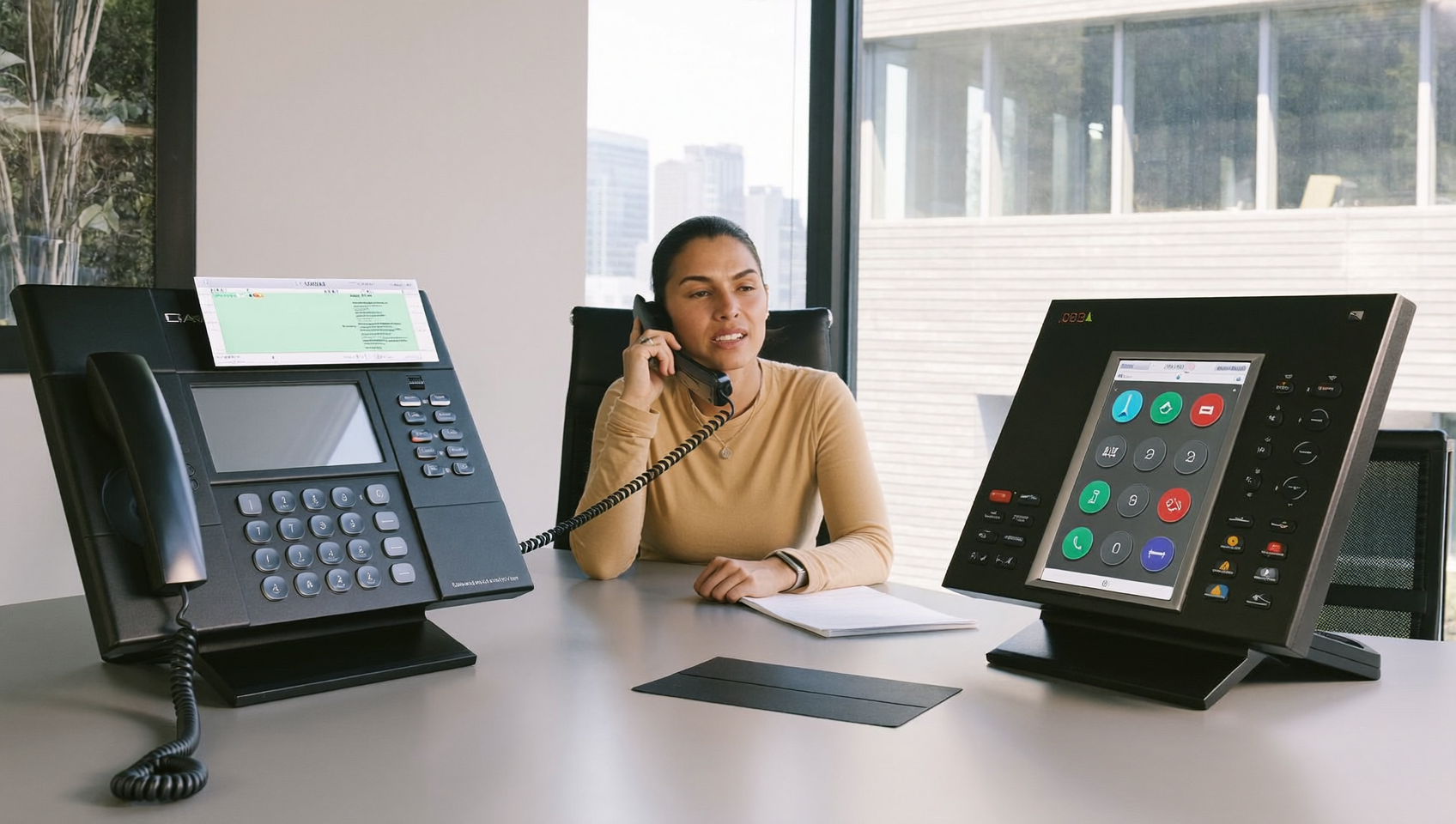
If you’re researching dialpad pricing for small business, you’re probably weighing whether a per-user phone system makes sense for your budget and workflow. This comparison breaks down what Dialpad actually costs, where it fits well, and where a platform like SalesCaptain might be a stronger match for service businesses that need more than just a phone system.
Dialpad pricing for small business starts at $25 per user monthly for basic calling features, with higher tiers adding AI analytics and transcription. It works best for sales teams but may lack customer service features that service businesses need, making alternatives worth comparing.
Free weekly newsletter
Growth tips for service businesses
Every Tuesday — actionable ideas to get more leads, reviews, and repeat customers. No fluff.
Quick Answer
Dialpad’s small business plans start at $25 per user monthly for basic calling, with mid-tier options around $35-45 per user for advanced features like call recording and analytics. Most small teams need 5-10 users, totaling $125-450 monthly before taxes and add-ons. Hidden costs include setup fees, international calling charges, and premium integrations, which can increase your actual spend by 20-30% beyond quoted rates.
What Is Dialpad?
Dialpad is a cloud-based business communication platform built primarily for tech-forward sales teams and mid-market companies. Its core strengths? AI-powered call transcription, real-time speech analytics, and a clean interface that works well for outbound sales workflows. Reviewers at Fit Small Business note that it’s a solid UCaaS option, though its feature set is geared more toward internal team communication than customer-facing service businesses.
What Is SalesCaptain?
SalesCaptain is an AI-powered unified communication platform designed specifically for service businesses and SMBs. It combines an AI Phone Agent, AI Chat Agents, a unified inbox, and Workflow Automation into a single tool. And here’s the key difference: unlike traditional phone systems, SalesCaptain handles calls, SMS, webchat, Instagram DMs, Facebook Messenger, email, and WhatsApp from one collaborative inbox. Pricing starts free for one location, with paid plans at $159/month per location rather than per user. That’s a game-changer for growing teams.
Dialpad vs SalesCaptain: Feature Comparison
Here’s a side-by-side look at the capabilities that matter most to small service businesses. Every value below comes from verified feature data.
| Feature | SalesCaptain | Dialpad |
|---|---|---|
| Unified Inbox | ✓ (calls, SMS, webchat, social, email) | ✗ (no email, no social chat) |
| WhatsApp Messaging | ✓ (native) | Partial (third-party Zapier only) |
| Review Management | ✓ | ✗ |
| Text-to-Pay | ✓ | ✗ |
| Workflow Automation | ✓ (visual drag-and-drop builder) | Partial (very basic message flows) |
| Pricing Model | Free, then $159/mo per location | $15/user/mo (scales with headcount) |
| Best For | Service businesses, multi-location SMBs | Tech-forward sales teams |
See the difference? Dialpad gives you a strong phone system with AI call analytics. SalesCaptain gives you that plus autonomous AI agents, multichannel messaging, and tools built for capturing and converting inbound leads.
Where Dialpad Falls Short for Service Businesses
Dialpad isn’t a bad product. But when you look at it through the lens of a plumbing company, dental practice, or roofing contractor, several gaps become obvious.
Dialpad offers real-time AI transcription and scorecards during calls. That helps sales managers coach reps. However, it doesn’t provide an AI agent that can actually answer calls autonomously, book appointments, or qualify leads without a human present. And for service businesses where missed calls directly translate to lost revenue, this is critical. Every after-hours call that goes to voicemail? That’s a potential customer calling your competitor instead.
No Social Media or Email in the Inbox
Dialpad handles voice and SMS well. But it doesn’t pull in Facebook Messenger, Instagram DMs, or email. Your front desk or office manager still needs to check multiple apps throughout the day. For a small team already stretched thin, that fragmentation costs time and lets messages slip through the cracks.
Per-User Pricing Adds Up Quickly
Dialpad’s pricing starts at $15 per user per month, which sounds affordable for a solo operator. But a service business with 10 employees is already at $150/month on the basic plan. Add in advanced integrations and higher tiers? The costs climb fast. According to PriceLevel’s analysis of actual buyer data, real-world costs can go well above the list price once you factor in add-ons and higher-tier requirements.
Missing Channels That Service Customers Use
No native WhatsApp support. No toll-free minutes included. Fax requires an add-on. And there’s no text-to-pay capability, which means you can’t collect payments via SMS after a service call. These aren’t edge cases for landscaping or med spas. They’re daily workflow needs.
Why SalesCaptain Is the Better Choice for Service Businesses
SalesCaptain was built from the ground up for the businesses Dialpad wasn’t designed to serve. So what does that actually look like?
- AI Phone Agent answers calls 24/7, booking appointments, qualifying leads, answering FAQs, and blocking spam. No human needed, even at 2 AM on a Saturday.
- AI Chat Agents handle SMS, webchat, Instagram DMs, and Facebook Messenger with instant responses and lead capture, so your response time drops from hours to seconds.
- Per-location pricing means your cost doesn’t spike every time you hire a new receptionist or technician. A 15-person team pays the same $159/month as a 3-person team at the same location.
- Unified inbox brings calls, texts, social messages, email, and internal notes into one screen. Your team stops switching between six different apps.
- Text-to-Pay lets you send payment links via SMS right after a service appointment. No invoicing delays, no chasing customers.
- High-volume SMS campaigns for appointment reminders, promotions, and follow-ups, a feature Dialpad simply doesn’t offer.
- 50+ native integrations with tools like HubSpot, Salesforce, ServiceFusion, HousecallPro, Clio, and QuickBooks, connecting your communication directly to your CRM and field service software.
The National Federation of Independent Business (NFIB) consistently reports that labor costs and finding qualified employees rank among the top concerns for small business owners. SalesCaptain directly addresses this by letting AI handle the repetitive communication tasks that would otherwise require hiring additional staff.
Which Should You Choose?
Dialpad makes sense if you’re running an outbound sales team that needs AI-powered call coaching, scorecards, and custom sales playbooks. It’s solid for tech companies, SaaS sales floors, and organizations where call monitoring and rep performance matter most. The per-user pricing works fine when you’ve got a small, stable team of dedicated salespeople. And features like call flip between mobile and desktop show that Dialpad was built for people who live in a browser and a CRM all day.
SalesCaptain is the better fit if you’re a service business that needs to capture every inbound lead, respond instantly across multiple channels, and automate follow-ups without adding headcount. Think HVAC contractors, dental offices, law firms, salons, and real estate agencies. According to recent missed call data from Dialfyne, the revenue impact of unanswered calls is substantial for local businesses. No customer inquiry should go unanswered. SalesCaptain’s AI agents and per-location pricing deliver far more value per dollar than a traditional per-user phone system. The free plan also lets you test everything before committing, something Dialpad’s structure doesn’t match.
Frequently Asked Questions
How does Dialpad’s pricing compare to SalesCaptain for a 10-person team?
At $15/user/month on Dialpad’s basic plan, a 10-person team pays $150/month. But advanced features require higher tiers that cost more. SalesCaptain charges $159/month per location regardless of team size. So all 10 people get full access to AI agents, unified inbox, and automation at a flat rate. For growing teams, the per-location model is typically more cost-effective.
Does Dialpad have an AI agent that can answer calls automatically?
No. Dialpad offers AI-powered transcription, real-time speech analytics, and coaching tools for live agents. But it doesn’t have an autonomous AI voice agent that can answer calls, book appointments, or qualify leads without a human on the line. SalesCaptain’s AI Phone Agent handles all of these tasks independently around the clock.
Can I use Dialpad for WhatsApp and social media messaging?
Not natively. Dialpad supports WhatsApp only through third-party Zapier automations. And it has no built-in support for Facebook Messenger or Instagram DMs. SalesCaptain includes native WhatsApp, social media chat, SMS, webchat, and email in its unified inbox.
Is SalesCaptain hard to set up without technical skills?
No. SalesCaptain was designed for non-technical business owners. AI agents, call flows, and workflow automations all use drag-and-drop builders. You don’t need a developer or IT team to get started. Plus, the free plan lets you explore before committing.
Which platform is better for a multi-location service business?
SalesCaptain is purpose-built for multi-location businesses. Each location gets its own AI agents, phone numbers, and inbox at $159/month per location. Dialpad’s per-user pricing means costs multiply across every employee at every location. That gets expensive fast. Plus, SalesCaptain integrates with field service tools like HousecallPro and ServiceFusion that multi-location service companies already use.
Ready to see it in action?
See how small businesses use SalesCaptain to handle calls and texts without expensive phone systems.
Try SalesCaptain Free
Stop paying per user for a phone system that wasn’t built for your business. SalesCaptain gives you AI voice and chat agents, a unified inbox for every channel, and workflow automation, all starting with a free plan. See what your team can accomplish when every call and message gets handled automatically.