
AI-powered customer experience marketing (CXM) platform that helps local businesses win.


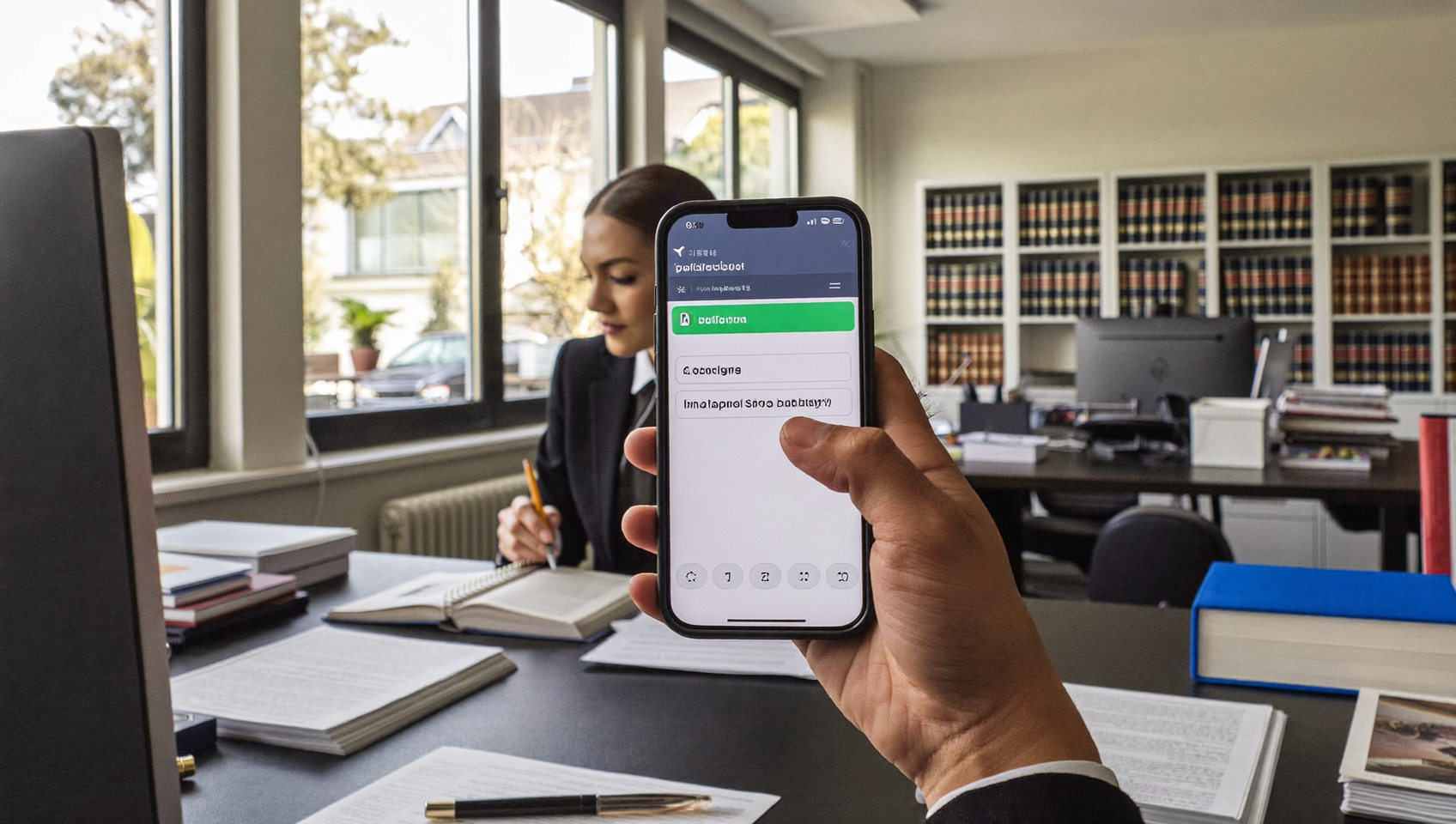
If your law firm runs on Clio, you already know how central it’s to managing cases, contacts, and billing. But what happens when a client texts your office and nobody sees it for hours? Or when your team forgets to send that appointment reminder? A Clio text messaging integration bridges the gap between your practice management software and your client communication, so nothing slips through the cracks. SalesCaptain connects directly with Clio to sync contacts, trigger automated texts, and keep every conversation visible in one place.
Clio text messaging integration connects your practice management software with SMS messaging, allowing you to send and receive client texts directly within Clio. This syncs contacts and conversations in one place, so your law firm never misses messages, appointment reminders stay automated, and communication stays organized.
Free weekly newsletter
Growth tips for service businesses
Every Tuesday — actionable ideas to get more leads, reviews, and repeat customers. No fluff.
Quick Answer
Clio’s text messaging integration connects incoming client texts directly to your case management system, automatically syncing contacts and enabling instant automated replies. This ensures no messages go unread, improves response times, and keeps all client communication in one centralized location for better case management and compliance tracking.
What Is a Clio Text Messaging Integration?
A Clio text messaging integration connects your Clio account with a business texting platform, allowing you to send and receive SMS messages that are linked to your client records. Instead of toggling between Clio and a separate messaging app, the integration pulls contact data, appointment details, and matter updates into your communication workflow automatically. It’s that simple.
For legal practices, this matters more than most industries. Clients expect quick responses. And business texting data from Text Request shows that SMS open rates far exceed email. Yet many firms still rely on phone calls and email alone, which means slower response times and missed opportunities to keep clients informed. A proper integration eliminates that friction by making texting a native part of your Clio workflow. Your team stays on top of things.
SalesCaptain’s native Clio integration supports event triggers for appointments, matter closings, and new contact creation. Your texting isn’t just connected to Clio—it’s driven by what’s actually happening in your cases.
How the Clio Text Messaging Integration Works in SalesCaptain
Setting up the connection between Clio and SalesCaptain doesn’t require any coding or IT support. Here’s the process from start to finish:
- Connect your Clio account. Inside SalesCaptain, navigate to the integrations page and authenticate your Clio credentials. The two-way connection syncs your existing contacts and begins listening for event triggers.
- Configure your triggers. Choose which Clio events should fire off text messages. Common triggers include new appointment created, matter closed, and new contact added. Each trigger can launch a different message or workflow.
- Build your message templates. Create SMS templates that pull dynamic fields from Clio, like client name, appointment date, or matter type. SalesCaptain’s advanced templating lets you personalize each message without writing it from scratch every time.
- Set up automation workflows. Use SalesCaptain’s drag-and-drop workflow builder to chain actions together. For example, when Clio creates a new appointment, SalesCaptain can send an immediate confirmation text, follow up with a reminder 24 hours before, and then text a post-meeting feedback request.
- Monitor conversations in the unified inbox. Every text, call, and chat appears in one collaborative inbox. Your team sees the full history for each contact, including notes from Clio events, without switching tabs or apps.
Once it’s live, the integration runs on autopilot. Your staff doesn’t need to remember to send reminders or follow-ups. The system handles it all based on real Clio activity.
Key Capabilities
- Automated appointment reminders. When a consultation or hearing date is added in Clio, SalesCaptain sends a text reminder to the client automatically. You control the timing, whether it’s one day, two hours, or both.
- Billing notifications via SMS. Trigger a text when an invoice is created or a payment is due. Clients see these messages almost instantly, which means faster collections compared to email-only billing notices. According to SimpleTexting’s SMS statistics, text messages are read within minutes of delivery on average.
- Two-way contact sync. New contacts created in Clio flow into SalesCaptain, and vice versa. No duplicate data entry, no orphaned records.
- Missed call text-back. If a client calls your firm and nobody picks up, SalesCaptain immediately sends a text letting them know you’ll follow up. Research from Aira’s analysis of missed business calls shows that unanswered calls can cost small businesses tens of thousands of dollars annually.
- Conversation history tied to contacts. Every text, call recording, AI summary, and note lives on the contact record. When someone on your team opens a client’s profile, they see everything, including Clio-triggered messages.
- AI Chat Agents for instant responses. Even outside business hours, SalesCaptain’s AI agents can respond to incoming texts, answer common questions about case status or office hours, and capture new lead information for your intake team.
Who Needs This?
Not every firm needs the same level of automation, but certain practice types and roles benefit the most from a Clio text messaging integration:
- Solo practitioners and small firms. When you’re handling cases and running the business, you can’t afford to spend time manually texting appointment reminders. Automation keeps clients informed without adding to your workload.
- Personal injury and family law practices. These practice areas involve high client anxiety and frequent status updates. Proactive texting reduces inbound “what’s happening with my case?” calls significantly.
- Legal intake coordinators. If you’re the person fielding new client inquiries, having instant text-back for missed calls and AI-powered chat responses means you capture leads that would otherwise go to another firm.
- Office managers at multi-attorney firms. Coordinating communication across attorneys, paralegals, and support staff gets chaotic fast. A unified inbox keeps everyone on the same page without forwarding threads or sticky notes.
- Firms handling high-volume consultations. Whether it’s immigration, bankruptcy, or estate planning, practices that book dozens of consultations per week can’t rely on manual confirmation calls. Automated reminders cut no-shows dramatically.
Benefits of a Clio Text Messaging Integration
Faster Client Response Times
Speed wins in legal intake. When a potential client reaches out, every minute of delay increases the chance they’ll contact another firm. With SalesCaptain’s missed call text-back and AI Chat Agents handling after-hours inquiries, your response time drops to seconds instead of hours. That’s a real competitive edge. Especially for practice areas where clients shop around.
Fewer No-Shows and Late Cancellations
Automated appointment reminders sent via SMS are far more effective than email reminders because clients actually see them. And according to the 2024 SMS benchmarks from Klaviyo, text engagement rates consistently outperform other channels. For a law firm, even preventing two or three no-shows per month translates into thousands of dollars in recovered billable time.
Reduced Administrative Burden
Your paralegals and assistants shouldn’t be spending their day copying appointment details from Clio into a texting app. The integration handles that automatically. This frees your team to focus on substantive work, case preparation, client service, and the tasks that actually require a human touch. Set up complex sequences once, then forget about them.
Complete Communication Records
For legal practices, documentation isn’t optional. Having every client text stored alongside call recordings, AI transcriptions, and notes creates a communication audit trail. If there’s ever a dispute about what was communicated, you’ve got the records. SalesCaptain’s AI Summaries pull out key action items from calls automatically. Your team doesn’t need manual notes.
How SalesCaptain Compares
Several platforms offer some form of Clio connectivity, but most are limited to basic contact syncing or one-way data pushes. SalesCaptain’s integration is event-driven, meaning it reacts to real activity inside Clio, like appointment creation, matter closure, and new contacts. No manual triggers required.
Platforms like Podium and Birdeye focus primarily on reputation management and review generation. While they handle texting, Birdeye lacks call routing, IVR, call flow building, and AI for calls entirely. Podium doesn’t offer outbound workflow automation, which means you can’t build the kind of multi-step text sequences that law firms need for intake follow-up and appointment management. That’s a major gap.
SalesCaptain is the only platform that combines a native Clio integration with AI voice agents, AI chat agents, and a unified inbox in one tool. Your firm gets automated call answering, text automation, and multi-channel communication without stitching together three or four separate products. The cost of missed calls alone can justify the investment, and SalesCaptain’s per-location pricing starts with a free plan, making it accessible even for solo practitioners.
For firms already using other tools like legal practice management software reviewed on G2, the key question is simple: Can your communication platform actually act on the data in your practice management system? With SalesCaptain, it can.
Frequently Asked Questions
Does SalesCaptain’s Clio integration work with both Clio Manage and Clio Grow?
SalesCaptain’s native Clio integration supports event triggers for appointments, matters, and contacts. The connection works with your Clio environment to sync data and trigger automated text messages based on activity in your account. You’re covered either way.
Can I customize which Clio events trigger text messages?
Yes, absolutely. You choose exactly which events fire off messages, whether that’s a new appointment, a matter closing, or a new contact being created. Each trigger connects to its own message template or multi-step workflow. Full control is yours.
Is client texting through SalesCaptain compliant with legal communication standards?
SalesCaptain stores all message history on each contact record, creating a complete audit trail. Your team can review every text sent and received alongside call recordings and AI transcriptions. But you should always consult your state bar’s rules on electronic client communication to ensure your specific use cases are compliant.
What happens if a client texts back after hours?
SalesCaptain’s AI Chat Agents can respond instantly to incoming texts around the clock. They’ll answer common questions, capture new lead information, and let clients know when to expect a human follow-up. Your team sees everything in the unified inbox the next morning, with full context.
Ready to see it in action?
See how law firms use SalesCaptain to automate client messaging without leaving Clio.
Connect Clio to Your Client Communication
Stop letting client texts fall through the cracks. SalesCaptain’s native Clio integration automates reminders, syncs contacts, and keeps every conversation in one inbox. Set it up in minutes with no technical expertise required.