
AI-powered customer experience marketing (CXM) platform that helps local businesses win.


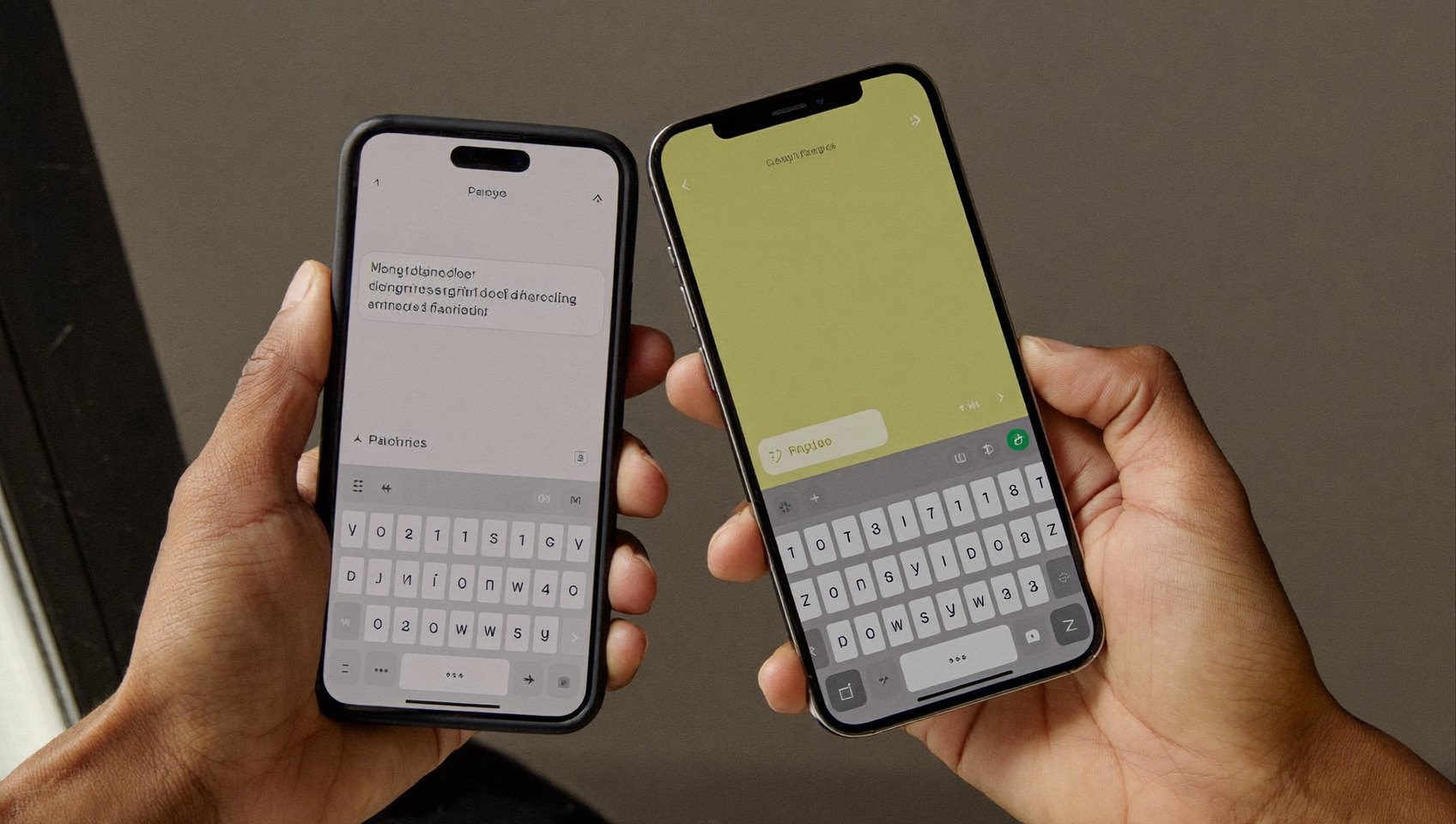
You’re on vacation, in a meeting, or just away from your main phone. An important text from a client lands on a device you can’t reach. That message sits there unanswered for hours. Sound familiar? For service businesses, a delayed response to a text inquiry can mean losing a booking to a competitor who replied first. Knowing how to forward texts to another phone solves this problem by making sure every message reaches you or your team, no matter which device you’re using.
Text forwarding automatically sends SMS messages received on one phone to another device, like a second phone, tablet, or email inbox. It works similarly to call forwarding but for text messages, ensuring you never miss important communications regardless of which device you’re using.
Free weekly newsletter
Growth tips for service businesses
Every Tuesday — actionable ideas to get more leads, reviews, and repeat customers. No fluff.
Quick Answer
Text forwarding varies by device and carrier. On iPhone, use the Messages app settings to enable message forwarding to other Apple devices. Android users can install third-party apps like Google Messages or use their carrier’s forwarding service. Some carriers offer native SMS forwarding through their customer portal. Check your specific device’s settings or contact your mobile provider for the most direct method available on your plan.
What Is Text Forwarding?
Text forwarding is the process of automatically or manually sending SMS messages received on one phone to another device. It works similarly to call forwarding, but for text messages instead of voice calls. Once set up, incoming texts arrive on both your original phone and the forwarding destination, whether that’s a second phone, a tablet, or even an email inbox.
Here’s the key difference: native text forwarding is built into your phone’s operating system, while app-based forwarding uses third-party tools. Native forwarding works well for personal use. But businesses handling dozens or hundreds of customer texts daily often need something more structured. We’ll cover both approaches so you can pick the right one for your situation.
How to Forward Texts on iPhone
Apple makes text forwarding straightforward if you’re staying within the Apple ecosystem. The feature is called Text Message Forwarding, and it routes SMS and MMS messages from your iPhone to any other Apple device signed into the same Apple ID.
Setting Up Text Message Forwarding
Here’s how to enable it:
- Open Settings on your iPhone.
- Tap Messages.
- Select Text Message Forwarding.
- Toggle on the devices you want to receive forwarded texts (iPad, Mac, or another iPhone).
- If prompted, enter the verification code displayed on the receiving device.
Once enabled, every SMS that arrives on your iPhone also appears on the selected devices. You can reply from any of them, and the conversation stays in sync. Pretty simple, right? But here’s the catch: this only works between Apple devices. If you need to forward texts to an Android phone or a non-Apple device, you’ll need a different approach.
Using iCloud Messages as an Alternative
Apple’s Messages in iCloud feature syncs your entire message history across devices. It’s not true “forwarding” in the traditional sense, but it ensures all your conversations appear on every Apple device signed into the same account. Enable it under Settings → [Your Name] → iCloud → Messages. One thing to watch: this consumes iCloud storage, so businesses with high message volumes should monitor their storage plan carefully.
How to Forward Texts on Android
Android doesn’t include a built-in text forwarding feature the way iOS does. So you’ll rely on either your carrier’s services or a third-party app. The good news? Several reliable options exist, and setup takes just a few minutes.
Using Google Messages and Device Pairing
Google Messages lets you access your texts from a web browser through messages.google.com. Pair your phone by scanning a QR code, and you can read and reply to texts from any computer. It’s not exactly forwarding to another phone, but it’s a quick way to monitor messages when your Android device isn’t in hand.
Third-Party Forwarding Apps
For true phone-to-phone forwarding on Android, apps like AutoForward SMS, SMS Forwarder, or IFTTT can route incoming texts to another number, an email address, or even a Slack channel. Each works differently:
- AutoForward SMS runs in the background and sends copies of incoming texts to a designated phone number or email.
- SMS Forwarder offers rule-based forwarding, so you can filter by sender or keyword.
- IFTTT connects your phone’s SMS to hundreds of destinations through automation “applets.”
Before installing any third-party app, check its permissions carefully. These apps require access to your messages, so stick with well-reviewed options from the Google Play Store that have strong ratings and transparent privacy policies. Small businesses especially should be cautious about granting message access to unfamiliar developers, since customer data may be in those texts.
Why Text Forwarding Matters for Businesses
For personal use, forwarding texts is a convenience. For businesses, it’s a revenue issue. Research shows that a significant percentage of business communications go unanswered. While that study focuses on calls, the same dynamic applies to texts. A lead who texts your business at 7 PM and doesn’t hear back until the next morning has already contacted your competitor.
Service businesses face this constantly. And according to SBA data, small businesses make up the vast majority of U.S. firms. Most operate with lean teams. That means one person might be the receptionist, the field technician, and the sales manager all at once. Forwarding texts helps, but it doesn’t solve the deeper problem: you still need a human to read and respond.
The Limitations of Basic Text Forwarding
Native text forwarding works fine when you’re forwarding personal messages to your own second device. But it breaks down quickly in a business context. Here’s why:
- No team access. Forwarded texts go to one person. If they’re busy, the message still sits unanswered.
- No context. A forwarded text arrives without customer history, past conversations, or CRM data attached.
- No automation. You can’t auto-reply, auto-book, or trigger a workflow from a forwarded text.
- Cross-platform gaps. iPhone forwarding only works with Apple devices. Android requires third-party apps with varying reliability.
- Security concerns. Forwarding customer messages to personal devices creates data handling risks, particularly for healthcare, legal, and financial service businesses.
These limitations are exactly why many businesses eventually move beyond basic forwarding. They need a platform that handles texts, calls, and other channels together. And research from Biz2Credit’s small business report highlights how service industries continue to grow, which means customer communication volume grows too. Simple forwarding can’t keep pace with that.
How SalesCaptain Helps
If you’ve been searching for how to forward texts to another phone because you’re worried about missing customer messages, there’s a better path. Skip the daisy-chaining of forwarding rules across devices. SalesCaptain’s Unified Inbox collects every text, call, webchat message, Instagram DM, and Facebook Messenger conversation into a single team-accessible dashboard. Instead of forwarding a text to one person’s phone, your entire team sees it instantly.
The platform goes further with AI Chat Agents. When a customer texts your business number at 9 PM asking about availability, the AI agent can answer their question, book an appointment, or capture their information as a lead. All without anyone on your team picking up a phone. And if a customer calls instead of texting? SalesCaptain’s missed call text-back feature automatically sends them an SMS so the conversation continues.
For businesses using tools like AI answering services or VoIP platforms, SalesCaptain integrates with over 50 tools, including Housecall Pro, ServiceTitan, and Acuity Scheduling through native two-way connections. Plus hundreds more via Zapier. Your customer conversations don’t just get forwarded; they’re connected to your scheduling, CRM, and workflow systems automatically.
The Workflow Automation builder lets you set up trigger-based follow-ups, appointment reminders, and CRM updates without writing code. Think of it as text forwarding that actually does something with the message. Instead of just passing it along, it takes action. Pricing starts with a free plan for one location, and the Business plan runs $159/month per location.
Key Takeaways
Forwarding texts to another phone is simple technically. iPhone users can enable Text Message Forwarding in settings. Android users can pair devices through Google Messages or use third-party apps. Both approaches work for personal use.
But here’s the reality: basic forwarding only moves the problem. It doesn’t solve it. You still need someone available to read and respond to every message. You still lack the context, automation, and team collaboration that customer conversations demand. The real goal isn’t forwarding a text. It’s making sure every customer message gets a fast, helpful response regardless of when it arrives or who’s available. A unified communication platform with AI-powered auto-responses and a shared team inbox accomplishes that far more effectively than any forwarding rule ever could.
Frequently Asked Questions
Can I forward texts from iPhone to an Android phone?
Apple’s built-in Text Message Forwarding only works between Apple devices. To forward texts from an iPhone to an Android phone, you’d need a third-party service or app. Some carriers offer their own forwarding features, so it’s worth checking with your provider. And businesses typically solve this by using a shared business phone number on a platform that works across all devices.
Does forwarding texts cost extra on my phone plan?
Native forwarding within Apple’s ecosystem doesn’t incur extra charges since it uses your data or Wi-Fi connection. But if you use an app that sends forwarded texts as new SMS messages to another phone number, standard messaging rates may apply. Check your plan’s SMS limits before enabling high-volume forwarding.
Will the original sender know I forwarded their text?
No. Neither Apple’s forwarding feature nor most Android forwarding apps notify the original sender. The forwarded message arrives on your second device as a copy. Keep in mind, though, that replies sent from the forwarding device may come from a different number or account. That could confuse the sender.
Is there a way to automatically forward only certain texts?
Apple’s native forwarding is all-or-nothing. You can’t filter by sender or keyword. But on Android, apps like SMS Forwarder let you create rules so only messages matching specific criteria get forwarded. For businesses, a platform with workflow automation offers much more granular control. You can route and respond to different types of messages in different ways.
What’s the difference between text forwarding and a unified inbox?
Text forwarding sends a copy of a message to another device. A unified inbox collects messages from multiple channels. We’re talking SMS, calls, webchat, and social media all in one shared dashboard. Any team member can respond. Forwarding is a one-to-one relay. A unified inbox is built for team collaboration, customer history tracking, and automated responses. That’s why growing businesses outgrow forwarding quickly.
Ready to see it in action?
See how businesses use SalesCaptain to manage customer texts without juggling multiple phones.
Book a Free Demo →See How SalesCaptain Can Help
Stop forwarding texts between devices and start capturing every customer conversation in one place. SalesCaptain’s AI agents respond to texts, calls, and chats around the clock so your team never misses a lead. Visit SalesCaptain to explore the free plan and see unified communication in action.