
AI-powered customer experience marketing (CXM) platform that helps local businesses win.


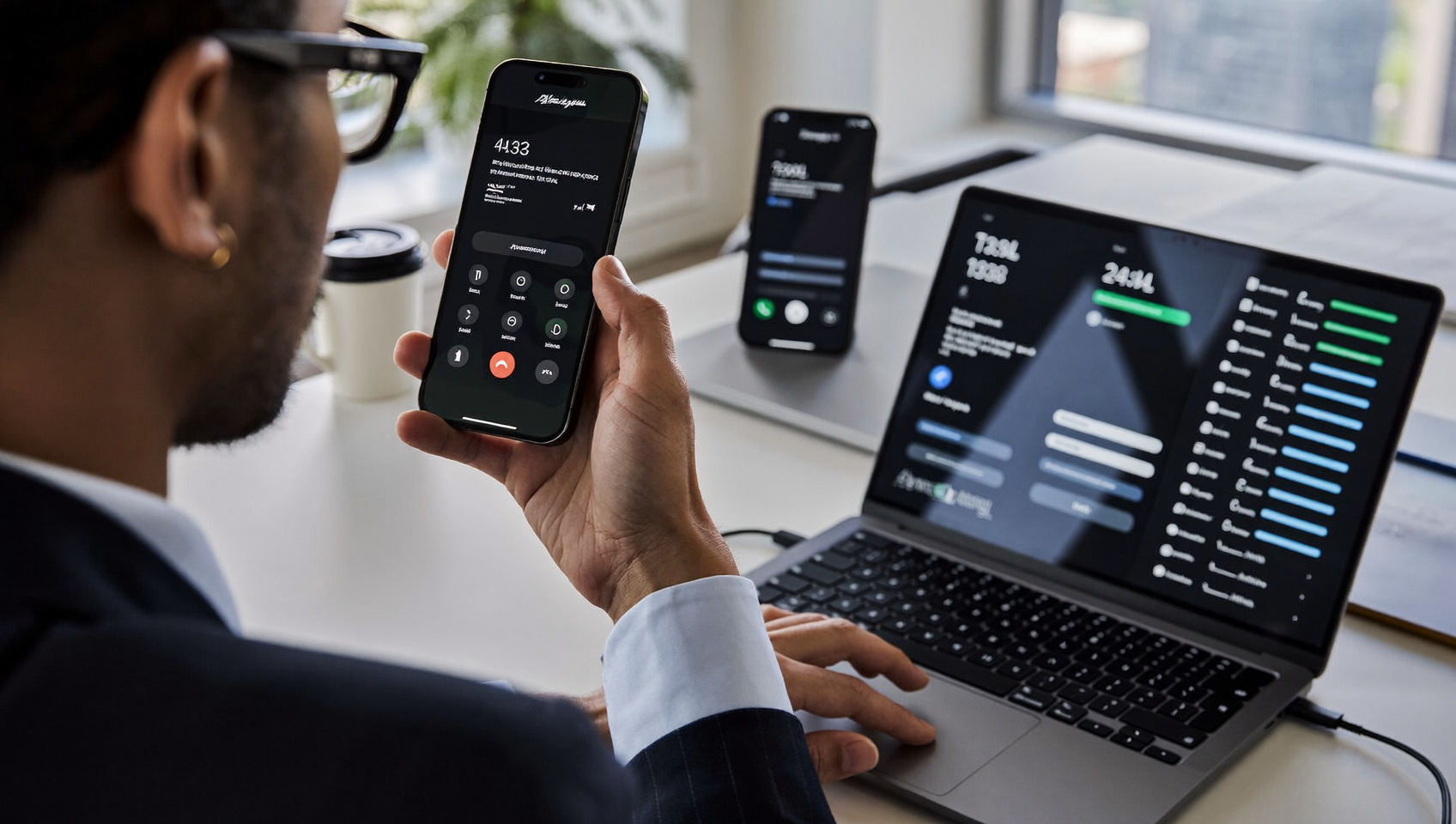
Every missed call or unanswered text hurts. A potential customer walks away. For service businesses juggling multiple phones, locations, or team members, the ability to forward calls and text messages to another phone isn’t optional. It’s essential. Whether you’re a plumber on a job site, a dental office manager covering two locations, or a salon owner stuck away from the front desk, call and text forwarding keeps your business responsive. You don’t get chained to one device. Sound familiar? SalesCaptain makes this simple by combining call forwarding, text forwarding, and AI-powered automation into one unified platform built for service businesses.
Forward calls and text messages to another phone by routing incoming communications from one number to a different device or line. This lets you receive calls and texts on your cell phone, colleague’s line, or answering service instead of missing them at an unattended desk phone, keeping your business responsive across multiple locations.
Free weekly newsletter
Growth tips for service businesses
Every Tuesday — actionable ideas to get more leads, reviews, and repeat customers. No fluff.
Quick Answer
Call and text forwarding automatically redirects incoming communications from one phone number to another device, allowing you to receive messages and calls on multiple phones simultaneously or sequentially. This ensures you never miss customer contact, whether you’re away from your primary device, traveling, or managing multiple business lines from a single handset.
What Is Call and Text Forwarding?
At its core, call and text forwarding means routing incoming calls or messages from one phone number to another. Instead of a call ringing at a desk phone that nobody’s sitting at, it goes to a cell phone, a colleague’s line, or even an AI answering service. Text forwarding works the same way. An SMS arrives at your business number and gets pushed to another device or inbox so someone can respond fast.
Most people know basic carrier forwarding. You dial a code on your phone. Calls get redirected. That works fine for personal use, but it falls apart for businesses. Why? Because basic forwarding doesn’t let you set conditions. It won’t split calls between team members. And it definitely doesn’t forward text messages alongside voice calls in any coordinated way.
Why Basic Carrier Forwarding Falls Short
Standard call forwarding from AT&T, Verizon, or T-Mobile is clunky. You can send all calls to one number, or none at all. There’s no time-based routing. No team distribution. And no way to handle texts from the same forwarded number. If a customer texts your business line after you’ve set up carrier forwarding, that text stays on the original device. You’ll never see it.
For a business getting dozens of calls and texts daily, this gap costs real money. Research on missed business calls shows that a large percentage of callers who reach voicemail won’t leave a message. They won’t call back either. So forwarding that actually works—for both calls and texts, across your whole team—becomes a competitive advantage.
How Forwarding Calls and Texts Works in SalesCaptain
SalesCaptain handles forwarding differently. Not simple redirection. Instead, you’re building intelligent call flows that decide where each call or message goes based on time of day, caller history, and team availability. Here’s the process:
- Get your business number: Port your existing number into SalesCaptain’s phone system or choose a new local or toll-free number. All calls and texts to this number flow through the platform.
- Build your call flow: Use the drag-and-drop call flow builder to define what happens with each incoming call. Route calls to specific team members, ring multiple phones simultaneously, or send after-hours calls to your AI Phone Agent.
- Enable text forwarding to your unified inbox: Every SMS, webchat message, Instagram DM, and Facebook Messenger conversation lands in one shared inbox. Your team can reply from any device, and the customer always sees your business number.
- Set conditions and schedules: Create rules so calls forward to different people based on business hours, caller intent, or team availability. After 6 PM? The AI Phone Agent picks up, answers FAQs, and books appointments without human help.
- Activate missed-call text-back: When a call goes unanswered, SalesCaptain automatically sends an SMS to the caller so they can continue the conversation over text. No lead slips through.
The entire setup uses a visual builder. No code required. No IT department. No carrier codes to memorize.
Key Capabilities
- Conditional call routing: Forward calls based on time of day, team member availability, or IVR menu selections. A roofing company can send storm-damage inquiries to one team and maintenance requests to another.
- Simultaneous ring: Ring multiple phones at once so the first available person picks up. This works especially well for small teams where everyone wears multiple hats.
- AI Phone Agent fallback: When nobody answers, SalesCaptain’s AI Phone Agent takes over. It sounds natural, answers common questions, qualifies the lead, and books appointments directly into your calendar or connected scheduling tool like Acuity Scheduling or ServiceTitan.
- Unified text forwarding: All text messages from SMS, webchat, Instagram, and Facebook Messenger appear in a single collaborative inbox. Your team responds from one place, and the customer never knows the difference.
- Missed-call text-back: An automatic text goes out to any caller you couldn’t reach. Consumer texting behavior research from EZ Texting shows that most consumers prefer texting businesses anyway, making this a natural recovery path.
- AI transcriptions and summaries: Every forwarded call gets transcribed and summarized. So even if a call reaches a new team member, the rest of the team can review exactly what was discussed and what follow-up is needed.
Who Needs This?
Forwarding calls and texts matters most for businesses where responsiveness directly affects revenue. A customer can’t reach you? They’ll call the next company on the list. Here’s who benefits most:
- Home service businesses (HVAC, plumbing, roofing, landscaping): Technicians are on job sites all day. Calls need to reach the office or get handled by AI when the team’s busy.
- Healthcare and wellness practices (dental, medical, MedSpa, therapy): Patient calls often come outside office hours. Forwarding to an AI agent that can confirm appointments or answer insurance questions keeps patients from going elsewhere.
- Legal practices: A potential client calling about a case won’t wait. With Clio integration, forwarded calls can trigger contact creation and matter tracking automatically.
- Salons, gyms, and fitness studios: Booking requests come in constantly. Forwarding to AI chat agents means appointments get scheduled even while stylists are with clients.
- Multi-location businesses: An owner managing three locations can’t be everywhere. SalesCaptain’s per-location pricing ($159/month per location) makes it affordable to run separate forwarding rules for each site.
- Business owners and operations managers: Anyone personally fielding calls on their cell phone because they can’t afford a full-time receptionist. The AI Phone Agent costs $0.12 per minute, far less than hiring staff.
Benefits of Forwarding Calls and Texts With SalesCaptain
Never Lose a Lead to a Missed Call
The revenue impact of missed calls is well documented. Every unanswered ring is a potential job. An appointment. A sale. That goes to a competitor. With intelligent forwarding plus AI backup, your business answers every single call. Not just during business hours, but at 10 PM on a Saturday when a homeowner’s pipe bursts.
Respond to Texts Instantly, From Any Device
Speed matters in text-based communication. Text Request’s State of Business Texting report highlights that fast response times correlate strongly with conversion rates. Because SalesCaptain pushes all texts into one unified inbox, any team member can pick up the conversation from their phone, tablet, or desktop. The customer sees a response from your business number. Not a random personal cell.
Scale Without Hiring
Hiring a receptionist or call center agent is expensive. According to the Bureau of Labor Statistics, the median pay for receptionists in the U.S. is over $30,000 per year. SalesCaptain’s AI Phone Agent handles the same work, 24/7, at a fraction of that cost. As your business grows, you add locations and call flow rules instead of headcount.
Keep Your Personal Number Private
Many small business owners use their personal cell as the business line. Forwarding through SalesCaptain means customers always see your professional business number. Calls still reach your cell when you want them to. You control when you’re reachable and when the AI takes over.
How SalesCaptain Compares
Several platforms offer call forwarding. But few handle both calls and texts in a unified system designed for service businesses. Nextiva and RingCentral provide call forwarding and have introduced AI receptionist features. But here’s the catch: Nextiva caps SMS at 250 messages per user per month. That isn’t enough for busy service businesses that rely on texting for appointment confirmations and follow-ups. RingCentral’s AI receptionist is an add-on starting at $39/month on top of per-user fees.
Aircall offers call forwarding with strong reporting. But at $30 per license per month (with a three-seat minimum) it gets expensive fast. Plus, Aircall doesn’t include webchat, missed-call text-back, or payments via text. OpenPhone (now Quo) is solid for small teams. But it lacks call coaching, power dialing, and the workflow automation that service businesses need for follow-up sequences.
SalesCaptain is different. It’s the only platform combining AI voice agents, AI chat agents, and a unified inbox for calls, texts, webchat, and social DMs in one tool. Forwarding isn’t just about redirecting a call. It’s about making sure every customer interaction gets handled professionally. Automatically.
Ready to see it in action?
See how businesses use SalesCaptain to forward every call and text without missing leads.
Book a Free Demo →FAQ
Can I forward both calls and texts from my existing business number?
Yes, absolutely. You can port your current business number into SalesCaptain. Once ported, all calls and texts to that number flow through the platform. Then you set up call flows and text routing rules to forward them wherever you need.
What happens if nobody answers a forwarded call?
SalesCaptain’s AI Phone Agent picks up automatically. It sounds like a real person. Answers frequently asked questions. Qualifies the lead. And can book an appointment directly into connected tools like Acuity Scheduling or ServiceTitan. On top of that, a missed-call text-back goes out so they can continue over SMS.
Can I forward calls and texts to different team members at different times?
Absolutely, yes. The call flow builder lets you set time-based rules. For example, calls during business hours ring your front desk. After-hours calls go straight to the AI Phone Agent. You can also route by department, location, or caller intent using IVR menus.
Does the customer see my personal phone number when calls are forwarded?
No, they don’t. Customers always see your business number. Whether they’re calling or texting. Even when a forwarded call reaches your personal cell, the interaction stays branded and professional. Your personal number remains private.
Forward Calls and Texts to Any Phone With SalesCaptain
Stop losing customers to missed calls and slow text responses. SalesCaptain lets you forward calls and text messages to another phone, route them to your team, or hand them off to an AI agent that books appointments and qualifies leads around the clock. Plans start free for one location.