
AI-powered customer experience marketing (CXM) platform that helps local businesses win.


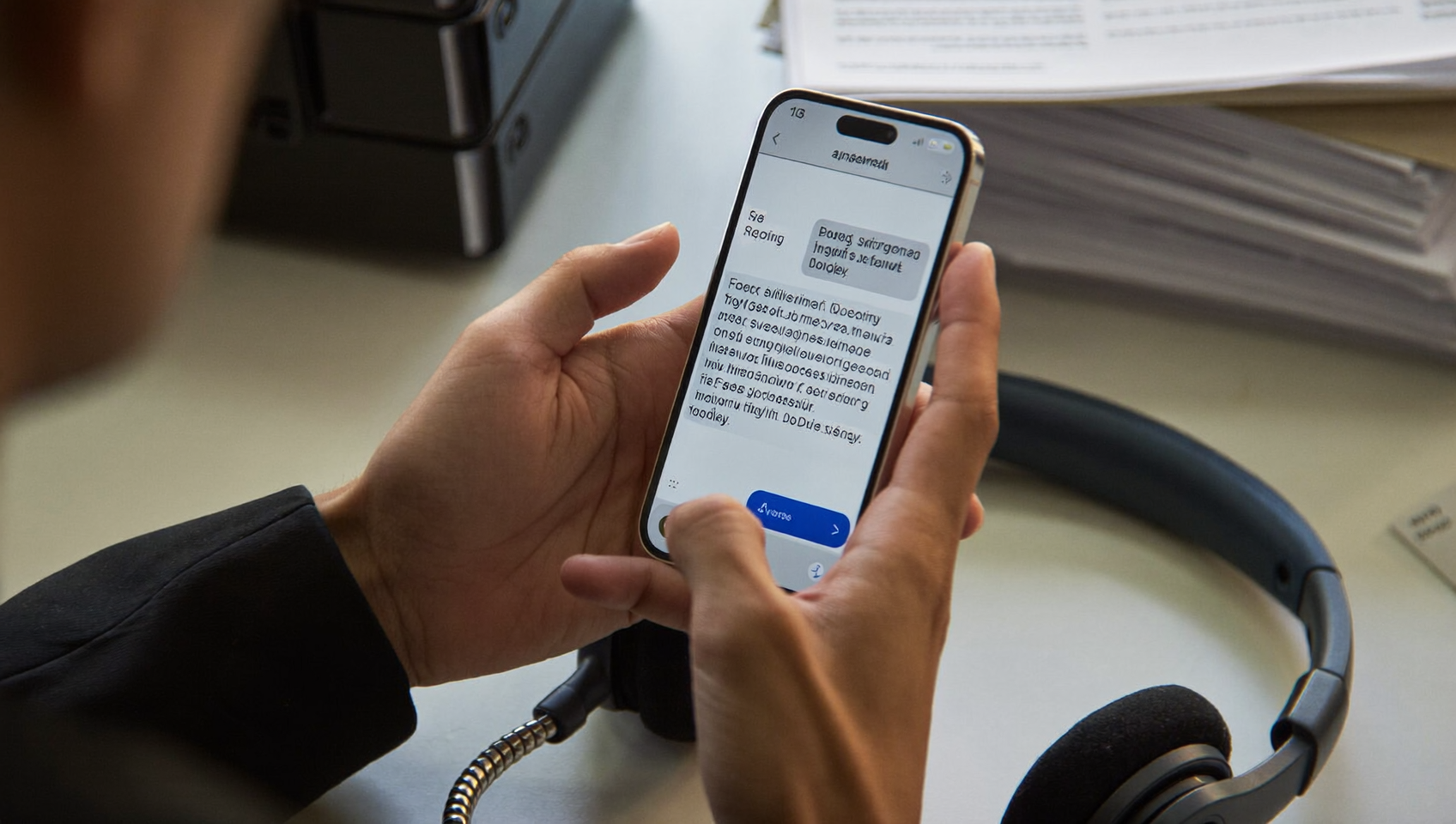
You’ve drafted the perfect business text, hit send, and your customer sees a jumbled mess split across three messages. Or worse—half the message just disappears. If you’ve wondered why your SMS campaigns sometimes arrive broken or cost way more than expected, character limits are usually the culprit. Understanding how character limits, encoding types, and multipart messages work isn’t just technical stuff. It directly affects your messaging costs, customer experience, and campaign performance.
The SMS character limit is the maximum number of characters a single text message can contain before being split into multiple segments. Standard messages using GSM-7 encoding allow 160 characters, but messages with emojis or special characters drop to 67 characters using Unicode encoding. Understanding these limits prevents split messages and reduces messaging costs.
Free weekly newsletter
Growth tips for service businesses
Every Tuesday — actionable ideas to get more leads, reviews, and repeat customers. No fluff.
Quick Answer
Standard SMS messages support 160 characters using standard Latin characters, or 70 characters with Unicode encoding (accented letters, emojis, non-Latin scripts). Messages exceeding these limits split into multiple segments, each charged separately. To avoid costly split messages, keep standard texts under 160 characters and check your encoding type before sending to international audiences.
What Is the SMS Character Limit?
The SMS character limit is the maximum number of characters a single text message can contain before your carrier splits it into multiple segments. For standard messages using GSM-7 encoding (the default for English and most Western European languages), that limit is 160 characters. But here’s the thing: if your message contains special characters, emojis, or non-Latin scripts, it switches to UCS-2 (Unicode) encoding. And that drops the limit to just 70 characters per segment.
These limits exist because of how SMS was originally designed back in the 1980s. Each message travels through a signaling channel with a fixed data capacity. GSM-7 uses 7 bits per character, fitting 160 characters into 1,120 bits. UCS-2 uses 16 bits per character, so only 70 characters fit in the same space. That’s not arbitrary. It’s a hard constraint baked into the SMS standard itself.
How SMS Character Encoding Works
Encoding determines how your phone converts text into the binary data that travels across the cellular network. Two encoding standards dominate SMS messaging, and which one your message uses depends entirely on the characters you include.
GSM-7 Encoding
GSM-7 is the default encoding for SMS. It supports 128 standard characters including the English alphabet (uppercase and lowercase), digits 0 through 9, common punctuation marks, and a handful of symbols like @, $, and &. Some characters in GSM-7, such as curly braces { }, square brackets [ ], the euro sign €, and the tilde ~, are “extended” characters. Each one counts as two characters instead of one because they require an escape sequence.
As long as every character in your message falls within the GSM-7 set, you’ll get the full 160-character limit per segment. And that’s the most cost-effective way to send business texts.
UCS-2 (Unicode) Encoding
The moment you include even a single character outside the GSM-7 set, your entire message switches to UCS-2 encoding. Common triggers include emojis (👍, ❤️, 🎉), characters from non-Latin alphabets (Chinese, Arabic, Hindi, Korean), and certain typographic characters like curly quotes (” “) or em dashes. Once that switch happens, your limit drops from 160 to 70 characters per segment.
Here’s a practical example. Suppose you write a 140-character appointment reminder. With GSM-7, that’s a single segment. But add a simple ✅ emoji and the whole message jumps to UCS-2 encoding. Now your 141-character message (140 text characters plus the emoji counting as 2) needs three segments instead of one. That single emoji just tripled your messaging cost.
Quick Reference Table
| Encoding | Single Message Limit | Multipart Segment Limit | When It’s Used |
|---|---|---|---|
| GSM-7 | 160 characters | 153 characters per segment | Standard English text, basic punctuation |
| UCS-2 (Unicode) | 70 characters | 67 characters per segment | Emojis, non-Latin scripts, special symbols |
How Multipart SMS Messages Work
When your message exceeds the single-segment limit, your carrier doesn’t just cut it off. Instead, it splits the message into multiple segments that get reassembled on the recipient’s phone. But here’s the catch: each segment in a multipart message has a lower character limit than a standalone message.
For GSM-7, multipart segments hold 153 characters each (not 160). For UCS-2, they hold 67 characters each (not 70). Those missing characters? They’re consumed by a User Data Header (UDH). It’s a small piece of metadata that tells the receiving phone how to reassemble the segments in the correct order.
So a 306-character English-only message doesn’t cost you two segments. It costs you two segments at 153 characters each, which covers 306 characters exactly. But a 307-character message would require three segments. Knowing this math matters because SMS marketing continues to be one of the highest-ROI channels for businesses, and segment counts directly drive your per-message costs.
Segment Count Examples
- 120 characters, GSM-7: 1 segment
- 200 characters, GSM-7: 2 segments (153 + 47)
- 460 characters, GSM-7: 3 segments (153 + 153 + 154)
- 50 characters with one emoji, UCS-2: 1 segment (but at the 70-character limit, not 160)
- 100 characters with emojis, UCS-2: 2 segments (67 + 33)
Most carriers support concatenation up to about 10 segments, though industry best practices for SMS marketing recommend keeping messages under 320 characters (two GSM-7 segments) for both cost control and readability.
Best Practices for Managing SMS Character Limits
Knowing the technical limits is one thing. Building them into your workflow is another. Here are the practices that keep segment counts low while maintaining message quality.
Write Concise, High-Impact Messages
Every character counts. Literally. Start with the most important information: who you’re, what action you want the reader to take, and a clear deadline or incentive. Cut filler words ruthlessly. Instead of “We wanted to reach out and let you know that your appointment is coming up soon,” write “Your appointment is tomorrow at 2pm. Reply C to confirm.” You’ve gone from 90 characters of fluff to 56 characters of clarity.
According to Text Request’s 2024 State of Business Texting report, shorter messages tend to drive higher response rates. That’s a win for both your budget and your conversion metrics.
Avoid Accidental Unicode Triggers
This is where most businesses unknowingly inflate their messaging costs. Common Unicode triggers you should watch for include:
- Curly quotes (” ” ‘ ‘): Word processors and email clients often auto-replace straight quotes with curly ones. Always compose in a plain text editor or your messaging platform’s native composer.
- Emojis: A single emoji switches the entire message to UCS-2. If you must use them, keep your total message very short.
- Copy-pasted text: Content pasted from Google Docs, Word, or web pages often carries hidden Unicode characters like non-breaking spaces or smart apostrophes.
- Accented characters: Most accented Latin characters (é, ñ, ü) are included in GSM-7, but some less common ones aren’t. When in doubt, test first.
A good habit is to run your message through a character counter tool that shows the encoding type and segment count before sending. Many business texting platforms include this built in.
Use URL Shorteners Strategically
Links eat up characters fast. A raw URL like “https://yourbusiness.com/appointments/confirm?id=abc123&token=xyz” burns 62 characters. A shortened version might use 20. That’s 42 characters saved, which could be the difference between one segment and two. Just make sure your shortener produces links that aren’t flagged by carrier spam filters. Branded short domains perform better than generic ones like bit.ly.
Test Before You Blast
Before sending a campaign to your full contact list, send a test message to yourself. Check that it arrives as a single message (not split), that all characters display correctly, and that links work. According to the 2024 State of Business Text Messaging report from MessageDesk, businesses that test their messages before sending see fewer delivery issues and higher engagement. A two-minute test saves real money at scale.
Why SMS Character Limits Matter for Your Business
Character limits aren’t just a technical nuisance. They have real financial implications. Most SMS providers charge per segment, not per “message” as the recipient sees it. A 161-character GSM-7 text costs you two segments. Add an emoji and it could cost three. Multiply that across thousands of contacts, and a poorly composed message template can double or triple your monthly texting spend.
Beyond cost, there’s the customer experience factor. Research from CallHub on SMS marketing engagement shows that text messages maintain high open rates, but those rates depend on messages arriving cleanly. Split messages sometimes arrive out of order, particularly on older devices or across different carriers. That creates confusion and erodes trust in your brand.
For service businesses running appointment reminders, follow-up sequences, or missed-call text-backs, every message is a touchpoint. Getting the character count wrong means either paying more than you should or delivering a poor customer experience. Neither is acceptable when margins are tight.
How SalesCaptain Helps
SalesCaptain’s AI Chat Agents and workflow automation tools handle SMS intelligently so you don’t have to manually count characters for every message. The platform includes auto URL shortening, which compresses links to save character space automatically. When you’re setting up SMS templates for appointment reminders, lead follow-ups, or missed-call text-back sequences, you can see exactly how your message will be segmented before it goes out.
Because SalesCaptain supports high-volume SMS alongside webchat, Instagram DMs, and Facebook Messenger from a single unified inbox, your team can manage all customer conversations without switching between tools. The drag-and-drop workflow builder lets you create trigger-based automations, so messages go out at the right moment with templates you’ve already optimized for character count and encoding. And with advanced templating and personalization features, you can insert dynamic fields (customer name, appointment time, service type) while keeping total character counts predictable.
For businesses using integrations like CRM platforms through native connections or Zapier, SalesCaptain ensures that automated messages triggered by events in tools like Housecall Pro, ServiceTitan, or Shopify stay within your configured templates, keeping segment counts consistent across every touchpoint.
Key Takeaways
- The standard SMS character limit is 160 characters for GSM-7 encoding and 70 characters for UCS-2 (Unicode) encoding.
- A single emoji, curly quote, or special symbol switches your entire message to Unicode, cutting your per-segment capacity by more than half.
- Multipart messages use 7 characters per segment for reassembly headers, reducing usable space to 153 (GSM-7) or 67 (UCS-2) characters per segment.
- Segment count directly drives your SMS costs. Keeping messages concise and encoding-aware saves real money at scale.
- Always test messages before sending campaigns. Check encoding, segment count, and link rendering.
Mastering the SMS character limit is one of the simplest ways to cut messaging costs and improve customer experience. Build it into your messaging workflow, and you’ll see the difference in both your bill and your response rates.
Frequently Asked Questions
What is the maximum character limit for a single SMS?
A single SMS can contain up to 160 characters when using GSM-7 encoding (standard English characters and basic punctuation). If the message includes emojis, non-Latin characters, or certain special symbols, it switches to UCS-2 encoding, which limits a single SMS to 70 characters.
Do emojis count as one character in SMS?
Not exactly. While an emoji may appear as one character on screen, it forces the entire message to switch to UCS-2 encoding. That means your total message capacity drops from 160 to 70 characters per segment. Some emojis also require multiple Unicode code points, which can consume even more of your available space.
How many segments does a 300-character text message use?
If the message uses only GSM-7 characters, it’ll be split into 2 segments (each holding up to 153 characters in multipart mode). If it contains any Unicode characters, it’ll switch to UCS-2 encoding and require 5 segments (each holding up to 67 characters). That’s a significant cost difference for the same readable text.
Why did my SMS arrive as two separate messages?
Your message likely exceeded the single-segment limit (160 characters for GSM-7, or 70 for UCS-2). Most modern phones reassemble multipart messages automatically, but some older devices or cross-carrier deliveries may display them as separate texts. Keeping messages within the single-segment limit avoids this issue entirely.
How can I check my SMS segment count before sending?
Many business texting platforms include built-in segment counters that show your encoding type and segment count in real time as you compose. You can also use free online tools like character counter websites that specifically support GSM-7 and UCS-2 detection. Always check before sending bulk campaigns to avoid unexpected costs.
Ready to see it in action?
See how businesses use SalesCaptain to send unlimited SMS without worrying about character limits.
See How SalesCaptain Can Help
SalesCaptain’s AI-powered messaging tools handle character optimization, URL shortening, and smart templating so your business texts always arrive clean and cost-effective. Explore the platform and see how automated SMS, unified inbox, and workflow automation work together for your service business.