
AI-powered customer experience marketing (CXM) platform that helps local businesses win.


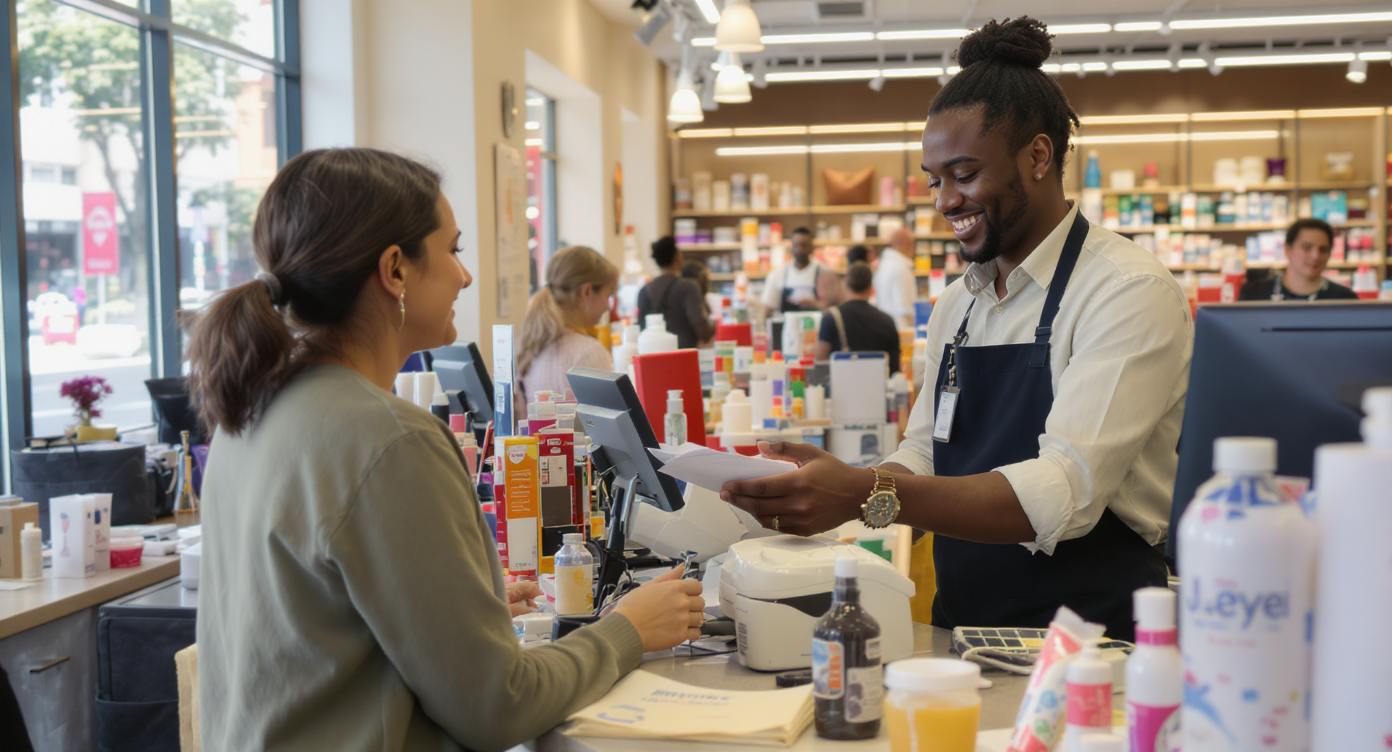
A customer walks into your store, browses for ten minutes, then leaves because nobody was free to help. Meanwhile, three calls go unanswered and two Instagram DMs sit unread from people asking if you carry a specific product. Sound familiar? That’s not a staffing problem. It’s a systems problem. And AI customer service software for retail stores is built to solve it.
AI customer service software for retail stores uses artificial intelligence to automatically handle customer interactions across phone, chat, email, and social media. It answers product questions, processes requests, and captures leads 24/7 without requiring additional staff, solving the gap between customer demand and available support.
What Is AI Customer Service Software for Retail Stores?
AI customer service software uses artificial intelligence to handle customer interactions automatically. Phone calls, text messages, website chat, social media—it covers all of them. For retail stores specifically, this means answering product questions, processing simple requests, booking appointments or consultations, and capturing leads around the clock without requiring additional staff.
Unlike traditional help desk tools designed for enterprise support teams, modern AI customer service platforms are built for retail’s pace and volume. Customers don’t wait around. According to Chain Store Age’s reporting on small retailer spending, shoppers spend significant dollars at small retail businesses, but only when the experience is frictionless. Every unanswered question is revenue walking out the door. AI software fills those gaps by responding instantly, whether it’s 2 PM on a Tuesday or 11 PM on a Saturday.
Why Retail Stores Can’t Afford to Ignore AI Customer Service
Retail margins are tight. Really tight. Hiring another employee to manage phones, texts, and social messages costs $35,000 or more per year in wages alone. Yet small business missed call data shows that unanswered calls directly translate to lost revenue. For retail stores where a single sale can range from $50 to $500, even a handful of missed interactions per week adds up fast.
The Multi-Channel Reality
Your customers aren’t just calling you anymore. They’re texting, sending Instagram DMs, messaging on Facebook, and using your website’s chat widget. Managing all of those channels separately is chaotic. Things slip through the cracks constantly. A customer who DMs you about sizing on Monday and doesn’t hear back until Wednesday has already bought from someone else.
AI customer service software consolidates these channels and responds in real time. What does that look like in practice? One system handling calls, texts, social messages, and webchat simultaneously. No channel gets neglected. No customer waits hours for a basic answer.
Staffing Constraints Are Getting Worse
Small retailers are already stretched thin. The U.S. Chamber of Commerce’s Small Business Index consistently highlights that hiring remains one of the top challenges for small business owners. You can’t always find people to fill shifts. And even when you do, training them to handle customer inquiries consistently takes time. AI doesn’t call in sick. It doesn’t need onboarding. It handles the same question at 8 AM with the same quality it delivers at midnight.
Key Features to Look for in Retail AI Customer Service Software
Not every AI tool is built for retail. Many platforms target enterprise support teams or SaaS companies. Their features reflect that. When you’re evaluating options for a retail store, focus on capabilities that match how your customers actually interact with you.
Voice AI That Sounds Natural
Phone calls still matter in retail. Especially for stores selling higher-ticket items or offering services like alterations, custom orders, or consultations. A robotic-sounding phone tree frustrates callers and drives them away. Modern AI phone agents use natural language processing to hold real conversations, answer questions about store hours and product availability, and even book appointments.
Here’s what separates good voice AI from bad: the ability to handle follow-up questions. If a caller asks “Do you carry winter coats?” and then follows up with “What brands?”, the AI should handle that naturally. It shouldn’t force the caller to start over or press buttons.
Instant Response Across Every Channel
Your AI software should cover, at minimum, these communication channels:
- Phone calls with 24/7 answering and routing
- SMS and text messaging for quick questions and appointment confirmations
- Website chat that engages visitors before they leave your site
- Social media DMs on Instagram and Facebook, where many retail customers make first contact
If the tool doesn’t cover all of these natively, you’ll end up stitching together multiple platforms. That defeats the purpose.
Lead Capture and Qualification
Not every interaction is a simple FAQ. Some callers are ready to buy. Your AI should recognize that. Effective retail AI software captures contact details, identifies buying intent, and routes high-value inquiries to a human team member when needed. This matters most for stores selling big-ticket items like furniture, electronics, or jewelry.
Automation Beyond the Conversation
The conversation is just the starting point. What happens after matters just as much. Look for platforms that offer:
- Automated follow-up messages after inquiries or purchases
- Appointment reminders for consultations, fittings, or pickup times
- CRM updates so your team always has current customer information
- Missed call text-back that instantly texts anyone who calls when you can’t answer
According to research on the cost of missed calls, automated text-back alone can recover a meaningful percentage of otherwise lost leads. For retail stores, that’s real money.
Best Practices for Rolling Out AI Customer Service in Your Store
Buying the software is step one. Getting value from it requires a deliberate rollout. Retailers who rush implementation often end up with AI that confuses customers instead of helping them.
Start With Your Highest-Volume Channel
Don’t try to automate everything at once. Identify where most of your customer interactions happen. For many retail stores, that’s phone calls during business hours and social DMs after hours. Set up AI on your busiest channel first. Monitor the quality of responses for a week. Then expand to additional channels.
Feed the AI Your Actual Business Knowledge
Generic AI responses won’t cut it. Your software needs to know your store’s specific inventory categories, return policy, store hours (including holiday schedules), and common customer questions. The more specific information you provide during setup, the more accurate and helpful the AI becomes from day one.
Keep Humans in the Loop for Complex Issues
AI should handle the routine. Returns policy questions, store hours, product availability checks, appointment booking. But complex complaints, special orders, or VIP customers often need a human touch. Your system should make it easy to escalate conversations when the AI recognizes it’s reached its limits. The best setups use AI for the first 80% and route the remaining 20% to your team. That way staff spend their time on interactions that actually need expertise.
Review Transcripts and Summaries Regularly
AI isn’t set-it-and-forget-it. Review call transcripts and conversation summaries weekly. It helps you spot patterns. Maybe customers keep asking about a product you don’t carry—that signals a merchandising opportunity. Or perhaps the AI is struggling with a particular question type. That means you need to update its knowledge base. According to the Federal Reserve’s Small Business Credit Survey, small businesses that invest in operational improvements consistently outperform those that don’t. Treating your AI like a team member you train and refine over time delivers the strongest results.
How SalesCaptain Helps
SalesCaptain was built specifically for service businesses and retail stores. You need to handle high customer communication volume without hiring a larger team. It combines an AI Phone Agent, AI Chat Agents, and a Unified Inbox into a single platform. You don’t need separate tools for calls, texts, webchat, and social DMs.
The AI Phone Agent answers calls 24/7 with natural-sounding conversation. It books appointments, answers FAQs about your store, qualifies leads, and blocks spam. After hours, it captures every caller’s information. You never lose a potential sale. For text and social channels, AI Chat Agents handle SMS, Instagram DMs, Facebook Messenger, and webchat instantly. Missed call text-back reaches customers within seconds of a dropped call.
Everything flows into one Unified Inbox where your team can see call transcripts, chat histories, and contact notes in a single view. SalesCaptain’s Workflow Automation builder lets you set up follow-up sequences, appointment reminders, and CRM updates with a drag-and-drop interface. No coding required. It integrates natively with tools retailers already use, including Shopify, HubSpot, QuickBooks, and Zapier, plus 50 more.
Pricing starts with a free plan for a single location. The Business plan runs $159 per month per location. For retail businesses with multiple storefronts, that per-location model scales predictably. You won’t hit the per-user pricing traps that tools like Aircall ($30 per license) or Dialpad ($15 per user) use. Those costs balloon as your team grows. SalesCaptain also includes features like payments via text, high-volume SMS, and real-time speech analytics that many competitors lack entirely.
Key Takeaways
AI customer service software for retail stores isn’t a luxury. It’s becoming a competitive necessity as customer expectations for instant, multi-channel responses continue to rise. The right platform handles phone calls, texts, webchat, and social messages automatically. It captures leads, books appointments, and follows up without requiring additional staff.
Here’s what to remember when evaluating your options:
- Prioritize platforms that cover voice, text, chat, and social natively, not through bolt-on integrations
- Natural-sounding voice AI matters more than ever for phone-heavy retail businesses
- Automation after the conversation (follow-ups, reminders, CRM syncs) drives just as much value as the initial response
- Start with your highest-volume channel and expand deliberately
- Review AI transcripts regularly to improve accuracy and uncover business insights
Retail stores that adopt AI customer service now won’t just save time. They’ll capture revenue that currently disappears into missed calls, ignored DMs, and slow follow-ups. The data from sources like Fiserv’s Small Business Index shows small retail is growing. The stores that capture that growth will be the ones that respond fastest and most consistently.
Frequently Asked Questions
Can AI customer service software handle product-specific questions?
Yes, but only if you set it up with your store’s actual information. Most AI platforms let you upload product categories, inventory details, policies, and FAQs. The more specific data you provide, the more accurately the AI answers customer questions about what you carry, pricing ranges, and availability.
Will customers know they’re talking to AI?
Modern voice AI sounds remarkably natural. Many customers won’t notice the difference during straightforward interactions. For text and chat, AI responses are fast and conversational. However, transparency matters. Most businesses disclose AI use in their greeting. Customers generally appreciate the instant response more than they mind the automation.
How much does AI customer service software typically cost for a small retail store?
Costs vary widely. Some platforms charge per user (ranging from $15 to $30 per user per month). That gets expensive as teams grow. Others, like SalesCaptain, use per-location pricing starting at $159 per month. That’s more predictable for retail businesses. Free plans exist for testing. AI call minutes typically run around $0.12 per minute.
Does AI customer service work for stores that also sell online?
Absolutely. Omnichannel retail stores benefit the most. You’ve got customer inquiries coming from more directions: phone, website chat, social media, and email. AI software that handles all of these channels from a unified inbox keeps the experience consistent. Whether a customer contacts you about an in-store visit or an online order doesn’t matter.
How long does it take to set up AI customer service for a retail store?
Basic setup can take as little as a few hours. If you’re using a platform with drag-and-drop builders and pre-built templates, you’ll move faster. Building out comprehensive knowledge bases with your product information, policies, and custom call flows typically takes a few days. Most stores see meaningful results within the first two weeks of going live.
See How SalesCaptain Can Help Your Retail Store
SalesCaptain gives you AI phone agents, AI chat agents, and a unified inbox in one platform. Your retail store’ll never miss a customer interaction again. Start with a free plan and see the difference in your first week.