
AI-powered customer experience marketing (CXM) platform that helps local businesses win.


Two Way Texting for Restaurants: Fill More Tables and Keep Guests Coming Back
A guest calls to make a reservation. Nobody picks up because your host is seating a party of twelve. That caller doesn’t leave a voicemail. They just open Google and tap the next restaurant on the list. Sound familiar? For most restaurants, this scenario plays out multiple times every single shift. The fix isn’t hiring another host or bolting a phone to someone’s hip. It’s two way texting for restaurants, a simple channel that lets you and your guests have real conversations without anyone needing to stop what they’re doing.
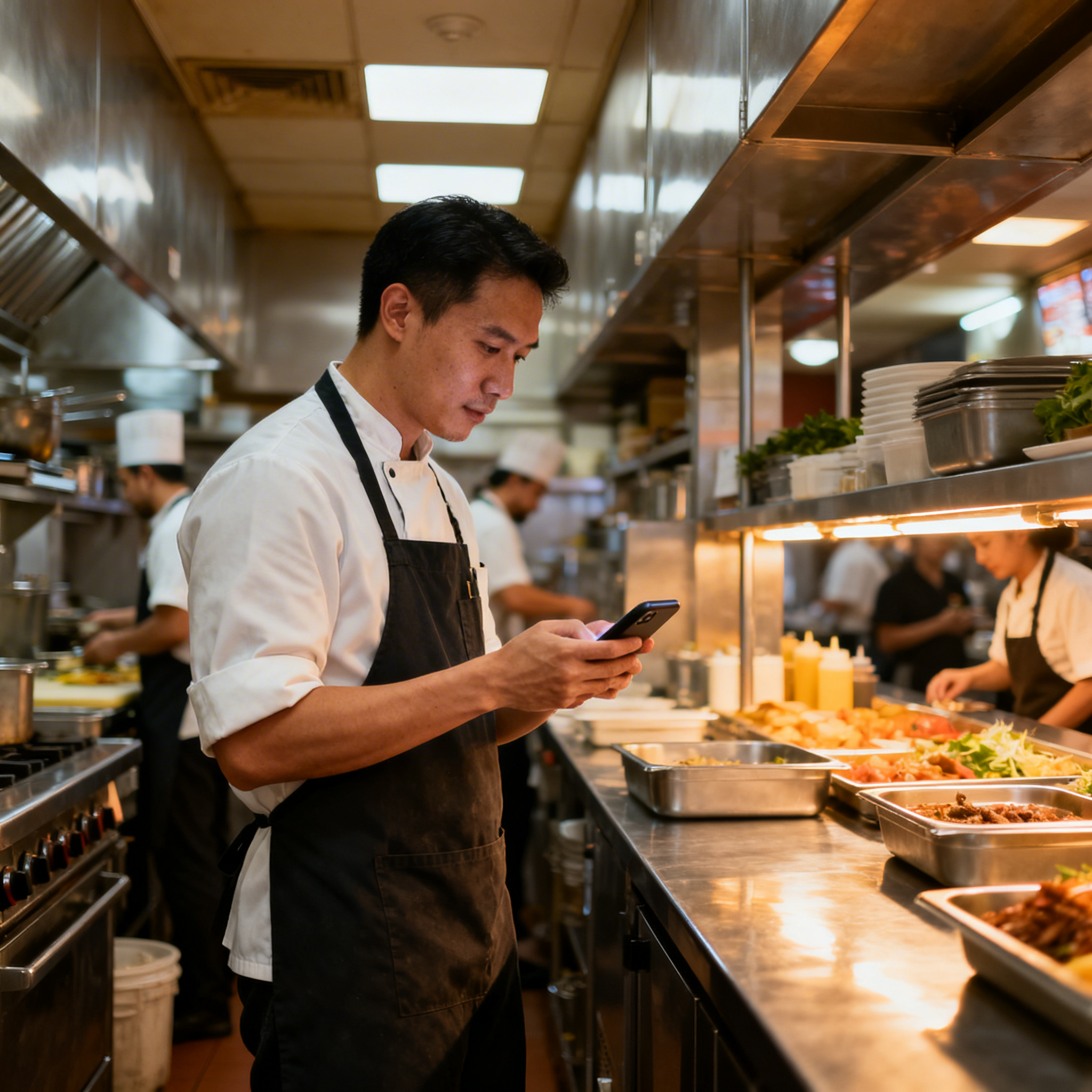
Restaurant communication is broken in a specific way. Your staff’s hands are full, literally, carrying plates, mixing drinks, running food. Picking up a phone call means stopping everything. But a text? A text can be read between courses, answered in five seconds, and it creates a written record both sides can refer back to. That’s why more restaurants are moving to two way texting as the backbone of their guest communication strategy. And with SalesCaptain, you can set it up without any technical knowledge and start seeing results the same day.
Why Restaurants Struggle With Guest Communication
Restaurants operate in a constant state of controlled chaos. During a lunch rush, your front-of-house team is juggling walk-ins, phone calls, online orders, and the occasional complaint from table nine. Every incoming phone call competes for attention with the guest standing right in front of the host stand. According to a 2025 consumer survey by TextMagic, over half of consumers who texted a business didn’t get a reply. For restaurants, where timing is everything, that kind of silence means lost reservations and empty tables.
Free weekly newsletter
Growth tips for restaurants & cafes
Every Tuesday — actionable ideas to get more leads, reviews, and repeat customers. No fluff.
Phone Calls Don’t Fit the Restaurant Workflow
Think about what happens every time your phone rings during service. Someone has to stop doing their job, walk to the phone, answer it, potentially put a caller on hold, and then try to remember what they were doing before. If you’re a small restaurant with a team of four or five, that interruption ripples through the entire operation. Meanwhile, the caller often wants something simple: to confirm a reservation, ask about your hours, or check if you’ve outdoor seating. These are quick questions that don’t need a three-minute phone call.
On top of that, most restaurants don’t have a dedicated person answering phones. The host, the manager, or whoever happens to be closest picks up. That means the guest experience on the phone is inconsistent. One call gets a friendly, informed response. The next gets a frazzled “please hold” followed by a two-minute wait. According to the National Restaurant Association, staffing remains one of the top challenges for restaurant operators, so adding a dedicated phone person simply isn’t realistic for most independent spots.
missed calls Mean Missed Revenue
Here’s the part that really stings. Every missed call from a potential guest is revenue walking out the door. A party of four at $40 per person is $160 in lost sales from a single unanswered ring. Multiply that across a busy Friday night where you miss ten calls, and you’re looking at potentially thousands of dollars left on the table, no pun intended. Voicemail doesn’t solve the problem either, because most people won’t leave one. They’ll just move on to the restaurant that answered.
The challenge gets worse after hours. Plenty of people decide where they’re eating tomorrow while scrolling their phones at 10 PM. If your restaurant can’t respond until someone shows up at 9 AM the next day, you’ve already lost those guests to a competitor who responded faster. Speed matters more than almost anything else in the restaurant game, and texting is the fastest way to connect with guests without pulling your staff away from their actual jobs.
How SalesCaptain Solves This With Two Way Texting for Restaurants
SalesCaptain gives your restaurant a complete communication system built around the way your team actually works. Instead of forcing your staff to choose between the guest in front of them and the phone ringing behind them, SalesCaptain handles incoming texts, missed calls, and guest messages automatically. Your AI chat agent responds instantly, books reservations, answers common questions, and keeps the conversation going, all without a human needing to touch anything.
Instant Responses That Keep Guests Engaged
When a guest texts your restaurant’s number, SalesCaptain’s AI Chat Agent responds immediately. Not in five minutes, not after the lunch rush. Immediately. It can answer questions about your hours, menu options, parking, private dining, or anything else you’ve configured it to handle. Because it’s AI-powered, the response is always friendly, always accurate, and always available, whether it’s 2 PM on a Tuesday or midnight on a Saturday.
What makes this different from a simple auto-reply is that it’s genuinely two way. The guest can ask follow-up questions, change their reservation details, or mention a food allergy, and the AI keeps the conversation natural. If something requires a human, like a complicated catering request, the conversation gets routed to your Unified Inbox where a manager can pick it up. According to the 2024 State of Business Texting Report by Text Request, businesses that use texting see significantly higher engagement rates compared to email or phone, which makes sense when you think about how people actually communicate today.
Missed Call Text-Back That Saves Reservations
One of the most powerful features for restaurants is missed call text-back. Every time a call goes unanswered, SalesCaptain automatically sends the caller a text message within seconds. Something like: “Hey! Sorry we missed your call. How can we help? You can text us right here.” That simple message turns a lost opportunity into an active conversation. Most callers are happy to text instead of calling back, because texting is easier for them too.
This feature alone can recover a huge chunk of the business you’re currently losing. Your kitchen is loud. Your dining room is busy. In fact, your staff can’t always get to the phone. But with missed call text-back, you never actually lose the guest. You just shift the conversation to a channel that works better for everyone involved. And because all these texts flow into SalesCaptain’s Unified Inbox alongside your social media DMs, webchat messages, and email, your team can see every guest conversation in one place.
Key Features of Two Way Texting for Restaurants Through SalesCaptain
Table Ready Alerts and Reservation Confirmations
Walk into any popular restaurant on a Friday night and you’ll see a crowd of people hovering near the host stand, checking the time, wondering when their table will be ready. Two way texting eliminates that awkward waiting game entirely. With SalesCaptain, you can send a quick “your table is ready” text the moment a spot opens up. Guests can wait in their car, grab a drink at the bar next door, or browse nearby shops instead of crowding your entrance.
Reservation confirmations work the same way. After a guest books a table, they automatically get a confirmation text. The day of, they receive a reminder. And here’s the key part: because it’s two way, the guest can reply to modify or cancel without calling. That means fewer no-shows and better table management. Restaurants that confirm reservations via text consistently see lower no-show rates because the reminder sits right in the guest’s text thread where they can’t miss it.
Custom Templates for Every Guest Interaction
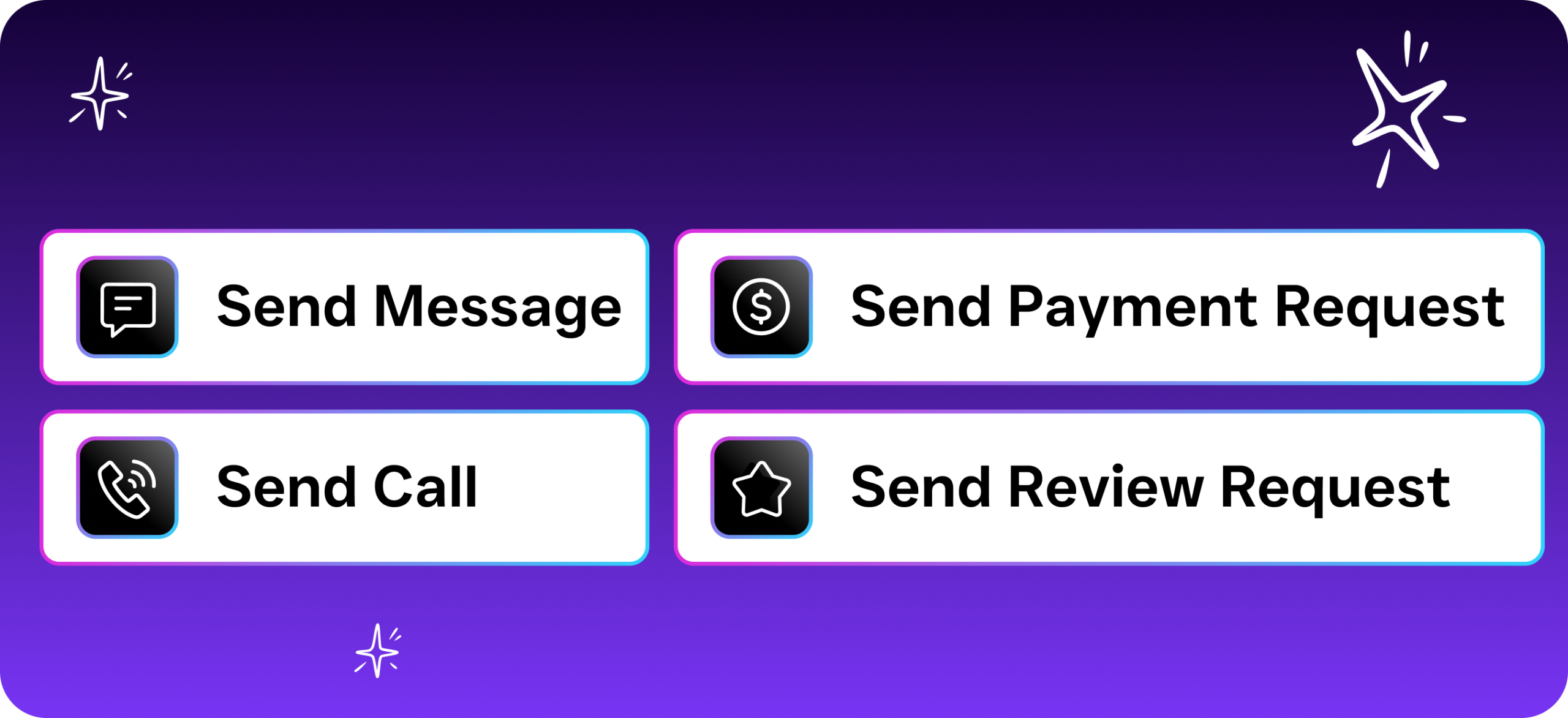
SalesCaptain’s Workflow Automation lets you create message templates for the situations your restaurant faces every day. You can build a template for reservation confirmations, waitlist updates, happy hour promotions, private event inquiries, and feedback requests. Each one can be triggered automatically based on the situation, so your team doesn’t have to type the same message fifty times a night. Yet because it’s two way texting, every template is just the start of a conversation, not a dead-end blast.
What really sets these templates apart is the drag-and-drop workflow builder. You don’t need to know any code or hire someone technical. You pick the trigger, like “guest added to waitlist,” and then pick the action, like “send table-ready text after 20 minutes.” Once it’s set up, it runs on its own. Your staff stays focused on hospitality while the system handles communication. And for restaurants running multiple locations, every template and workflow can be customized per location, which keeps the experience consistent across your brand.
Privacy Protection for Guests and Staff
One concern restaurants have about texting is privacy. Guests don’t want their personal number floating around, and your staff shouldn’t be using their personal phones to text customers. SalesCaptain solves both problems with its business phone system. All texts come from your restaurant’s dedicated business number, not from an employee’s cell phone. Guest numbers are kept private within the platform, and when staff members leave, they don’t take any guest data with them.
This also means you’ve a complete record of every conversation. If a guest claims they confirmed a reservation and your host doesn’t remember, you can pull up the text thread and see exactly what was said. That kind of documentation protects your business and helps you resolve disputes quickly. According to Intradyn’s text message statistics report, businesses are increasingly recognizing texting as a formal communication channel that needs proper record-keeping, and SalesCaptain handles that automatically.
Multichannel Messaging Beyond Just SMS
Guests don’t just text anymore. They send Instagram DMs asking about your weekend specials. They message your Facebook page to ask about group bookings. For example, they fill out a contact form on your website asking about catering. Without a system to manage all of this, messages slip through the cracks. SalesCaptain’s Unified Inbox pulls every channel into one screen: SMS, webchat, Instagram, Facebook Messenger, email, and even phone call notes. Your manager doesn’t need five tabs open to keep up.
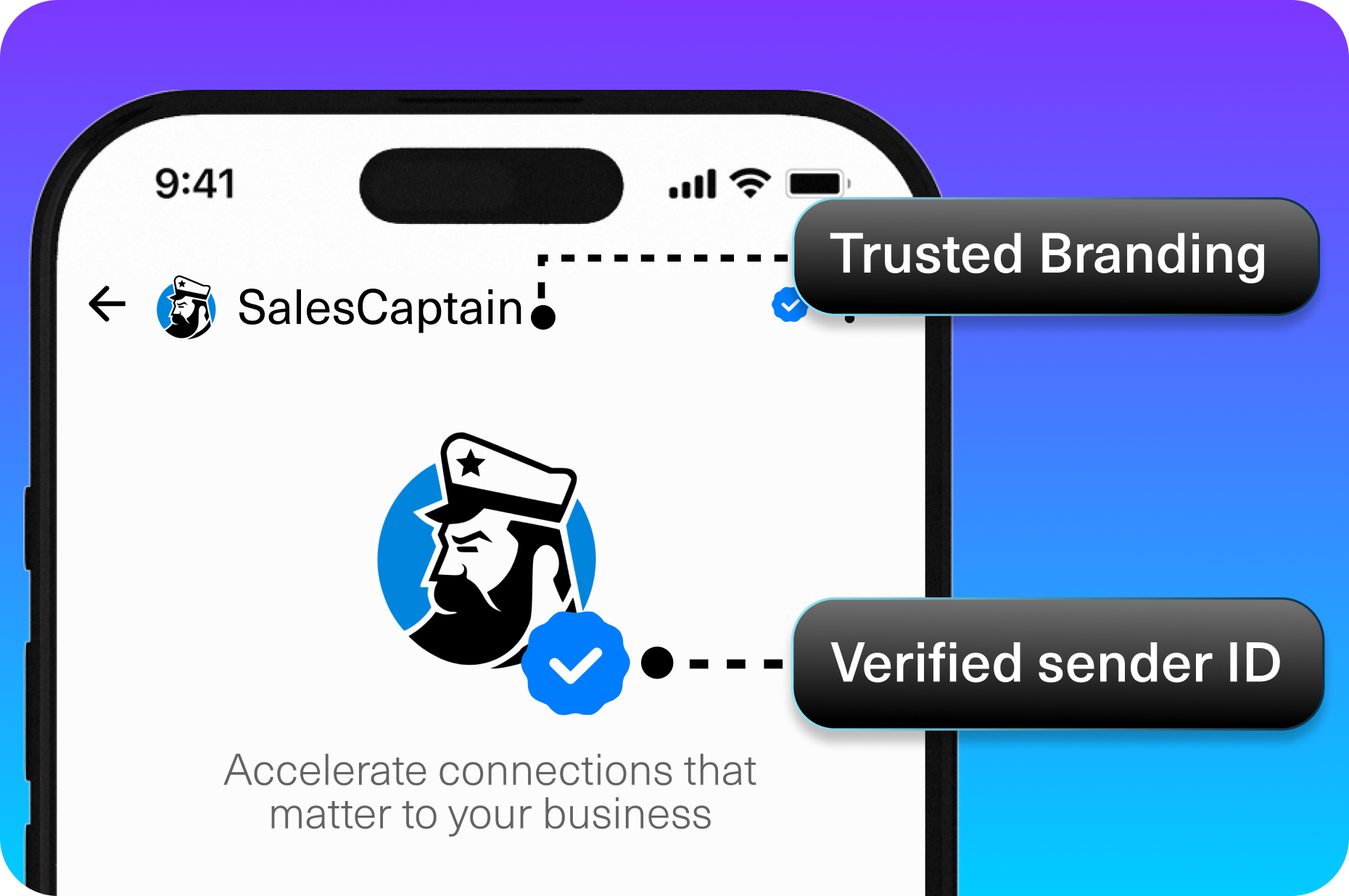
For restaurants, this multichannel approach matters because your guests are everywhere. A younger crowd might reach out through Instagram. Families planning a birthday dinner might use your website’s chat widget. Business travelers might call. By meeting every guest on the channel they prefer, and managing all responses from a single collaborative inbox, you never miss a message. Your team can also tag conversations, assign them to specific staff members, and add internal notes, all without the guest seeing any of the behind-the-scenes coordination.
Real Results You Can Expect With Two Way Texting for Restaurants
Fewer No-Shows and Better Table Turnover
No-shows are one of the most frustrating parts of running a restaurant. You held a table, turned away other guests, and prepped food, all for someone who didn’t bother to cancel. Automated reservation reminders via text dramatically reduce this problem. When a guest gets a text reminder the morning of, they’re far more likely to either show up or respond to cancel, freeing up the table for someone else. Better yet, because the reminder is two way, the guest can reply “running 10 min late” and your host can plan accordingly.
Table turnover also improves when you’re texting waitlisted guests the moment their table opens. Instead of shouting a name into a crowded lobby, you send a text. The guest walks in ready to sit. There’s no confusion, no wasted time, no lost parties who wandered off. Each of these small improvements adds up to more covers per night, which directly translates to more revenue without spending a dime on marketing.
Less Staff Stress During Peak Hours
Your front-of-house team already has too much on their plate. When you remove the burden of answering routine phone calls and manually managing the waitlist, they can focus on what actually matters: making guests feel welcome. SalesCaptain’s AI handles the repetitive stuff, like answering “What time do you close?” for the hundredth time, so your people can handle the nuanced, human interactions that technology can’t replace.
Research from TextUs’s 2024 State of SMS Engagement Report shows that business texting continues to grow as a preferred communication method, and for good reason. Texting is asynchronous. Your host can respond between seating guests rather than being tied to a phone call. That flexibility is huge in a restaurant environment where every second counts and multitasking is a survival skill.
Stronger Guest Relationships and Repeat Visits
Texting feels personal. When a guest gets a “Thanks for dining with us! Hope you loved the risotto” text the day after their visit, it creates a connection that a generic email newsletter never could. You can use SalesCaptain’s workflow builder to trigger follow-up texts after visits, send birthday offers, promote seasonal menus, or invite loyal guests to special events. Each touchpoint strengthens the relationship and increases the chance they’ll come back.
And because guests can reply to any of these messages, you get direct feedback without needing to set up a formal survey. A guest might text back “The risotto was amazing but the wait was long.” That’s actionable, honest feedback delivered in a natural way. You can respond, thank them, and make improvements, all within the same text conversation. This kind of back-and-forth builds trust and loyalty that no loyalty card program can match.
How to Get Started With Two Way Texting for Restaurants in 10 Minutes
Setting up SalesCaptain for your restaurant is surprisingly fast. You start by signing up for the free Startup plan, which covers one location and doesn’t require a credit card. Once you’re in, you’ll set up your business phone number. If you already have a number guests know, you can port it over. Otherwise, SalesCaptain gives you a new local number that you can start using immediately.
After your number is set, you’ll configure your AI Chat Agent. This is where you tell the system about your restaurant: your hours, your reservation process, your menu highlights, your parking situation, and any other common questions guests ask. The setup is all point-and-click, no coding required. You can also set up your missed call text-back message and create your first workflow for reservation confirmations. Most restaurant owners finish this initial setup in under ten minutes.
From there, you can connect your other channels. Link your Instagram, Facebook Messenger, and website chat widget so everything flows into the Unified Inbox. If you use tools like HousecallPro, HubSpot, or Zapier for other parts of your business, SalesCaptain integrates with over 50 platforms to keep your data in sync. Once everything is connected, your restaurant is running a fully automated, two way texting system that works around the clock, even when you’re closed.
Frequently Asked Questions About Two Way Texting for Restaurants
Can guests reply to automated texts from my restaurant?
Yes, that’s the whole point of two way texting. When SalesCaptain sends an automated message, like a reservation confirmation or a table-ready alert, the guest can reply directly. If the AI can handle their response, it does. If the question needs a human, it gets routed to your Unified Inbox where a staff member can jump in. The guest experience is smooth either way because they never have to call or download an app.
Will two way texting work during busy hours when my staff can’t check their phones?
Absolutely. That’s exactly when it shines. SalesCaptain’s AI Chat Agent handles incoming texts automatically, so your staff doesn’t need to monitor anything during a rush. Reservation confirmations, waitlist updates, and FAQ answers all go out without anyone lifting a finger. Your team only gets involved when a message truly requires human judgment, and even then, they can respond whenever they get a free moment.
Is it expensive to add two way texting to my restaurant?
SalesCaptain’s Startup plan is free for one location and includes core features like the Unified Inbox and AI Chat Agents. For restaurants that need more advanced automation, the Business plan runs $159 per month per location. If you’re using AI Phone Agent features, calls are billed at $0.12 per minute. Compare that to hiring another host or receptionist, and the math works out heavily in your favor.
Do I need to change my restaurant’s phone number to use SalesCaptain?
No. You can port your existing business phone number into SalesCaptain, so guests keep reaching you at the same number they already know. Alternatively, you can set up a new number and use both during a transition period. Either way, your guests won’t notice any disruption, just faster responses and a better experience.
Can I use two way texting for marketing promotions like happy hour or special events?
Yes, but it goes beyond blasting out one-way promotions. With SalesCaptain’s Workflow Automation, you can send targeted texts about upcoming events, seasonal menu launches, or happy hour specials, and guests can reply to book a table, ask questions, or RSVP right in the text thread. According to SMS marketing research from Notifyre, text messages see far higher open rates than email, making them one of the most effective channels for restaurant promotions that actually drive guests through the door.
Stop Missing Guests. Start Filling Tables.
If you’re ready to stop losing reservations to missed calls and start building real guest relationships through two way texting for restaurants, SalesCaptain is the answer. Set up your AI-powered texting system in minutes, keep every conversation in one inbox, and let your team focus on hospitality instead of phone tag.
Start free today. No credit card needed.
Ready to see it in action?
See how restaurants use SalesCaptain to text customers back instantly and boost reservations.
Book a Free Demo →Frequently Asked Questions
What is two way texting for restaurants?
Two way texting for restaurants is a communication channel that allows guests and staff to have real conversations via text messages without interrupting service. Unlike phone calls, texts can be read and answered between courses in just a few seconds while creating a written record both sides can reference.
How does two way texting help with restaurant reservations?
Two way texting allows guests to send reservation requests, confirmations, and simple questions without requiring your staff to stop what they’re doing to answer a phone call. This prevents lost reservations that occur when callers reach voicemail and turn to competitors instead.
Why are phone calls problematic for restaurants?
Phone calls interrupt your staff’s workflow during service when hosts and managers are already juggling walk-ins, orders, and table management. Simple questions like hours, outdoor seating, or reservation confirmations don’t require three-minute phone conversations and can be handled much faster through text.
How do I set up two way texting for my restaurant?
According to the article, platforms like SalesCaptain allow you to set up two way texting without any technical knowledge and start seeing results the same day. The setup is designed to be simple enough for any restaurant to implement immediately.
What do guests prefer: texting or calling restaurants?
According to a 2025 consumer survey by TextMagic, over half of consumers who texted a business didn’t get a reply, indicating texting is a preferred communication method for customers. Guests appreciate that texts don’t require immediate responses and fit naturally into their routine without demanding instant attention like phone calls.