
AI-powered customer experience marketing (CXM) platform that helps local businesses win.



Every service business owner knows the feeling. A customer sends a text asking about availability. Another leaves a voicemail after hours. Someone else messages through Instagram, and a fourth fills out a webchat form on your website. By the time your team checks each channel the next morning, two of those four prospects have already booked with a competitor. That’s the real cost of fragmented communication, and it’s why a unified inbox for retail businesses and service companies has become essential for survival. Whether you run a salon, a plumbing company, or a multi-location fitness studio, the problem is the same: customer messages scatter across too many platforms, and your team can’t keep up.
Why Service Business Businesses Struggle With Customer Communication
Service Businesses rely on responsiveness more than almost any other factor. A homeowner with a burst pipe isn’t going to wait three hours for a callback. A potential client looking for a MedSpa appointment won’t chase you down if your Instagram DM goes unanswered. Speed wins, and fragmentation kills speed.
Too Many Channels, Not Enough Staff
Most service businesses now receive inquiries from at least four or five channels: phone calls, SMS, email, webchat, and social media DMs. According to recent omnichannel research from Firework, customers increasingly expect businesses to meet them on whichever channel they prefer. Yet most small businesses have one or two people juggling all of it manually. Messages slip through the cracks constantly.
Free weekly newsletter
Growth tips for service businesses
Every Tuesday — actionable ideas to get more leads, reviews, and repeat customers. No fluff.
The result? Lost revenue that’s almost invisible. You don’t get a notification that says “you just lost a $2,000 roofing job because nobody responded to a Facebook message.” It just quietly happens, over and over. According to the National Federation of Independent Business (NFIB), finding and retaining qualified workers remains a top challenge for small businesses, which means hiring more staff to monitor every channel isn’t a realistic solution for most.
After-Hours Gaps Are Revenue Gaps
Here’s what makes this worse for service businesses specifically. Your peak inquiry hours often fall outside your operating hours. Someone searches for an emergency electrician at 9 PM. A patient wants to book a dental cleaning during their lunch break while you’re swamped with appointments. Every unanswered contact during off-hours represents a real dollar amount walking away. And most businesses don’t have a system that handles those moments intelligently.
Traditional solutions like voicemail or auto-reply texts feel impersonal and don’t actually move the conversation forward. They just buy time your prospect may not be willing to give. As Zipline’s 2026 State of Retail Communication Report highlights, poor internal and external communication remains one of the biggest reasons customer-facing initiatives fail.
How SalesCaptain Solves This
SalesCaptain was built from the ground up for service businesses that need to consolidate every customer conversation into one place, then automate the parts that eat up staff time. It isn’t a repurposed enterprise tool or a marketing platform with communication bolted on. It’s a unified communication platform with AI agents that handle calls, texts, and chats around the clock.
One Inbox for Every Channel
SalesCaptain’s Unified Inbox pulls in phone calls, SMS, webchat, Instagram DMs, Facebook Messenger, email, and internal notes into a single collaborative view. Your whole team sees the same conversation history, regardless of which channel the customer used. So when a prospect texts on Monday and calls on Wednesday, whoever picks up already has full context. No more “can you repeat what you told my colleague?” moments.
This approach aligns with what Unify360 describes as the omnichannel inbox becoming your most important workflow tool. For service businesses running lean teams, consolidation isn’t a nice-to-have. It’s how you stop losing customers to your own disorganization.
AI Agents That Handle Communication While You Work
Where SalesCaptain goes further than a simple inbox is its AI Phone Agent and AI Chat Agents. The AI Phone Agent answers calls with a natural-sounding voice, 24 hours a day, 7 days a week. It can book appointments, qualify leads, answer frequently asked questions about your services, block spam calls, and route urgent callers to the right person. At $0.12 per minute, it costs a fraction of what a human receptionist or answering service charges.
Meanwhile, AI Chat Agents handle SMS conversations, webchat inquiries, and social media DMs with instant responses. Think about what that means for a busy HVAC company in July or a salon during prom season. Instead of prospects waiting hours for a reply, they get an immediate, intelligent response that captures their information and books them into your schedule. Plus, SalesCaptain’s missed call text-back feature automatically sends a text to anyone who calls and doesn’t get through, keeping the conversation alive even when lines are busy.
Automation That Connects Everything
SalesCaptain’s Workflow Automation builder lets you create trigger-based sequences without writing code. A new lead comes in through webchat? Automatically send a follow-up text, create a CRM record in HubSpot or Salesforce, and notify your team. Appointment booked through the AI Phone Agent? Send a confirmation text and a reminder 24 hours before. With over 50 native integrations including HousecallPro, Clio, ServiceFusion, Mindbody, and QuickBooks, these workflows plug directly into the tools you already use.
Key Features for Service Business Businesses
SalesCaptain packs a lot into its platform, but these six features matter most for service businesses dealing with high inquiry volumes and limited staff.
- Unified Inbox with Full Contact History, Every call, text, chat, DM, and email appears in one timeline per customer. Team members can collaborate with internal notes, and nobody has to ask “did anyone follow up with this person?”
- AI Phone Agent with 24/7 Availability, Answers calls after hours, on weekends, and during your busiest periods. Handles appointment booking, lead qualification, and FAQ responses without human involvement.
- AI Chat Agents Across SMS and Social, Responds instantly on text, webchat, Instagram, and Facebook Messenger. Captures lead details and schedules appointments before the prospect moves on to another provider.
- Missed Call Text-Back, Every missed call triggers an automatic text message, so you never lose a lead just because the phone was busy. That simple feature alone recovers conversations that would otherwise vanish.
- Drag-and-Drop Workflow Automation, Build follow-up sequences, appointment reminders, review requests, and CRM updates visually. No developer needed. Triggers fire based on actions like new leads, booked appointments, or completed jobs.
- Business Phone System with IVR, A full phone system with 99.99% uptime, call routing, IVR menus, voicemail, and call recording. Replaces your existing phone provider while adding intelligence on top.
What makes this combination powerful is that these features aren’t separate products stapled together. They share data, so your AI Phone Agent’s conversation feeds into the same Unified Inbox your chat agents use. According to BizApp247’s analysis of unified inbox benefits, this kind of integration is what separates genuinely useful platforms from tools that just add more complexity.
Real Results You Can Expect
Switching to SalesCaptain won’t magically double your revenue overnight. But the operational improvements are tangible and measurable from the first week.
Faster Response Times That Win More Jobs
When AI agents respond to inquiries in seconds instead of hours, your conversion rate on inbound leads goes up. It’s straightforward: the first business to respond usually wins the job. For a plumbing company or a legal practice, shaving response time from two hours to two seconds changes the math on every marketing dollar you spend.
Fewer Missed Opportunities
Between 24/7 call answering, instant chat responses, and missed call text-back, the number of leads that fall through the cracks drops dramatically. You’ll see it in your inbox: conversations that used to end with silence now continue to booking.
Staff Time Freed Up for Billable Work
Your front desk or office manager spends less time answering routine calls and more time on work that actually grows the business. For businesses where the owner is also answering the phone, this shift is even more significant. You get your time back without hiring another person.
Consistent Follow-Up Without Micromanagement
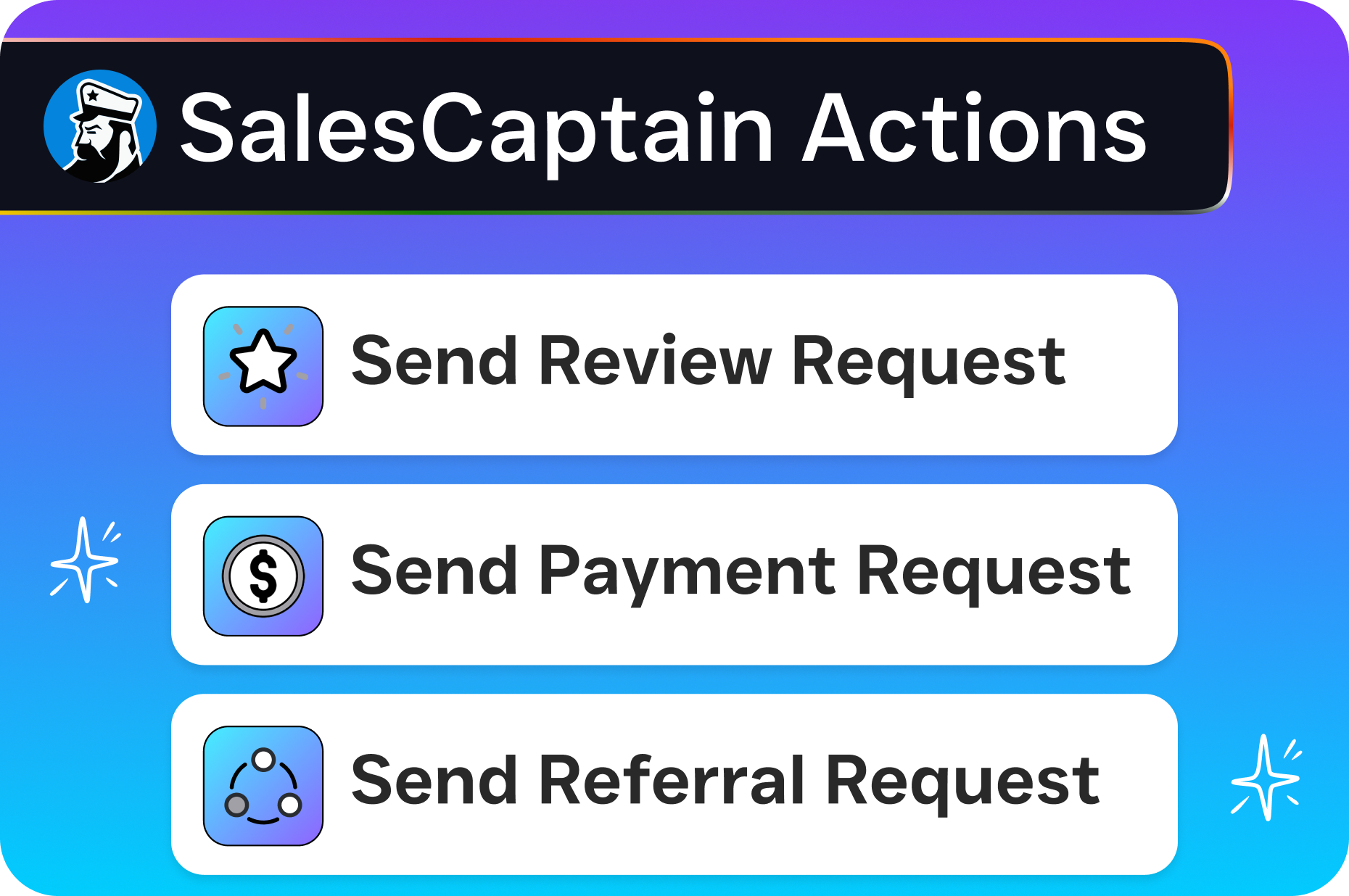
Workflow automation means every lead gets the same follow-up sequence, every appointment gets a reminder, and every completed job triggers a review request. None of it depends on someone remembering to do it. As Udext’s research on frontline team communication shows, consistency in customer touchpoints is one of the strongest drivers of repeat business and referrals.
How to Get Started
Setting up SalesCaptain doesn’t require technical expertise, and you won’t need a consultant to hold your hand. Here’s the process:
- Sign up for the free Startup plan, It covers one location and gives you access to the core platform so you can explore before committing any budget.
- Connect your channels, Link your business phone number, SMS, webchat, and social media accounts to the Unified Inbox. Most integrations take a few minutes.
- Configure your AI agents, Set up the AI Phone Agent with your business hours, services, FAQs, and appointment availability. Do the same for AI Chat Agents on your preferred messaging channels.
- Build your first workflow, Use the drag-and-drop builder to create an automated follow-up for new leads. Start simple: new inquiry triggers a text confirmation and a CRM update.
- Sync your existing tools, Connect HousecallPro, Clio, HubSpot, QuickBooks, or whichever tools you already use through SalesCaptain’s 50+ native integrations or Zapier.
- Go live and monitor, Turn on your AI agents and watch conversations flow into your Unified Inbox. Adjust scripts, workflows, and routing as you learn what works best for your specific business.
For multi-location businesses, the Business plan at $159/month per location or Enterprise plan at $300/month per location scales without the complexity that platforms like HighLevel or HubSpot force on small teams.
Frequently Asked Questions
Does a unified inbox for retail businesses work the same way for service businesses?
The core concept is identical: consolidate all customer communication channels into one view. SalesCaptain takes it further for service businesses by adding AI voice agents, appointment booking, and workflow automation designed around service-based workflows like job scheduling, lead qualification, and follow-up sequences.
Can SalesCaptain’s AI Phone Agent actually book appointments, or does it just take messages?
It books appointments directly. You configure your availability, services, and scheduling rules, and the AI agent handles the rest during the call. It also qualifies leads by asking the questions you’d normally ask, so your team only spends time on prospects that are a good fit.
How does SalesCaptain compare to hiring a virtual receptionist service?
Virtual receptionist services like Smith.ai or Ruby charge per call or per minute and rely on human staff. That means costs scale linearly with volume, and quality varies. SalesCaptain’s AI Phone Agent costs $0.12/minute, works 24/7 without breaks, and delivers consistent responses every time. On top of that, it’s connected to your Unified Inbox, CRM, and automation workflows, which a receptionist service can’t offer.
What if my team still wants to handle some calls or chats manually?
SalesCaptain doesn’t force full automation. You can set the AI agents to handle after-hours inquiries while your team manages conversations during business hours. The Unified Inbox supports team collaboration, so human and AI responses sit in the same conversation thread. Your customer never notices a handoff.
Is there a contract, or can I cancel anytime?
SalesCaptain offers a free Startup plan with no credit card required. Paid plans are billed monthly with no long-term contract. You can upgrade, downgrade, or cancel based on what your business needs at any given time.
Ready to see it in action?
See how retail businesses use SalesCaptain to manage all customer messages in one unified inbox.
Book a Free Demo →Stop Losing Customers to Scattered Communication
Every missed call, ignored DM, and delayed text reply is revenue walking out the door. SalesCaptain brings all your customer conversations into one inbox and puts AI agents to work 24/7, so your service business never misses another opportunity.
Start free, no credit card needed.