
AI-powered customer experience marketing (CXM) platform that helps local businesses win.



A customer walks out of your retail store happy. They loved the experience, found exactly what they needed, and even told the cashier they’d “definitely come back.” But they never leave a review. That scenario plays out hundreds of times a month in retail shops across the country, and it’s quietly costing you new customers. Understanding how retail businesses can increase Google reviews starts with recognizing that satisfied customers rarely take the initiative on their own, and the ones who do are often the unhappy ones.
Quick Answer
Retail businesses increase Google reviews by making the request process seamless—QR codes at checkout, follow-up emails, and text message reminders work best. Train staff to ask satisfied customers directly, respond promptly to all reviews, and incentivize feedback through discounts or entries into drawings. Posting reviews across social media and your website also encourages customers to leave ratings on Google.
What Are Google Reviews and Why Do They Matter for Retail
Google reviews are public ratings and written feedback that customers leave on your Google Business Profile. They show up directly in Google Search and Maps results when someone looks for a business like yours. For retail specifically, these reviews serve as the digital equivalent of word-of-mouth, influencing whether a potential shopper walks through your door or drives past to a competitor.
The weight of reviews on local search rankings is well documented. Google’s own algorithm considers review quantity, velocity, and quality when deciding which businesses appear in the local pack (those top three map results). According to recent small business research, the vast majority of consumers read online reviews before visiting a local business. For retail, where foot traffic directly equals revenue, that visibility gap between a 3.8-star store and a 4.6-star store can mean thousands of dollars in lost sales each month.
Free weekly newsletter
Growth tips for service businesses
Every Tuesday — actionable ideas to get more leads, reviews, and repeat customers. No fluff.
Why Most Retail Stores Struggle to Collect Reviews
Retail businesses face a unique set of challenges compared to service-based businesses. The interaction is often shorter, more transactional, and less personal. A plumber who spends three hours fixing a leak has built enough rapport to comfortably ask for a review. A retail associate who rings up a sweater? Not so much.
The Timing Problem
Most retail purchases don’t have a built-in follow-up moment. Once the customer leaves, the connection is gone. There’s no scheduled appointment to anchor a post-visit message. And by the time a customer gets home, the motivation to leave a review has already faded. Research from Mastercard’s 2024 retail trends report highlights how quickly consumer attention shifts, especially in an era of constant digital distraction.
Staff Bandwidth Is Limited
Your employees are handling inventory, managing the register, answering questions, and dealing with returns. Asking them to also remember to request reviews from every satisfied customer simply isn’t realistic. Even well-intentioned staff will forget during a lunch rush or a busy Saturday. The process needs to happen automatically, not depend on human memory.
No System in Place
Many retail owners assume reviews will come naturally. They won’t. Without a repeatable system for asking, reminding, and making it easy, you’re leaving your online reputation to chance. Stores that actively manage their review process consistently outperform those that don’t, regardless of how good the in-store experience actually is.
📺 Watch: How to Automate Review Requests After a Job
Proven Strategies to Increase Google Reviews for Your Retail Business
Building a reliable review engine doesn’t require a huge budget or a dedicated marketing team. It does require the right combination of timing, channels, and consistency. Here’s what actually works for retail.
Ask at the Point of Sale
The moment a customer completes a purchase is your highest-use opportunity. They’ve just committed money to your business, which means they’re feeling positive about their decision. Train your team to say something simple: “If you had a great experience today, we’d really appreciate a Google review.” Keep it conversational, not scripted. A printed QR code at the register that links directly to your Google review page removes friction and makes the ask feel low-effort.
Send a Text After Purchase
SMS has dramatically higher open rates than email. If you’re collecting phone numbers at checkout (through loyalty programs, receipts, or point-of-sale prompts), a well-timed text message 1-2 hours after purchase is one of the most effective ways to capture reviews. The message should be short, include the customer’s first name if possible, and provide a direct link. According to NAWBO’s small business data, businesses that use automated follow-up communication see significantly higher engagement rates.
Use Missed Calls as Review Opportunities
Here’s one most retailers overlook entirely. When a customer calls your store and nobody picks up, that’s typically a dead end. But missed calls from existing customers can actually become review triggers. If your phone system can identify the caller and automatically send a text, you’ve turned a potentially negative moment into a productive one. Data from SkipCalls’ 2026 missed call study shows small businesses lose over $26,000 per year from unanswered calls. Converting even a fraction of those into review requests instead of dead ends adds up fast.
Make It Part of Your Loyalty Program
If you run any kind of rewards or loyalty program, tie review requests into the flow. After a customer earns points or redeems a reward, that’s a natural moment of positive feeling. Send a follow-up that thanks them for being a loyal customer and asks if they’d share their experience on Google. You shouldn’t offer incentives specifically for reviews (Google’s guidelines prohibit that), but you can time your ask to coincide with moments when customers already feel valued.
Respond to Every Review You Get
This one’s counterintuitive. Responding to reviews doesn’t just help with the reviewer; it signals to future customers that you’re engaged. According to Harvard Business Review research, businesses that respond to reviews consistently receive higher ratings over time. Potential reviewers see that management reads and replies to feedback, which makes them more likely to leave their own. Keep responses professional, thank the reviewer by name when possible, and address any concerns directly.
Create Multiple Touchpoints
Don’t rely on a single channel. The most effective retail review strategies use a combination of approaches:
- In-store signage: QR codes near the entrance, at the register, and on receipts
- Post-purchase SMS: Automated text 1-2 hours after transaction
- Email follow-up: For customers in your email list, send a review request 24-48 hours later
- Social media reminders: Periodic posts showing recent positive reviews and encouraging others to share
- Staff verbal asks: Trained, natural conversation at checkout
Each touchpoint catches a different segment of your customer base. Some people respond to texts immediately. Others need to see the QR code three times before scanning it. Consistency across channels is what drives volume.
Common Mistakes That Kill Your Review Momentum
Even retailers who try to collect reviews often sabotage their own efforts. Avoiding these pitfalls is just as important as following best practices.
- Sending generic, impersonal requests: A message that feels mass-produced gets ignored. Personalization (even just the customer’s name) dramatically improves response rates.
- Waiting too long to ask: If you send a review request three days after a retail purchase, the customer has already moved on. Speed matters more in retail than almost any other industry.
- Making the process complicated: Every extra click between your request and the Google review form costs you completions. The link should go directly to the review input, not your general business listing.
- Only asking once: A single touchpoint converts a small percentage. A thoughtful second reminder (not a third or fourth) can double your response rate without annoying anyone.
- Ignoring negative reviews: Deleting or ignoring critical feedback makes your profile look curated and untrustworthy. Address concerns publicly and professionally.
According to research on small business communication gaps, the businesses that struggle most with customer engagement aren’t the ones with bad products. They’re the ones with broken follow-up processes.
How SalesCaptain Helps
Building a review collection system from scratch using separate tools for texting, calling, and follow-ups is messy. SalesCaptain consolidates those functions into one platform designed specifically for businesses like retail shops that need automation without complexity.
The AI Chat Agents can automatically send personalized review requests via SMS after a purchase, using missed call text-back to re-engage customers who called but didn’t get through. Because everything flows through a unified inbox, your team can see every customer interaction (calls, texts, social messages) in one place and identify the best moments to request reviews. The workflow automation builder lets you set up trigger-based sequences: when a customer completes a transaction in your POS (connected through integrations like Shopify or QuickBooks), a review request fires automatically at the right time.
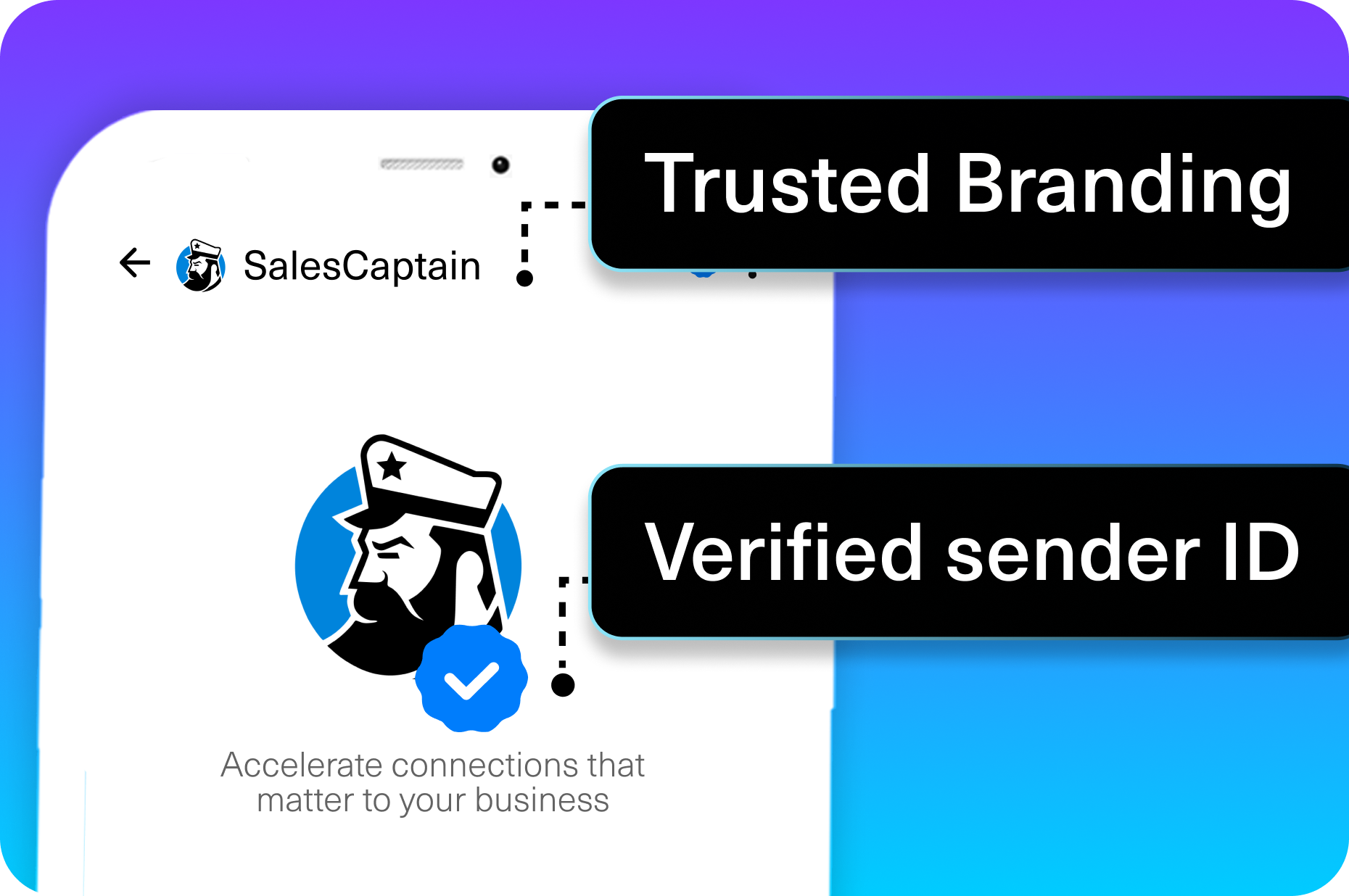
What makes this different from cobbling together separate tools is that phone, text, and follow-up all live in one system. Your AI Phone Agent can answer after-hours calls, capture caller information, and trigger a review request the next morning, all without staff involvement. For multi-location retailers, per-location pricing keeps costs predictable as you scale, with a free plan available to test the approach before committing.
Key Takeaways
How retail businesses can increase Google reviews comes down to three principles: ask at the right moment, make it effortless, and automate the process so it doesn’t depend on human memory. Every strategy covered here, from point-of-sale QR codes to automated post-purchase texts, works because it removes the friction between a satisfied customer and a published review.
The retailers winning the local search game aren’t necessarily offering better products. They’ve simply built systems that capture the goodwill they’re already creating. Reviews compound over time, each one making the next sale a little easier to close. Start with one channel, measure the results, then expand.
Common Mistakes Retail Businesses Make When Requesting Reviews
Many retailers sabotage their own review generation efforts by asking for feedback at the wrong moment. Requesting a Google review while a customer is still in checkout, distracted, or rushing creates friction and low completion rates. The optimal window is 24-48 hours after purchase, when the positive experience is fresh but the customer has returned home and has time to reflect. Timing your requests strategically—through follow-up emails or text messages rather than in-store interruptions—dramatically improves response rates without annoying customers.
Another critical mistake is making the review process too complicated. Customers who must search for your Google Business Profile, navigate through multiple clicks, and figure out where to write feedback will simply abandon the task. Instead, provide a direct link to your review page in every request. Tools like SalesCaptain can streamline this by automating review requests and including clickable links, ensuring customers reach your review page in one tap rather than three steps. The fewer barriers between intent and action, the higher your completion rate.
Retailers also fail by only requesting reviews from high-ticket or frequent customers. While these customers are valuable, occasional shoppers who had exceptional experiences are equally important sources of social proof. Cast a wider net by requesting reviews from diverse customer segments. Additionally, never ignore negative reviews—responding professionally to criticism shows potential customers you care about feedback and continuously improve, which actually builds trust more effectively than a perfect 5-star rating ever could.
Frequently Asked Questions
How many Google reviews does a retail store need to rank well locally?
There’s no fixed number, because it depends on your market and competitors. However, most local SEO studies suggest that businesses in the Google Maps local pack average between 50 and 200 reviews. More important than the total count is consistency. Getting 5-10 new reviews per month signals to Google that your business is active and relevant.
Can I offer discounts or incentives for Google reviews?
No. Google’s review policies explicitly prohibit offering incentives in exchange for reviews. This includes discounts, coupons, free products, or contest entries. You can ask customers to leave a review, but the ask must be unconditional. Violating this policy can result in reviews being removed or your listing being penalized.
What’s the best time to send a review request after a retail purchase?
For in-store retail purchases, 1-2 hours post-transaction tends to perform best. The customer still remembers the experience clearly, but they’ve had time to get home and settle in. For online retail orders, waiting until after delivery confirmation is more appropriate, since the customer hasn’t fully experienced the product yet.
Should I respond to negative Google reviews?
Absolutely. Responding professionally to negative reviews shows future customers that you take feedback seriously. Acknowledge the issue, apologize if appropriate, and offer to resolve it offline. According to Fiserv’s small business data, retail businesses that actively manage their online presence see stronger sales performance than those that don’t.
Do Google reviews actually affect foot traffic to retail stores?
Yes, significantly. When someone searches “shoe store near me” or “gift shop downtown,” Google uses review signals to determine which businesses appear first. Higher-rated businesses with more recent reviews consistently attract more clicks and direction requests, which translates directly to foot traffic.
Ready to see it in action?
See how retail businesses use SalesCaptain to automatically generate more Google reviews from every customer interaction.
Book a Free Demo →See How SalesCaptain Can Help
SalesCaptain gives retail businesses the tools to automate review requests, capture missed call opportunities, and manage every customer conversation from one unified inbox. With AI-powered phone and text agents, workflow automation, and integrations with the tools you already use, you can build a review engine that runs without adding staff.
Visit SalesCaptain.com to explore the platform and start collecting more Google reviews on autopilot.