
AI-powered customer experience marketing (CXM) platform that helps local businesses win.



Every missed call, unanswered text, and ignored review is a piece of customer feedback your business didn’t capture. A customer feedback management tool collects those signals, organizes them, and turns them into actions that improve your service and grow revenue. For service businesses juggling phone calls, texts, social messages, and online reviews, feedback doesn’t arrive in a neat survey. It’s scattered across channels, buried in voicemails, and lost in DM threads. SalesCaptain brings all of it together in one place so you can actually act on what your customers are telling you.
Quick Answer
Customer feedback management tools centralize feedback from multiple channels—reviews, emails, calls, and social media—into one platform. They help businesses identify trends, resolve issues faster, and improve customer satisfaction. By organizing and analyzing customer insights systematically, companies can make data-driven decisions that boost retention and revenue while preventing valuable feedback from getting lost in scattered systems.
What Is a Customer Feedback Management Tool?
A customer feedback management tool is software that captures, organizes, and helps you respond to what customers say about your business. That includes direct feedback like reviews and survey responses, but also indirect signals: missed calls that indicate frustration, repeated questions that reveal FAQ gaps, and conversation sentiment that shows how customers really feel about your service.
Traditional feedback tools focus narrowly on surveys or review collection. But for service businesses, the richest feedback comes from actual customer conversations. Think about it. When a caller asks the same question for the tenth time this week, that’s feedback telling you something’s broken. When a lead texts after hours and never hears back, that silence is feedback too. According to Sprinklr’s analysis of customer experience trends, customers increasingly expect businesses to act on their feedback quickly and across every channel they use.
Free weekly newsletter
Growth tips for service businesses
Every Tuesday — actionable ideas to get more leads, reviews, and repeat customers. No fluff.
The most useful feedback management tool doesn’t just collect data. It closes the loop by helping you respond faster, fix recurring issues, and track whether your changes are actually working. That’s where a unified communication platform becomes essential, because feedback lives in the same channels where your customers reach you.
How Customer Feedback Management Works in SalesCaptain
SalesCaptain isn’t a standalone survey tool. It’s a communication platform that captures customer feedback as a natural byproduct of every interaction. Here’s how the process works:
- Capture feedback across every channel. Every call, text, webchat message, Instagram DM, and Facebook Messenger conversation flows into SalesCaptain’s Unified Inbox. Nothing falls through the cracks because there’s one place to see it all. Missed calls trigger automatic text-back messages, so even unanswered calls become captured interactions.
- Transcribe and summarize conversations automatically. SalesCaptain’s AI Summaries and Transcriptions turn every phone call into searchable text. You’ll see exactly what customers said, what concerns they raised, and what follow-up is needed. Speaker labels distinguish your team from the customer, making it easy to review quality and spot patterns.
- Identify patterns with AI analysis. Rather than reading hundreds of transcripts manually, AI-generated summaries pull out key themes: common complaints, repeated questions, service gaps, and positive feedback. Sentiment analysis on calls flags conversations where customers sounded frustrated or dissatisfied.
- Respond and follow up automatically. SalesCaptain’s Workflow Automation lets you set up trigger-based follow-ups. After a service call ends, an automated text can request a review. If a customer mentions a problem, a task gets created for your team. These workflows sync with your CRM through integrations with HubSpot, Salesforce, Zoho, ServiceFusion, and HousecallPro.
- Track outcomes over time. Your Unified Inbox provides real-time tracking and full contact history. So when a customer who left negative feedback calls back three weeks later, your team sees the entire context instantly. No one has to ask “what happened last time?”
Key Capabilities
- AI Call Transcription and Summaries: Every call is transcribed with speaker identification and condensed into actionable summaries. You’ll spot the three most common customer complaints without listening to a single recording. These summaries also serve as training material for new team members.
- Missed Call Text-Back: According to recent industry research, small businesses lose significant revenue from missed calls every year. SalesCaptain automatically texts customers who don’t get through, capturing their feedback and keeping them engaged instead of calling a competitor.
- Multichannel Conversation Tracking: Feedback arrives via phone, text, webchat, Instagram, and Facebook Messenger. SalesCaptain’s Unified Inbox consolidates everything so your team sees the full picture of what customers are saying, regardless of where they said it.
- Sentiment Analysis for Calls: Real-time speech analytics flag calls where customer tone indicates dissatisfaction. Instead of discovering problems weeks later through a bad review, you can intervene the same day.
- Automated Review Requests: Workflow Automation triggers post-service review requests via SMS. Happy customers get nudged to leave public reviews, while unhappy ones get routed to your team for immediate follow-up. This approach aligns with findings from Customer Alliance’s online review research, which shows that timing and channel choice dramatically affect review response rates.
- Post-Call Analytics: Detailed call data shows average handle time, resolution rates, and call outcomes. These metrics reveal systemic issues that individual conversations might miss.
Who Needs This?
Not every business needs an enterprise-grade Voice of the Customer platform. But if you’re a service business handling dozens or hundreds of customer interactions daily, you’re already sitting on a goldmine of feedback. You just don’t have a system to capture it. According to Khoros’s customer service research, the vast majority of customers expect their feedback to lead to visible changes, yet most small businesses lack the tools to track and act on it consistently.
- Home service businesses (roofing, plumbing, HVAC, landscaping): Your crews are in the field all day. Calls go to voicemail, customer complaints get lost in text threads, and follow-up falls through the cracks. Automated transcription and workflow triggers solve this without adding office staff.
- Healthcare and wellness practices (dental, medical, MedSpa, therapy): Patient satisfaction drives referrals. Call summaries and sentiment analysis help you catch service issues before they become negative reviews. Plus, secure communication tools keep everything compliant.
- Legal practices: Client communication is both a service quality issue and a compliance requirement. Full transcription creates a searchable record, while CRM sync through Clio keeps case files updated automatically.
- Appointment-heavy businesses (salons, gyms, fitness studios): No-shows and scheduling friction generate constant feedback. Automated reminders and post-appointment follow-ups capture that feedback and reduce churn.
- Multi-location operations: When you’re running 3, 5, or 15 locations, feedback management becomes exponentially harder. SalesCaptain’s per-location pricing and centralized inbox let you compare performance across sites and spot location-specific problems.
- Operations managers and business owners who can’t afford to hire dedicated customer experience staff but still need a systematic way to listen and respond.
Benefits of Customer Feedback Management with SalesCaptain
Fewer Lost Customers
Most customer churn doesn’t announce itself with a dramatic complaint. It happens quietly. A call goes unanswered. A follow-up never arrives. In fact, a small issue festers because nobody noticed. Research from AIRA’s analysis of missed business calls shows that a significant percentage of callers who reach voicemail won’t leave a message, and many never call back. SalesCaptain’s 24/7 AI Phone Agent and missed call text-back ensure those customers get a response, even at 2 AM on a Saturday.
Faster Problem Resolution
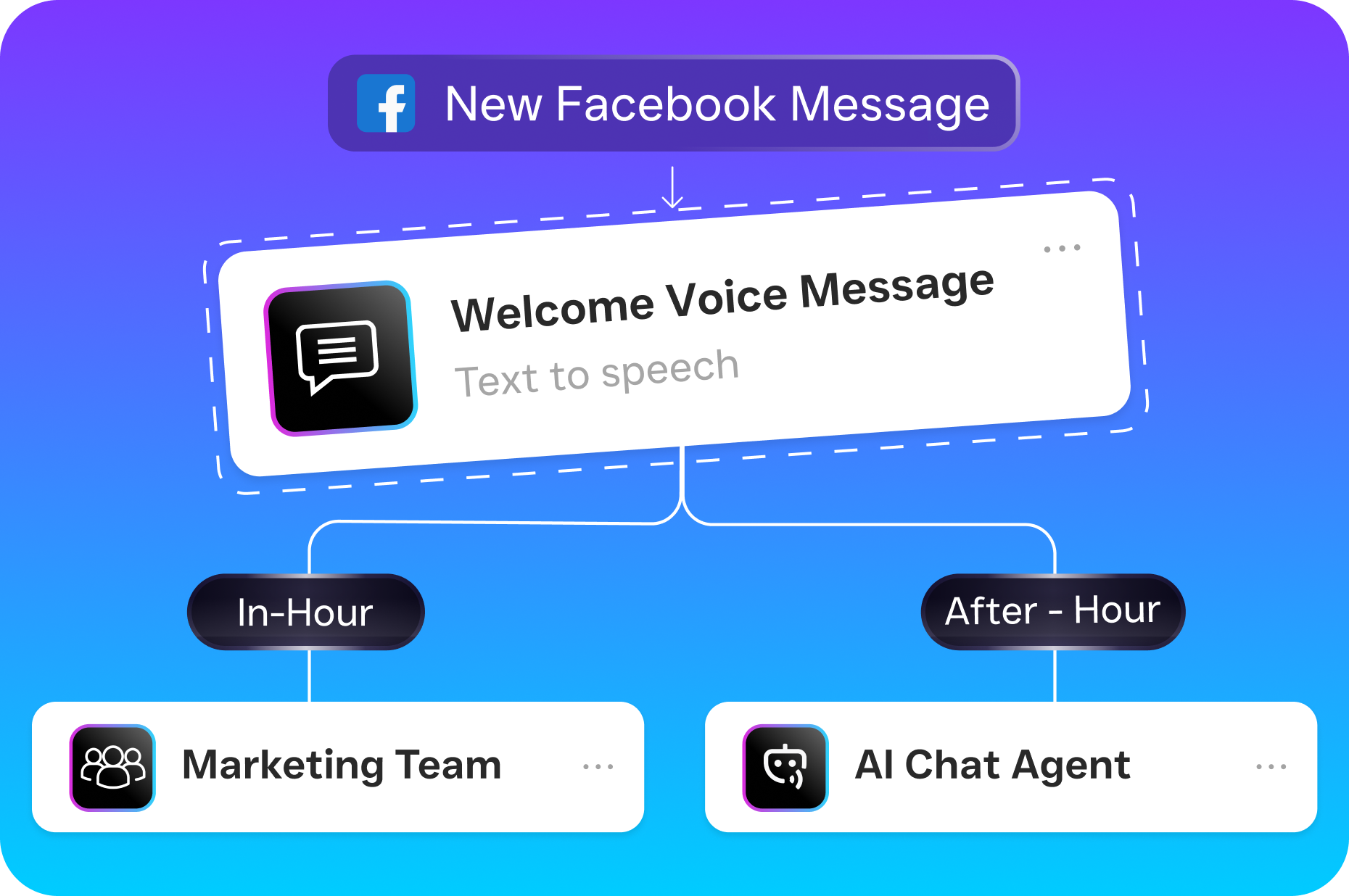
When your team can see AI-generated call summaries instead of listening to 45-minute recordings, response time drops dramatically. A manager can scan ten call summaries in the time it takes to listen to one recording. Workflow Automation then routes flagged issues to the right person with full context attached, so there’s no game of telephone about what the customer actually said.
Better Service Without More Staff
Hiring a dedicated customer experience analyst isn’t realistic for most small businesses. SalesCaptain’s AI does the heavy lifting by transcribing, summarizing, and flagging issues automatically. Your existing team gets the insights without the manual work. As small business customer service data consistently shows, the businesses that respond fastest and most consistently win the most repeat customers.
Actionable Data, Not Just Data
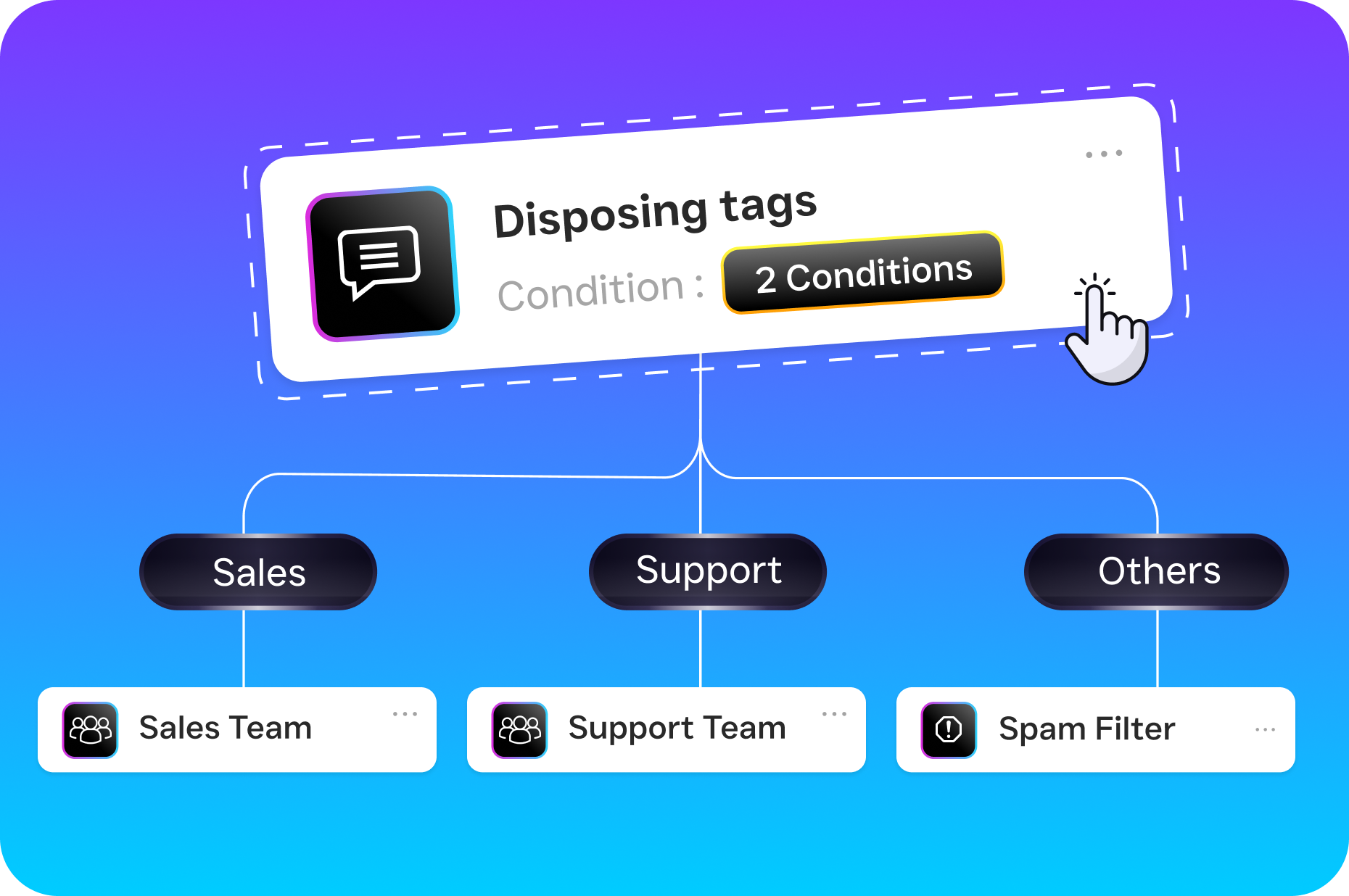
Collecting feedback is easy. Acting on it’s hard. SalesCaptain bridges that gap with automation. A negative sentiment flag triggers a manager notification. A repeated FAQ question triggers a knowledge base update for the AI agent. For example, a missed appointment triggers a re-engagement text. Every piece of feedback connects to a workflow that produces a result.
How SalesCaptain Compares
Most tools in this space force you to choose between feedback collection and communication management. Podium and Birdeye, for example, excel at review management but lack the deeper communication infrastructure that service businesses need. Birdeye doesn’t offer call routing, IVR, call coaching, or AI-powered call handling. That means you’re collecting feedback about phone experiences you can’t actually improve through the same platform.
On the communication side, platforms like Aircall and OpenPhone are solid phone systems, but they don’t close the feedback loop. Aircall charges $30 per license and lacks real-time AI for calls, missed-call text-back, or webchat capability. OpenPhone offers minimal AI features and only seven integrations. Neither platform turns customer conversations into structured, actionable feedback the way SalesCaptain does.
SalesCaptain is the only platform that combines AI voice agents, AI chat agents, a unified inbox, and workflow automation in a single tool. You don’t need one vendor for calls, another for texts, a third for reviews, and a fourth for analytics. Everything lives in one place, which means your feedback management is as complete as your communication coverage. And with pricing starting free for one location and $159/month per location for the full Business plan, it’s built for SMBs who need enterprise-level capability without enterprise-level complexity. Forrester’s 2024 analysis of customer feedback management highlights that the most effective platforms are those integrating feedback into existing workflows rather than treating it as a separate function. That’s exactly what SalesCaptain delivers.
Frequently Asked Questions
Can SalesCaptain replace a dedicated survey tool?
SalesCaptain captures feedback from real customer interactions rather than asking customers to fill out separate surveys. For most service businesses, conversation-based feedback is richer and more honest than survey responses. However, you can still send targeted follow-up messages via SMS or webchat to ask specific questions after appointments or service calls.
How does AI call transcription help with feedback management?
Every phone call is automatically converted to text with speaker labels, then summarized to highlight key issues, customer concerns, and action items. Instead of assigning someone to listen to recordings, your team reviews concise summaries. Over time, patterns emerge: if 30 customers this month asked the same question about pricing, you know your website or phone greeting needs updating.
What integrations does SalesCaptain support for feedback workflows?
SalesCaptain integrates natively with over 50 tools, including HubSpot, Salesforce, Zoho, ServiceFusion, HousecallPro, Mindbody, Clio, Shopify, QuickBooks, and Zapier. These integrations allow feedback-triggered workflows to update CRM records, create tasks, and sync customer data automatically. Zapier extends connectivity to thousands of additional apps.
Is SalesCaptain difficult to set up for a non-technical team?
No. The platform is designed for business owners and operations managers, not developers. Call flows and workflow automations use drag-and-drop builders. AI agents can be configured without writing any code. Most businesses are up and running the same day they sign up.
Ready to see it in action?
See how service businesses use SalesCaptain to collect and act on customer feedback automatically.
Book a Free Demo →Start Capturing Customer Feedback That Drives Growth
SalesCaptain turns every call, text, and message into structured feedback your team can act on. Set up AI-powered call transcription, automated follow-ups, and a unified inbox that keeps nothing hidden.