
AI-powered customer experience marketing (CXM) platform that helps local businesses win.


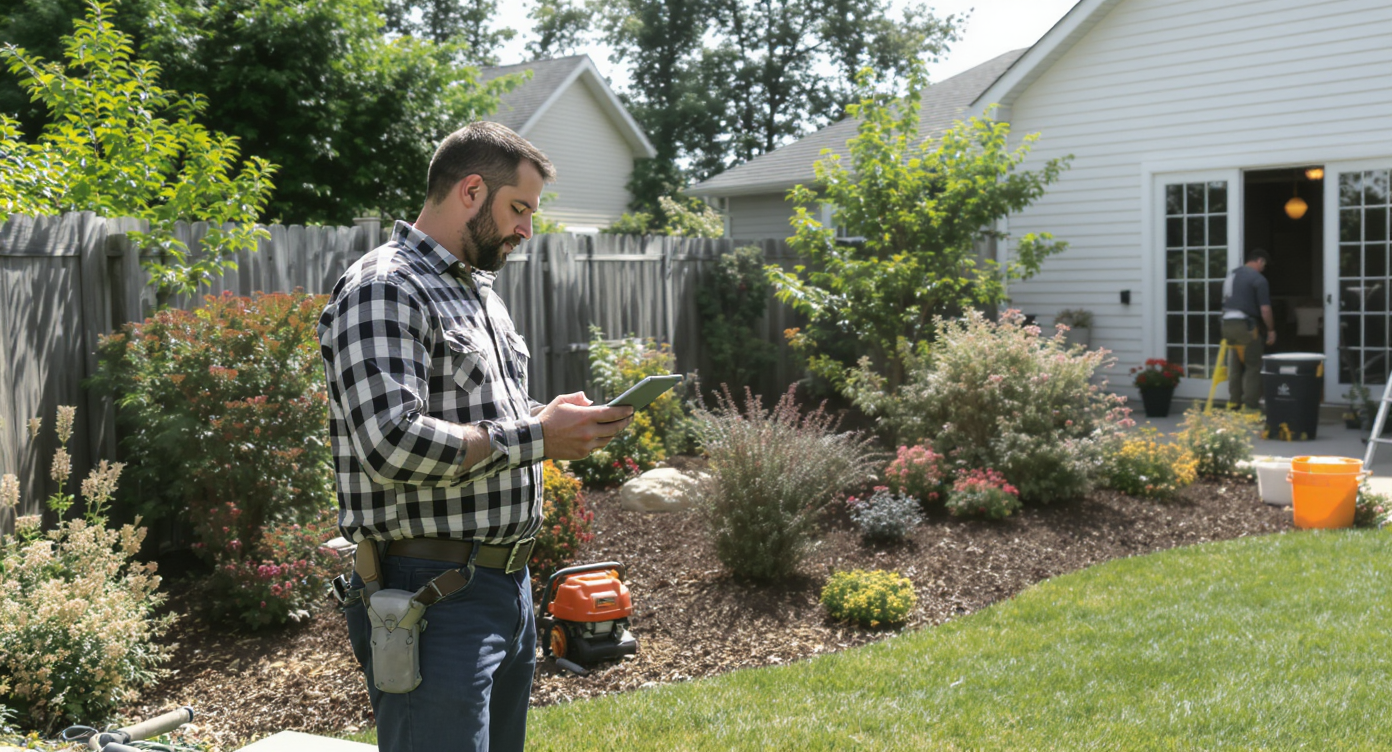
A landscaping crew just finished a $4,200 patio install. But nobody followed up with the client about the seasonal maintenance plan they mentioned during the walkthrough. That’s revenue left on the table, and it happens constantly when customer details live in text threads, sticky notes, and someone’s memory. Sound familiar? Landscaping CRM software exists to solve exactly this kind of problem, turning scattered customer data into organized, actionable information that helps you close more jobs and keep clients coming back.
Landscaping CRM software is a digital system that centralizes customer information—contacts, properties, job history, estimates, and notes—in one organized place. It eliminates scattered data across emails and sticky notes, helping teams follow up on opportunities, close more jobs, and build lasting client relationships.
What Is Landscaping CRM Software?
CRM stands for customer relationship management. In the context of a landscaping business, CRM software is a digital system that stores every piece of customer information in one place: contact details, property addresses, job history, estimates, follow-up notes, and communication logs. Instead of hunting through emails or asking your office manager “did we ever hear back from the Johnsons?”, you open the CRM and the full picture is right there. No more guessing games.
What separates landscaping-friendly CRM tools from generic ones is how they handle the realities of field service work. Multiple job sites per client. Seasonal scheduling. Crew assignments. And on-the-go access from a phone or tablet—all of it matters. According to the National Association of Landscape Professionals, maximizing CRM usage is one of the most impactful steps a green industry business can take to boost revenue. Yet many landscaping companies still rely on spreadsheets or paper-based systems that can’t scale.
Why Landscaping Businesses Lose Revenue Without a CRM
Landscaping is a high-volume, relationship-driven business. You’re juggling dozens (sometimes hundreds) of residential and commercial clients across different service types. Without a CRM, three things tend to break down: lead follow-up, customer retention, and team coordination.
Missed Leads and Slow Response Times
Here’s a number that should concern any business owner: research from Brainova AI shows that missed calls cost small businesses significant revenue every month. Landscaping companies are especially vulnerable because peak inquiry season overlaps with peak work season. Your crew is on a job site. The phone rings. Nobody picks up, and the homeowner calls the next company on their list. A CRM with integrated communication tools captures that lead automatically and ensures someone follows up, even if it’s an automated text response.
No Visibility Into the Sales Pipeline
How many open estimates does your company have right now? If you can’t answer that within ten seconds, you’re losing deals. A CRM gives you a visual pipeline so you know exactly which prospects need a follow-up call, which quotes are expiring, and which jobs are confirmed. That visibility alone can increase close rates dramatically. According to recent CRM industry statistics, businesses using CRM systems see measurable improvements in both sales productivity and forecast accuracy.
Customer Retention Falls Through the Cracks
Landscaping thrives on recurring revenue. Lawn maintenance contracts, seasonal cleanups, and irrigation winterization are all repeat services. But here’s the problem: if you don’t have a system that tracks when each client’s service window is approaching, you’re relying on them to call you. That’s a gamble you can’t afford. Your CRM should trigger reminders, automate outreach, and flag accounts that haven’t been contacted in a set period.
What to Look for in a Landscaping CRM
Not every CRM fits a landscaping operation. Enterprise tools like Salesforce or HubSpot can work, but they’re expensive and complex for a 5-to-50-person company. So what actually matters for a green industry business?
- Mobile access: Your team is in the field. The CRM needs to work on phones and tablets with a clean interface, not just a shrunken desktop view.
- Communication tracking: Every call, text, and email tied to a customer record. No more “I think we talked to them last week.”
- Multi-site support: Commercial clients often have multiple properties. Your CRM should handle multiple job sites under one contact without creating duplicates.
- Appointment and job scheduling: Booking estimates and scheduling crews should connect directly to customer records.
- Automated follow-ups: Trigger texts or emails based on actions, like sending a review request after a job is marked complete.
- Integration with existing tools: If you use QuickBooks for invoicing or HousecallPro for dispatching, the CRM should sync with them.
The landscape industry generates over $176 billion in revenue annually, and the companies capturing the largest share of that market aren’t the ones with the biggest crews. They’re the ones with the best systems. A solid CRM is the backbone of those systems.
Best Practices for Getting Real Value from Your CRM
Buying software isn’t the hard part. Getting your team to actually use it consistently is where most landscaping companies stumble. Here are the practices that separate CRM success from expensive shelf-ware.
Start with Your Most Painful Bottleneck
Don’t try to set up every feature on day one. If your biggest problem is missed calls and slow lead response, configure that workflow first. Once your team sees leads converting faster, they’ll buy into the system. Then layer on appointment scheduling, automated reminders, and pipeline tracking over the following weeks. One win builds momentum.
Make Data Entry Part of the Job, Not Extra Work
If logging a call takes five taps on a phone, people will do it. If it requires opening a laptop, logging in, navigating three menus, and typing notes, they won’t. Choose a CRM that captures interactions automatically wherever possible. AI-powered transcription and call summaries can eliminate manual note-taking entirely, so your team just talks and the system records the details.
Use Automations to Replace Repetitive Tasks
Think about how many times per week someone on your team sends a “just following up on your estimate” text. That’s automatable. So are appointment reminders, review requests, and seasonal service notifications. Workflow automation frees up hours every week, and landscaping company benchmarks show that labor is already the single largest expense in this industry. Reducing administrative labor directly improves your margins.
Track Metrics That Matter
Your CRM should tell you more than just “how many contacts do we have.” Focus on these numbers instead:
- Lead-to-estimate conversion rate
- Estimate-to-job close rate
- Average response time to new inquiries
- Customer lifetime value (especially for recurring maintenance clients)
- Revenue per lead source (so you know where to spend your marketing budget)
Without these metrics, you’re guessing. With them, you can make precise decisions about hiring, marketing spend, and service pricing. According to BigOrange Marketing’s green industry data, landscaping companies that invest in marketing and sales technology consistently outperform those that rely on word-of-mouth alone.
How SalesCaptain Helps
SalesCaptain was built for service businesses like landscaping companies that need powerful communication tools without enterprise-level complexity. It combines an AI Phone Agent, AI Chat Agents, a Unified Inbox, and Workflow Automation into a single platform. No more stitching together five different apps.
For landscaping companies specifically, a few capabilities stand out. The AI Phone Agent answers calls 24/7, qualifies leads, books estimates, and answers common questions like “Do you service my area?” or “What’s your availability next week?” That means no more missed calls during peak season when your crew is on job sites. Every call gets transcribed and summarized automatically with AI Summaries and Transcriptions, so your office staff can review conversations without listening to full recordings.
The Unified Inbox pulls every customer interaction into one place. Calls, texts, webchat messages, Facebook DMs, and Instagram messages all appear in a single collaborative view. Your team sees the complete customer history without switching between apps. Plus, Workflow Automation lets you build drag-and-drop sequences for follow-ups, appointment reminders, and review requests. That replaces the repetitive manual work eating up your admin hours.
SalesCaptain integrates natively with tools landscaping businesses already use, including HousecallPro, QuickBooks, and Zapier for connecting to specialized industry software. Pricing starts with a free plan for a single location, and the Business plan runs $159 per month per location, which makes it accessible for companies with one truck or twenty. There’s no per-user fee structure that penalizes you for growing your team.
Key Takeaways
Landscaping CRM software isn’t optional for companies that want to grow past the “I keep everything in my head” stage. It’s the system that turns one-time customers into recurring revenue, speeds up lead response, and gives you real visibility into your sales pipeline.
- A CRM captures and organizes every customer interaction so nothing falls through the cracks.
- Slow lead response and poor follow-up are the biggest revenue killers in landscaping, and both are fixable with the right software.
- Mobile access, communication tracking, and automated workflows are non-negotiable features for field service companies.
- AI-powered tools like automatic call answering and transcription eliminate manual work and keep your team focused on the job site.
- Per-location pricing models scale better than per-user pricing for growing landscaping businesses.
The companies winning in this industry aren’t just doing better work. They’re running better systems. Your CRM is the foundation of that system.
Frequently Asked Questions
Do I need a CRM if I only have one or two crews?
Yes, absolutely. Smaller operations actually benefit more because there’s less margin for error. When you’re handling sales, scheduling, and customer communication yourself, a CRM automates the parts that would otherwise slip. Even a single missed call can cost hundreds of dollars in lost revenue. A CRM ensures that doesn’t happen.
What’s the difference between a CRM and field service management software?
Field service management tools focus on dispatching, routing, and job completion. A CRM focuses on the customer relationship: lead tracking, communication history, follow-ups, and sales pipeline management. The best setup connects both, so job data feeds into customer records automatically. That’s where the magic happens.
How long does it take to set up a CRM for a landscaping business?
With a platform designed for small businesses, you can be up and running in a day or two. Import your contacts, configure your phone system, set up a few automated workflows, and you’re operational. More advanced automations and integrations can be layered in over the first few weeks as your team gets comfortable.
Can a CRM help with seasonal fluctuations in landscaping?
Absolutely, it can. Automated outreach sequences can remind past clients about seasonal services before the rush hits. You can also tag clients by service type, so when spring cleanup season approaches, you send targeted messages to every property that booked that service last year. That proactive outreach fills your schedule weeks earlier than waiting for inbound calls.
Is it worth paying for AI features in a landscaping CRM?
If you’re missing calls, responding slowly to leads, or spending hours on manual follow-up, AI features pay for themselves quickly. An AI phone agent that books estimates while your team is in the field recovers revenue you’d otherwise lose. AI transcription and summaries save your office staff from tedious note-taking. For most landscaping companies, the time savings alone justify the cost.
See How SalesCaptain Can Help Your Landscaping Business
SalesCaptain gives landscaping companies an AI-powered phone agent, unified inbox, and workflow automation in one platform, starting with a free plan. Stop missing calls, automate your follow-ups, and keep every customer interaction organized without adding staff.