
AI-powered customer experience marketing (CXM) platform that helps local businesses win.



If you’re searching for an Aircall alternative, you’re likely running a service business that needs more than a basic call center tool. This comparison breaks down how Aircall stacks up against SalesCaptain across features, pricing, and real-world fit for businesses that depend on customer communication to grow. Whether you’re frustrated by Aircall’s pricing, missing features, or narrow focus, you’ll find the details you need to make a confident switch.
Quick Answer
Several solid alternatives to Aircall exist, including Twilio, Vonage, RingCentral, and Freshcaller, each offering different strengths. Twilio excels for developers needing customization, RingCentral provides comprehensive unified communications, and Freshcaller integrates seamlessly with CRM platforms. Your best choice depends on specific needs like call volume, integration requirements, budget, and whether you prioritize ease of use or advanced customization capabilities.
What Is Aircall?
Aircall is a cloud-based phone system built primarily for sales and support call centers. It offers call routing, IVR, call coaching, and integrations with popular CRMs. At $30 per license per month, it’s one of the more expensive options in the business phone category, and its feature set reflects that call-center DNA. For teams focused on outbound sales dialing and support ticket workflows, Aircall works well enough. But for service businesses that need AI automation, multichannel messaging, and inbound lead capture, it leaves significant gaps.
Related guide: alternatives to aircall.
Related guide: aircall vs justcall comparison.
Related guide: best magicjack alternative.
Related guide: aircall competitors.
What Is SalesCaptain?
SalesCaptain is an AI-powered unified communication platform designed specifically for service businesses and SMBs. It combines AI phone agents, AI chat agents, a unified inbox, and workflow automation into a single tool. Instead of just handling calls, SalesCaptain automates customer interactions across voice, SMS, webchat, Instagram, Facebook Messenger, WhatsApp, and email. Pricing starts with a free plan for one location, with paid plans at $159/month per location, making it far more accessible than per-license models that balloon as your team grows.
Free weekly newsletter
Growth tips for service businesses
Every Tuesday — actionable ideas to get more leads, reviews, and repeat customers. No fluff.
Aircall vs SalesCaptain: Feature Comparison
The table below uses verified feature data to show exactly where each platform stands. Pay close attention to the AI and messaging categories, because that’s where the differences matter most for service businesses.
| Feature | SalesCaptain | Aircall |
|---|---|---|
| Unified Inbox | ✓ (calls, SMS, webchat, social, email) | ✗ (calls and SMS only) |
| WhatsApp Messaging | ✓ | Partial (early access) |
| Webchat | ✓ | ✗ |
| Text-to-Pay | ✓ | ✗ |
| Workflow Automation | ✓ (drag-and-drop builder) | Partial (via CRM integrations only) |
| Real-time AI for Calls | ✓ | ✗ |
| AI Writer and Translator | ✓ | ✗ |
| Missed-Call Text-Back | ✓ | ✗ |
| Pricing | Free plan available; $159/mo per location | $30/license/month (per user) |
| Best For | Service businesses and multi-location SMBs | Sales and support call centers |
For a service business where every missed call could mean a lost customer, these aren’t minor omissions. According to industry research from SkipCalls, small businesses can lose $26,000 or more per year from missed calls alone. A platform that can’t automatically capture those leads leaves real money on the table.
Where Aircall Falls Short
Aircall is competent at what it does. However, “what it does” is narrower than most service businesses need. Here’s where it genuinely struggles.
Aircall doesn’t offer a voice AI agent that can answer calls, book appointments, qualify leads, or handle FAQs without a human present. It also lacks real-time AI for calls, which means your team can’t get live suggestions or coaching prompts during a conversation. SalesCaptain provides both, so your business stays responsive even when nobody’s available to pick up the phone.
Missing Digital Channels
There’s no native webchat, no email channel, and social chat only works through third-party integrations. That means you’re managing customer conversations across separate tools rather than one place. For a business fielding inquiries from Instagram DMs, Facebook Messenger, text, and phone calls, that fragmentation creates chaos and slows response times. According to Nextiva’s research, slow response times are a leading driver of customer churn for small businesses.
Per-License Pricing Adds Up Fast
Aircall charges $30 per user per month. For a five-person team, that’s $150/month before you’ve added any advanced features. Scale to 10 users across two locations and you’re at $300/month just for phone capabilities. SalesCaptain’s per-location model means you pay $159/month regardless of how many team members use the platform at a single location. As your team grows, the savings compound significantly.
No Payments, No Lead Forms, No Click Tracking
Service businesses often need to collect payments via text, capture leads through embedded forms, and track link engagement. Aircall offers none of these. It wasn’t designed for the operational side of running a service business. Rather, it was built for call center agents who live inside a CRM all day.
Why SalesCaptain Is the Better Choice for Service Businesses
Switching from Aircall isn’t just about getting more features. It’s about using a platform that’s actually designed for how service businesses operate. Here’s what sets SalesCaptain apart as a complete Aircall alternative.
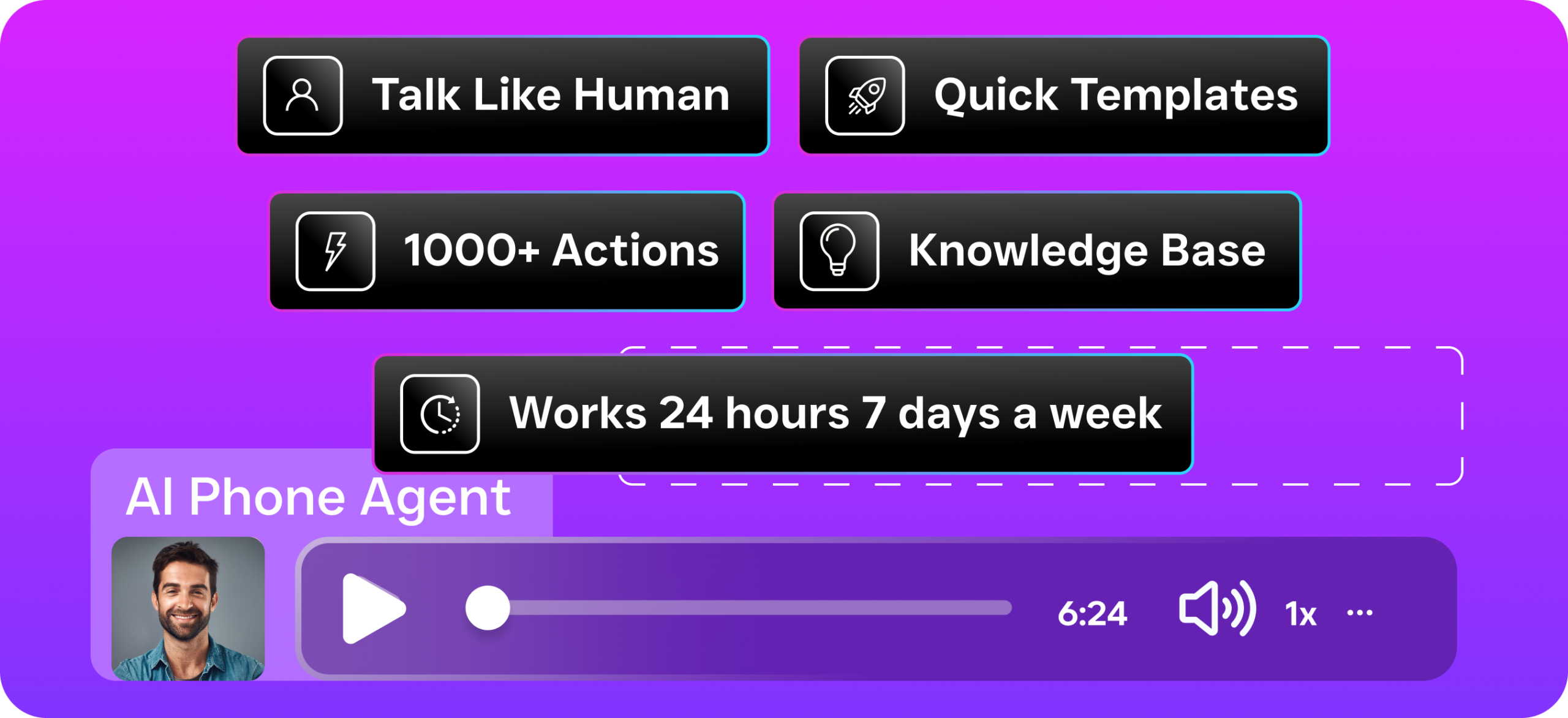
- AI Phone Agent that works 24/7: Handles inbound calls, books appointments, qualifies leads, answers FAQs, and blocks spam around the clock. No human needed. This single feature addresses the biggest pain point service businesses face, because missed calls directly translate to lost revenue.
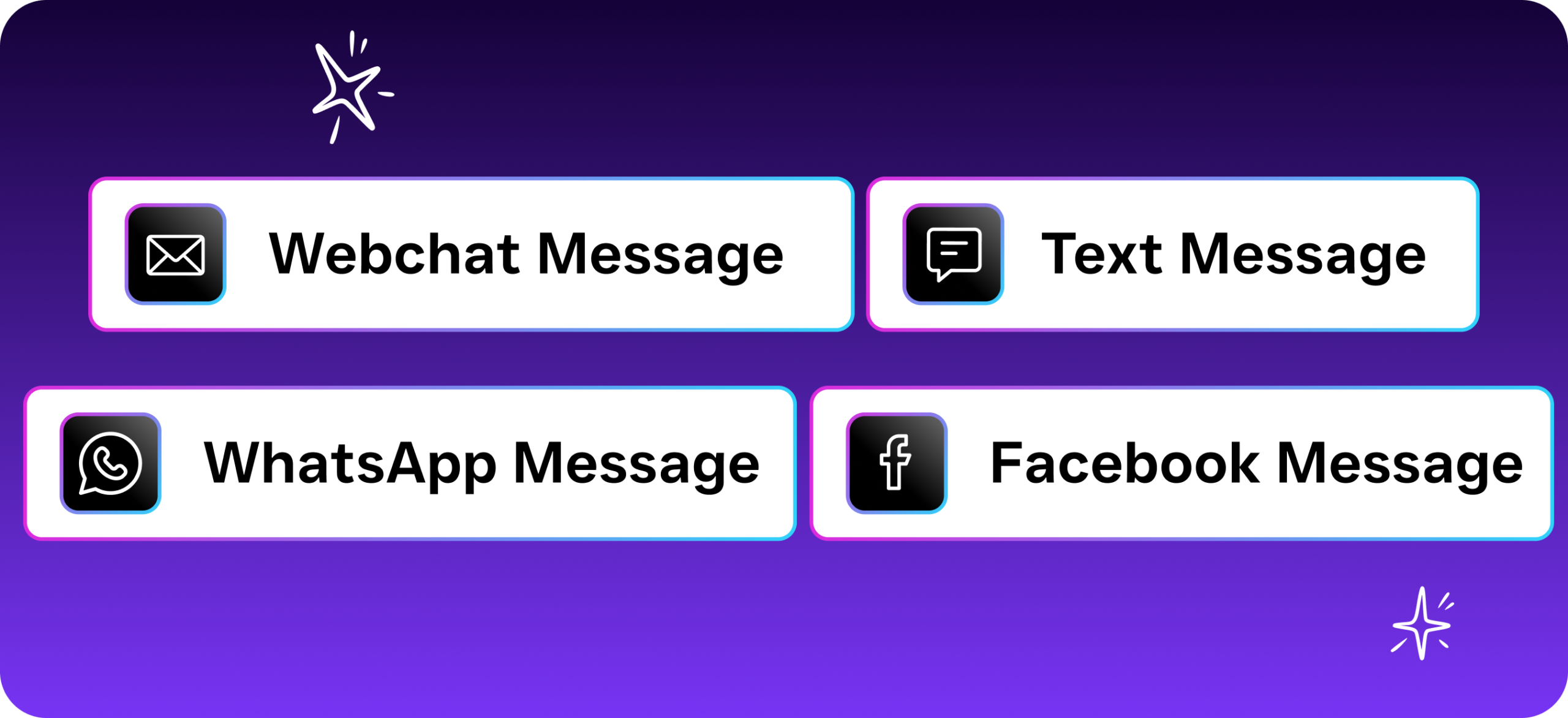
- AI Chat Agents across every channel: SMS, webchat, Instagram DMs, Facebook Messenger all get instant automated responses. Leads are captured and appointments booked before your team even sees the message.
- True unified inbox: Calls, texts, webchat, social DMs, email, and internal notes all live in one collaborative inbox. Your team sees the full conversation history for every contact without switching between apps.
- Drag-and-drop workflow automation: Build follow-up sequences, appointment reminders, CRM updates, and notifications visually. Aircall only offers message flow automation through CRM integrations, which adds complexity and cost.
- Text-to-Pay: Collect payments directly via text message. For home service businesses, this alone can shorten the payment cycle by days.
- AI writer, translator, and grammar check: Compose professional messages in seconds, communicate with non-English-speaking customers, and catch errors before they go out. Aircall has none of these capabilities.
- 50+ native integrations: HubSpot, Salesforce, Zoho, ServiceFusion, HousecallPro, Mindbody, Shopify, QuickBooks, Clio, Zapier, and more. Built for the tools service businesses already use.
- Per-location pricing with a free plan: Start at zero cost. Scale to multiple locations at $159/month each. No per-seat surprises.
The growing market for Aircall alternatives reflects a broader shift: businesses want AI-powered automation, not just another phone system. SalesCaptain was built from the ground up with that reality in mind.
Which Should You Choose?
If you run an outbound sales team or a dedicated call center where agents sit at desks all day making and taking calls, Aircall might still fit. Its call coaching, sentiment analysis, and AI scorecards serve that specific workflow well. Particularly for teams that already rely heavily on CRM-driven processes and don’t need multichannel messaging, Aircall does the job it was designed for.
However, if you’re a service business, the calculus is different. Plumbers, roofers, HVAC companies, dental practices, law firms, salons, and fitness studios don’t have dedicated call center staff. They need a system that answers the phone when they can’t, follows up on leads automatically, and keeps every customer conversation organized in one place. That’s exactly what SalesCaptain delivers. According to Ringlii’s analysis, service businesses that respond within minutes instead of hours see dramatically higher conversion rates. With AI agents handling that response instantly, you don’t just keep up with leads; you capture revenue that competitors miss. For most service businesses evaluating an Aircall alternative, SalesCaptain isn’t just comparable. It’s purpose-built for the work you actually do.
Frequently Asked Questions
Is SalesCaptain harder to set up than Aircall?
No. SalesCaptain was designed so non-technical business owners can get started without IT help. The call flow builder, AI agent setup, and workflow automations all use drag-and-drop interfaces. Most businesses are up and running the same day.
Can SalesCaptain replace Aircall’s call coaching features?
Yes. SalesCaptain includes call coaching and whispering, plus real-time AI for calls, which Aircall doesn’t offer. Your team gets live suggestions during conversations, not just post-call feedback. AI transcriptions and summaries also make coaching sessions more productive.
How does pricing compare for a team of 10?
Aircall would cost $300/month for 10 licenses at their base rate. SalesCaptain costs $159/month for an entire location, regardless of team size. For multi-location businesses, the gap widens even further in SalesCaptain’s favor.
Does SalesCaptain work for healthcare businesses that need HIPAA compliance?
SalesCaptain serves healthcare and wellness businesses including dental practices, medical offices, MedSpas, and therapy practices. Contact the SalesCaptain team directly to discuss specific compliance requirements for your practice.
What integrations does SalesCaptain support that Aircall doesn’t?
Both platforms integrate with major CRMs. However, SalesCaptain also natively connects with industry-specific tools like ServiceFusion, HousecallPro, Mindbody, Clio, and Rezdy. These are critical for home service, wellness, legal, and booking-based businesses that Aircall wasn’t built to support.
Ready to see it in action?
See how service businesses use SalesCaptain to handle calls without expensive phone systems.
Book a Free Demo →Try SalesCaptain Free
Stop paying per seat for a phone system that can’t answer calls on its own. SalesCaptain gives you AI voice agents, AI chat agents, a unified inbox, and workflow automation, all in one platform built for service businesses. Start with the free plan and see the difference in your first week.