
AI-powered customer experience marketing (CXM) platform that helps local businesses win.


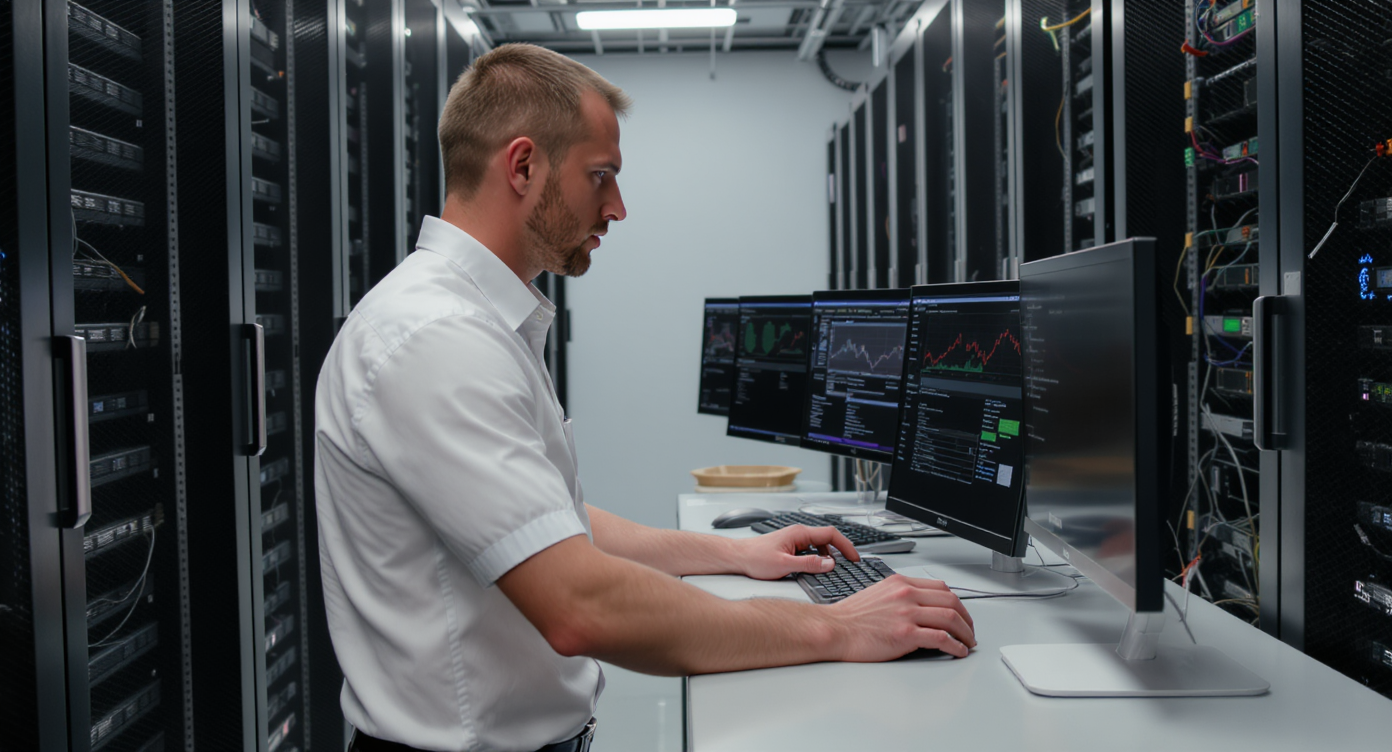
If you’re searching for cyberpower software, you’re probably looking at tools that protect your business from power failures, data loss, or cyberattacks. CyberPower’s PowerPanel software manages UPS devices and battery backups. Smart investment for any business that can’t afford downtime. But here’s what most small business owners miss: protecting your hardware is only half the battle. Sound familiar? Your customer communications need the same always-on reliability. That’s where SalesCaptain comes in. It delivers 24/7 AI-powered call and messaging coverage so your business never goes dark, even when your team isn’t around.
What Is CyberPower Software?
CyberPower software is a family of power management applications. PowerPanel is the main one. These tools monitor and manage uninterruptible power supply (UPS) devices, helping businesses protect servers, workstations, and network equipment from outages and surges. You get several versions to choose from: PowerPanel Personal for home and small office use, PowerPanel Business for server environments, and PowerPanel Cloud for remote monitoring across multiple locations.
What PowerPanel Actually Does
PowerPanel monitors battery health and triggers graceful shutdowns during extended outages. You can schedule power events like restarts or self-tests. For a small business running a local server or NAS, it’s solid protection. Configure alerts, check battery runtime, and make sure a five-minute power blip doesn’t destroy your day’s work. It’s practical and straightforward.
Free weekly newsletter
Growth tips for service businesses
Every Tuesday — actionable ideas to get more leads, reviews, and repeat customers. No fluff.
But here’s the catch: CyberPower software only handles power infrastructure. It won’t answer customer calls at 9 PM, follow up on missed leads, or manage messages from multiple channels. According to the U.S. Small Business Administration, cyber safety is critical to small business success, and that includes protecting your revenue streams against downtime. Every kind of downtime. Your communication system deserves the same always-on protection your servers get. Period.
How Always-On Communication Works in SalesCaptain
CyberPower keeps your hardware running. SalesCaptain keeps your customer operations running. Here’s how the platform ensures you never lose a lead, even outside business hours:
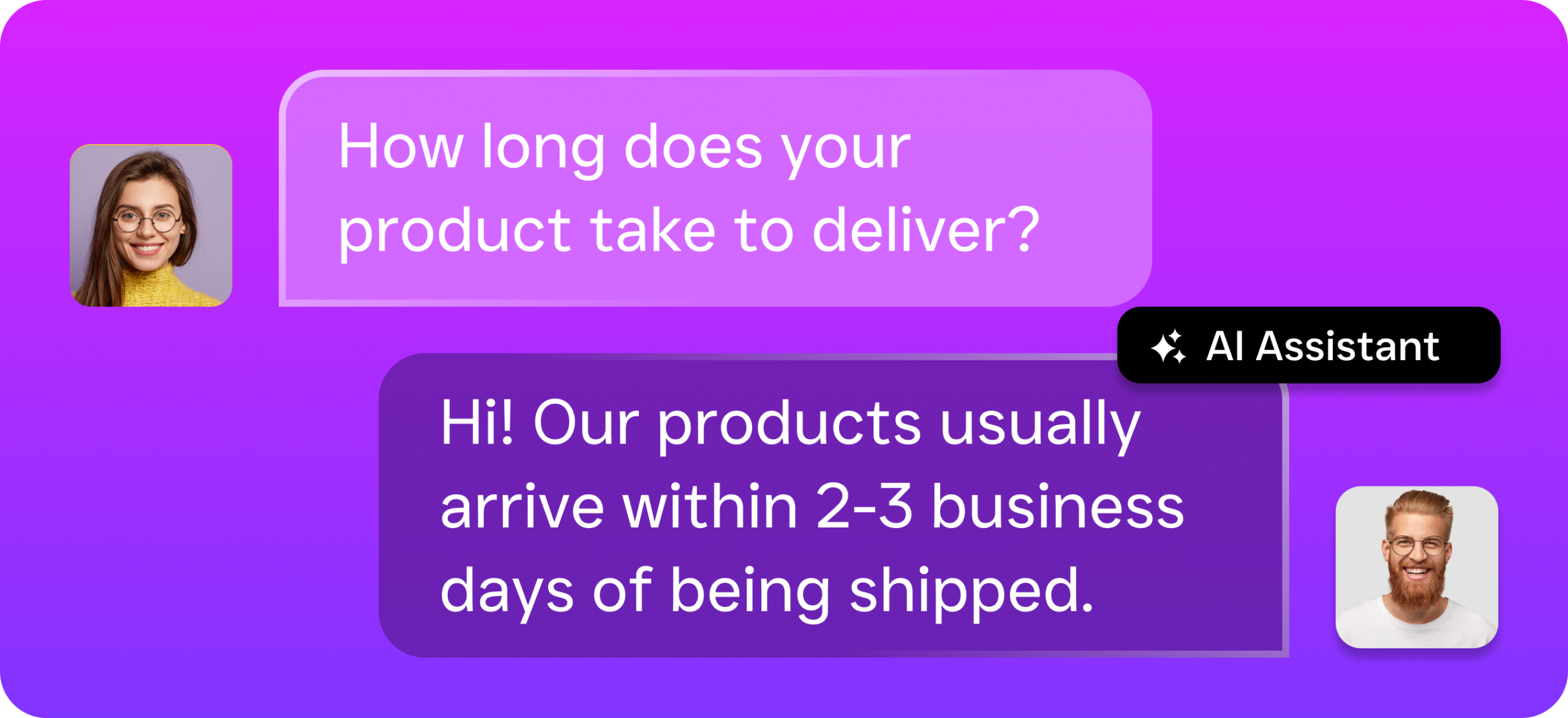
- Set up your AI Phone Agent. Using SalesCaptain’s no-code builder, you configure an AI voice agent with your business information, FAQs, appointment availability, and call routing preferences. No technical expertise required.
- Deploy across every channel. Beyond phone calls, you activate AI Chat Agents on SMS, webchat, Instagram DMs, and Facebook Messenger. Every channel feeds into one unified inbox, so nothing falls through the cracks.
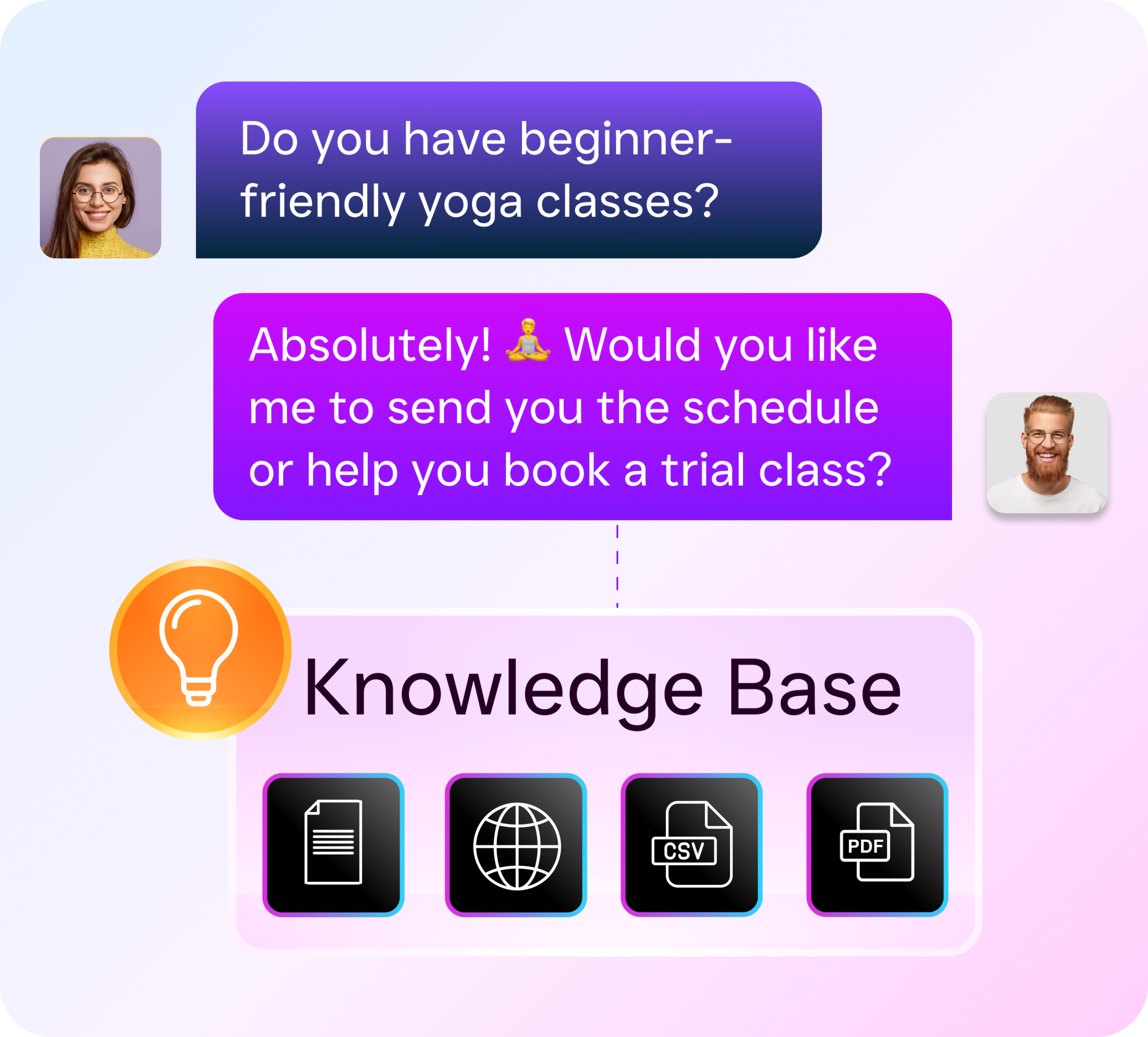
- Calls are answered instantly, 24/7. When a customer calls after hours, during lunch, or while your team is busy, the AI Phone Agent picks up with a natural-sounding voice. It qualifies the lead, answers questions, and books appointments directly into your calendar.
- Missed call text-back fires automatically. If a call somehow isn’t answered, SalesCaptain sends a text within seconds. That immediate response keeps the lead warm instead of letting them call your competitor.
- AI transcribes and summarizes every interaction. After each call, you get a full transcription plus an AI-generated summary with action items. Your team reviews them in the unified inbox alongside texts, chats, and social messages.
- Workflow automations handle the follow-up. SalesCaptain’s drag-and-drop builder triggers CRM updates, appointment reminders, and follow-up sequences automatically, so leads don’t stall after the first conversation.
Key Capabilities
- AI Phone Agent with 24/7 Coverage: A natural-sounding voice agent answers every call, qualifies leads, books appointments, blocks spam, and routes callers based on custom call flows you design yourself.
- Unified Inbox for All Channels: Calls, texts, webchat, email, Instagram DMs, Facebook Messenger, and internal notes all live in one collaborative workspace. Your team sees the full customer history at a glance.
- AI Summaries and Transcriptions: Every call gets a searchable transcript with speaker labels and a concise summary highlighting next steps. Perfect for training, quality control, and making sure nothing gets forgotten.
- Visual Call Flow Builder: Drag-and-drop call routing with IVR menus, after-hours rules, forwarding, and AI Agent handoffs. You design the exact path every incoming call follows.
- Workflow Automation Engine: Trigger-based automations handle follow-ups, reminders, CRM syncs, and notifications across 50+ integrations including HubSpot, Salesforce, ServiceFusion, and HousecallPro.
- 99.99% Uptime Phone System: Crystal-clear audio with business phone numbers, call recording, voicemail, and IVR, so your communications infrastructure is as reliable as the UPS protecting your server rack.
Who Needs This?
If you’re researching CyberPower software, you already understand the cost of downtime. The same logic applies to your phones and messaging. These businesses benefit most from always-on AI communication:
- Home services companies (roofing, plumbing, HVAC, landscaping) that lose emergency calls after hours or while crews are in the field.
- Healthcare and wellness practices (dental offices, MedSpas, therapy clinics) where patients expect immediate appointment booking and reminders.
- Legal practices where a missed intake call could mean a lost client worth thousands in billable hours.
- Salons, gyms, and fitness studios that run on appointment volume and can’t afford slow response times.
- Real estate agencies competing for leads who’ll call the next agent if you don’t pick up.
- Multi-location businesses that need consistent communication across every site without hiring additional front-desk staff.
According to research from Aira, 62% of business calls go unanswered. And industry data from Callsetter shows that missed calls can cost a business up to $126,000 per year. That’s not a power outage happening once. That’s a revenue outage happening every single day.
Benefits of Always-On AI Communication
Protect Revenue Around the Clock
CyberPower protects your equipment from power failures. SalesCaptain protects your revenue from communication failures. Every unanswered call is a potential customer walking away. With an AI Phone Agent handling calls 24/7, you capture leads at 2 AM just as reliably as at 2 PM. The missed call text-back feature ensures even edge cases get an instant response. Keeps prospects engaged before they start dialing competitors.
Scale Without Hiring
Hiring a receptionist costs $30,000 to $40,000 a year, according to Bureau of Labor Statistics data. SalesCaptain’s AI handles the same workload for far less, starting at $0.12 per minute for AI calls. For multi-location businesses, per-location pricing at $159/month means you don’t face exploding costs as you grow. Your team focuses on high-value work while the AI manages repetitive calls, texts, and appointment booking. Everybody wins.
Eliminate Communication Chaos
Most service businesses juggle separate tools for calls, texts, social media, and email. That fragmentation leads to dropped leads and inconsistent follow-up. SalesCaptain’s unified inbox consolidates everything into one screen. When a customer calls, then texts, then sends an Instagram DM, your team sees the full thread in one place. No more switching between apps. No more losing context.
According to Genatec’s 2024 cybersecurity report, 94% of SMBs faced cyberattacks in 2024. Securing your IT infrastructure with CyberPower software is essential, no question. But securing your customer communication pipeline against missed opportunities? That’s equally critical to your survival.
How SalesCaptain Compares
Several platforms offer pieces of what SalesCaptain delivers. But none combine AI voice agents, AI chat agents, and a unified inbox in a single tool built for service businesses. Aircall, for instance, charges $30 per license per month and doesn’t offer a Voice AI Agent, webchat, or missed-call text-back. It’s built for call center environments, not SMB service businesses.
Nextiva provides a solid phone system. But it caps SMS at 250 messages per user per month and lacks WhatsApp support, review management, or text-to-pay capabilities. For service businesses that rely heavily on texting? That cap becomes a real problem fast.
Traditional answering services like Smith.ai and Ruby use human receptionists. That means per-call pricing that climbs quickly as your call volume grows. They also lack the digital channel coverage, workflow automation, and CRM integrations that SalesCaptain provides natively. According to a 2026 AI receptionist comparison from GetNextPhone, AI-powered solutions now outperform human-staffed services in both speed and consistency for routine business calls.
SalesCaptain’s free Startup plan lets you test the full platform at one location before committing. The Business plan at $159/month per location and Enterprise at $300/month per location scale affordably. No per-user pricing traps to worry about. And with 50+ native integrations, including HubSpot, Salesforce, Zoho, Clio, and ServiceFusion, you won’t need to rip and replace your existing tools.
Frequently Asked Questions
Does SalesCaptain replace CyberPower software?
No. They’re different tools for different problems. CyberPower manages UPS hardware and protects against power outages. SalesCaptain protects against communication outages by providing 24/7 AI-powered call answering, messaging, and lead capture. Many businesses benefit from using both.
How quickly can I set up an AI Phone Agent?
Most businesses get up and running within a few hours. SalesCaptain’s no-code builder lets you configure call flows, FAQs, and appointment booking without any technical expertise. You don’t need a developer. You don’t need IT staff.
What happens if the AI can’t handle a caller’s request?
SalesCaptain’s call flow builder includes routing rules for exactly this situation. Configure the AI to transfer calls to a live team member, take a detailed message, or schedule a callback. The AI captures a full transcription and summary so your team has complete context before returning the call.
Is SalesCaptain affordable for a single-location business?
Yes. There’s a free Startup plan for one location that gives you access to the core platform. AI calls cost $0.12 per minute, which is significantly less than hiring a receptionist or paying a traditional answering service. As Ringlii’s research shows, the cost of missed calls far exceeds the investment in an AI-powered solution.
Ready to see it in action?
See how IT businesses use SalesCaptain to capture leads from every missed call automatically.
Book a Free Demo →Keep Your Business Running 24/7
You protect your servers with CyberPower. Now protect your revenue with SalesCaptain. Build your AI Phone Agent and start capturing every lead today.