
AI-powered customer experience marketing (CXM) platform that helps local businesses win.



Understanding the difference between inbound and outbound calls isn’t just a vocabulary exercise. It’s the foundation for deciding how your business handles every customer interaction, from the first inquiry to the final follow-up. Sound familiar? For service businesses juggling missed calls, slow response times, and stretched-thin staff, getting this distinction right determines whether you grow or stagnate. SalesCaptain’s AI-powered communication platform handles both call types automatically, so your team can focus on the work that actually moves revenue.
Quick Answer
Inbound calls come from customers reaching out to your business, while outbound calls are initiated by your sales or support team. Inbound typically costs less and shows higher intent, making conversions easier. Outbound offers broader reach and prospecting opportunities but requires more persistence. Most high-performing teams use both strategies together for maximum coverage and revenue generation.
What Is the Difference Between Inbound and Outbound Calls?
Inbound calls are initiated by the customer. Someone dials your business number because they need a service, have a question, or want to book an appointment. These calls represent active demand. Every missed one is lost revenue. Research on missed call costs shows that a single unanswered call can cost a small business hundreds of dollars in lifetime customer value.
Outbound calls are different. They originate from your business. Your team reaches out to prospects, follows up on estimates, confirms appointments, or re-engages past customers. While inbound calls capture existing demand, outbound calls create demand and nurture relationships that wouldn’t exist otherwise.
Free weekly newsletter
Growth tips for service businesses
Every Tuesday — actionable ideas to get more leads, reviews, and repeat customers. No fluff.
Types of Inbound Calls Service Businesses Receive
Not all inbound calls are the same. Recognizing the categories helps you route them efficiently and automate the right ones. What does that look like in practice? Here are the most common types for SMBs:
- New customer inquiries: First-time callers asking about pricing, availability, or service areas. Speed of response is everything here.
- Appointment scheduling and rescheduling: Existing or new customers who want to book, change, or cancel a visit.
- Service support and troubleshooting: Customers with questions about work already completed or issues that need resolution.
- Payment and billing questions: Calls about invoices, payment plans, or processing transactions over the phone.
- General information requests: Hours of operation, location details, service descriptions, and similar FAQ-style questions.
Each eats staff time. But most follow predictable patterns that AI can handle without human intervention.
Types of Outbound Calls That Drive Revenue
Outbound calling is where many service businesses leave money on the table. According to Forbes Advisor’s small business data, the majority of SMBs struggle with consistent follow-up, which directly impacts close rates. Common outbound call types include:
- Lead follow-up: Reaching out to website form submissions, missed call callbacks, or referral leads before they go cold.
- Appointment confirmations and reminders: Reducing no-shows by confirming upcoming visits a day or two in advance.
- Estimate follow-ups: Checking in with prospects who received a quote but haven’t committed.
- Re-engagement campaigns: Contacting past customers about seasonal services, renewals, or special offers.
- Review and feedback requests: Asking satisfied customers to leave a review or share their experience.
Here’s the challenge: outbound calls require discipline and consistency. Most small teams don’t have dedicated staff for this, so follow-ups slip through the cracks.
How Inbound and Outbound Call Handling Works in SalesCaptain
SalesCaptain doesn’t force you to choose between managing inbound calls well or running outbound campaigns. The platform handles both through a single system that combines AI voice agents, automation workflows, and a unified inbox. Here’s how it works step by step:
- Set up your AI Phone Agent: Configure your AI voice agent with your business details, FAQs, services offered, and booking rules. No coding required. The agent learns your call patterns and responds naturally to callers.
- Build inbound call flows: Use the drag-and-drop Call Flow builder to define exactly what happens when someone calls. Route to specific team members, play a greeting, offer menu options, or hand off to the AI agent for after-hours coverage.
- Automate outbound follow-ups: Create Workflow Automations triggered by events like missed calls, new form submissions, or completed appointments. These workflows can initiate outbound calls, send text messages, or queue tasks for your team.
- Monitor everything in one place: Every inbound and outbound interaction lands in the Unified Inbox. Calls, texts, webchat messages, and social media DMs appear in a single timeline per contact, so nothing gets lost.
- Review AI summaries and transcriptions: After each call, SalesCaptain generates an AI-powered summary and full transcription. Your team sees key takeaways, action items, and customer sentiment without listening to the full recording.
And because the platform connects to over 50 integrations including HubSpot, Salesforce, ServiceFusion, and HousecallPro, your CRM stays updated automatically after both inbound and outbound calls.
Key Capabilities for Managing Both Call Types
- 24/7 AI Phone Agent for inbound calls: Your AI agent answers every call, even at 2 AM on a Sunday. It books appointments, qualifies leads, answers FAQs, and blocks spam callers. Data shows that 62% of business calls go unanswered, which translates to enormous lost revenue. The AI Phone Agent eliminates that gap entirely.
- Missed call text-back: When a call can’t be answered live, SalesCaptain automatically sends a text to the caller within seconds. This keeps the conversation alive and captures leads who would otherwise move to a competitor.
- Workflow-driven outbound automation: The visual Workflow Automation builder lets you create trigger-based sequences. For example, a new lead fills out a form, receives an instant text, then gets a follow-up call from the AI agent 10 minutes later if they haven’t responded.
- Call routing and IVR: Inbound calls get directed to the right person or department using customizable IVR menus and call routing rules. Callers don’t bounce around or hang up in frustration.
- AI transcription and call summaries: Every inbound and outbound call is transcribed with speaker identification. Summaries pull out action items and key details, which makes coaching, quality control, and handoffs far more efficient.
- Multichannel AI Chat Agents: Beyond phone calls, AI Chat Agents handle inbound inquiries on SMS, webchat, Instagram DMs, and Facebook Messenger. So the inbound experience stays consistent regardless of channel.
Who Needs This?
If your business depends on phone calls to generate revenue and you’re struggling to handle the volume, this applies to you. But certain industries and roles benefit the most:
- Home service companies (roofing, plumbing, HVAC, landscaping, appliance repair) where missed inbound calls during busy season directly cost jobs, and inconsistent outbound follow-up on estimates leaves revenue uncaptured.
- Healthcare and wellness practices (dental offices, medical clinics, MedSpas, therapy practices) that handle high appointment volumes and need both inbound scheduling and outbound reminders to reduce no-shows.
- Legal practices where every inbound inquiry could be a high-value case, and slow follow-up means the prospect calls the next firm on the list.
- Appointment-driven businesses (salons, gyms, fitness studios) that need constant inbound booking support plus outbound confirmation and re-engagement.
- Business owners and operations managers who can’t afford to hire more front-desk staff but need to handle growing call volume without dropping the ball.
- Multi-location businesses that need consistent call handling across sites. SalesCaptain’s per-location pricing (starting free, then $159/month per location) scales without ballooning costs.
According to the SBA’s 2024 small business FAQ, the vast majority of U.S. businesses are small firms with limited staff. That reality makes automation essential, not optional.
Benefits of Handling Inbound and Outbound Calls on One Platform
Stop Losing Revenue to Missed Inbound Calls
The math is simple. Industry data estimates missed calls cost businesses over $126,000 per year on average. Every unanswered ring is a potential customer who calls your competitor instead. With SalesCaptain’s AI Phone Agent providing 24/7 coverage and the missed call text-back feature catching overflow, you capture nearly every inbound opportunity without adding headcount.
Close More Deals Through Consistent Outbound Follow-Up
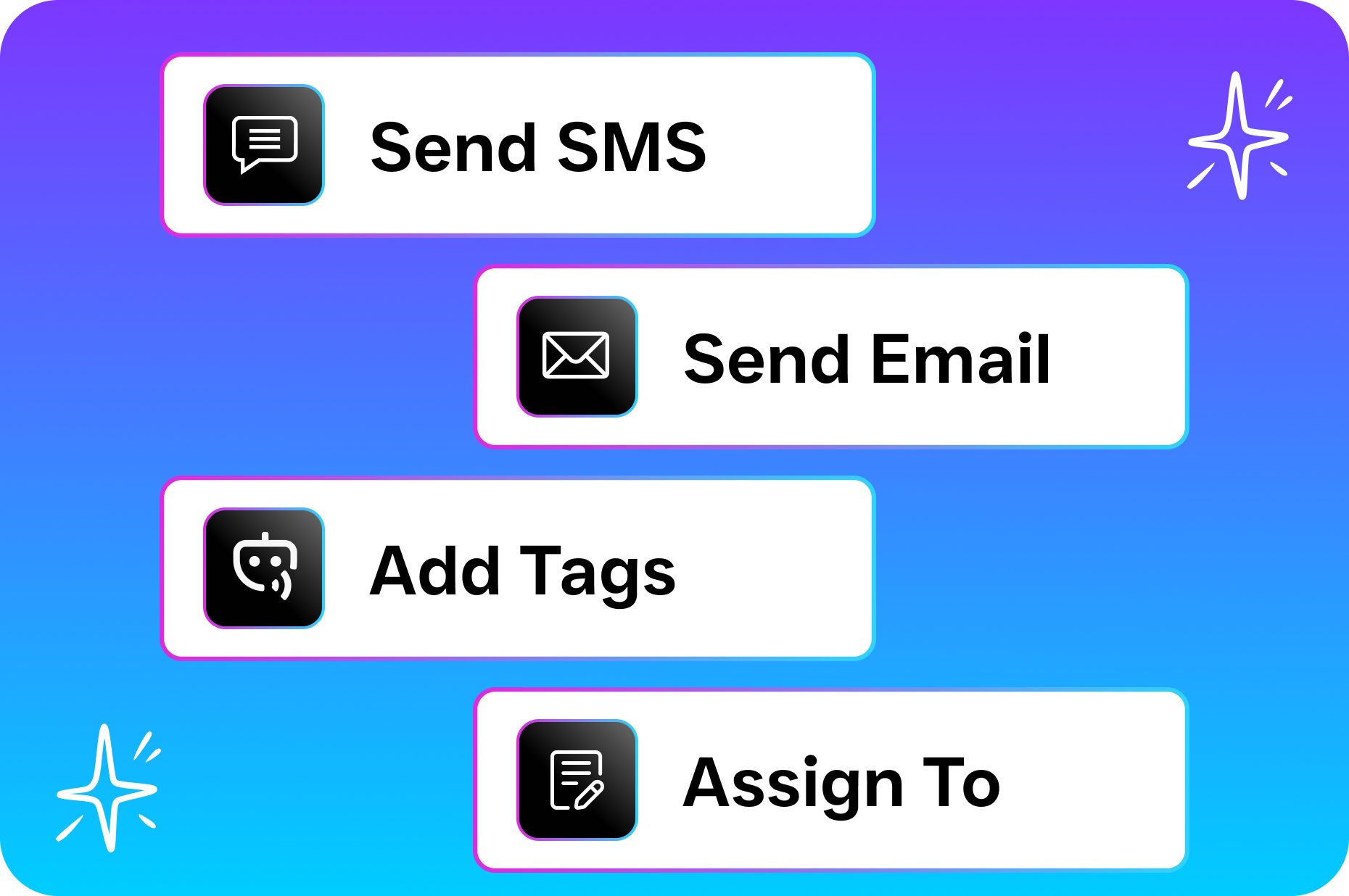
Speed matters on outbound, too. Leads that receive a follow-up within minutes are dramatically more likely to convert than those contacted hours or days later. SalesCaptain’s Workflow Automations trigger outbound actions instantly based on events like form submissions, completed calls, or calendar changes. Your team doesn’t have to remember to follow up. The system handles it.
Reduce Staffing Pressure Without Sacrificing Quality
Hiring another receptionist costs $30,000 to $50,000 per year in salary alone, according to BLS occupational data. SalesCaptain’s AI agents handle the repetitive inbound and outbound tasks, freeing your existing team for complex conversations that require a human touch. And because AI calls cost $0.12 per minute, the economics aren’t even close.
Unified Visibility Across All Communication
One of the biggest pain points for service businesses is fragmented communication. Calls live in one system, texts in another, social messages in a third. SalesCaptain’s Unified Inbox brings every inbound and outbound touchpoint into a single view per contact. Your team sees the full history, whether that customer called, texted, or messaged on Instagram. No more asking “did anyone follow up with this lead?”
How SalesCaptain Compares
Most tools today handle either inbound or outbound well, but not both in a single platform designed for service businesses. Traditional answering services like Smith.ai and Ruby rely on human receptionists. They’re expensive per call and can’t scale without adding staff cost. More critically, they don’t offer any outbound automation, text-back features, or a unified inbox for digital channels.
OpenPhone keeps things basic with minimal AI capability (rated 1 out of 5 for AI features on review sites), only seven integrations, and no call coaching or real-time speech analytics that SalesCaptain includes. Dialpad offers strong sales features but lacks audio conferencing, toll-free minutes, and social chat, which limits its fit for service businesses managing diverse inbound channels.
SalesCaptain is different. It’s the only platform that combines AI voice agents for inbound calls, workflow-driven outbound automation, AI chat agents across SMS and social, and a unified inbox. All built specifically for SMBs and priced per location rather than per user. That combination doesn’t exist anywhere else in a single tool. You can compare options on review platforms like G2’s business phone systems category to verify this yourself.
Ready to see it in action?
See how service businesses use SalesCaptain to handle both inbound and outbound calls effortlessly.
Book a Free Demo →Frequently Asked Questions
Can AI handle both inbound and outbound calls for my business?
Yes. SalesCaptain’s AI Phone Agent answers inbound calls 24/7, handling tasks like appointment booking, lead qualification, and FAQ responses. For outbound, the Workflow Automation engine triggers follow-up calls, appointment confirmations, and re-engagement sequences based on events you define. Both run without requiring human intervention for routine interactions.
What happens if a caller needs to speak with a real person?
SalesCaptain’s Call Flows include routing rules that transfer callers to specific team members when the AI detects a complex issue or when the caller requests a human. You set the criteria, so urgent or high-value calls always reach your team while routine ones stay automated.
How does the pricing work for inbound and outbound call handling?
SalesCaptain offers a free Startup plan for one location. Paid plans start at $159/month per location for the Business tier and $300/month per location for Enterprise. AI call minutes are billed at $0.12 per minute. There’s no per-user fee, which keeps costs predictable as your team grows.
Does SalesCaptain integrate with my existing CRM or field service software?
SalesCaptain connects natively with over 50 tools including HubSpot, Salesforce, Zoho, ServiceFusion, HousecallPro, Clio, Shopify, and QuickBooks. Zapier integration expands that list further. Both inbound and outbound call data sync automatically to your CRM, so records stay current without manual entry.
Handle Every Inbound and Outbound Call Automatically
SalesCaptain gives your service business 24/7 AI-powered call handling, outbound follow-up automation, and a unified inbox for every channel. Stop missing calls and start closing more leads. Start free at salescaptain.com