
AI-powered customer experience marketing (CXM) platform that helps local businesses win.



If you’re running a service business, you already know the drill. Customers expect fast answers. They won’t wait on hold. And they definitely won’t wait until Monday for a reply. That’s where customer service chatbot examples become more than just inspiration—they’re a blueprint. Real businesses use them to handle more inquiries, book more appointments, and keep customers happy without burning out their teams. Sound familiar? SalesCaptain’s AI Chat Agents give service businesses a practical way to put these examples into action across SMS, webchat, Instagram DMs, and Facebook Messenger, all from a single platform.
Quick Answer
Customer service chatbots are AI-powered tools that handle common inquiries, process orders, schedule appointments, and provide 24/7 support without human intervention. Examples include banking bots answering account questions, retail chatbots assisting with returns, healthcare bots scheduling visits, and hospitality platforms managing reservations. They reduce response times, cut operational costs, and improve customer satisfaction by instantly addressing frequently asked questions while routing complex issues to human agents.
What Is a Customer Service Chatbot?
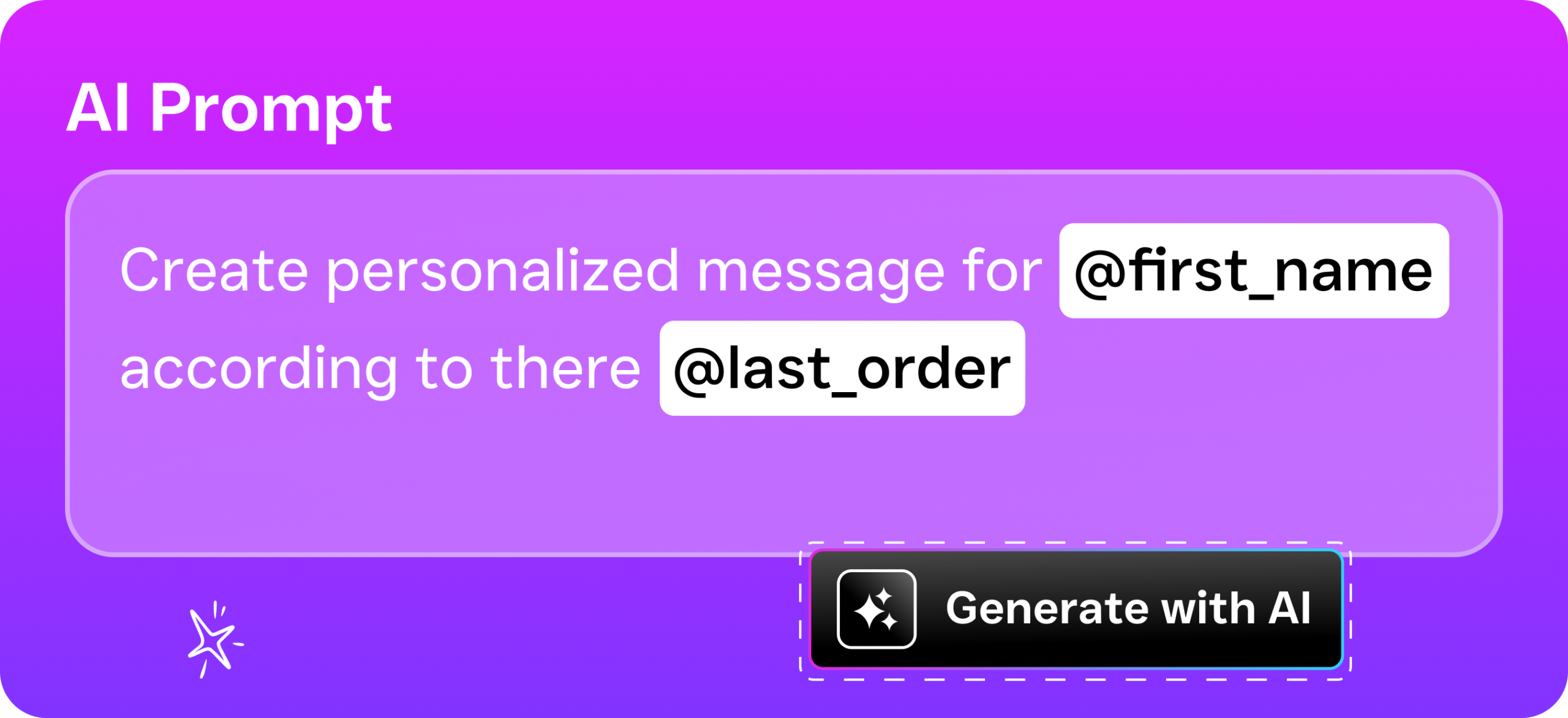
A customer service chatbot is an AI-powered agent that handles customer conversations automatically. Instead of a human typing out every response, the chatbot reads the customer’s message, understands what they actually want, and replies with the right information or takes the right action. For service businesses, that usually means answering common questions, booking appointments, collecting contact details, or routing urgent requests to a live team member.
There are two broad categories worth understanding. Rule-based chatbots follow scripted decision trees. They’re predictable but limited—they can only respond to exact phrases or menu selections. AI-powered chatbots, on the other hand, use natural language processing to understand what someone actually means, even if they phrase it in unexpected ways. According to recent chatbot statistics from Route Mobile, businesses using AI chatbots have seen significant improvements in response times and customer satisfaction. That gap between rule-based and AI-powered? It’s the difference between a frustrating phone tree and a genuinely helpful conversation.
Free weekly newsletter
Growth tips for service businesses
Every Tuesday — actionable ideas to get more leads, reviews, and repeat customers. No fluff.
Why Service Businesses Need Chatbots Now
Small businesses are adopting AI faster than most people realize. A Verizon Business survey found a surge in SMBs using AI tools. Why? They need to do more with fewer staff. For appointment-heavy businesses like dental offices, HVAC companies, salons, and law firms, the pressure is real. Every unanswered message is a potential customer walking to a competitor. Chatbots solve this instantly. They provide 24/7 responses without hiring another receptionist.
How AI Chat Agents Work in SalesCaptain
Setting up a customer service chatbot in SalesCaptain doesn’t require technical expertise. Here’s the process from start to finish:
- Choose your channels. Decide where you want your chatbot to operate. SalesCaptain supports SMS, webchat, Instagram DMs, and Facebook Messenger. You can activate one channel or all of them at once.
- Define your chatbot’s knowledge. Feed the agent information about your business: services offered, pricing, hours, location, booking policies, and FAQs. The AI uses this to generate accurate, context-aware responses.
- Set up appointment booking. Connect your calendar so the chatbot can check availability and book appointments in real time. No back-and-forth needed.
- Configure lead capture. Specify what information you want collected from new prospects, such as name, phone number, service needed, and preferred timing. The chatbot gathers it naturally during conversation.
- Activate missed call text-back. When someone calls and nobody answers, SalesCaptain automatically sends a text message to start a chat conversation. This feature alone recovers leads that would otherwise disappear.
- Monitor and refine. All conversations flow into SalesCaptain’s Unified Inbox, where your team can review transcripts, jump into live conversations when needed, and adjust the chatbot’s responses over time.
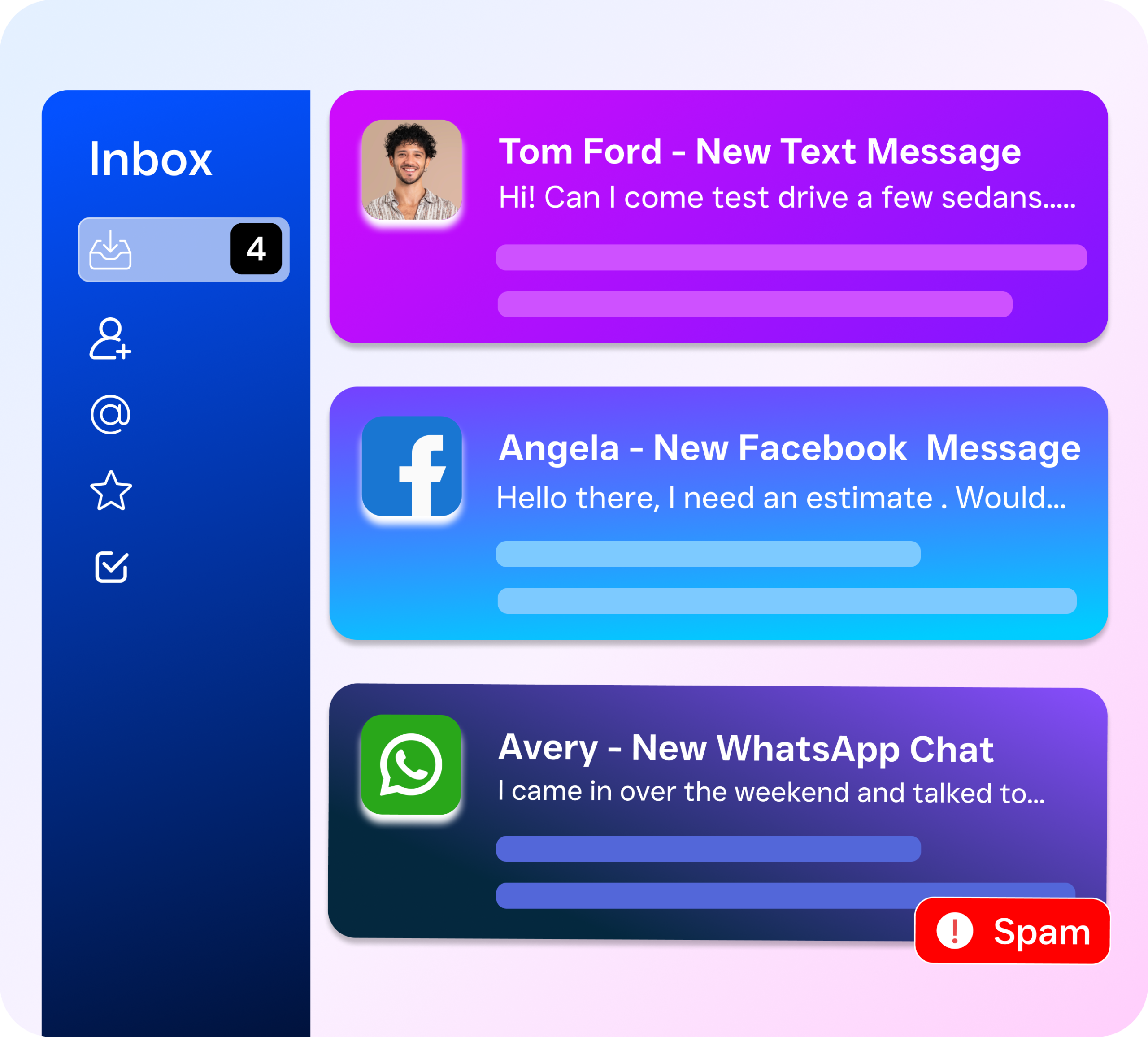
Every interaction lands in one place. Whether it started on Instagram or via a missed call, you’re not checking five different apps throughout the day.
Key Capabilities
- Multichannel instant response: Your chatbot replies within seconds across SMS, webchat, Instagram, and Facebook Messenger. Customers get immediate attention regardless of which channel they prefer.
- Automated appointment booking: The AI checks your real-time calendar availability, offers open slots, and confirms bookings without human involvement. It also sends appointment reminders to reduce no-shows.
- Lead qualification and capture: Before routing a conversation to your team, the chatbot collects key details like service type, timeline, and budget. Your staff only handles pre-qualified leads.
- Missed call text-back: According to research from Aira, a large percentage of business calls go unanswered. SalesCaptain’s text-back feature converts those missed calls into active text conversations, recovering revenue you’d otherwise lose.
- FAQ handling at scale: Common questions about pricing, hours, location, and services get answered instantly. Your team stops repeating the same information dozens of times daily.
- Workflow automation triggers: When the chatbot captures a lead or books an appointment, it can automatically trigger follow-up sequences, CRM updates, and team notifications through SalesCaptain’s drag-and-drop workflow builder.
Who Needs This?
Customer service chatbots aren’t just for enterprise companies with massive support teams. They’re especially valuable for businesses where every lead counts. And where staff time is limited.
- Home service companies (roofing, plumbing, HVAC, landscaping, appliance repair) that receive high volumes of service requests and can’t afford to miss after-hours inquiries.
- Healthcare and wellness practices (dental offices, medical clinics, MedSpas, therapy practices) where patients expect quick scheduling and confirmations.
- Legal practices that need to capture potential client details promptly, since people seeking legal help often contact multiple firms and choose whoever responds first.
- Salons, gyms, and fitness studios where appointment booking is the primary customer interaction and manual scheduling wastes staff time.
- Real estate agencies that receive property inquiries around the clock and need to qualify buyer interest before assigning an agent.
- Business owners and operations managers who want to scale customer communication without hiring additional staff.
Does your business depend on appointments, quotes, or consultations? And is your team stretched thin? A chatbot pays for itself quickly.
Benefits of AI Chat Agents for Your Business
Recover Revenue from Missed Conversations
The cost of missed calls adds up fast. Industry data on missed calls shows that small businesses lose substantial revenue each year from unanswered inquiries. Chatbots eliminate that gap. They respond instantly, every hour of every day. No lunch breaks. No weekends off. Combined with missed call text-back, your business stays in the conversation even when phones go unanswered.
Free Your Team from Repetitive Work
How many times does your staff answer “What are your hours?” each week? Or “Do you offer free estimates?” Those repetitive interactions eat up hours. Hours that could go toward closing deals. And delivering the actual service. When a chatbot handles FAQs and basic scheduling, your team focuses on what matters. According to Thryv’s research on AI use in small businesses, automating routine tasks is one of the top ways SMBs are using AI to grow without hiring more people.
Consistent Customer Experience Across Every Channel
Customers reach out on whatever channel feels most convenient. One person texts. Another sends an Instagram DM. Someone else fills out a webchat form. Without a unified system, your team juggles multiple inboxes. And risks dropping conversations. SalesCaptain’s Unified Inbox pulls every channel into a single view. Your chatbot’s responses and your team’s follow-ups all live in one place. That consistency builds trust.
Scale Without Hiring
Hiring and training front-desk staff is expensive. And time-consuming. A chatbot handles thousands of simultaneous conversations without overtime, sick days, or turnover. For multi-location businesses, SalesCaptain’s per-location pricing means you can roll out AI chat agents across every site. No per-user licensing costs eating into your margins.
How SalesCaptain Compares
Most tools that offer chat features don’t combine them with voice AI and a true unified inbox. Birdeye, for example, lacks AI for calls entirely. It has no call routing or IVR. And it functions primarily as a reputation management tool—not a full communication platform. Podium doesn’t support WhatsApp. Plus it lacks an outbound workflow automation engine, which limits your ability to build follow-up sequences after a chatbot captures a lead.
Intercom is often cited in chatbot discussions. But it’s built for SaaS customer support. Not service businesses. Its pricing reflects that enterprise focus. And it doesn’t offer AI voice agents or SMS automation designed for local SMBs. Similarly, platforms like Nextiva cap SMS at 250 messages per user per month. That won’t last a week for a busy HVAC company.
SalesCaptain is different. It’s the only platform that combines AI voice agents, AI chat agents, and a unified inbox. Your phone calls, texts, webchat conversations, and social media DMs all feed into the same system with consistent AI handling. You don’t need three different vendors. Freshworks’ chatbot statistics confirm that businesses using integrated AI communication see faster resolution times and higher customer satisfaction. That’s exactly what a unified approach delivers.
Pricing is transparent too. SalesCaptain’s Business plan runs $159 per month per location. AI call minutes cost $0.12 each. Compare that to Aircall at $30 per license per month with no voice AI agent. Or per-call pricing from human receptionist services like Smith.ai and Ruby. Those get expensive fast as call volume grows.
Ready to see it in action?
See how businesses use SalesCaptain to handle customer inquiries 24/7 without hiring more staff.
Book a Free Demo →Frequently Asked Questions
What channels do SalesCaptain’s AI Chat Agents support?
SalesCaptain’s chatbots work across SMS, webchat, Instagram DMs, and Facebook Messenger. All conversations from every channel appear in one Unified Inbox. Your team never has to switch between apps to manage customer interactions.
Can a chatbot actually book appointments, or does it just collect info?
SalesCaptain’s AI Chat Agents connect to your calendar. They book appointments in real time. They check availability, offer open slots, confirm the booking, and send reminders. It’s a complete scheduling interaction. Not just a lead form.
How does missed call text-back work?
When an incoming call goes unanswered, SalesCaptain automatically sends a text message to the caller. That text starts a chat conversation handled by the AI agent. The agent can answer questions, capture lead details, or book an appointment. This feature recovers leads that would otherwise disappear.
Do I need technical skills to set up a chatbot?
No. SalesCaptain is built for non-technical business owners. You provide your business information. Connect your calendar. And choose your channels. The platform handles the AI configuration. Plus there’s a drag-and-drop workflow builder for creating follow-up automations without writing code.
Put These Customer Service Chatbot Examples to Work
SalesCaptain gives you AI chat agents, AI phone agents, and a unified inbox in one platform. Built specifically for service businesses. Start with a free plan and see how automated customer communication changes your bottom line.