
AI-powered customer experience marketing (CXM) platform that helps local businesses win.



Every service business runs on phone calls. Whether it’s a homeowner requesting a plumbing estimate, a patient scheduling a dental cleaning, or a potential client asking about legal fees, these conversations drive revenue. Sound familiar? To define inbound calls clearly: they’re phone calls initiated by customers or prospects to your business. And if you aren’t handling them well, you’re leaving money on the table. According to recent data from Aira, as many as 62% of business calls go unanswered, costing companies significant revenue every year. That’s a problem. SalesCaptain’s AI Phone Agent and unified communication platform exist to solve exactly this problem, giving service businesses a way to answer, route, and act on every inbound call without adding headcount.
Quick Answer
Inbound calls are incoming telephone communications initiated by customers or prospects reaching out to your business. They represent direct customer engagement opportunities where callers seek information, support, or services. Handling these calls effectively is critical because they directly impact customer satisfaction, retention, and revenue generation for service-based businesses.
What Are Inbound Calls?
Let’s define inbound calls precisely. An inbound call is any phone call where the customer, prospect, or third party initiates the conversation by dialing your business number. That’s different from outbound calls. Outbound calls? Those are where your team reaches out proactively. Inbound calls include appointment requests, service inquiries, billing questions, support issues, and even complaints. For most service businesses, they’re the single highest-intent touchpoint you’ll ever get.
Why Inbound Calls Matter More Than You Think
Someone picking up the phone has already decided your business might be the right fit. They’ve seen your ad, read a review, or gotten a referral. That level of intent is hard to replicate through email or social media. Yet SkipCalls reports that a large percentage of business calls still go unanswered, especially during peak hours and after-hours windows. Each missed call isn’t just a lost conversation. It’s a lost customer. One who’ll call your competitor next.
Free weekly newsletter
Growth tips for service businesses
Every Tuesday — actionable ideas to get more leads, reviews, and repeat customers. No fluff.
Inbound calls also carry a wide variety of purposes. Some common types include:
- New lead inquiries: First-time callers asking about services, pricing, or availability.
- Appointment scheduling: Existing or new customers booking, rescheduling, or canceling visits.
- Service and support requests: Customers needing help with an active job, billing issue, or account question.
- Follow-ups and referrals: Callers responding to a mailer, ad, or word-of-mouth recommendation.
Understanding these categories helps you route calls to the right person or system. That’s where a platform like SalesCaptain makes the biggest difference.
How Inbound Call Handling Works in SalesCaptain
SalesCaptain doesn’t just ring a phone and hope someone picks up. Instead, it gives you a structured, automated path for every inbound call. Here’s what actually happens from the moment a caller dials your number:
- Call arrives at your SalesCaptain number. Your business phone number, whether local or toll-free, receives the inbound call with 99.99% uptime reliability and crystal-clear audio.
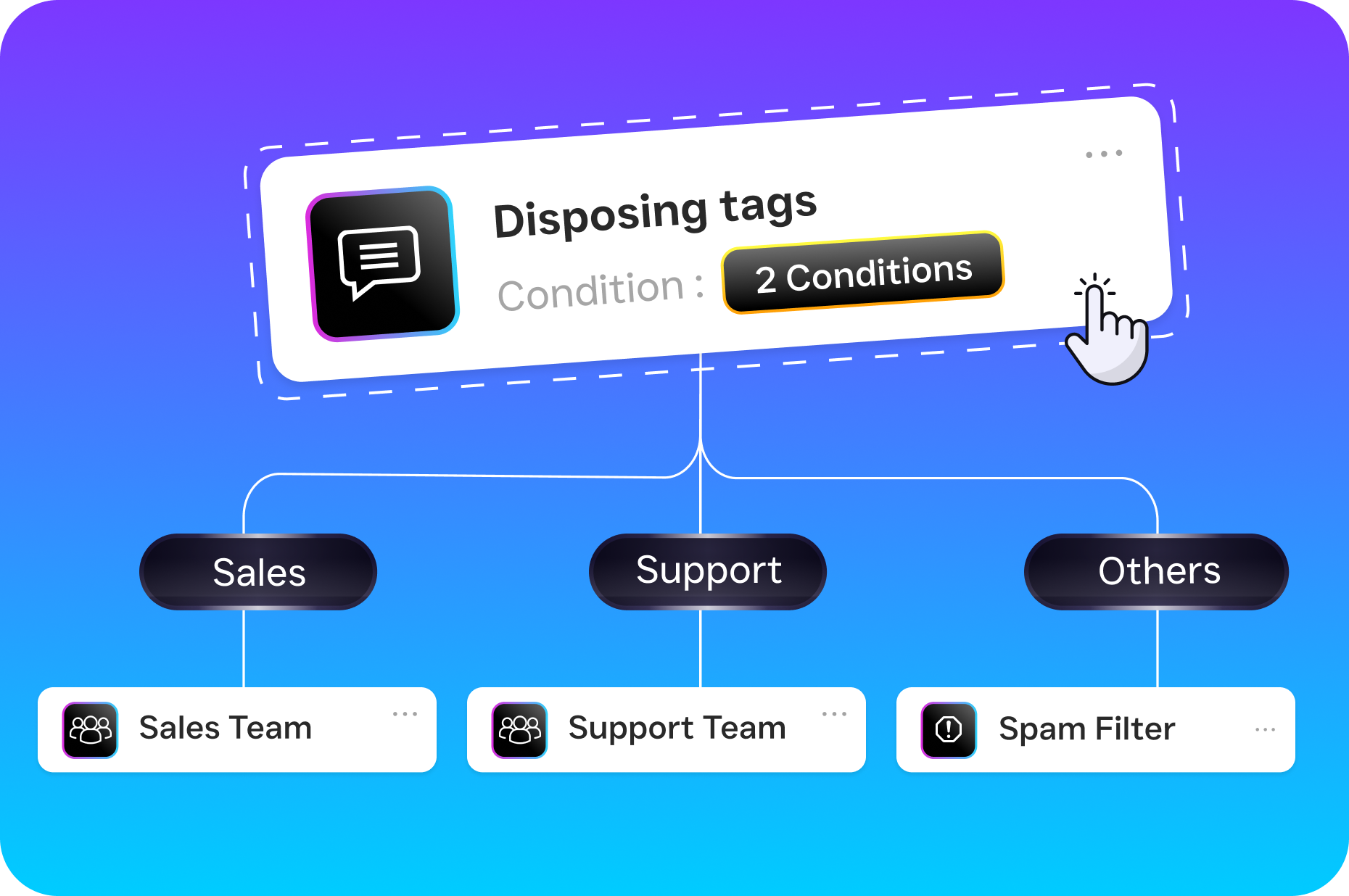
- Call flow logic kicks in. Using SalesCaptain’s drag-and-drop Call Flow builder, you’ve already defined what happens next. The caller might hear a professional greeting, get routed through an IVR menu, or connect directly to the AI Phone Agent.
- AI Phone Agent engages the caller. If no human is available, or if you prefer AI-first handling, the natural-sounding AI Phone Agent answers. It qualifies the lead, answers FAQs using your business’s knowledge base, and books appointments directly into your calendar.
- Caller is routed or resolved. Depending on the call’s purpose, the AI either resolves the inquiry entirely, transfers the caller to a specific team member, or captures a voicemail with automatic transcription.
- Post-call automation triggers. After the call ends, SalesCaptain’s Workflow Automation sends follow-up texts, updates your CRM through integrations like HubSpot or Salesforce, and logs the entire interaction in your Unified Inbox.
- AI Summary and Transcription are generated. Every call gets a full transcription with speaker distinction plus a concise summary highlighting action items, customer concerns, and next steps.
This isn’t theoretical. It’s how hundreds of service businesses handle inbound calls today without hiring additional receptionists or call center staff.
Key Capabilities for Inbound Call Management
Handling inbound calls well requires more than just answering the phone. Here are the specific capabilities SalesCaptain provides:
- 24/7 AI Phone Agent: Your AI agent never sleeps, never calls in sick, and never puts a caller on hold for ten minutes. It handles after-hours calls with the same quality as a trained receptionist, capturing leads that would otherwise vanish. SchedulingKit estimates that missed calls cost businesses thousands in lost revenue annually.
- Spam Blocking: Not every inbound call deserves your attention. SalesCaptain’s spam blocking filters out robocalls and junk before they waste your team’s time or your AI minutes.
- Custom Call Flows with IVR: Build call routing logic visually. You can create different paths for new patients vs. existing ones, route by department, or set after-hours rules. No coding required.
- Missed Call Text-Back: When a call does go unanswered, SalesCaptain automatically sends an SMS to the caller, keeping the conversation alive. This feature alone recovers leads that most businesses lose permanently.
- Real-Time Transcription and AI Summaries: Every inbound call becomes a searchable record. Your team can review what was discussed, identify follow-up tasks, and use summaries for coaching without re-listening to recordings.
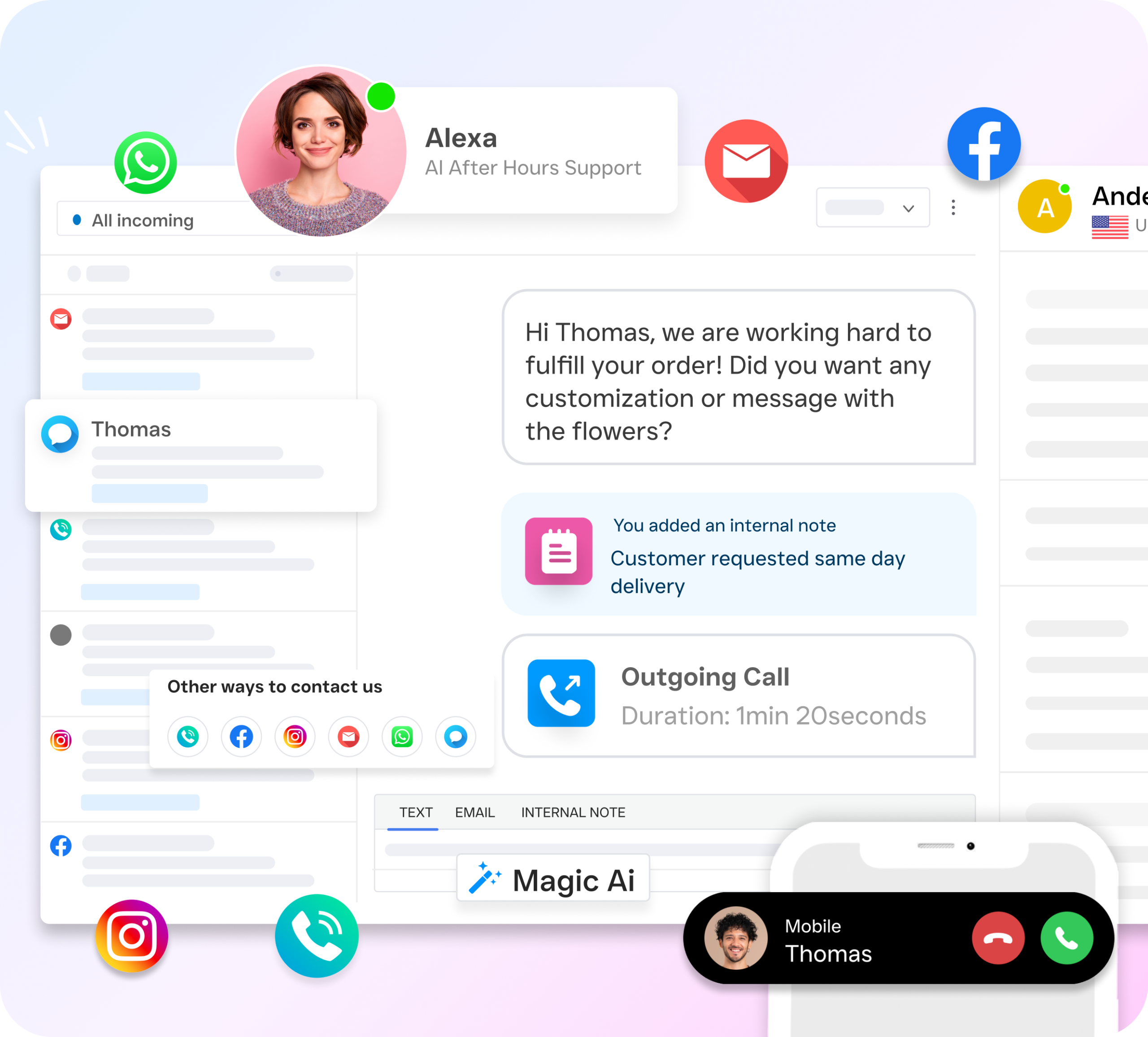
- Unified Inbox Integration: Inbound calls don’t exist in a silo. They appear alongside SMS, webchat, email, and social DMs in one collaborative inbox, so your team has complete context for every customer interaction.
Who Needs This?
Any business that receives phone calls from customers benefits from structured inbound call management. But certain industries feel the pain most acutely:
- Home service companies (roofing, HVAC, plumbing, landscaping): High call volume, time-sensitive requests, and field crews who can’t answer phones while on a job site. NextPhone research shows small businesses handle anywhere from 42 to 400+ calls monthly, making automation essential.
- Healthcare and wellness practices (dental offices, MedSpas, therapy clinics): Patient scheduling drives revenue, and unanswered calls mean empty chairs.
- Legal practices: Potential clients calling about a case won’t leave a voicemail and wait. They’ll call the next attorney on Google.
- Appointment-heavy businesses (salons, fitness studios, gyms): Booking efficiency directly impacts daily revenue.
- Real estate agencies: Buyer and seller inquiries are extremely time-sensitive. A call returned an hour late often means a lost listing opportunity.
- Operations managers and business owners: Anyone responsible for customer experience and team productivity who can’t justify hiring another receptionist but needs to handle growing call volume.
Benefits of Handling Inbound Calls with AI
Capture Revenue You’re Currently Losing
The math is straightforward. A missed call revenue study by PCN found that unanswered calls represent a substantial and often invisible drain on business income. When SalesCaptain’s AI Phone Agent picks up every call, day or night, you stop that leak. Callers get immediate attention. That means more booked appointments, more qualified leads, and more closed deals.
Scale Without Adding Payroll
Hiring a full-time receptionist costs $30,000 to $45,000 per year according to Bureau of Labor Statistics data. SalesCaptain’s AI Phone Agent costs $0.12 per minute. For most service businesses, that’s a fraction of a full-time salary while providing 24/7 coverage. Plus, there’s no PTO, no training ramp, and no turnover to worry about.
Consistent Customer Experience
Human receptionists have bad days. They forget scripts. They put callers on hold too long during lunch rushes. An AI Phone Agent delivers the same professional greeting, the same qualification questions, and the same accurate information every single time. That consistency builds trust with callers and protects your brand reputation.
Faster Response, Higher Conversion
Speed matters enormously for inbound calls. Research consistently shows that leads contacted within minutes convert at dramatically higher rates than those contacted hours later. Because SalesCaptain answers instantly and can trigger automated follow-up texts through Workflow Automation, your response time effectively drops to zero. That’s a competitive advantage.
How SalesCaptain Compares
Most communication platforms treat inbound calls as just one feature in a long list. SalesCaptain treats them as the core revenue driver they’re for service businesses. That distinction shapes every design decision.
Take Aircall, for example. At $30 per license per month, it’s built for call center teams and lacks key features that service businesses need. No AI Phone Agent for autonomous call handling. No missed-call text-back. And no webchat or email channel integration. Similarly, OpenPhone offers a basic phone app at $15 per user but provides minimal AI capabilities (rated 1 out of 5 in industry comparisons), no call coaching or whispering, and only 7 integrations vs. SalesCaptain’s 50+.
Platforms like Birdeye focus primarily on reputation management. They don’t offer call routing, IVR, call flow builders, or hold music, let alone an AI voice agent. And while Nextiva provides a solid phone system, SMS is capped at 250 messages per user per month, with no WhatsApp support, no live transcription, and complex onboarding that isn’t designed for local service businesses needing fast setup.
SalesCaptain is the only platform that combines an AI Phone Agent, AI Chat Agents, and a Unified Inbox in a single tool built specifically for SMBs. With per-location pricing starting at a free plan, you don’t need expensive per-user licensing to get started.
Common Inbound Call Mistakes That Cost Service Businesses
The most expensive mistake isn’t missing calls—it’s answering them poorly. Many service businesses route calls to overwhelmed staff, leading to slow response times, missed details, and lost bookings. Another critical error: failing to capture caller information during the first interaction. Without a system to log names, phone numbers, and service requests, you’re relying on memory alone. This creates follow-up chaos and frustrated customers who must repeat themselves.
Inconsistent messaging across your team also damages inbound call performance. When one technician quotes different pricing or availability windows than another, customers lose confidence. Additionally, many businesses lack a clear call-handling protocol, meaning some inquiries receive immediate attention while others languish in voicemail. The solution isn’t hiring more staff—it’s implementing a structured system, like SalesCaptain’s AI Phone Agent, that ensures every caller reaches a qualified handler and their information feeds directly into your workflow.
Seasonal volume spikes expose another vulnerability. During high-demand periods, small businesses simply can’t scale their team fast enough to answer phones. This creates a bottleneck where peak-intent customers—those calling during busy seasons—encounter long wait times or unanswered phones and turn to competitors instead. Worse, you never know who called or what they needed.
Finally, many service businesses underestimate the revenue impact of poor inbound call handling. A single missed call from a high-value customer could represent thousands in lost revenue. By prioritizing call capture, consistent responses, and systematic follow-up, you transform inbound calls from a liability into your most reliable lead source.
Frequently Asked Questions
What’s the difference between inbound and outbound calls?
Inbound calls are initiated by the customer or prospect calling your business. Outbound calls are initiated by your team reaching out to leads, customers, or contacts. Both matter. But inbound calls typically carry higher purchase intent because the caller has already decided to contact you.
Can an AI agent really handle inbound calls as well as a human receptionist?
For routine tasks like answering FAQs, qualifying leads, and booking appointments, yes. SalesCaptain’s AI Phone Agent uses natural-sounding voice technology that callers often can’t distinguish from a human. It handles these high-volume, repetitive interactions consistently while freeing your staff for complex situations that genuinely need a human touch.
What happens if the AI can’t resolve a caller’s issue?
SalesCaptain’s Call Flow builder lets you set up transfer rules. If the AI determines a call needs human attention, it can warm-transfer to a specific team member, route to a department queue, or capture a detailed voicemail with transcription so your team can follow up quickly.
How does SalesCaptain handle inbound calls after business hours?
You can configure after-hours call flows that activate automatically based on your schedule. The AI Phone Agent picks up, answers questions, books appointments into your calendar, and sends the caller a follow-up text. Every interaction is logged in the Unified Inbox, so your team sees it first thing the next morning.
Do I need technical skills to set up inbound call handling?
No. SalesCaptain’s call flow builder is drag-and-drop. The AI Phone Agent can be configured with plain-language instructions about your business, services, and booking rules. Most businesses are up and running quickly.
How much does it cost to use SalesCaptain for inbound calls?
SalesCaptain offers a free Startup plan for one location. The Business plan is $159/month per location, and the Enterprise plan is $300/month per location. AI call minutes are billed at $0.12/minute, which costs significantly less than hiring staff or using per-call answering services.
Ready to see it in action?
See how businesses use SalesCaptain to capture and convert every inbound call automatically.
Book a Free Demo →Stop Missing the Calls That Drive Your Revenue
Every unanswered inbound call is a customer choosing someone else. SalesCaptain’s AI Phone Agent answers every call, books appointments, qualifies leads, and logs everything in one unified inbox, all without adding a single person to your payroll. Start with a free plan and see the difference in your first week.