
AI-powered customer experience marketing (CXM) platform that helps local businesses win.



Every missed appointment costs a healthcare or wellness practice real money. Most of those no-shows are preventable. Patient appointment reminder software automates the process of reaching out to patients before their visit, confirming attendance, and filling gaps in your schedule when cancellations happen. Sound familiar? If you’re running a dental office, medical practice, MedSpa, therapy clinic, or any appointment-heavy healthcare business, this type of software directly protects your revenue. SalesCaptain handles patient reminders across phone calls, SMS, and chat, all from a single platform that doesn’t require a dedicated IT team to manage.
Quick Answer
Patient appointment reminder software automatically sends calls, text messages, or chat notifications to patients before their scheduled visits, significantly reducing no-shows and missed appointments. These systems integrate with practice management platforms, allow customizable reminder timing and messaging, and often include two-way communication features so patients can confirm, reschedule, or cancel appointments directly through the notification.
What Is Patient Appointment Reminder Software?
Patient appointment reminder software is a system that automatically contacts patients before their scheduled visits. Instead of relying on front-desk staff to make dozens of confirmation calls each day, the software sends reminders via text, phone, or messaging channels on a preset schedule. Patients can confirm, cancel, or reschedule without ever speaking to a human.
The problem it solves is straightforward. According to industry no-show benchmarks from Etisia, healthcare no-show rates typically range from 5% to 30%, depending on the specialty. That’s a real problem. A practice with 40 appointments per day losing even 10% of them to no-shows is bleeding revenue every single week. Multiply that across a multi-location operation, and the losses become staggering.
Free weekly newsletter
Growth tips for service businesses
Every Tuesday — actionable ideas to get more leads, reviews, and repeat customers. No fluff.
Traditional reminder methods don’t cut it anymore. Staff calling each patient manually just doesn’t scale. They’re also error-prone—a busy front desk will inevitably skip patients, call at inconvenient times, or forget follow-ups entirely. But automated reminder software eliminates those gaps by running on rules you set once and refine over time.
Why Texting Outperforms Phone-Only Reminders
Most patients won’t answer an unknown phone number. text messages are different. They have open rates above 90%, which makes SMS the most reliable channel for appointment confirmations. That said, some patients—particularly older demographics—still prefer a phone call. So the strongest approach combines both channels so no patient falls through the cracks. SalesCaptain’s AI Chat Agents and AI Phone Agent work together to cover every preference without adding headcount.
How Patient Appointment Reminder Software Works in SalesCaptain
Setting up automated patient reminders in SalesCaptain takes minutes, not days. Here’s the step-by-step process from configuration to live operation:
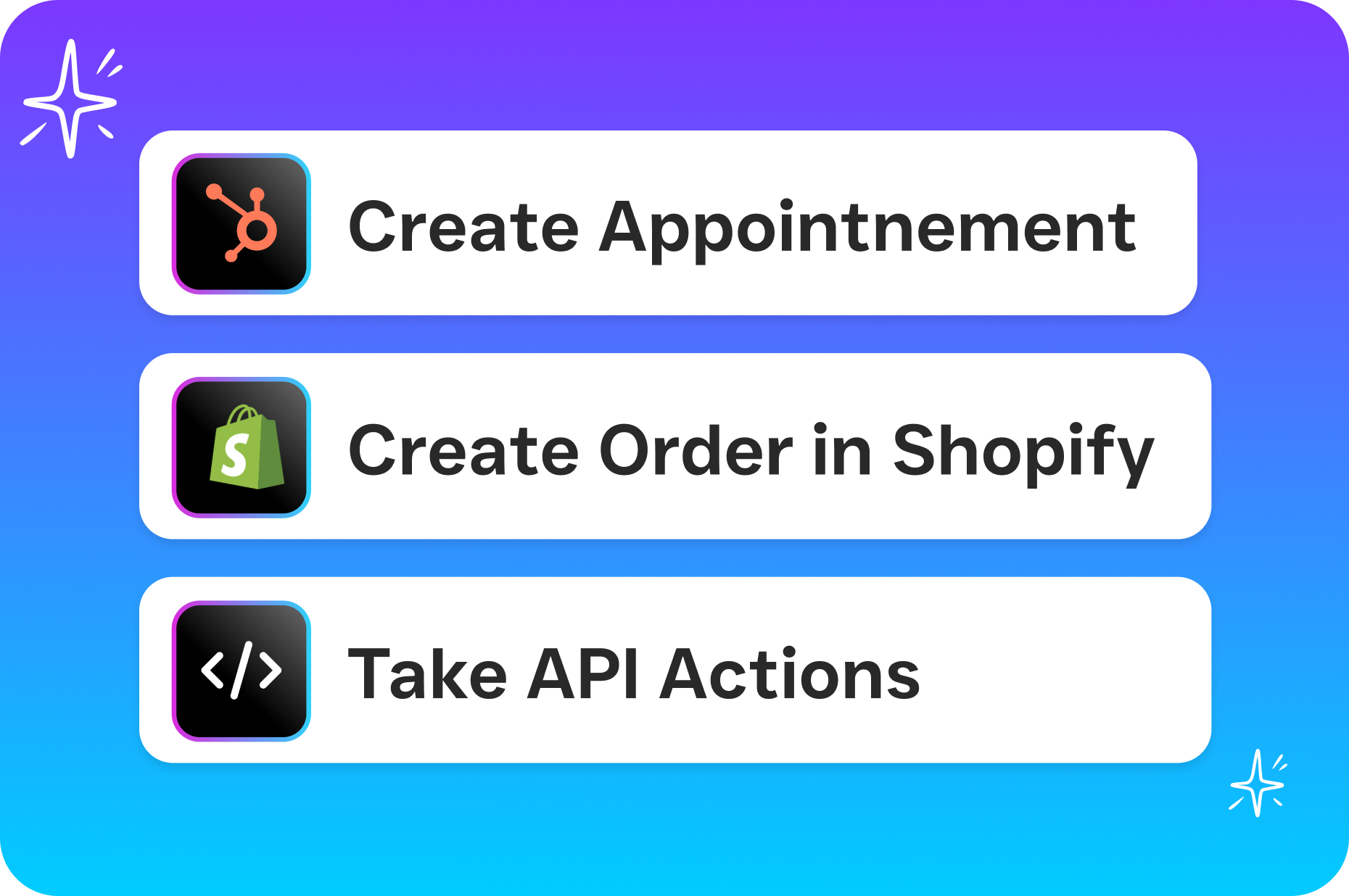
- Connect your scheduling system. SalesCaptain integrates with tools like HubSpot, Zoho, HousecallPro, Mindbody, and 50+ other platforms through native integrations or Zapier. Once connected, your appointment data flows into the system automatically.
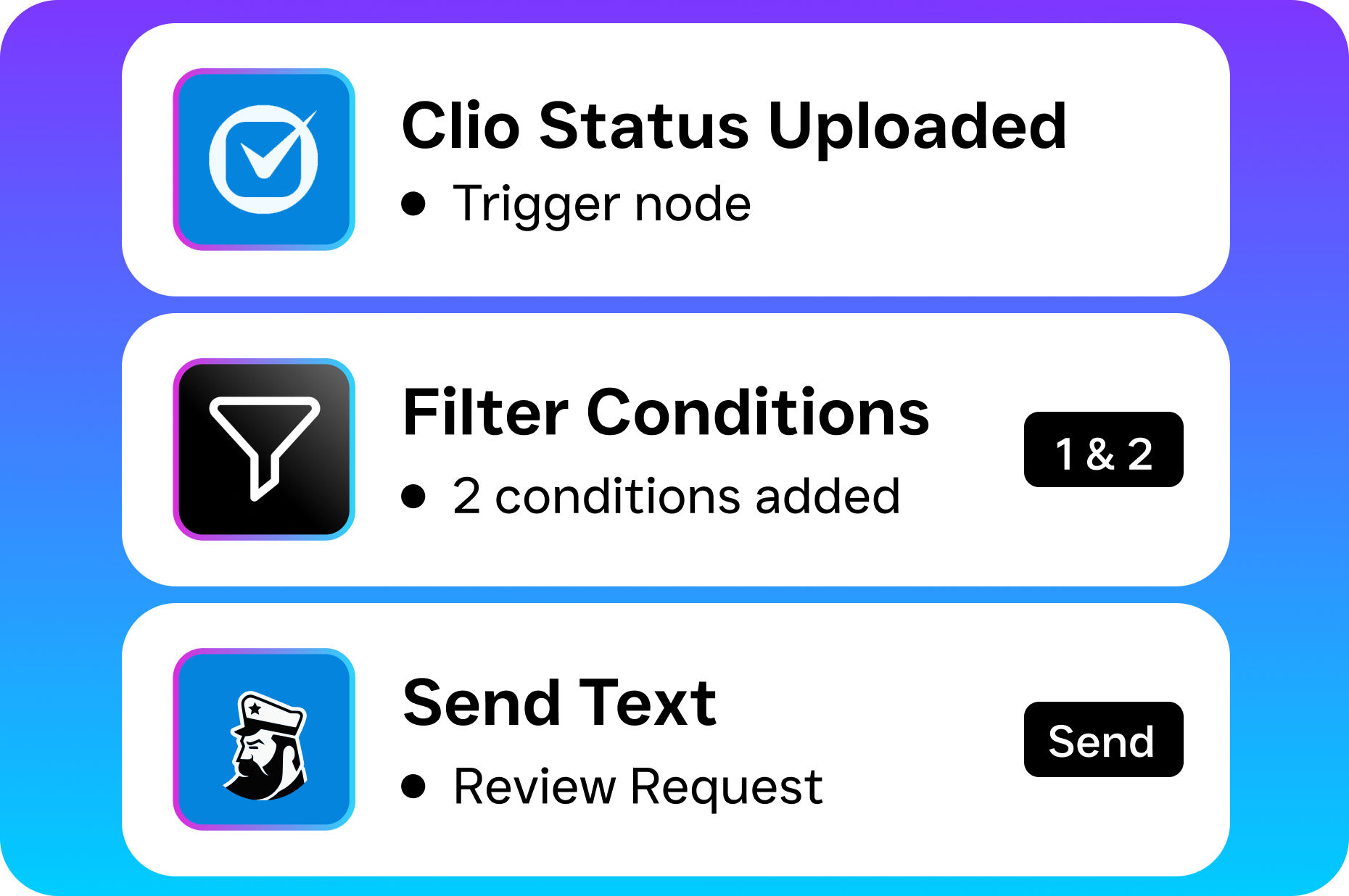
- Build your reminder workflow. Use the drag-and-drop Workflow Automation builder to create a reminder sequence. For example: send an SMS reminder 48 hours before the appointment, follow up with a second text 3 hours before, and trigger an AI phone call if the patient hasn’t confirmed.
- Customize your messaging. Write templates that include the patient’s name, appointment date, provider name, and location. SalesCaptain supports advanced templating and personalization, so each message feels personal rather than robotic.
- Set confirmation and cancellation rules. When a patient replies “yes” or “confirm,” the system updates the appointment status. If they cancel, the workflow can automatically trigger a waitlist notification or reschedule prompt.
- Monitor everything from one inbox. All patient replies, whether they come in via SMS, webchat, Instagram DM, or phone call, land in SalesCaptain’s Unified Inbox. Your team sees every interaction in one place, with full contact history and AI-generated summaries of any phone conversations.
Because this runs on trigger-based automation, there’s no daily manual work after the initial setup. Your staff can focus on in-office patient care instead of chasing confirmations.
📺 Watch: How to Set Up Appointment Reminders with Automation
Key Capabilities
- Multichannel reminders (SMS, phone, webchat, social): Reach patients on their preferred channel. SalesCaptain’s AI Chat Agents handle text-based reminders while the AI Phone Agent makes natural-sounding voice calls to patients who need a personal touch. According to SchedulingKit’s appointment reminder statistics, practices using multi-channel reminders see significantly higher confirmation rates than those relying on a single channel.
- Missed call text-back: When a patient calls your office and nobody answers, SalesCaptain instantly sends a text message so you don’t lose the interaction. Research from Aira’s missed business call data shows that a large percentage of business calls go unanswered, costing companies substantial revenue each year.
- AI call summaries and transcriptions: Every phone interaction gets transcribed and summarized automatically. This means your team has a written record of what was discussed, whether the patient confirmed, and what follow-up is needed. No sticky notes or forgotten verbal confirmations.
- Automated waitlist management: When a patient cancels, the workflow builder can immediately notify the next person on your waitlist via text. Filling that slot happens in minutes rather than hours of phone tag.
- 24/7 AI Phone Agent for after-hours: Patients don’t just call during business hours. SalesCaptain’s AI Phone Agent answers calls around the clock, confirms appointments, reschedules if needed, and captures new patient inquiries while your office is closed.
- CRM sync and contact history: Every reminder sent, every response received, and every appointment change syncs with your CRM. Salesforce, HubSpot, and Zoho integrations keep your patient records accurate without manual data entry.
Who Needs This?
Patient appointment reminder software isn’t exclusive to hospitals. Any business where people book time slots and no-shows hurt the bottom line will benefit. Here’s who gets the most value:
- Dental practices: The American Dental Association has highlighted the operational impact of missed appointments on practice profitability. Dental offices typically book weeks in advance, making last-minute no-shows especially costly since those slots rarely get filled.
- Medical clinics and physician offices: Primary care and specialty practices with high daily patient volume lose the most from inconsistent attendance. Automated reminders let lean administrative teams handle large patient panels.
- MedSpas and aesthetic practices: Appointment slots for treatments like injectables and laser procedures represent significant per-visit revenue. One no-show can mean hundreds of dollars lost.
- Therapy and behavioral health practices: Recurring weekly sessions need consistent reminders, and therapists often don’t have dedicated front-desk staff to make calls.
- Chiropractic and physical therapy clinics: High-frequency visits (2-3 times per week) mean more opportunities for patients to forget. Automated sequences handle the volume effortlessly.
- Wellness businesses (gyms, yoga studios, fitness centers): Class-based and appointment-based schedules both benefit from timely reminders that reduce wasted instructor time.
The common thread? These are all businesses where the decision maker is a practice owner or operations manager who can’t afford to hire additional staff just to make reminder calls. Sound familiar?
Benefits of Patient Appointment Reminder Software
Protect Revenue by Reducing No-Shows
This is the core value proposition. And it’s measurable. According to Appointment Reminder’s no-show data, practices that implement automated reminders typically see substantial reductions in their no-show rates. For a busy practice doing 30+ appointments a day, even a modest improvement means thousands of dollars recovered monthly. That revenue was already on your books. You’re simply collecting what was already owed.
Free Up Your Front-Desk Team
Manual reminder calls eat hours of staff time every day. A front-desk team member making confirmation calls isn’t greeting patients, processing paperwork, or handling insurance questions. By automating reminders, you’re not eliminating a job. You’re redirecting your team’s energy to higher-value work that actually requires a human. Practices using SalesCaptain’s Workflow Automation often report that their staff can handle more patients per day without feeling overwhelmed.
Improve the Patient Experience
Patients actually prefer automated reminders. They’re convenient, non-intrusive, and give patients control. A quick “Reply C to confirm” is easier than answering a phone call during a work meeting. Plus, SalesCaptain’s Unified Inbox means that when a patient does reply with a question—like asking for directions or requesting a time change—your team sees it instantly alongside every other conversation. No context is lost.
Fill Cancellation Gaps Faster
Cancellations happen. It’s part of the business. What matters is how fast you recover. With SalesCaptain’s trigger-based workflows, a cancellation can automatically notify waitlisted patients within seconds. Recent scheduling data from Signpost indicates that speed of follow-up is one of the strongest predictors of whether a slot gets refilled. Manual processes simply can’t compete with automated outreach here.
Maintain Continuity Across Locations
If you’re managing multiple practice locations, consistency matters. SalesCaptain’s per-location pricing means each office gets its own configured workflows, phone numbers, and reminder sequences. Yet everything feeds into a single dashboard where you can track performance across your entire organization. The Business plan starts at $159/month per location, making it practical for growing multi-site practices.
How SalesCaptain Compares
Most healthcare practices evaluating patient appointment reminder software will encounter tools like Weave, Solutionreach, and PatientPop. Here’s where SalesCaptain offers a fundamentally different approach.
Weave targets dental and healthcare practices specifically. But it lacks social chat support, WhatsApp integration, and the advanced templating and personalization that SalesCaptain provides. It also doesn’t offer click tracking, so you can’t measure engagement with links in your reminder messages. For practices that want visibility into how patients interact with their communications, that’s a real gap.
Solutionreach and PatientPop are healthcare-only verticals. If your business expands beyond medical services, or if you run a MedSpa that straddles wellness and healthcare, you’ll outgrow them quickly. Neither offers AI voice agents, workflow automation for non-clinical communications, or a true unified inbox.
Birdeye is another name that comes up often. But it’s primarily a reputation management platform. It lacks call routing, IVR, call flow building, hold music, and AI-powered calling—all features SalesCaptain includes natively. Meanwhile, Voksha’s research on missed call costs shows how expensive it’s when inbound calls aren’t handled properly, something Birdeye’s limited VoIP stack can’t address.
SalesCaptain is the only platform that combines an AI Phone Agent, AI Chat Agents, and a unified inbox in a single tool built for service businesses. You’re not stitching together three separate products. Everything works together out of the box.
What about patient appointment reminder software?
Patient appointment reminder software should be part of a broader communication strategy. Not a standalone tool. SalesCaptain gives you reminders, but also handles the calls, texts, and messages that happen around those reminders. That complete coverage is what separates it from single-purpose reminder apps.
Can SalesCaptain send automated appointment reminders via text and phone?
Yes, absolutely. The Workflow Automation builder lets you create multi-step reminder sequences that include SMS messages, AI-powered phone calls, and chat messages. You control the timing, content, and escalation rules. If a patient doesn’t respond to a text, the system can automatically trigger a phone call from the AI Phone Agent.
Does it integrate with my existing practice management software?
SalesCaptain offers 50+ native integrations. HubSpot, Salesforce, Zoho, Mindbody, and HousecallPro are all on the list. For systems not on the native list, Zapier connectivity covers thousands of additional tools. Your appointment data syncs automatically, so reminders go out without manual scheduling.
How much does SalesCaptain cost for a healthcare practice?
There’s a free Startup plan for a single location. The Business plan is $159/month per location, and the Enterprise plan is $300/month per location with expanded features. AI phone calls are billed at $0.12/minute. Compared to hiring even a part-time staff member to handle reminder calls, the ROI becomes clear almost immediately.
Stop Losing Patients to Missed Reminders
SalesCaptain gives your practice automated appointment reminders across text, phone, and chat, plus a unified inbox, AI agents, and workflow automation that keep your schedule full and your team focused. Start free or explore the Business plan for your practice today.
Ready to see it in action?
See how healthcare providers use SalesCaptain to reduce no-shows with automated appointment reminders.
Book a Free Demo →Frequently Asked Questions
What is patient appointment reminder software?
Patient appointment reminder software is a system that automatically contacts patients before their scheduled visits through text, phone calls, or messaging channels on a preset schedule. Instead of relying on front-desk staff to make confirmation calls, the software allows patients to confirm, cancel, or reschedule without speaking to a human.
How much money do healthcare practices lose from missed appointments?
Healthcare no-show rates typically range from 5% to 30% depending on the specialty, according to industry benchmarks. A practice with 40 appointments per day losing even 10% to no-shows experiences significant weekly revenue loss, with those losses multiplying dramatically across multi-location operations.
Why is SMS texting better than phone calls for appointment reminders?
Text messages have open rates above 90%, making SMS the most reliable channel for appointment confirmations since most patients won’t answer unknown phone numbers. However, the strongest approach combines both SMS and phone calls to accommodate all patient preferences, especially older demographics who may prefer phone contact.
What communication channels does SalesCaptain use for reminders?
SalesCaptain handles patient reminders across phone calls, SMS, and chat, all from a single platform that doesn’t require a dedicated IT team to manage. The platform uses both AI Chat Agents and AI Phone Agents working together to cover every patient preference without adding staff headcount.
What types of healthcare businesses benefit from appointment reminder software?
Dental offices, medical practices, MedSpas, therapy clinics, and any appointment-heavy healthcare business benefit from this software as it directly protects revenue by preventing no-shows. The software is particularly valuable for practices that handle high daily appointment volumes and want to automate confirmation processes.