
AI-powered customer experience marketing (CXM) platform that helps local businesses win.


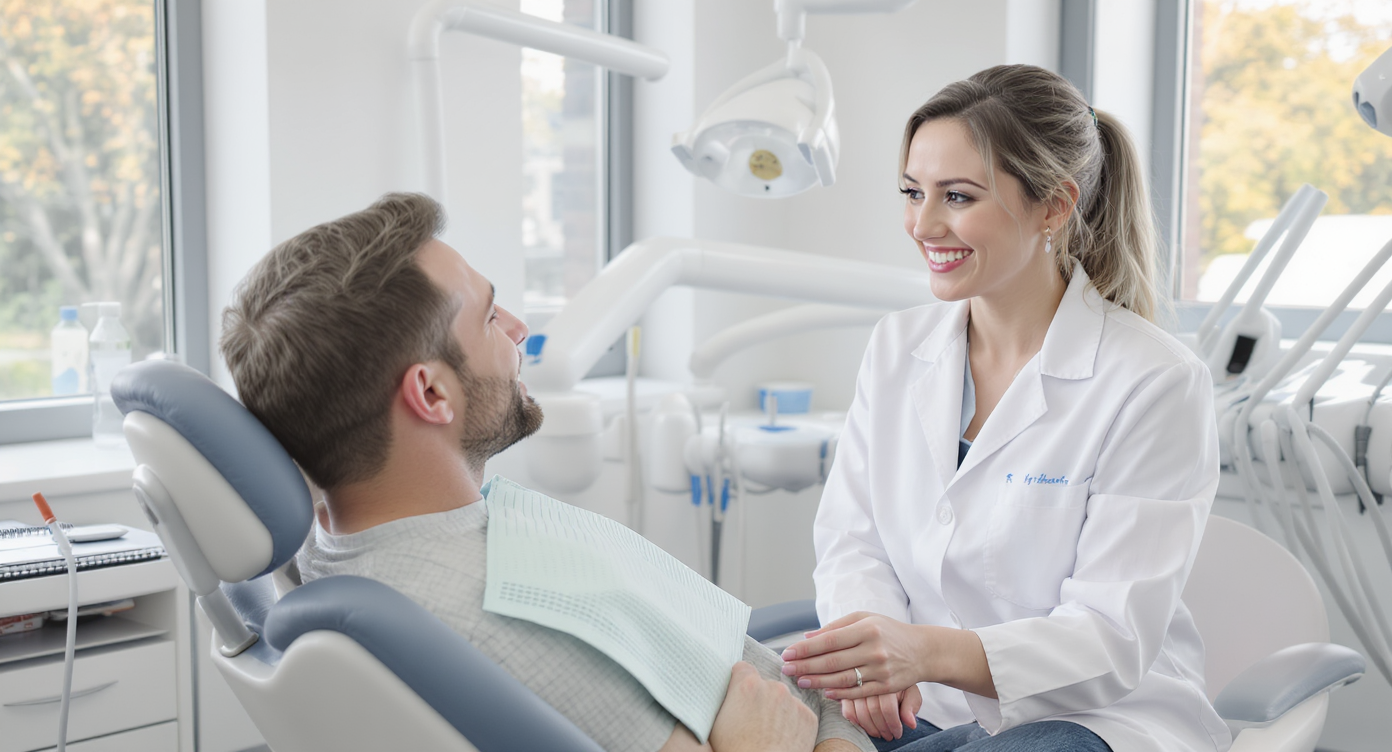
A patient calls your dental practice at 6:15 PM to reschedule a cleaning. Nobody picks up. They don’t leave a voicemail. By morning, they’ve already booked with a competitor down the street. Sound familiar? This scenario plays out far more often than most practice owners realize. It’s just one symptom of a bigger problem: inconsistent follow-up. Understanding how to automate customer follow up for dental practices isn’t a nice-to-have anymore. It’s the difference between a full schedule and gaps that quietly drain your revenue month after month.
Automating customer follow-up for dental practices means using software to send appointment reminders, recall messages, and post-visit check-ins without manual effort. This system captures missed calls and patient inquiries automatically, ensuring no lead falls through the cracks and keeping your schedule consistently full.
What Is Automated Customer Follow-Up for Dental Practices?
Automated customer follow-up is the process of using software to handle patient communication tasks that your front desk team would otherwise do manually. Think appointment reminders, recall messages for overdue cleanings, post-visit check-ins, and responses to missed calls or inquiries. Instead of relying on sticky notes and memory, the system triggers the right message at the right time, every time. No guesswork involved.
Free weekly newsletter
Growth tips for dental & medical practices
Every Tuesday — actionable ideas to get more leads, reviews, and repeat customers. No fluff.
For dental practices specifically, this covers a wide range of touchpoints. A patient who hasn’t visited in six months gets an automated text nudge. Someone who called after hours receives an instant text-back with a booking link. A new patient inquiry on your website gets a chat response within seconds, not hours. The goal isn’t to remove the human element from your practice. It’s to make sure no patient slips through the cracks because your team was busy with someone in the chair. What does that look like in practice? It looks like every lead getting a response, every recall getting sent, and every appointment reminder going out automatically.
Why Manual Follow-Up Fails in Dental Practices
Most dental offices run lean. You’ve got one or two people at the front desk juggling phone calls, insurance verifications, check-ins, and patient questions all at once. Expecting that same team to also chase down every missed call, send recall reminders, and follow up on pending treatment plans is unrealistic. Something always gets dropped. It’s just human nature.
The Real Cost of Missed Communication
Every unanswered call or forgotten follow-up carries a price tag. According to research on the true cost of missed calls, small businesses lose significant revenue from calls that go unanswered. For a dental practice where a single new patient can represent thousands of dollars in lifetime value, even a handful of missed opportunities each week adds up fast. And data from SchedulingKit confirms that most callers won’t leave a voicemail or try again. They’ll just move on.
Manual follow-up also introduces inconsistency. One front desk staffer might text patients back within the hour. Another might wait until the end of the day. A third might forget entirely during a hectic morning. Patients notice these gaps. Even if they don’t say anything out loud, they quietly book elsewhere next time. That’s when you lose them.
Staff Burnout and Turnover
There’s a human cost too. Asking your team to handle repetitive communication tasks on top of their core duties leads to burnout. Fast. The American Dental Association has documented ongoing staffing challenges across the industry, and overloading existing employees only accelerates turnover. Automation doesn’t replace your team. It gives them breathing room to focus on patients who are actually standing in front of them. That’s where they add real value.
📺 Watch: How to Create a Lead Follow-Up Sequence
Five Follow-Up Workflows Every Dental Practice Should Automate
Not every follow-up task needs automation, but several high-impact ones absolutely do. Here’s where to start, ranked by the immediacy of their impact on your schedule and revenue.
1. Missed Call Text-Back
When a call goes unanswered, an automated text fires immediately. It acknowledges the missed call, provides a booking link, and keeps the conversation going. This single workflow recovers more lost appointments than almost anything else you can set up. Speed matters here. According to a missed call revenue study by PCN, businesses that respond to missed calls within minutes retain far more leads than those that wait hours or days. Minutes, not hours.
2. Appointment Reminders and Confirmations
No-shows are expensive. Sending automated reminders via text 48 hours before, 24 hours before, and the morning of an appointment dramatically reduces them. Patients can confirm or reschedule with a simple reply. This frees your staff from making dozens of outbound reminder calls each day. Everyone wins.
3. Recall and Reactivation Campaigns
Patients who haven’t visited in six months or longer need a nudge. Automated recall sequences can send a series of messages over several weeks:
- Week 1: Friendly text reminder that it’s time for a cleaning
- Week 3: Follow-up with a direct booking link
- Week 6: Final outreach emphasizing the importance of regular care
- Ongoing: Annual birthday or wellness check-in messages
These sequences run in the background without your team lifting a finger. They’re particularly effective for hygiene recalls, which are the bread and butter of most general dental practices. Set it once. Watch patients come back.
4. Post-Treatment Follow-Up
After a procedure, patients appreciate a check-in. An automated text the next day asking how they’re feeling shows care and catches potential complications early. It also opens a direct line of communication if they have questions. This reduces unnecessary calls to your office.
5. New Patient Onboarding
Once a new patient books, a series of automated messages can handle the entire onboarding flow: welcome message, intake form link, insurance information request, directions to the office, and a day-before reminder. What used to take three or four separate staff touches now happens automatically. Your team barely has to lift a finger.
Best Practices for Setting Up Follow-Up Automation
Automation works best when it feels personal. Blasting generic messages won’t build the kind of patient loyalty that keeps your chairs full. Here are the principles that separate effective automation from annoying spam.
Personalize Every Message
Use the patient’s first name, reference their specific appointment type, and match your practice’s tone. A message that says “Hi Sarah, just confirming your cleaning with Dr. Martinez on Thursday at 2 PM” lands very differently than “Your appointment is coming up.” Much better. According to Inkle’s small business automation guide, personalization is one of the strongest predictors of engagement in automated communication.
Choose the Right Channels
Not every patient prefers the same channel. Some respond to texts instantly but ignore emails. Others check their email religiously but find texts intrusive. Your automation platform should support multiple channels. That way, you can reach patients where they actually are:
- SMS/text: Best for appointment reminders and quick confirmations
- Email: Better for onboarding materials and detailed post-treatment instructions
- Phone (AI voice): Ideal for recall outreach to patients who haven’t responded to texts
- Webchat: Captures inquiries from your website visitors in real time
Time Your Messages Strategically
Sending a recall text at 11 PM won’t get results. Neither will a reminder two weeks before an appointment. Map your message timing to patient behavior patterns. Most dental practices find that late morning and early afternoon texts get the highest response rates. For appointment reminders, the 48-hour and same-morning combination works consistently well. Timing is everything.
Track and Refine
Automation isn’t set-and-forget forever. Review your response rates monthly. If your recall sequence isn’t converting, test different messaging or timing. Small changes compound fast. As Zerobreak Digital’s analysis of automation tools notes, businesses that regularly refine their workflows see measurably better outcomes than those that build once and walk away.
How SalesCaptain Helps
SalesCaptain was built specifically for service businesses like dental practices that need to automate patient follow-up without hiring additional staff or wrestling with complicated software. Several of its core features directly address the workflows outlined above. It’s purpose-built for you.
The AI Phone Agent answers calls 24/7 with natural-sounding voice conversations. It can book appointments, answer common questions about your practice, qualify new patient inquiries, and block spam calls. So when that 6:15 PM call comes in, your practice still responds instantly. The AI Chat Agents cover the digital side, handling SMS conversations, webchat on your website, and even Instagram DMs and Facebook Messenger. Every inquiry gets an immediate response. Speed to lead determines whether that patient books with you or your competitor.
For managing all of this communication, the Unified Inbox puts every channel in one place. Your team sees calls, texts, social messages, and notes in a single collaborative view. No switching between apps, no missed threads. And the Workflow Automation builder lets you create the exact follow-up sequences described earlier with a visual drag-and-drop interface. No coding required.
- Trigger-based automations for missed calls, new bookings, or overdue recalls
- Automatic CRM updates so patient records stay current
- 50+ integrations including HubSpot, Salesforce, Zoho, and QuickBooks
- AI-powered call summaries and transcriptions for every conversation
Pricing starts with a free plan for a single location, with the Business tier at $159/month per location. For multi-location dental groups, the per-location model scales affordably without the per-user pricing that makes platforms like Aircall ($30/license) expensive as your team grows. Unlike Weave, which focuses narrowly on healthcare, SalesCaptain’s platform handles everything from after-hours AI reception to payments via text and social chat. Features you won’t find in dental-only tools.
Key Takeaways
Automating customer follow-up for your dental practice protects revenue, reduces staff burnout, and creates a consistent patient experience that builds loyalty. The five workflows that matter most are missed call text-back, appointment reminders, recall campaigns, post-treatment check-ins, and new patient onboarding. Each one can run without manual effort once you’ve configured it properly. You set it once and it keeps working.
Personalization, multi-channel reach, and regular refinement separate effective automation from noise that patients ignore. And the right platform should combine AI voice, AI chat, and workflow automation in a single system rather than forcing you to stitch together multiple tools. The practices that automate follow-up now won’t just save time. They’ll fill the schedule gaps that their competitors are still trying to figure out. That’s your competitive edge.
Frequently Asked Questions
How much does it cost to automate follow-up for a dental practice?
Costs vary widely depending on the platform. Some charge per user, others per location. SalesCaptain offers a free plan for one location and a Business plan at $159/month per location, which includes AI phone and chat agents, unified inbox, and workflow automation. AI call minutes are billed at $0.12/minute. Compared to hiring additional front desk staff, automation typically pays for itself within the first month through recovered appointments alone. That’s a quick ROI.
Will patients feel like they’re talking to a robot?
Modern AI voice agents sound natural and conversational, not like the robotic IVR menus of the past. SalesCaptain’s AI Phone Agent handles real conversations, books appointments, and answers FAQs in a way that most callers find indistinguishable from a human receptionist. Really. For text-based follow-ups, messages are personalized with patient names and appointment details. So they feel like they’re coming from your team.
Can I automate follow-up without replacing my front desk staff?
Absolutely. Automation handles the repetitive, high-volume tasks like reminders, recall texts, and after-hours responses so your staff can focus on in-office patient care. Think of it as adding capacity without adding headcount. Your existing team stays in the loop through the unified inbox, where they can jump into any conversation that needs a human touch. They work smarter, not harder.
What if a patient needs to speak with a real person during an automated interaction?
Good automation platforms include escalation paths. SalesCaptain’s call flows let you route callers to a live team member when the AI detects a complex situation, or when the patient specifically requests to speak with someone. The AI handles routine inquiries while flagging anything that needs personal attention. It’s the best of both worlds.
How long does it take to set up automated follow-up workflows?
With a drag-and-drop builder like SalesCaptain’s, most practices can have their core workflows running within a few hours. According to AplosAI’s small business automation guide, the biggest time investment is mapping out your current follow-up process, not the technical setup. No coding or IT expertise is required. You’ll be up and running fast.
Ready to see it in action?
See how dental practices use SalesCaptain to automate follow-ups and book more patient appointments.
Book a Free Demo →See How SalesCaptain Can Help Your Dental Practice
SalesCaptain’s AI-powered platform automates patient follow-up across calls, texts, webchat, and social media, all from one unified inbox. Stop losing patients to missed calls and forgotten follow-ups. Start winning them back instead.
Visit SalesCaptain.com to start automating your dental practice’s follow-up today.