
AI-powered customer experience marketing (CXM) platform that helps local businesses win.



Every optometry practice knows the frustration. A patient books an eye exam three weeks out, then completely forgets about it. The chair sits empty. Your staff scrambles to fill the gap. Meanwhile, five new patients called after hours and got voicemail, so they booked with the practice down the street instead. These aren’t minor inconveniences. Poor scheduling costs optical practices thousands in lost revenue every month. Finding the right appointment reminder software for optometrists isn’t just about reducing no-shows. It’s about building a communication system that captures every lead, confirms every visit, and keeps patients coming back year after year without burying your front desk in busywork.
Why Optometry Practices Struggle With Patient Communication
Optometry has a unique scheduling challenge that most other healthcare verticals don’t face. Annual eye exams are the backbone of most practices, but patients rarely think about their vision until something goes wrong. That means your recall system needs to be proactive, persistent, and multi-channel. A single reminder postcard mailed two weeks before an appointment isn’t cutting it anymore.
The No-Show Problem Is Bigger Than You Think
When a patient no-shows for a comprehensive eye exam, you’re not just losing the exam fee. You’re losing the optical sale, the contact lens fitting, and potentially years of follow-up visits. Reducing no-shows at an optometry practice requires more than a phone call the day before. Patients need multiple touchpoints across text, phone, and email, spaced out over days, to actually show up. Most practices don’t have the staff bandwidth to manage that manually.
After-Hours Calls Go Unanswered
Here’s what makes this worse. A significant portion of appointment requests come in outside business hours. Patients Google “eye doctor near me” at 9 PM, call the first result, and if nobody answers, they move on. Your front desk team can’t work around the clock, but your competitors’ websites and phone lines are always available. Without a system to capture those after-hours calls and texts, you’re leaking new patients every single week.
Staff Burnout From Repetitive Outreach
Even when your team does manage confirmations manually, it comes at a cost. Confirmation calls, recall reminders, rescheduling conversations, and follow-up texts eat up hours that could be spent on patient care or optical sales. According to the American Optometric Association, practices are increasingly looking at technology solutions to address staffing shortages and administrative overhead. The reality is that your front desk shouldn’t be a call center.
How SalesCaptain Solves This for Optometry Practices
SalesCaptain isn’t a single-purpose reminder tool. It’s a unified communication platform that handles the entire patient communication lifecycle, from the first missed call to the annual recall text, all powered by AI agents that work 24/7 without adding headcount.
AI Phone Agent for After-Hours Coverage
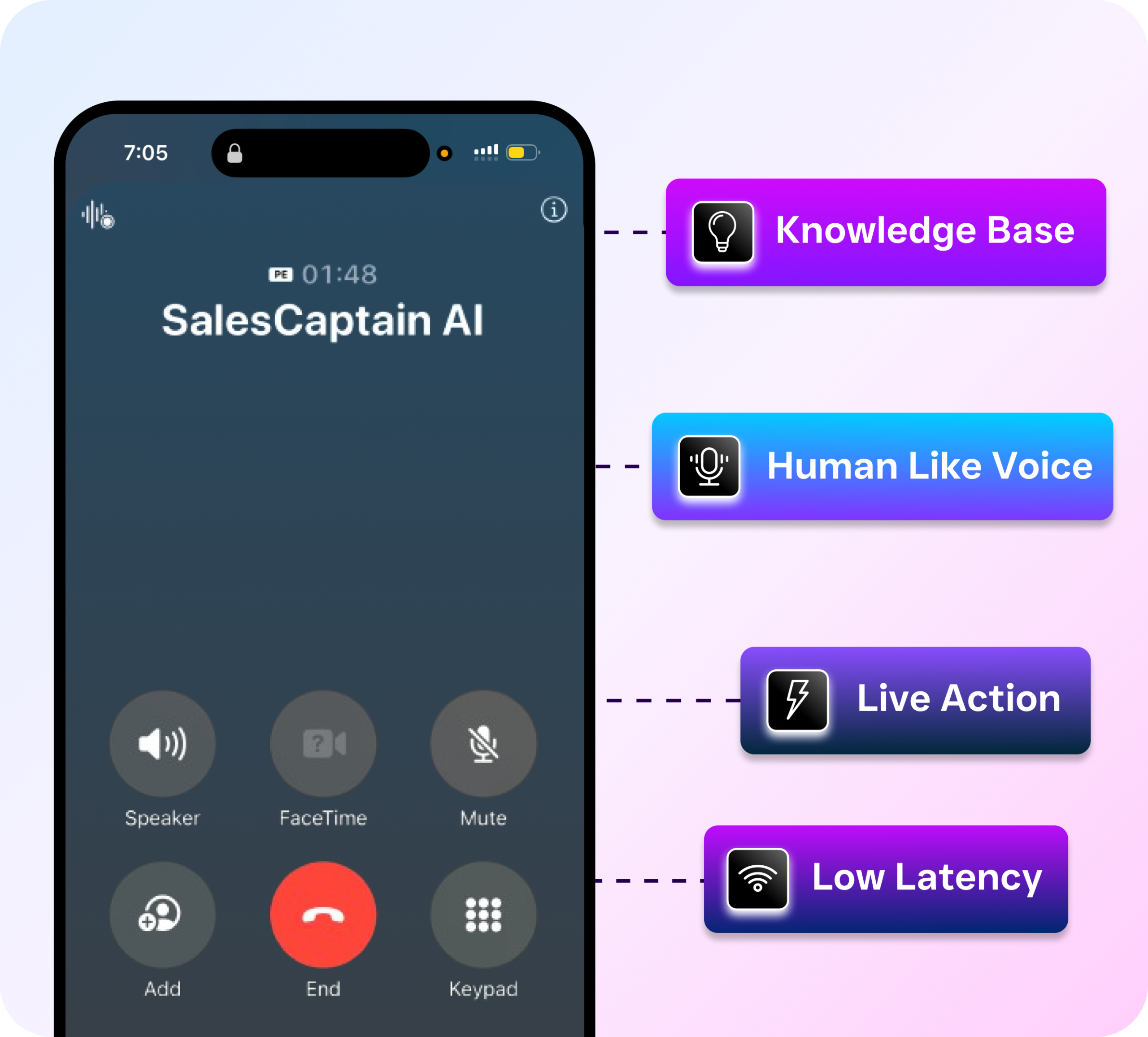
SalesCaptain’s AI Phone Agent picks up every call your practice receives, day or night. It sounds natural, answers common questions about your hours, location, insurance accepted, and exam types, then books appointments directly into your schedule. Spam calls get blocked automatically. Urgent calls get routed to the right person. And every after-hours caller who would’ve gone to voicemail instead gets a real conversation and a booked appointment. No human intervention required.
Automated Reminders Across Every Channel
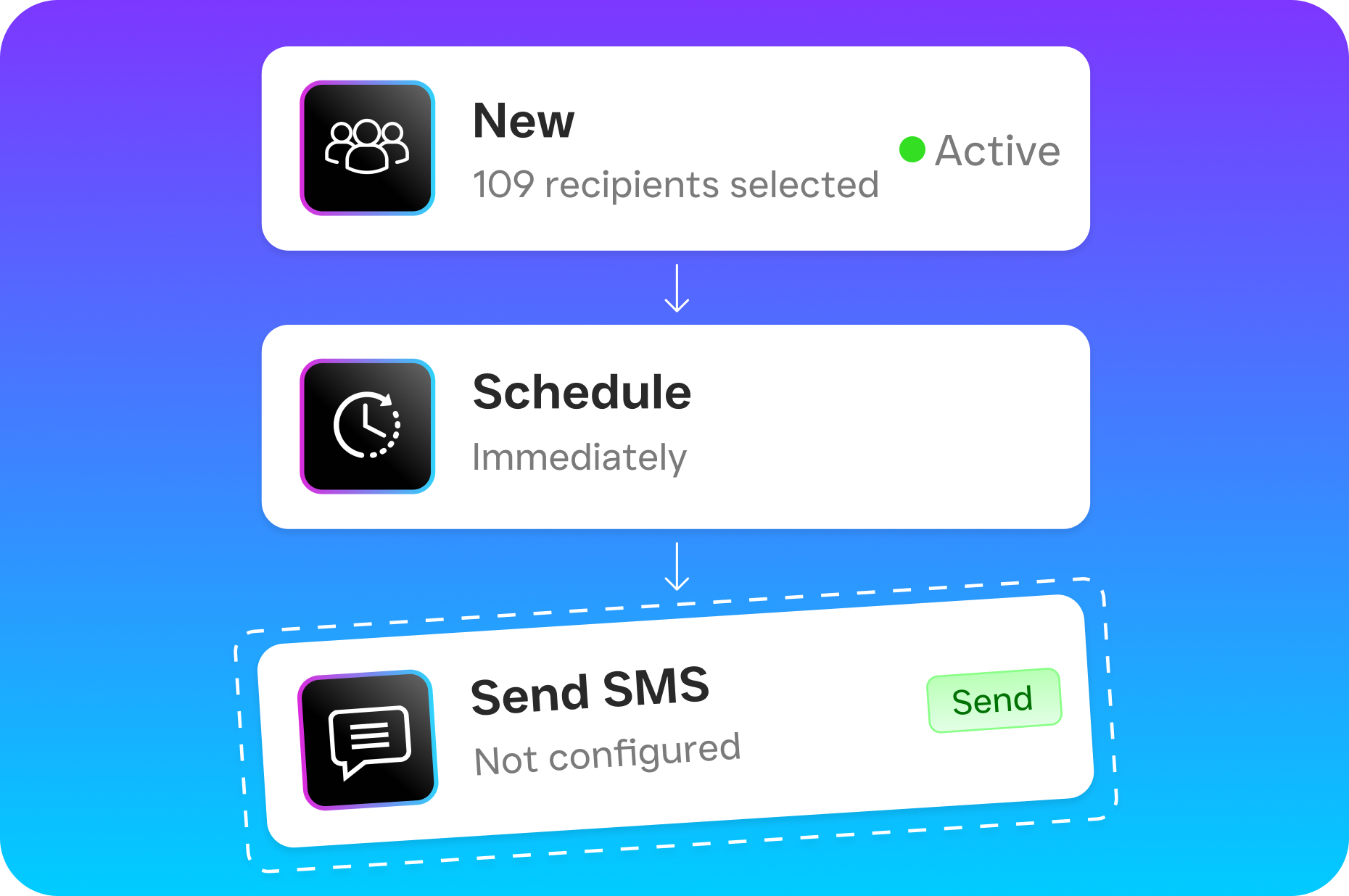
Once a patient is on your schedule, SalesCaptain’s Workflow Automation takes over. You can build reminder sequences using the drag-and-drop builder that send texts, make calls, or trigger emails at whatever intervals work best for your practice. Most optometry offices see the best results with a sequence like this: a text confirmation immediately after booking, a reminder seven days before, another reminder the day before, and a final text two hours prior. Because SalesCaptain’s AI Chat Agents handle the responses, patients can confirm, cancel, or reschedule via text without ever speaking to your staff.
Recall Campaigns That Actually Work
Automated appointment reminders for optometry are essential, but recall campaigns are where the real revenue lives. SalesCaptain lets you set up annual recall workflows that trigger automatically based on a patient’s last visit date. The system reaches out via text and phone, and the AI agent can book the patient right there in the conversation. That’s revenue your practice was leaving on the table every month.
Key Features for Optometry Practices
SalesCaptain brings together several capabilities that optometrists typically need separate tools to handle. Here are the features that matter most for your practice:
- 24/7 AI Phone Agent: Answers every call with a natural-sounding voice, books exams, qualifies new patients by asking about insurance and exam type, and routes urgent calls to your on-call staff. Works nights, weekends, and holidays.
- Missed Call Text-Back: When a call goes unanswered during a rush, SalesCaptain automatically sends the caller a text within seconds. The AI Chat Agent picks up the conversation from there, capturing the lead before they call your competitor.
- Multi-Channel Reminder Sequences: Build custom reminder workflows combining SMS, phone calls, and email. Patients can confirm or reschedule by replying to a text, with the AI handling the entire exchange.
- Unified Inbox: Every patient interaction, whether it’s a phone call, text, webchat message, Facebook DM, or Instagram message, lives in one collaborative inbox. Your team sees the full history, so nobody asks a patient to repeat themselves.
- AI Summaries and Transcriptions: Every phone call is automatically transcribed and summarized. So when a patient says “I was told my contacts would be ready Tuesday,” your team can verify exactly what was discussed without guesswork.
- Call Flows with IVR: Set up a professional phone tree that routes patients to the right department. Press 1 for appointments, press 2 for optical orders, press 3 for billing. If nobody answers in a department, the AI Phone Agent takes over and handles the call.
All of these features work together inside one platform. You don’t need separate tools for reminders, texting, phone service, and recall campaigns. SalesCaptain replaces the patchwork of disconnected software that most practices are currently juggling.
Real Results You Can Expect
Switching to an AI-powered communication platform changes the daily rhythm of an optometry practice. Here’s what that looks like in practice.
Fewer Empty Chairs
Multi-touch reminder sequences dramatically cut no-show rates. Some optometry practices have cut no-shows by as much as 50% after implementing automated reminders. When patients can confirm or reschedule via a quick text reply instead of calling during business hours, they’re far more likely to engage. And when they do cancel, your team gets advance notice to fill the slot.
More New Patients Captured
Every after-hours call that previously went to voicemail now becomes a booked appointment. Think about that compounding effect over weeks and months. If your practice misses even three after-hours calls per day, and just one of those would’ve become a patient, that’s roughly 30 new patients per month you’re currently losing. SalesCaptain’s AI Phone Agent ensures none of those opportunities slip through.
Front Desk Hours Freed Up
Your staff stops spending hours on confirmation calls and recall outreach. Instead, they focus on the patients standing in front of them. Optical sales conversations improve because staff aren’t rushing through them to get back to the phone. Patient satisfaction goes up because the in-office experience isn’t interrupted by constant ringing. It’s a cascading benefit that touches every part of your practice.
Better Follow-Up on Optical Orders and Contact Lenses
Workflow Automation isn’t limited to appointment reminders. You can set up automated texts when glasses are ready for pickup, contact lens reorder reminders based on supply timelines, and post-exam follow-up messages. Each of these touchpoints keeps your practice top-of-mind and drives repeat revenue without manual effort.
How to Get Started
Getting SalesCaptain running in your optometry practice doesn’t require technical skills or a lengthy onboarding process. Here’s the setup path:
- Sign up for a free account. SalesCaptain’s Startup plan is free for one location, so you can test everything without a credit card or commitment.
- Connect your business phone number. Port your existing number or get a new one. SalesCaptain’s phone system runs at 99.99% uptime with crystal-clear audio, so call quality won’t be a concern.
- Build your AI Phone Agent. Tell the agent about your practice: hours, services offered, insurance accepted, exam types available. No coding needed. The visual builder walks you through it.
- Set up reminder workflows. Use the drag-and-drop Workflow Automation builder to create your confirmation and recall sequences. Start with a simple text reminder sequence and expand from there.
- Connect your existing tools. SalesCaptain integrates with over 50 platforms including HubSpot, Salesforce, Zoho, and Zapier. If you’re using practice management software, Zapier bridges the gap.
- Go live. Activate your AI agents and let them start handling calls, texts, and reminders. Monitor everything in the Unified Inbox and adjust as you learn what works best for your patient base.
Most practices are fully operational within a day. And because SalesCaptain’s pricing starts at $159/month per location for the Business plan (with AI calls at $0.12/minute), it’s a fraction of what you’d pay for a part-time receptionist or a traditional virtual receptionist service.
Frequently Asked Questions
Is SalesCaptain HIPAA compliant for optometry practices?
SalesCaptain is built with data security as a priority. For practices with specific HIPAA requirements, contact the SalesCaptain team directly to discuss your compliance needs and how the platform’s security features, including call recording controls, access permissions, and data encryption, align with your obligations.
Can the AI Phone Agent handle questions about insurance and specific exam types?
Yes. When you set up your AI Phone Agent, you provide it with details about your practice, including which insurance plans you accept, what exam types you offer (comprehensive, contact lens fittings, pediatric eye exams, etc.), and your pricing structure. The agent uses this information to answer caller questions accurately and book the right appointment type.
How does SalesCaptain compare to tools like Solutionreach or Weave for optometry?
Solutionreach and Weave are healthcare-specific tools focused primarily on reminders and reputation management. SalesCaptain goes further by including an AI Phone Agent that actually answers calls and books appointments, a full business phone system with IVR and call flows, and AI Chat Agents across SMS, webchat, and social media. It’s a complete communication platform, not just a reminder tool. Marketing for optometrists requires capturing patients across multiple channels, and SalesCaptain handles all of them in one place.
Can I customize the reminder schedule for different appointment types?
Absolutely. The Workflow Automation builder lets you create different reminder sequences for different appointment types. A routine annual exam might get a simple two-text sequence, while a specialty appointment like a contact lens fitting could trigger a more detailed sequence with preparation instructions. You control the timing, channel, and message content for each workflow.
What happens if a patient wants to speak to a real person during an AI call?
SalesCaptain’s Call Flows support routing to live staff at any point during an AI conversation. If a patient requests a human, the system transfers the call based on rules you’ve set, whether that’s your front desk during business hours or an on-call team member after hours. The AI handles the routine calls so your team only deals with the ones that truly need a personal touch.
The right appointment reminder software for optometrists doesn’t just reduce no-shows. It transforms how your practice communicates with patients at every stage, from first contact to annual recall. SalesCaptain gives you AI-powered phone and text agents, automated workflows, and a unified inbox that replaces the tangle of disconnected tools most practices are wrestling with today.
Start free with SalesCaptain. No credit card needed.
Sign up at salescaptain.com