
AI-powered customer experience marketing (CXM) platform that helps local businesses win.


appointment scheduling software Google Calendar
Every missed call is a missed booking. And every missed booking is money walking out the door. For service businesses like dental offices, HVAC companies, salons, and law firms, the ability to let customers schedule appointments quickly can make or break your monthly revenue. That’s exactly why appointment scheduling software Google Calendar integration matters so much. It connects your booking system to the calendar your team already uses, so nothing falls through the cracks. But here’s the thing: a basic Google Calendar booking page only scratches the surface. When you pair it with AI-powered automation, you don’t just accept bookings. You fill your schedule around the clock without lifting a finger.
What Is Appointment Scheduling Software with Google Calendar Integration
At its core, appointment scheduling software with Google Calendar integration is a tool that lets your customers book time on your calendar without the back-and-forth phone tag. The software syncs directly with Google Calendar, so when a slot gets booked, it shows up instantly. When your team blocks off time for lunch or a meeting, that slot disappears from the booking page automatically. It sounds simple, but it solves one of the most frustrating problems service businesses deal with every single day.
Google Calendar on its own does offer a basic appointment scheduling feature. You can create a booking page, set your hours, and share a link. However, that built-in option has real limits. It doesn’t send automated follow-ups. It can’t qualify leads before they book. There’s no way to handle the conversation when someone calls in instead of clicking a link. And it definitely can’t answer your phone at 9 PM on a Saturday when a homeowner’s pipe just burst. According to Signpost’s appointment scheduling research, the majority of consumers now prefer to book online rather than call. Yet plenty of your customers still pick up the phone first. A complete scheduling solution needs to handle both.
The real power comes when scheduling software goes beyond just a booking link. Think about what happens before the appointment gets booked. Someone visits your website, or texts your business number, or calls after hours. Each of those moments is a chance to either capture a new customer or lose them to a competitor who responds faster. Appointment scheduling software that integrates with Google Calendar should handle all of those touchpoints, not just the ones that come through a web form.
How Appointment Scheduling Works in SalesCaptain
SalesCaptain takes appointment scheduling well beyond what a standalone calendar tool can do. Instead of giving your customers just one way to book, it opens up every channel: phone calls, text messages, webchat, Instagram DMs, Facebook Messenger, and more. And behind each of those channels sits an AI agent that can actually hold a conversation, ask qualifying questions, and book the appointment directly into your Google Calendar. Here’s how the whole process works in practice.
Setting Up Your AI Scheduling Agent
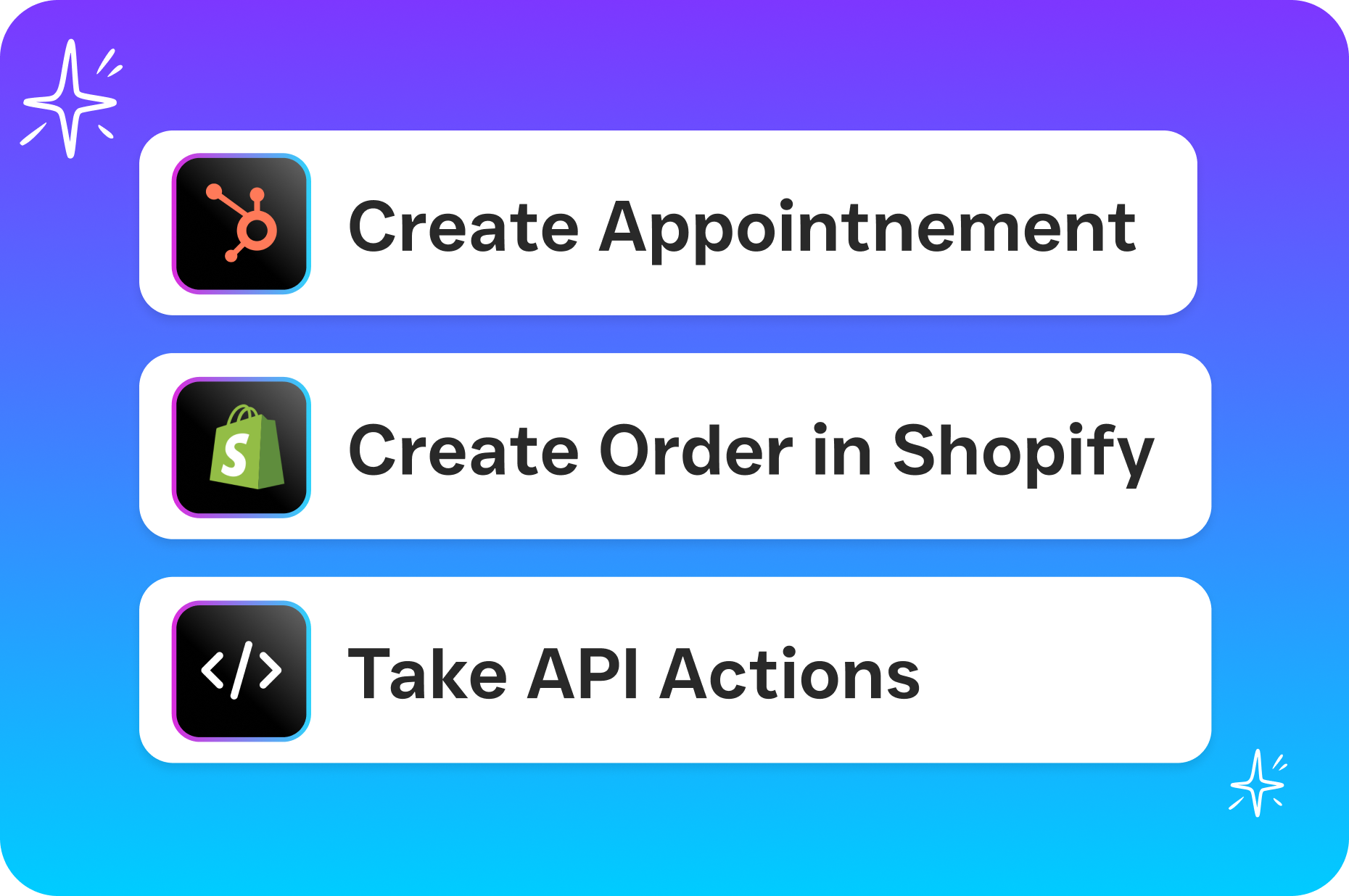
You start by connecting your Google Calendar to SalesCaptain and defining your available hours, service types, and any qualifying questions you want answered before a booking goes through. For instance, a roofing company might want to know whether the caller needs a repair or a full replacement, while a med spa might need to confirm the type of treatment. None of this requires coding or technical skills. The setup uses a visual interface where you drag and drop the steps of your booking flow, set your triggers, and connect your calendar. Once it’s live, your AI agent starts handling scheduling conversations immediately.
What Happens When a Customer Reaches Out
Say it’s 8 PM on a Tuesday and someone texts your business number asking about availability for a teeth cleaning. SalesCaptain’s AI Chat Agent picks up the conversation right away. It greets the customer, asks which service they need, checks your Google Calendar for open slots, and confirms the booking. The customer gets a confirmation text. Your calendar updates in real time. And your front desk staff? They were home with their families the whole time. Now imagine that same scenario happening across SMS, webchat, and social media DMs simultaneously. That’s what SalesCaptain does without adding a single person to your payroll.
Handling Inbound Calls with AI
Phone calls are where most service businesses still lose the most opportunities. According to SkipCalls’ 2026 industry data, small businesses lose over $26,000 per year from missed calls alone. SalesCaptain’s AI Phone Agent answers every call, 24 hours a day, 7 days a week. It sounds natural, not robotic. The agent can answer FAQs about your services, qualify the caller, and book an appointment directly into your connected Google Calendar. If the call needs a human touch, it routes to the right team member. But for straightforward scheduling requests, which make up the bulk of inbound calls for most service businesses, the AI handles the entire interaction from greeting to confirmation.
Key Capabilities That Go Beyond Basic Calendar Booking
Plenty of tools can sync with Google Calendar. What separates a real scheduling solution from a basic booking widget is everything that happens around the appointment itself. SalesCaptain bundles several critical capabilities that work together to make sure your schedule stays full and your no-show rate stays low.
Conflict Detection and Real-Time Calendar Sync
Double bookings destroy customer trust and waste your team’s time. SalesCaptain syncs with Google Calendar in real time, so the moment a slot gets taken, it’s gone from every booking channel. Whether someone books through your website chat at 6 AM or your AI Phone Agent confirms a slot during a call at noon, the calendar reflects it instantly. This two-way sync also means that if you manually add a personal appointment or block off time in Google Calendar, your AI agents won’t offer that slot to anyone. Conflict detection works across all connected calendars, which is especially important if you’re running a multi-provider business like a law firm with several attorneys or a salon with multiple stylists.
Automated Reminders and Follow-Ups
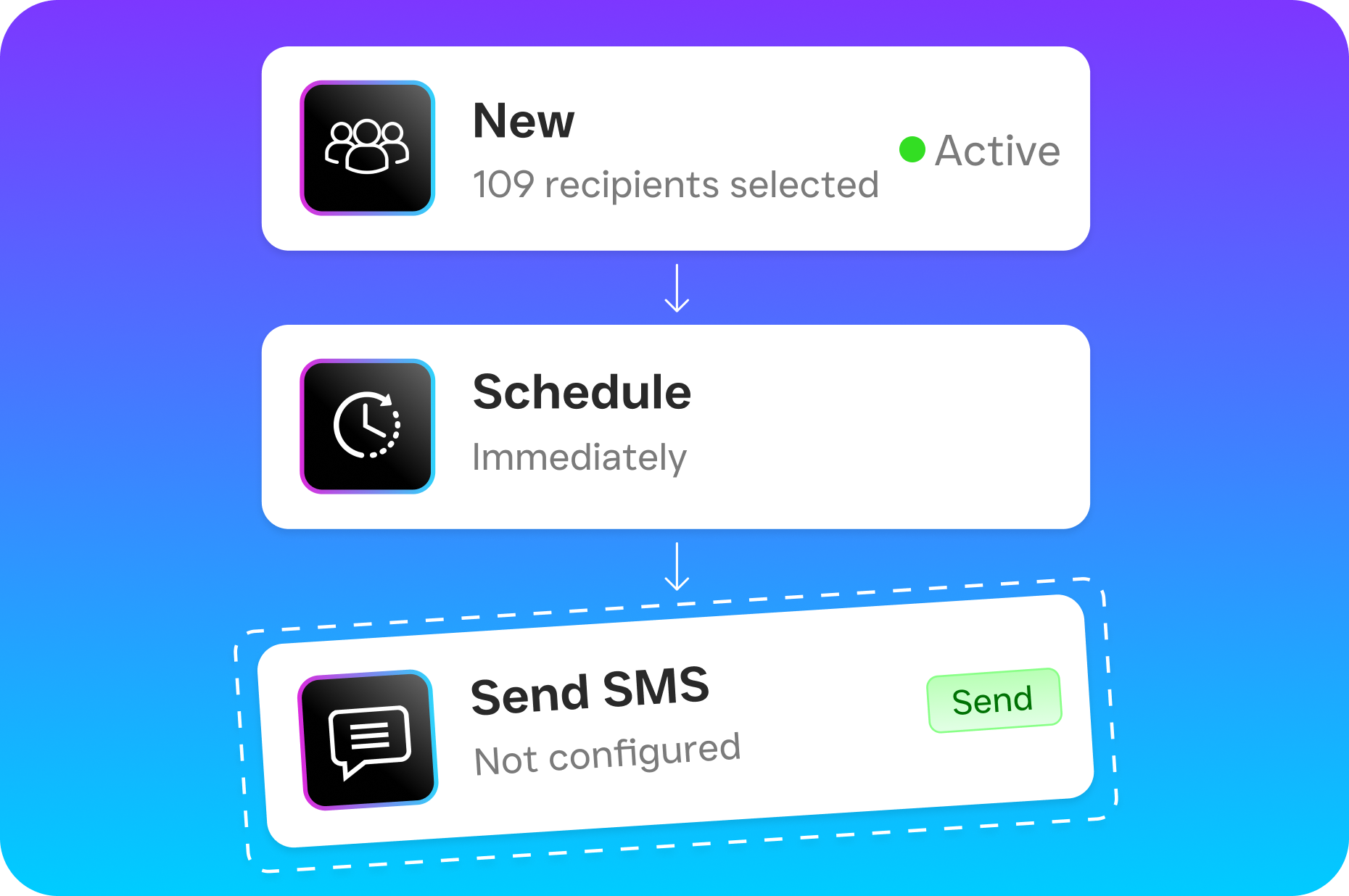
Getting someone to book is only half the battle. Keeping them from forgetting is the other half. SalesCaptain’s workflow automation lets you set up reminder sequences that go out via text or email at whatever intervals you choose. A reminder 24 hours before the appointment, another one 2 hours before, and perhaps a follow-up text after the visit asking for a review. These workflows run on autopilot using the drag-and-drop builder. You set them up once, and they work every time without anyone on your team remembering to send a message. According to recent appointment scheduling statistics from WifiTalents, automated reminders can significantly reduce no-show rates, which directly protects your revenue.
Missed Call Text-Back for Instant Recovery
Here’s a scenario that plays out thousands of times a day across service businesses: someone calls, nobody picks up, and the caller hangs up and dials your competitor. SalesCaptain flips that script with missed call text-back. If your team can’t answer a call for any reason, the system automatically sends a text to that caller within seconds. The message can include a link to book an appointment, a prompt to chat with the AI agent, or both. Research from DaVinci Virtual shows that the cost of a single missed call can be hundreds of dollars when you factor in lifetime customer value. Recovering even a fraction of those calls through instant text-back pays for the platform many times over.
Lead Qualification Before the Booking
Not every inquiry deserves a spot on your calendar. Some callers are outside your service area. Others need a service you don’t offer. And some are just spam. SalesCaptain’s AI agents can ask qualifying questions before confirming any appointment. A plumbing company might have the agent ask for the caller’s zip code and type of issue. A legal practice might screen for case type and urgency. Only qualified leads make it onto your calendar, which means your team spends their time on appointments that are actually likely to convert. All of this qualification data flows into SalesCaptain’s unified inbox where your team can review it.
Who Needs Appointment Scheduling Software with Google Calendar
If your business runs on appointments and your team uses Google Calendar, this is directly relevant to you. But some businesses benefit more than others, and the reasons go beyond just convenience.
Home Service Businesses
Roofers, plumbers, HVAC technicians, landscapers, and appliance repair companies deal with a unique scheduling challenge. Their customers often have urgent needs, which means the first company to respond gets the job. A homeowner with a broken AC unit in July isn’t going to wait for a callback the next morning. With SalesCaptain’s AI Phone Agent answering calls around the clock and booking estimates directly into Google Calendar, home service companies capture those urgent leads before competitors even check their voicemail. The platform also integrates with tools like HousecallPro and ServiceFusion that many of these businesses already use for dispatching and invoicing.
Healthcare, Dental, and Wellness Practices
Dental offices, therapy practices, med spas, and wellness clinics often have front desk staff who are already stretched thin. They’re checking patients in, handling insurance questions, and answering phones all at once. Adding AI-powered scheduling takes the repetitive booking calls off their plate entirely. Patients can book cleanings, consultations, or follow-up visits through any channel at any time. Because SalesCaptain syncs with Google Calendar, providers see their updated schedule the moment they glance at their phone. And for practices using tools like Mindbody, the integration keeps everything connected without duplicate data entry.
Legal Practices and Professional Services
For attorneys and accountants, the initial consultation booking is often where the client relationship starts. If a potential client can’t easily schedule that first meeting, they’ll find someone else. SalesCaptain works with Clio, which is already the go-to practice management tool for many law firms, so calendar sync and client intake happen in one smooth flow. The AI agent can screen callers for case type, collect basic contact info, and book a consultation slot, all before a single human gets involved. For solo practitioners who don’t have a receptionist, this is especially valuable because it means they never miss a potential client while they’re in court or in a meeting.
Salons, Gyms, and Fitness Studios
Appointment-heavy businesses like hair salons, barbershops, yoga studios, and personal training gyms live and die by their booking rate. A full calendar means healthy revenue. Empty slots mean wasted overhead. These businesses often rely on Instagram and Facebook for marketing, so the ability to book appointments directly through social media DMs is a major advantage. When someone sends an Instagram message asking “Do you’ve anything open Saturday afternoon?”, SalesCaptain’s AI Chat Agent can answer that question, check the Google Calendar, and confirm a booking without the business owner ever opening the app.
Benefits of AI-Powered Appointment Scheduling with Google Calendar
The obvious benefit is saving time. But the real impact goes deeper than that, and it shows up in your revenue, your customer experience, and your ability to grow without constantly hiring.
Never Lose a Lead to Slow Response Time
Speed wins in service businesses. The company that responds first usually gets the job. With AI agents handling scheduling across every channel, your response time drops to seconds, whether it’s 2 PM or 2 AM. According to Aira’s data on missed business calls, a huge percentage of callers who don’t get an answer won’t call back. They’ll just move on. SalesCaptain makes sure that never happens because there’s always someone, or rather something, ready to answer and book.
Reduce No-Shows and Last-Minute Cancellations
Automated reminder workflows sent via text are far more effective than a single email reminder sent the day before. People read texts. SalesCaptain lets you build multi-step reminder sequences that nudge your customers at exactly the right moments. You can even include a “reply to confirm” step so you know ahead of time if someone plans to show up. Fewer no-shows mean more revenue from the same number of hours in your day, and your team doesn’t waste time prepping for appointments that never happen.
Scale Without Hiring More Receptionists
Hiring a full-time receptionist costs somewhere around $35,000 to $45,000 per year when you factor in salary, benefits, and training, according to Bureau of Labor Statistics wage data. And even then, that person can only work 40 hours a week and handle one call at a time. SalesCaptain’s AI agents work every hour of every day, handle multiple conversations simultaneously, and cost a fraction of a single employee’s salary. For businesses that want to grow from one location to five, the per-location pricing ($159/month for the Business plan) makes it affordable to scale scheduling automation across every site without multiplying your payroll.
One Place for Every Conversation
When appointment-related conversations happen across phone, text, webchat, Instagram, and Facebook, things get messy fast if you’re checking five different apps. SalesCaptain’s unified inbox pulls every conversation into one screen. Your team can see the full history with any contact, including past appointments, call transcripts, and chat logs. That means when a customer texts “Can I move my Thursday appointment?”, whoever handles it can see the original booking, the reminder that was sent, and any notes from previous visits, all without switching tabs.
How SalesCaptain Compares to Other Scheduling and Communication Tools
There’s no shortage of tools that offer some form of Google Calendar integration. But most of them only solve one piece of the puzzle. Standalone scheduling tools give you a booking page but can’t answer your phone. Phone systems let you take calls but can’t book appointments. Marketing platforms automate emails but don’t handle real-time conversations. SalesCaptain brings all of these together in one platform built specifically for service businesses.
Take Podium, for example. It’s a popular option for local businesses, but it doesn’t offer outbound workflow automation, and its call features are limited to call-to-text. You can’t get the kind of real-time AI call handling that SalesCaptain provides. Pricing with Podium also isn’t transparent, which makes it hard to budget. As noted in SchedulingKit’s guide to online booking for small businesses, transparency in pricing and ease of setup are two of the biggest factors that determine whether a small business actually adopts and sticks with a new tool.
Birdeye is another name that comes up often, especially for reputation management. But its VoIP features are weak. There’s no call routing, no IVR, no call flow builder, and no AI for calls. If your primary need is to automate appointment scheduling through phone conversations, Birdeye simply doesn’t have the tools. SalesCaptain, on the other hand, includes audio conferencing, toll-free minutes, call transfers, and hold music on top of its AI scheduling capabilities.
Then there are the human receptionist services like Smith.ai and Ruby. They’re effective, but expensive. You’re paying per call or per minute, and costs climb fast as your call volume grows. There’s no AI automation, no unified inbox, and no way to scale without adding more human labor cost. For a busy service business getting dozens of calls a day, SalesCaptain’s AI Phone Agent at $0.12 per minute is dramatically cheaper while delivering consistent quality every single time.
Platforms like Nextiva and Dialpad are solid phone systems, but they weren’t built for service business appointment scheduling. Nextiva caps SMS at 250 messages per user per month, which isn’t nearly enough for a business sending booking confirmations and reminders. Dialpad doesn’t include toll-free minutes or audio conferencing in its base plan. Neither offers a native AI voice agent that can hold a full scheduling conversation. SalesCaptain fills that gap by combining a full business phone system with AI agents and scheduling automation, purpose-built for SMBs that run on appointments.
Frequently Asked Questions
Does SalesCaptain sync with Google Calendar in real time?
Yes. SalesCaptain connects to Google Calendar with two-way real-time sync. When an AI agent books an appointment through a call, text, or chat, it shows up on your Google Calendar immediately. And if you manually add or remove events from your calendar, those changes are reflected across all booking channels so customers can’t book conflicting slots.
Can the AI agent handle scheduling for multiple staff members or locations?
Absolutely. SalesCaptain supports multi-location businesses with per-location pricing. Each location can have its own AI agents, booking flows, and calendar connections. If you run a salon with five stylists, each stylist can have their own Google Calendar connected, and the AI agent will check availability across all of them when a customer asks to book. Conflict detection works across every connected calendar.
What happens if a customer wants to reschedule or cancel?
SalesCaptain’s AI agents can handle rescheduling and cancellation requests through any channel. If a customer texts “I need to move my appointment,” the AI agent can pull up the existing booking, offer new available slots from the connected Google Calendar, and confirm the change. Your team gets notified in the unified inbox, and the calendar updates automatically. There’s no manual work required unless you want a human to approve certain changes.
Do I need technical skills to set up appointment scheduling in SalesCaptain?
Not at all. SalesCaptain was built for business owners, not developers. The setup process uses a visual drag-and-drop builder where you define your services, available hours, qualifying questions, and calendar connections. You don’t need to write any code or hire a consultant. Most businesses get their AI scheduling agent running within a day. And because there’s a free Startup plan for single-location businesses, you can test everything before committing to a paid tier.
Fill Your Calendar Around the Clock with SalesCaptain
Stop losing appointments to missed calls, slow responses, and after-hours inquiries. SalesCaptain’s AI agents book appointments into your Google Calendar 24/7 across calls, texts, webchat, and social media, so your schedule stays full and your team stays focused on the work that matters. Start with the free plan and see the difference in your first week.