
AI-powered customer experience marketing (CXM) platform that helps local businesses win.


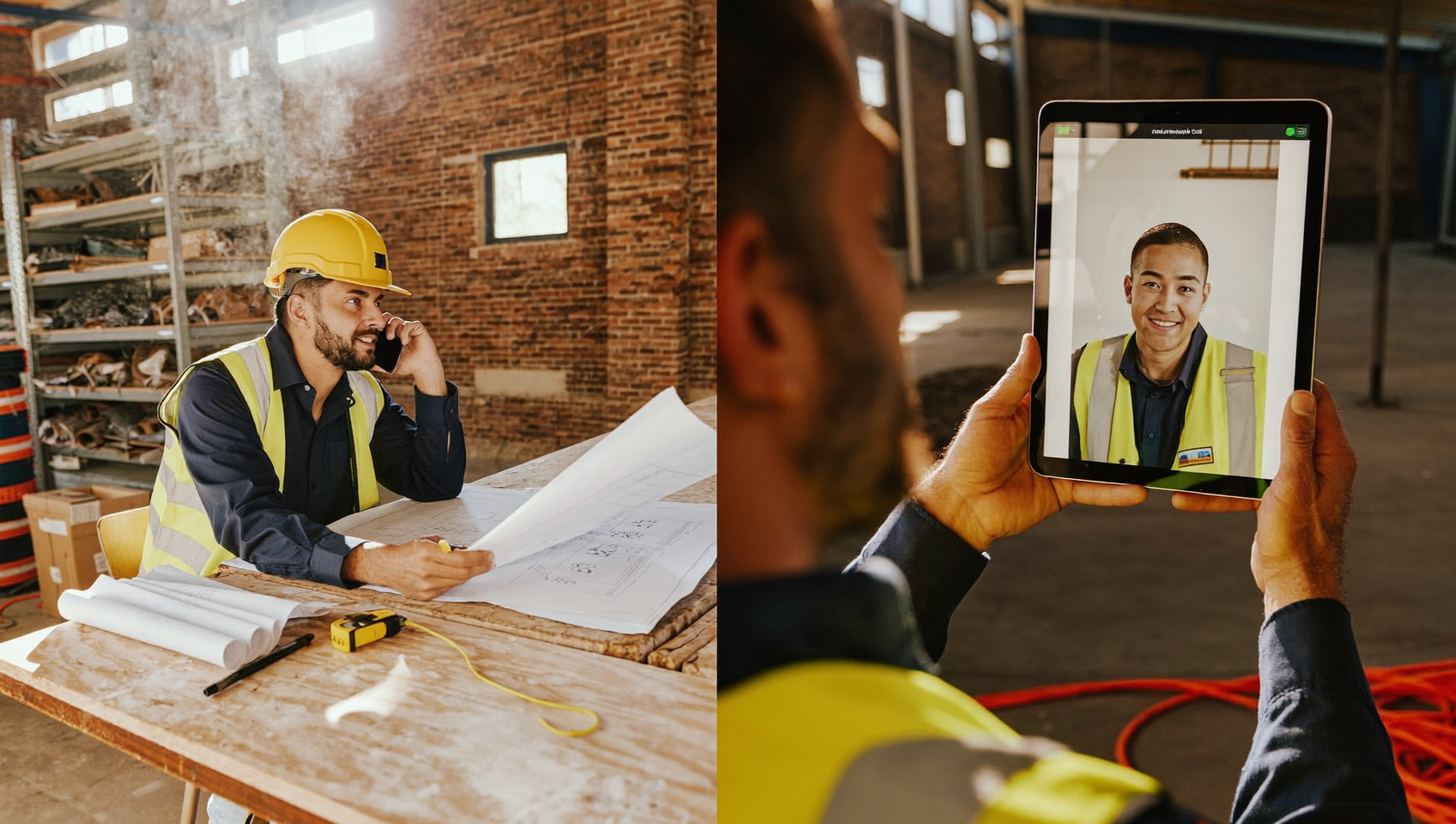
Your team’s scattered across two locations. A customer wants to discuss a project. And your operations manager is driving between job sites. Do you fire up a video call and hope everyone has decent Wi-Fi, or do you dial into an audio conference that works on any phone? Sound familiar? The audio conferencing vs video conferencing debate isn’t just about preference. It’s about choosing the right tool for how your business actually operates.
Audio conferencing vs video conferencing comes down to accessibility versus engagement. Audio conferencing uses phone lines or apps for voice-only calls accessible anywhere, while video conferencing adds cameras and screen sharing for face-to-face interaction. Choose audio for mobility and simplicity; choose video for collaboration and relationship building.
Free weekly newsletter
Growth tips for service businesses
Every Tuesday — actionable ideas to get more leads, reviews, and repeat customers. No fluff.
Quick Answer
Audio conferencing works best for quick updates and calls where visuals aren’t needed, reducing bandwidth demands and tech barriers. Video conferencing builds stronger connections and clarifies complex discussions through facial expressions and screen sharing. Choose audio for routine check-ins and field operations with limited connectivity; use video for negotiations, training, and relationship-building where engagement matters most.
What Is Audio Conferencing and Video Conferencing?
Audio conferencing is a multi-party phone call where participants connect by dialing a number or joining through an app. No camera. No screen sharing. No visual element. Everyone talks and listens. That’s it. Audio conferences work over traditional phone lines, VoIP, or mobile networks, which means they’re accessible from virtually any device with a speaker and microphone.
Video conferencing adds a visual layer. Participants see each other through cameras, share screens, present slides, and collaborate on documents in real time. But video calls require more. You need stable internet, a camera-equipped device, and enough bandwidth to handle the stream. Tools like Zoom, Microsoft Teams, and Google Meet have made video conferencing mainstream, but the technical requirements stay higher than a simple phone call.
Both formats connect people who aren’t in the same room. However, each comes with distinct trade-offs in flexibility, cost, reliability, and participant experience. Understanding those trade-offs helps you pick the right format for each situation your business faces.
Where Audio Conferencing Wins
Flexibility and Accessibility
Audio conferences don’t require Wi-Fi. No laptop needed. No quiet room with good lighting. Your field technician can join from the cab of a truck. Your office manager can dial in from a landline. A customer can participate without downloading any app. For service businesses with staff constantly on the move, this matters more than most people realize.
According to Okta’s research on SMB app usage, growing companies juggle dozens of tools. Adding another video app creates friction. Audio conferencing, by contrast, works with the phone system your team already uses every day.
Reliability and Call Quality
Video calls are bandwidth-hungry. A single participant with a weak connection can degrade the experience for everyone. Frozen screens. Choppy audio. Awkward delays. Audio conferencing requires a fraction of the bandwidth. Even on a 3G mobile connection, voice quality stays consistent.
For businesses in rural areas or teams working at job sites where cell signal is spotty, audio-only calls simply work more often. That reliability gap widens during peak internet hours or when multiple devices share the same network at a small office.
Security and Privacy Considerations
Video calls capture more data by nature. Camera feeds, screen shares, and chat logs all create potential exposure points. Audio conferencing has a smaller attack surface. Less data to intercept. No visual information to leak. Fewer software vulnerabilities since audio systems tend to be simpler.
This doesn’t mean audio is automatically “secure” and video isn’t. But for quick internal check-ins or calls with customers who haven’t signed data agreements, audio reduces your risk profile. IDC’s 2024 assessment of unified communications platforms notes that security remains a top buying criterion for businesses evaluating communication tools.
Where Video Conferencing Wins
Visual Collaboration and Engagement
Some conversations need a face. Sales presentations, design reviews, onboarding sessions, and demos all benefit from seeing reactions, sharing screens, and walking through visuals together. Research from Harvard Business Review has consistently shown that visual cues improve comprehension and trust-building in business relationships.
You’re training a new hire? Walking a customer through a proposal? Video adds context that audio alone can’t provide. Body language, facial expressions, and shared screens reduce miscommunication.
Team Culture and Connection
For remote or hybrid teams, video calls provide social connection that phone calls lack. Seeing a colleague’s face creates a sense of presence. Weekly team meetings, one-on-ones with managers, and company-wide updates feel more personal on video. When building culture across locations, that visual connection has real value.
Structured Meetings and Presentations
Formal meetings with agendas, slide decks, and multiple presenters fit video conferencing better. Screen annotation, breakout rooms, and recording with visual context make video the clear choice for structured collaboration. But these features come with complexity, and not every meeting needs them.
Choosing the Right Format for Your Business
The smartest approach isn’t picking one format exclusively. It’s matching the format to the situation. Here’s what works in practice:
- Use audio conferencing for quick team check-ins, status updates, customer follow-ups, calls with field staff, and any meeting where participants might be driving or on-site.
- Use video conferencing for client presentations, training sessions, design or project reviews, interviews, and team culture moments.
- Default to audio when bandwidth is uncertain, when the meeting is under 15 minutes, or when you’re connecting with customers who may not have video-capable setups.
- Default to video when visual context directly improves the outcome, such as walking through documents, demonstrating products, or reading the room during a negotiation.
Many service businesses find that the vast majority of their communication doesn’t actually require video. Customer calls, appointment confirmations, team coordination, and vendor conversations all work perfectly as audio. According to Techaisle’s research on SMB contact center trends, phone-based communication remains the dominant channel for small and midsize businesses.
Cost and Infrastructure Differences
Video conferencing typically costs more to run. You need higher bandwidth, camera-equipped devices, and often paid subscriptions for features like recording or large participant counts. Audio conferencing runs on infrastructure most businesses already have: phones and a VoIP system.
For multi-location service businesses watching every dollar, that difference compounds. Five locations each needing video-capable conference setups versus five locations that just need reliable phone lines represent very different budget lines. Frost & Sullivan’s global analysis of audio conferencing endpoints projects continued growth in audio conferencing hardware through 2030, suggesting businesses aren’t abandoning audio despite video’s rise.
The Hidden Factor: Meeting Fatigue
Video fatigue is well-documented. Being on camera for hours drains energy faster than voice-only calls. Your team members who spend mornings on video calls with clients and afternoons on internal video meetings will burn out faster than those who can drop to audio for routine coordination. Mixing formats strategically keeps your team sharper throughout the day.
How SalesCaptain Helps
SalesCaptain’s phone system includes built-in audio conferencing. Several competing platforms like Dialpad, Podium, Birdeye, Chekkit, and Kenect don’t offer this natively. That means your team can run multi-party audio calls without bolting on a separate tool or paying for another subscription.
Beyond conferencing, SalesCaptain brings together voice, SMS, webchat, and social messaging into one unified inbox. Your audio conference with a customer can be followed by an automated text summary, an appointment booking through the AI Phone Agent, and a workflow-triggered follow-up. All without switching platforms. Every call gets AI transcription and summaries, capturing what was discussed so your team doesn’t need to take manual notes during the conference.
For service businesses that rely heavily on phone communication, this integrated approach eliminates the gap between talking to a customer and acting on that conversation. Call flows route calls to the right person or team. And if nobody’s available, the AI Phone Agent picks up, qualifies the caller, and books appointments around the clock. The real cost of missed calls makes that kind of coverage essential, not optional.
Key Takeaways
The audio conferencing vs video conferencing decision shouldn’t be either/or. Audio wins on accessibility, reliability, cost, and speed. Video wins on visual collaboration, engagement, and structured presentations. The best strategy uses both formats intentionally, matching the tool to what each conversation actually requires.
For most service businesses, audio handles the bulk of daily communication. Customers calling about appointments, teams coordinating across locations, and quick internal huddles don’t need cameras. Reserve video for the moments where seeing is genuinely better than hearing. You’ll run a leaner, less fatigued, more responsive operation. The platform you choose should make both formats easy, not force you into one.
Frequently Asked Questions
Is audio conferencing more reliable than video conferencing?
Yes, in most conditions. Audio conferencing uses significantly less bandwidth. It works well even on weak cellular connections or shared office networks. Video calls depend on stable, high-speed internet for every participant. When bandwidth dips, video freezes while audio keeps going.
Can audio conferencing replace video for remote teams?
For routine coordination, status updates, and quick decisions, absolutely. However, remote teams benefit from occasional video for culture-building, onboarding, and complex visual discussions. A hybrid approach works best for most teams.
What equipment do I need for audio conferencing?
A phone. That’s the minimum. For better quality in a conference room, a speakerphone or dedicated conference phone improves the experience. VoIP-based audio conferencing, like SalesCaptain’s built-in feature, works through your existing business phone system with no additional hardware.
Is video conferencing more expensive than audio?
Generally, yes. Video requires higher bandwidth, camera-equipped devices, and often paid platform subscriptions for features like recording or breakout rooms. Audio conferencing runs on your existing phone infrastructure with minimal added cost.
Which format is better for customer-facing calls?
It depends on the conversation. Appointment confirmations, follow-ups, and quick Q&A sessions work great as audio calls since customers don’t need to download anything or be camera-ready. Consultations, design reviews, and detailed project walkthroughs benefit from video’s visual capabilities.
Ready to see it in action?
See how businesses use SalesCaptain to handle conference calls without missing customer inquiries.
Book a Free Demo →See How SalesCaptain Can Help
SalesCaptain gives your service business built-in audio conferencing, AI-powered call handling, and a unified inbox for every channel. All starting with a free plan. Visit salescaptain.com to explore how it works for your team.