
AI-powered customer experience marketing (CXM) platform that helps local businesses win.


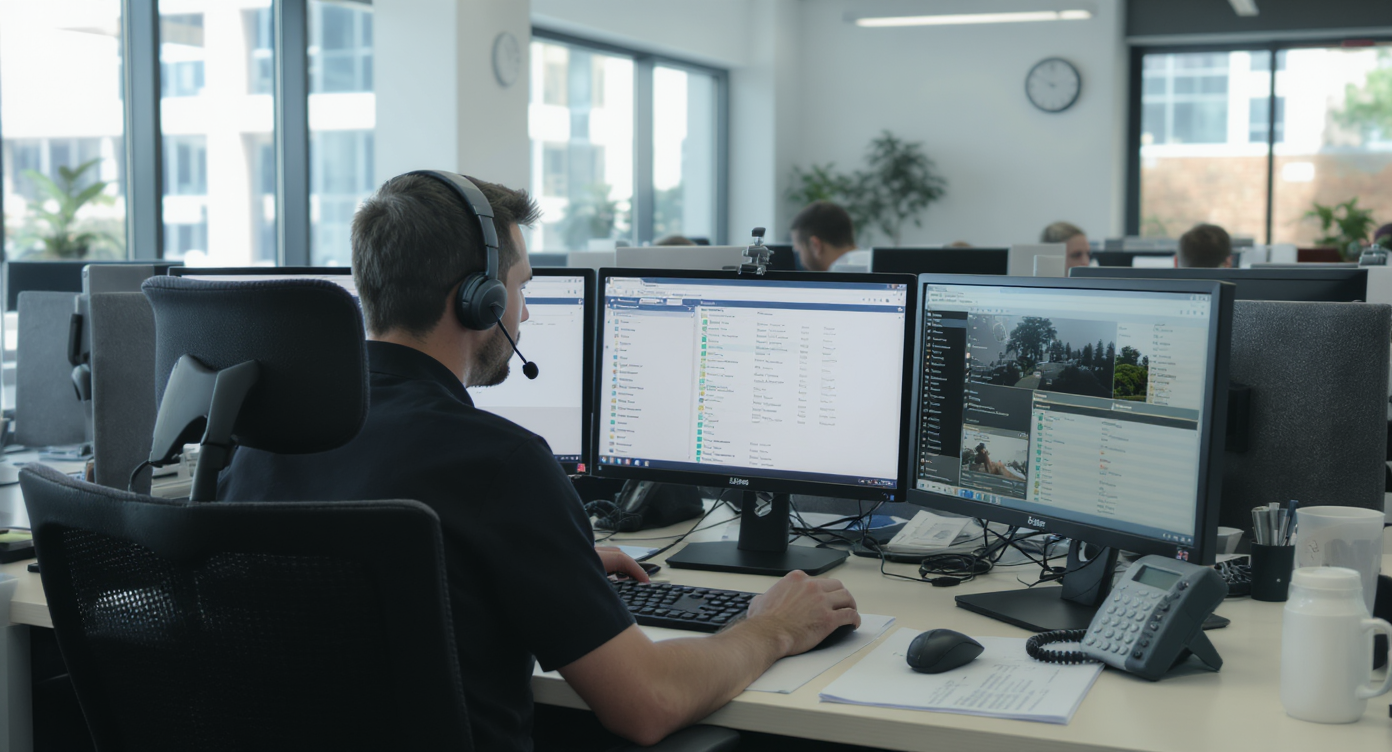
Every missed call is a missed sale. For service businesses running on tight margins, that’s painful. According to recent industry data, missed calls can cost small businesses over $100,000 per year in lost revenue. If you’ve been searching for auto dialer software free options to keep up with outbound calling and lead follow-up, you’re definitely not alone. But here’s the thing: before you download the first free tool you find, it’s worth understanding what auto dialers actually do, where free versions fall short, and what alternatives might serve your business better.Auto dialer software free options automatically dial phone numbers from a list and connect answered calls to agents or play pre-recorded messages. This eliminates manual dialing, helping service businesses reduce missed calls and follow up with leads faster — potentially saving thousands in lost revenue annually.
Quick Answer
Free auto dialer software typically includes basic calling automation, contact list management, and call logging, but lacks advanced features like AI-powered insights or seamless CRM integration found in paid solutions. Open-source options and entry-level platforms offer cost savings, though they may require more manual setup and provide limited customer support, making them ideal for small teams testing workflow automation before investing in premium tools.
Free weekly newsletter
Growth tips for auto dealerships & repair shops
Every Tuesday — actionable ideas to get more leads, reviews, and repeat customers. No fluff.
What Is Auto Dialer Software?
Auto dialer software automatically dials phone numbers from a list, connecting answered calls to a live agent or playing a pre-recorded message. No more manual dialing. It eliminates the tedious process of manually punching in numbers, waiting through rings, and dealing with voicemails one by one. The core purpose is simple: efficiency. Your team spends more time talking to real people and less time staring at a dial pad.There are several types of auto dialers. Each works differently. A preview dialer shows agent information about the contact before dialing, while a progressive dialer automatically calls the next number once an agent becomes available. Predictive dialers go further by using algorithms to dial multiple numbers simultaneously, predicting when an agent will be free. Power dialers sit in the middle, calling one number at a time but moving through a list without pauses. Understanding these distinctions matters because free software rarely offers all of these modes. The wrong type can hurt your call quality and compliance standing.Why Service Businesses Look for Free Auto Dialer Tools
The appeal is obvious. Hiring more staff to handle outbound calling is expensive. According to the U.S. Small Business Administration, labor costs are the single largest expense for most small businesses. So when a tool promises to automate repetitive dialing at no cost, it feels like a no-brainer. Roofing companies chasing estimates, HVAC shops following up on service quotes, dental offices confirming appointments—they all face the same bottleneck: too many calls, not enough people.What Free Auto Dialers Typically Offer
Most free auto dialer apps give you a stripped-down version of paid software. Here’s what you can generally expect:- Limited contact lists: Free tiers usually cap the number of contacts you can upload per day or per campaign, often around 25-100 numbers.
- Basic power dialing: You’ll get one-at-a-time dialing through a list, but rarely predictive or progressive modes.
- No CRM integration: Free versions almost never sync with your existing customer database, meaning double data entry.
- Single user only: Team functionality is locked behind paid plans.
- No call recording or analytics: You won’t get insights into call outcomes, duration, or agent performance.
The Hidden Costs of “Free”
Free software always has a business model. Sometimes it’s ads. Sometimes it’s upselling. And sometimes your data is the product. Before committing to any free dialer, ask yourself what you’re actually trading. Your contact lists, call logs, and customer information are valuable. Some free tools monetize that data or share it with third parties.There’s more. Free dialers rarely include compliance features. The Telephone Consumer Protection Act (TCPA) imposes strict rules on automated calls, and violations carry fines of $500 to $1,500 per call. A free tool that doesn’t support consent tracking, opt-out management, or time-zone calling restrictions could expose your business to serious legal risk. That “free” dialer could end up being the most expensive software decision you make.What to Look for When Evaluating Auto Dialer Options
Whether you’re sticking with a free tool or weighing paid alternatives, certain features separate useful software from frustrating software. The auto dialer software market is growing rapidly, which means more options exist than ever. But that also makes choosing harder.Essential Features for Service Businesses
- CRM sync: Your dialer should pull contacts from and push outcomes back to your CRM automatically. Without this, your team wastes hours on manual updates.
- Call recording and transcription: Every conversation should be captured for training, quality control, and dispute resolution.
- Voicemail drop: Instead of waiting 30 seconds to leave a message, agents should be able to drop a pre-recorded voicemail with one click and move to the next call.
- Multi-channel follow-up: A phone call that goes unanswered should trigger an SMS or email automatically. Dialing alone isn’t enough anymore.
- Compliance tools: DNC list management, consent tracking, and time-zone awareness are non-negotiable for any business making outbound calls at scale.
- Reporting: You need visibility into connect rates, talk time, outcomes per campaign, and agent performance to improve over time.
Why Auto Dialing Alone Isn’t Enough Anymore
Here’s the bigger picture that most “auto dialer software free” searches miss. Outbound dialing is one piece of a much larger puzzle. Your customers don’t just receive calls from you. They call you back. They text. In fact, they message on Instagram. They fill out web forms at midnight. And if you’re not capturing those inbound interactions just as efficiently as your outbound ones, you’re still leaving money on the table.According to missed call research from 2026, small businesses miss nearly half of all incoming calls. Think about that. Even if your auto dialer helps you reach more prospects, a significant percentage of those prospects can’t reach you when they call back. The math doesn’t work in your favor unless you solve both sides of the equation.The Shift Toward Unified Communication
The predictive dialer market is evolving toward platforms that combine outbound dialing with inbound call handling, texting, chat, and AI automation in a single system. Instead of cobbling together a free dialer, a separate phone system, a texting app, and a CRM, businesses are moving to platforms that handle everything from one place. This consolidation saves money. It reduces complexity. And it ensures no lead falls through the cracks regardless of how they reach out.What does that look like in practice? When a prospect you auto-dialed yesterday calls back today, that call goes to a system with full context. Your team instantly sees the contact history, previous call notes, and any automated follow-ups that already went out. That’s the difference between a disconnected toolset and an actual communication strategy.How SalesCaptain Helps
SalesCaptain isn’t a standalone auto dialer. It’s a unified communication platform that includes a power dialer alongside an AI Phone Agent, AI Chat Agents, a collaborative Unified Inbox, and a full business phone system with 99.99% uptime. For service businesses that need outbound calling efficiency and 24/7 inbound coverage, it handles both. No separate tools required.The power dialer lets your team move through call lists efficiently. Voicemail drop saves time on unanswered calls. But what sets SalesCaptain apart is what happens around the dialing. Every call gets AI-powered transcription and summaries. You never lose track of what was discussed. Missed calls trigger automated text-backs instantly. And every interaction—whether it’s a phone call, SMS, webchat message, Instagram DM, or Facebook Messenger conversation—lands in one unified inbox where your whole team can collaborate.SalesCaptain’s Workflow Automation builder connects all of these pieces with drag-and-drop simplicity. After an outbound call ends, you can automatically send a follow-up text, update your CRM through one of 50+ native integrations including HubSpot, Salesforce, and ServiceFusion, and schedule the next touchpoint. No coding required.The free Startup plan covers one location. You can test the platform before committing. Paid plans start at $159 per month per location for the Business tier, which includes the full feature set. Compare that to paying $30 per user for Aircall or assembling three or four separate free tools that don’t talk to each other. The value becomes clear quickly.Key Takeaways
Free auto dialer software exists. But it comes with real limitations in contact volume, features, compliance, and integrations. For businesses making fewer than 30 calls a day with no need for CRM sync or multi-channel follow-up, a free tool might work temporarily. Once your operation grows beyond that, the gaps become expensive.Service businesses in particular need more than just outbound dialing. They need inbound call handling, missed-call text-back, appointment booking, and multi-channel messaging all tied together in one system. Evaluating auto dialer software free options is a fine starting point. But the smarter move is investing in a platform that eliminates the need for five separate tools by handling everything your team actually does every day. The businesses that capture every lead, on every channel, at every hour—those are the ones that grow.Frequently Asked Questions
Is free auto dialer software really free, or are there hidden costs?
Most free auto dialers are freemium products. You’ll get basic dialing for a limited number of contacts. But features like CRM integration, call recording, voicemail drop, and team access are locked behind paid tiers. Some free tools also monetize your contact data. Always read the privacy policy before uploading your customer lists.Are auto dialers legal for small businesses?
Yes, but with strict rules. The TCPA and FCC regulations require prior consent for automated calls. Especially to cell phones. You must also honor do-not-call lists and comply with state-specific telemarketing laws. Using a dialer without built-in compliance tools puts you at risk for fines up to $1,500 per violation.What’s the difference between a power dialer and a predictive dialer?
A power dialer calls one number at a time. It waits for the outcome before moving to the next. A predictive dialer uses algorithms to call multiple numbers simultaneously, connecting agents only when someone answers. Predictive dialers are faster but require larger teams to work effectively. They also carry higher compliance risk due to potential abandoned calls.Can an auto dialer replace hiring more staff?
An auto dialer can significantly increase the number of calls each team member makes per hour. Often by 3-4x. However, it only solves outbound efficiency. If you also need 24/7 inbound call answering, appointment booking, and multi-channel messaging, you’ll need a more comprehensive platform. A dialer alone won’t cut it.How does SalesCaptain’s power dialer compare to standalone free dialers?
SalesCaptain’s power dialer is part of a complete communication platform. Not a standalone tool. Beyond dialing, it includes voicemail drop, AI call transcription and summaries, missed-call text-back, workflow automation, and a unified inbox for calls, texts, and social messages. Free standalone dialers don’t offer any of these capabilities.Ready to see it in action?
See how auto repair shops use SalesCaptain to reach customers faster without expensive dialer software.
Book a Free Demo →