
AI-powered customer experience marketing (CXM) platform that helps local businesses win.


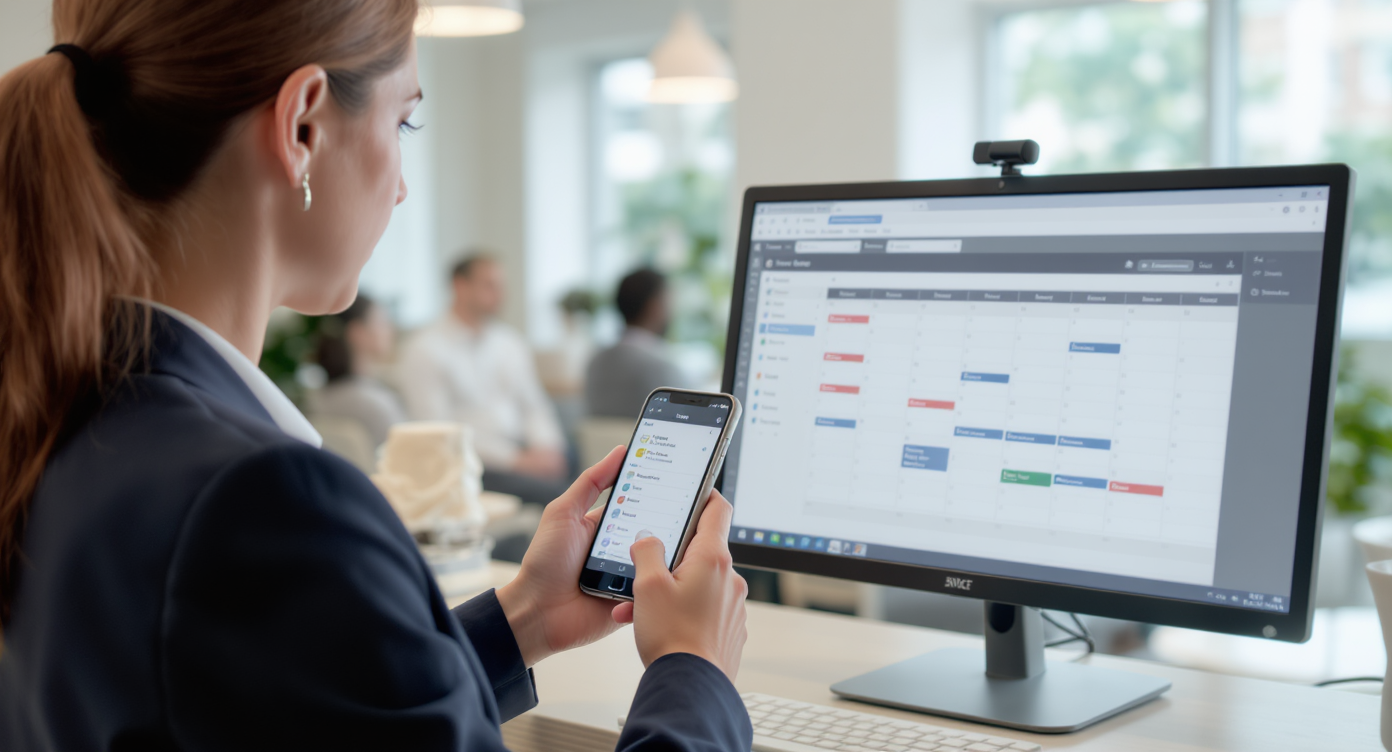
Every missed appointment costs your service business real money. It’s not just the lost revenue from that single slot; it’s the wasted prep time, the idle staff, and the customer who may never rebook. Sound familiar? Automated appointment reminder software solves this by sending timely reminders through text, phone, and chat, so your calendar stays full and your no-show rate drops. SalesCaptain builds this capability directly into its AI-powered communication platform, giving service businesses a way to automate reminders alongside every other customer interaction, all from one place.
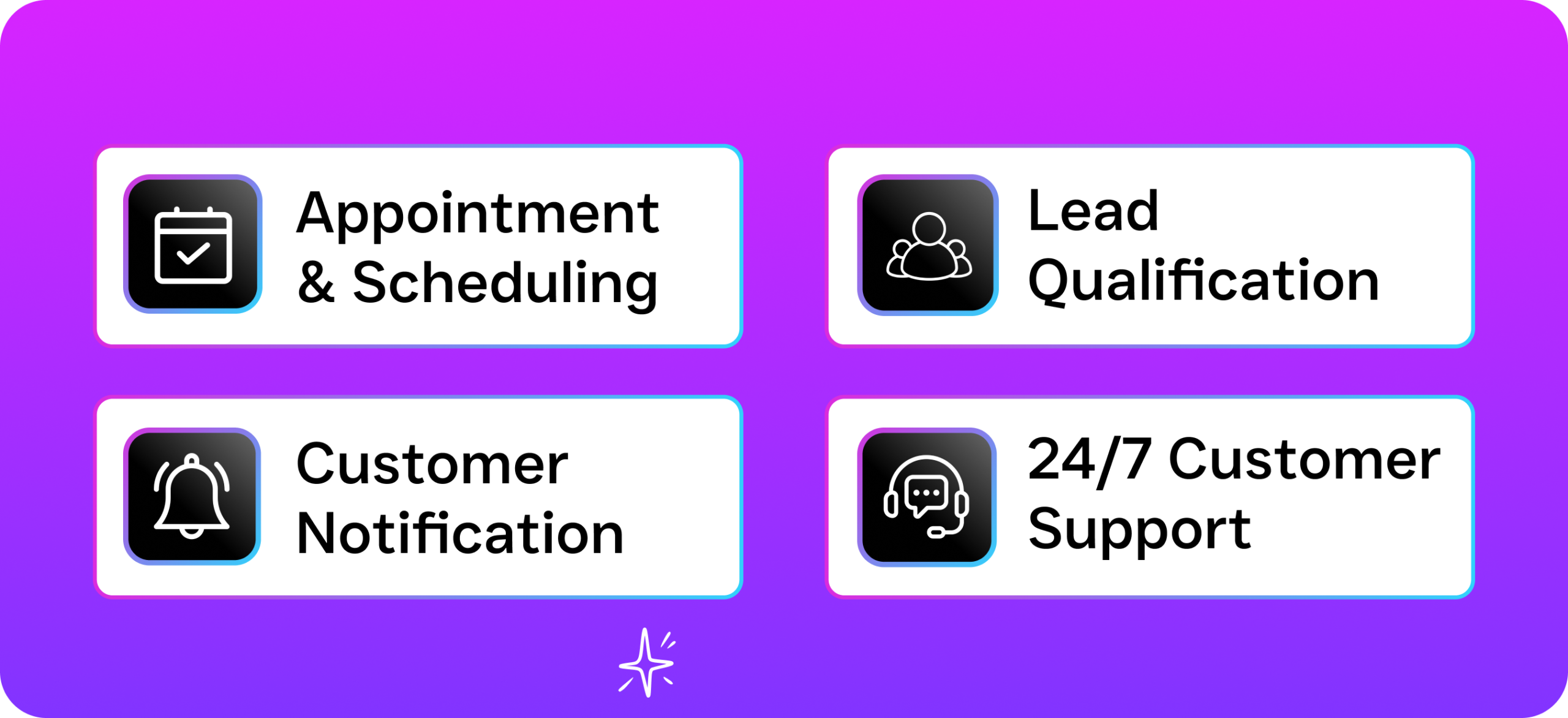
What Is Automated Appointment Reminder Software?
Automated appointment reminder software sends pre-scheduled notifications to customers before their booked appointments. These reminders go out via SMS, phone call, email, or chat without anyone on your team lifting a finger. Simple as that. The goal is to reduce no-shows, fill your schedule, and keep customers engaged between booking and arrival.
According to appointment reminder research compiled by WebinarCare, businesses that use automated reminders see significant reductions in missed appointments. That tracks with what most service business owners experience firsthand. A customer books on Monday, forgets by Thursday, and your afternoon slot sits empty. Reminders close that gap.
But basic reminder tools only solve one piece of the puzzle. They’ll ping a customer, sure. However, they won’t answer a reply asking to reschedule, they won’t route that message to the right team member, and they won’t follow up if the customer ghosts. That’s where a full communication platform changes everything. Instead of bolting on a standalone reminder tool, you’re building reminders into the same system that handles your calls, texts, chats, and follow-ups.
How Automated Appointment Reminders Work in SalesCaptain
Setting up automated reminders in SalesCaptain takes minutes, not days. Here’s the step-by-step process from booking to confirmation.
- Customer books an appointment. They can book through your AI Chat Agent on webchat, SMS, Instagram DMs, or Facebook Messenger. Alternatively, your AI Phone Agent books it during a live call. Either way, the appointment lands in SalesCaptain automatically.
- Workflow triggers reminder sequence. Using SalesCaptain’s drag-and-drop Workflow Automation builder, you set when reminders fire. Most businesses send one 48 hours before and another 2 hours before. You choose the channel: text, call, or both.
- AI agent handles replies. When a customer texts back “Can I reschedule?” or “Running 10 minutes late,” your AI Chat Agent responds instantly. It can offer alternative slots, confirm changes, or escalate to a team member if needed.
- Confirmation updates your calendar and inbox. Every interaction, whether it’s a confirmed appointment, a reschedule, or a cancellation, shows up in your Unified Inbox. Your entire team sees the same real-time status without switching between apps.
- No-show follow-up fires automatically. If someone misses their appointment, a follow-up workflow kicks in. SalesCaptain can send a text offering to rebook, log the no-show in your CRM, or notify your front desk, all without manual effort.
Because reminders live inside your broader communication system, you don’t need a separate tool or login. Everything connects to your existing call flows, chat agents, and contact records.
Key Capabilities
- Multi-channel reminder delivery. Send reminders via SMS, AI phone call, webchat, Instagram DM, or Facebook Messenger. Customers receive reminders on the channel they’re most likely to check, which means higher open rates and fewer no-shows.
- Two-way conversation handling. Unlike basic reminder tools that blast one-way messages, SalesCaptain’s AI Chat Agents can carry full conversations. Customers can confirm, cancel, ask questions, or request a different time, and the AI responds in real time.
- Drag-and-drop workflow builder. Build reminder sequences visually. Set triggers based on appointment time, customer type, or service category. No coding required, and you can adjust timing or messaging in seconds.
- Missed call text-back with reminders. If a customer calls and you can’t answer, SalesCaptain automatically texts them back. That text can include appointment details, a booking link, or a reminder of their upcoming visit. According to SkipCalls research on missed business calls, small businesses lose over $26,000 per year to unanswered calls alone.
- CRM sync and 50+ integrations. Reminders sync with HubSpot, Salesforce, Zoho, HousecallPro, ServiceFusion, Mindbody, and dozens more. Your appointment data flows between systems without duplicate entry.
- Bulk messaging for schedule-heavy days. Running a packed day of appointments? Send bulk reminders to everyone on tomorrow’s schedule in one click, filtered by service type, location, or provider.
Who Needs This?
Automated appointment reminders aren’t a nice-to-have for schedule-dependent businesses. They’re essential infrastructure. Here’s who benefits most.
- Home service companies (roofing, HVAC, plumbing, landscaping, appliance repair) where a missed appointment means a truck rolled for nothing.
- Healthcare and wellness practices (dental offices, medical clinics, MedSpas, therapy practices) where no-show rates can reach 30% in some specialties, costing practices thousands per month.
- Legal practices where client consultations are high-value and difficult to rebook on short notice.
- Salons, gyms, and fitness studios where appointment density drives revenue, and a single empty slot during peak hours is money left on the table.
- Real estate agencies where showing no-shows waste agent time and delay closings.
- Multi-location businesses that need consistent reminder workflows across every site without managing separate tools per location.
If your team spends time manually calling or texting customers to confirm appointments, you’re the exact fit. So is anyone juggling reminder calls between walk-ins at the front desk. The U.S. Small Business Administration consistently identifies operational efficiency as a top growth lever for small businesses, and automating reminders is one of the fastest wins available.
Benefits of Automated Appointment Reminders
Fewer No-Shows, Fuller Schedules
The math here’s straightforward. Research from PatientDesk.ai shows that automated reminders can reduce no-shows by around 28%. For a business running 20 appointments per day, that’s five or six empty slots per week versus maybe one or two. Over a year, those recovered appointments add up to real revenue.
Staff Time Redirected to Higher-Value Work
Your front desk or office manager shouldn’t be spending an hour each morning making confirmation calls. That’s repetitive, low-value work. An AI agent handles it faster and more consistently. Once reminders run automatically, your team can focus on greeting customers, handling complex questions, or closing sales. In a service business with thin margins, that labor shift matters.
Faster Rebooking When Cancellations Happen
Cancellations are inevitable. What matters is filling that slot quickly. Because SalesCaptain’s reminders are tied to two-way AI chat, a cancellation instantly triggers a rebooking workflow. Your AI agent can text the next person on your waitlist, offer the open slot to recent leads, or notify your team in the Unified Inbox. Compare that to a standalone reminder tool where a cancellation reply just sits in an inbox until someone notices it.
Consistent Customer Experience Across Channels
Some customers prefer texts. Others want a quick call. A few will reply on Instagram. SalesCaptain’s reminder system works across all of them. Every interaction funnels into one inbox. Your customer gets the reminder where they’re most responsive, and your team sees the full picture regardless of channel. According to WifiTalents’ scheduling statistics, businesses that offer flexible communication channels see higher booking retention rates.
How SalesCaptain Compares
Most tools in this space force you to choose. Podium, for example, offers text-based reminders but lacks outbound workflow automation and doesn’t include an AI voice agent that can call customers with reminders or handle rescheduling over the phone. Birdeye is primarily a reputation management platform, and its VoIP features don’t include call routing, IVR, or AI-powered call handling, so you can’t build reminder call flows.
Weave targets healthcare and dental practices specifically, which works if you’re in that niche. But it doesn’t support WhatsApp, social chat channels, or advanced templating, and it won’t serve a multi-industry service business. Meanwhile, tools like OpenPhone are basic phone apps with minimal AI capability and only seven integrations, which limits your ability to sync reminders with your existing scheduling or CRM software.
SalesCaptain’s real advantage? Consolidation. You’re not stitching together a reminder tool, a phone system, a chat platform, and a CRM connector. Reminders, AI voice agents, AI chat agents, call flows, and your unified inbox all live in one platform with 50+ integrations. Pricing starts free for one location, and scales at $159/month per location for businesses that need the full feature set. That’s significantly less than running separate tools for each capability.
| Feature | SalesCaptain | Podium | Birdeye | Weave |
|---|---|---|---|---|
| Multi-channel reminders (SMS, voice, chat) | Yes | SMS only | SMS/email | SMS/email |
| AI Voice Agent for reminder calls | Yes | No | No | No |
| Two-way AI chat on replies | Yes | Limited | No | Limited |
| Drag-and-drop workflow builder | Yes | No | No | No |
| Unified inbox for all channels | Yes | Yes | Partial | Partial |
| WhatsApp support | Yes | No | No | No |
| Free plan available | Yes | No | No | No |
Frequently Asked Questions
How far in advance should I send appointment reminders?
Most service businesses see the best results with two reminders: one 24 to 48 hours before the appointment and a second one 1 to 2 hours before. SalesCaptain’s workflow builder lets you customize timing per service type. So a 30-minute haircut might get a shorter lead time than a 2-hour home inspection.
Can customers reschedule through the reminder message?
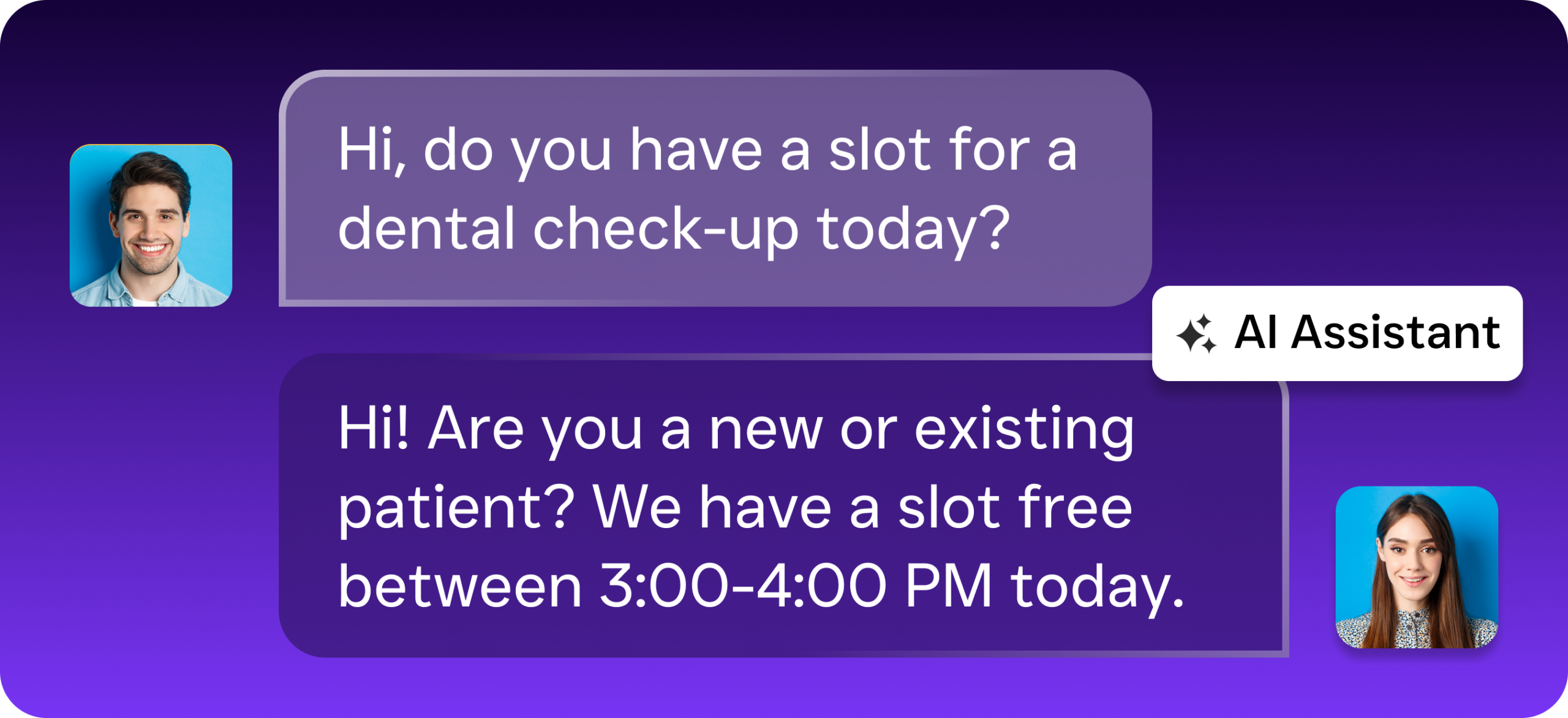
Yes, they can. When a customer replies to a reminder with a question or reschedule request, SalesCaptain’s AI Chat Agent handles the conversation automatically. It can offer available time slots, confirm the change, and update your calendar and CRM in real time. Your team doesn’t need to manually intervene unless the situation requires it.
Does SalesCaptain integrate with my existing scheduling software?
SalesCaptain connects with 50+ tools including HousecallPro, ServiceFusion, Mindbody, HubSpot, Salesforce, Zoho, and more through native integrations and Zapier. Your appointment data syncs automatically. Reminders trigger based on your existing booking flow without duplicate data entry.
What happens if a customer doesn’t respond to the reminder?
You can build escalation steps into your workflow. For example, if there’s no response to a text reminder, SalesCaptain’s AI Phone Agent can place an automated call to confirm. If the customer still doesn’t respond, the system can flag them in your inbox so your team decides whether to hold or release the slot.
Stop Losing Revenue to No-Shows
SalesCaptain gives you automated appointment reminder software built into a full AI communication platform, so your reminders, calls, texts, and follow-ups all work together. Start with a free plan for one location and see fewer empty slots within your first week.