
AI-powered customer experience marketing (CXM) platform that helps local businesses win.


Automated Review Requests for Home Services
Your crew just finished a flawless roof replacement. The homeowner’s thrilled, shaking hands, saying they’ll “definitely leave a review.” Two weeks later? Nothing. No Google review. No Yelp star. No social proof for the next prospect comparing you to three other roofers in their area. Sound familiar? This scenario plays out thousands of times every day across plumbing, HVAC, landscaping, and every other home service trade. But here’s the thing: automated review requests for home services solve this problem by removing the awkward manual ask and replacing it with a reliable, timed system that captures customer sentiment while the job is still fresh.
Home service businesses live and die by their online reputation. A strong review profile on Google, Yelp, or Angi can be the difference between a packed schedule and a slow month. But most contractors and service techs are too busy running jobs to remember to follow up with every single customer. Even when they do remember, the timing’s off, the message is generic, or they simply feel uncomfortable asking. And that’s where automation comes in. Automated review requests eliminate all of those friction points, turning every completed job into a potential five-star review without adding a single task to your team’s plate.
What Are Automated Review Requests for Home Services?
Automated review requests are triggered messages, sent via text, email, or both, that ask your customer to leave a review on a platform of your choice immediately after a job is completed. Instead of relying on your memory, a sticky note on the dashboard, or a hastily typed text while driving to the next call, the system handles it. Based on rules you set once. The request goes out at the optimal time with the right wording and includes a direct link to your Google Business Profile, Yelp page, or any other review platform you want to build up.
For home services specifically, timing is everything. A homeowner who just had their AC fixed in the middle of July is riding a wave of gratitude and relief. If you catch them within an hour or two, they’re far more likely to take 90 seconds and leave a review than if you email them a week later when they’ve moved on to something else. According to GatherUp’s research on online review statistics, the vast majority of consumers read reviews before choosing a local business. And businesses that actively request reviews? They consistently outperform those that wait passively. Automated systems ensure you never miss that golden window of customer satisfaction.
The concept is simple. The execution matters. A good automated review request system does more than blast a generic “please review us” message. It personalizes the ask with the customer’s name and the service performed, sends it through the channel they’re most likely to respond on, usually SMS for home service customers, and makes it dead simple to leave the review with a one-tap link. Some systems also include sentiment screening, which routes unhappy customers to a private feedback form instead of a public review page, protecting your online reputation while still giving you a chance to make things right.
How Automated Review Requests Work in SalesCaptain
SalesCaptain’s workflow automation engine lets you build review request sequences that fire automatically based on triggers you define. What does that actually look like? Here’s how the process works from start to finish, without requiring any technical expertise or coding knowledge.
Step 1: Set Your Trigger
Using SalesCaptain’s visual drag-and-drop workflow builder, you choose the event that kicks off the review request. For most home service businesses, this is when a job is marked as completed in your CRM or field service management tool. Because SalesCaptain integrates natively with platforms like HousecallPro and ServiceFusion, tools that many contractors already use daily, the trigger can fire the moment your tech closes out a work order. You can also set triggers based on payment received, appointment completed, or even a manual tag applied by your office staff.
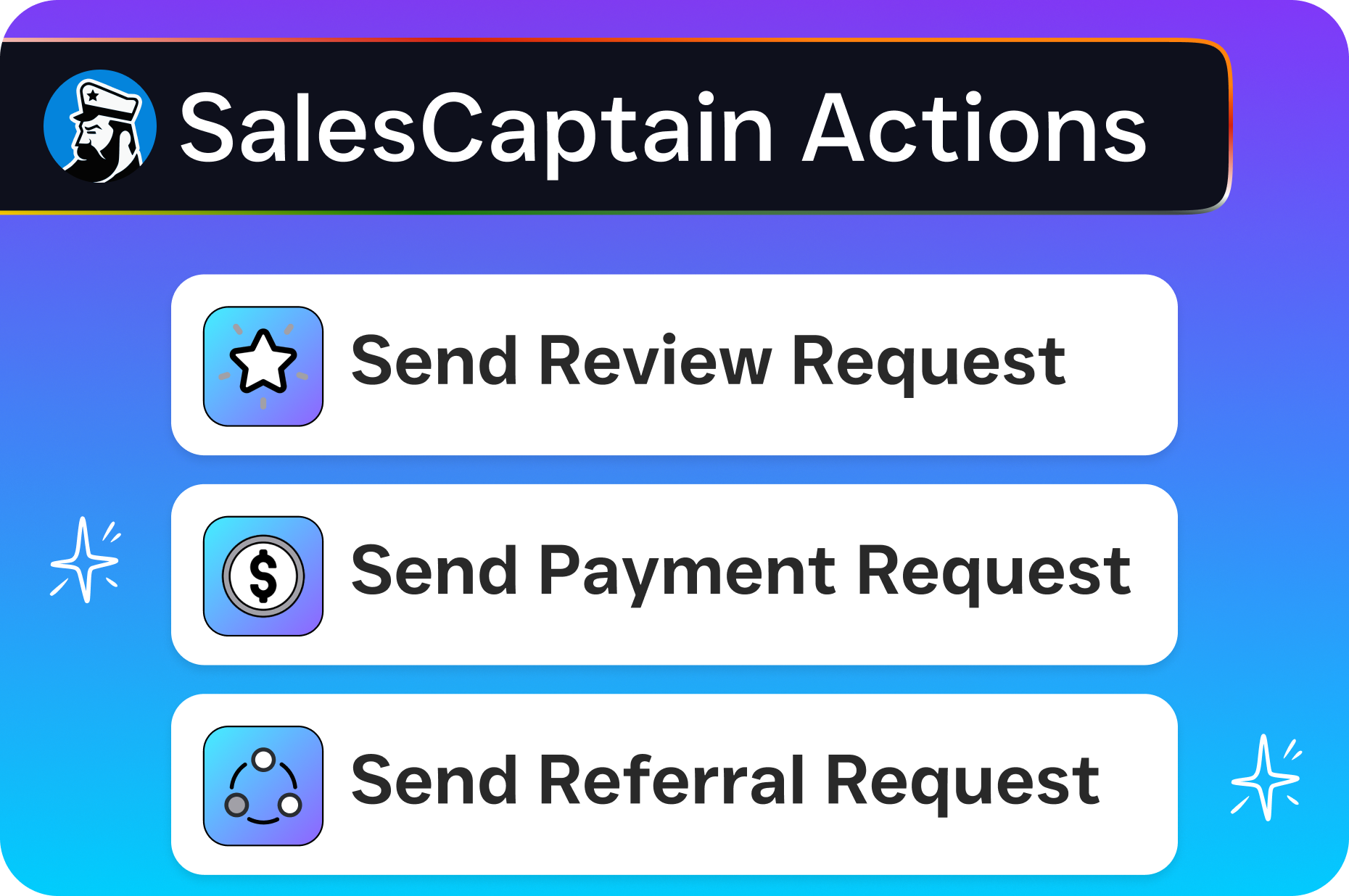
Step 2: Customize Your Message
Next, you write the review request message or use a template. SalesCaptain sends these through SMS, which consistently outperforms email for open rates in the home services space. The message pulls in dynamic fields like the customer’s first name, the type of service performed, and your technician’s name, making it feel personal rather than robotic. You also include a direct link to whichever review platform matters most to your business, Google, Yelp, Facebook, Angi, or HomeAdvisor. As Shapo’s guide on automated review requests emphasizes, personalized messages with direct links dramatically increase the completion rate compared to generic asks.
Step 3: Set Your Timing and Follow-Up
You choose when the message goes out. Most home service businesses find that one to two hours after job completion hits the sweet spot, the customer has had time to inspect the work and settle in, but the experience is still top of mind. SalesCaptain also lets you build follow-up sequences. If the customer doesn’t click the link within 48 hours, a gentle second message goes out. You control how many follow-ups to send and the spacing between them, so you never come across as pushy or spammy.
Step 4: Monitor Results in the Unified Inbox
Every outgoing review request and customer reply lives in SalesCaptain’s unified inbox alongside your calls, texts, webchat conversations, and social media DMs. If a customer responds to your review request with a question or concern, your team sees it immediately and can handle it in real time. This visibility prevents situations where a frustrated customer’s complaint goes unanswered because it was buried in a separate tool. You get a complete picture of every customer interaction in one place, which helps you spot patterns, like a particular technician consistently generating five-star feedback, and act on them.
Key Capabilities of SalesCaptain’s Review Request Automation
The review request workflow is part of SalesCaptain’s broader automation engine, which means it benefits from the full power of the platform. Here’s what sets it apart from basic review request tools and standalone reputation management software.
SMS-First Delivery: Review requests go out via text message, the channel home service customers are most responsive to. SalesCaptain’s AI Chat Agents can even handle replies if the customer texts back with questions or concerns before leaving their review. Any Review Platform, Your Link: You choose where to send customers, Google Business Profile, Yelp, Facebook, Angi, HomeAdvisor, Thumbtack, or any platform that accepts reviews. You control the link, so you can rotate platforms or focus on the one that needs the most attention. Trigger-Based Automation: Requests fire based on real events in your workflow, job completion, payment received, CRM status change, not arbitrary time delays. This ensures the ask always aligns with the customer’s actual experience. Personalized Messaging with Dynamic Fields: Every message includes the customer’s name, the service performed, and your business name. No generic “Dear Valued Customer” templates that scream mass marketing. Multi-Step Follow-Up Sequences: Build up to several follow-up touches with custom spacing. If the first text doesn’t convert, a softer second ask goes out on your schedule. Sentiment Pre-Screening: Route customers to a private feedback form before the public review link. Happy customers proceed to Google. Unhappy customers get a chance to tell you directly what went wrong, giving you a shot at resolution before the complaint becomes public. Native Integrations with Field Service Tools: HousecallPro, ServiceFusion, and 50+ other integrations mean you don’t need to manually update statuses or export lists. The data flows automatically between your job management tool and SalesCaptain. Unified Inbox Tracking: Every review request, customer reply, and follow-up is visible in the same inbox where your team manages calls, texts, and social messages. Nothing slips through the cracks.
Who Needs Automated Review Requests for Home Services?
If you run a service business that depends on local reputation to generate leads, this feature is built for you. The businesses that benefit most share a few common traits: they complete jobs on-site at customer locations, they rely on Google Maps and local search to attract new customers, and they don’t have a dedicated marketing person whose job is to chase reviews manually.
Contractors and Trades
Roofers, plumbers, HVAC technicians, electricians, and general contractors are the most obvious fit. These businesses complete multiple jobs per week, or even per day, each one representing a review opportunity. According to the National Association of Home Builders, the home improvement and repair market continues to grow, which means more competition for every local search query. A steady stream of recent reviews is one of the most effective ways to stand out in a crowded market. And that’s exactly what automated requests deliver. They ensure that every completed job feeds your review profile without your field techs having to think about it.
Landscaping and Lawn Care
Recurring service businesses like landscaping companies have a unique advantage: they interact with the same customers regularly, creating multiple natural touchpoints for review requests. You can set rules to request a review after the first service, then again after a milestone like the 10th visit, without over-asking. The seasonal nature of landscaping also means that building up reviews during your busy spring and summer months pays dividends when homeowners start planning projects for the following year.
Appliance Repair and Restoration
Appliance repair, water damage restoration, and similar emergency services deal with customers who are often stressed and grateful once the problem is solved. That emotional arc, from panic to relief, makes them some of the most motivated reviewers if you catch them at the right moment. Automated requests sent shortly after the repair is confirmed working capitalize on that gratitude far better than a follow-up email sent days later when the customer has moved on. These businesses also tend to serve a wide geographic area, making a strong Google profile essential for capturing leads across multiple zip codes.
Multi-Location Service Businesses
If you operate in more than one market, managing review requests manually across locations is a logistical nightmare. SalesCaptain’s per-location pricing model means each location can have its own automated workflows, its own review links, and its own performance tracking. The operations manager or business owner can see all locations from a single dashboard without switching between tools or accounts, keeping the entire review strategy consistent even as the business scales.
Benefits of Automated Review Requests for Home Services
The most obvious benefit is more reviews. But the downstream effects on your business go much deeper than a higher star count. Here’s what actually changes when you systematize your review generation.
Higher Local Search Rankings
Google’s local search algorithm weighs review quantity, recency, and quality heavily when deciding which businesses to show in the Map Pack and local results. A business with 200 reviews from the past year will almost always outrank a competitor with 50 reviews, even if the competitor has a slightly higher average rating. Automated requests keep fresh reviews flowing in consistently, which signals to Google that your business is active and trusted. Over time, this compounds. Each new review makes it slightly easier for the next potential customer to find you, creating a virtuous cycle of visibility and leads.
Faster Lead Response Feeds the Review Pipeline
Here’s a connection most review tools miss entirely: your ability to respond quickly to inbound leads directly affects how many jobs you close, which directly affects how many review opportunities you create. According to Aira’s research on missed business calls, small businesses lose significant revenue from unanswered calls. Callers who don’t get through often move on to the next provider within minutes. SalesCaptain’s AI Phone Agent answers every call 24/7, books appointments, and qualifies leads even when your office is closed. More answered calls means more booked jobs, which means more completed services, which means more automated review requests going out. The entire pipeline accelerates.
Protection Against Negative Reviews
Sentiment pre-screening is one of the most underrated features in any review automation system. When you route customers through a quick satisfaction check before sending them to Google, you create a private channel for complaints that might otherwise become public one-star reviews. This doesn’t mean you’re filtering or faking reviews, it means you’re giving unhappy customers a direct line to you, which most of them actually prefer over leaving an angry public review. Research compiled by Reviewly.AI in their case study on Google reviews shows that businesses using systematic review generation see significantly better results than those relying on organic reviews alone. The combination of more positive reviews and fewer negative ones creates a reputation profile that’s genuinely hard for competitors to match.
Time Savings That Add Up Fast
Consider the math on manual review requests. It takes your office manager 3 minutes to look up each customer’s contact info, type a personalized message, and send it. You complete 20 jobs per week. That’s an hour per week spent on review requests alone. Over a year? 52 hours of labor dedicated to a task that an automated system handles in zero hours. Multiply that across multiple locations and the savings become substantial. Those hours can be redirected to activities that actually grow the business, like estimating new jobs or training technicians.
How SalesCaptain Compares to Other Review Request Solutions
Most tools that offer automated review requests treat reputation management as an isolated function. You get a review request tool, maybe some reporting, and that’s it. SalesCaptain takes a fundamentally different approach by embedding review automation into a complete communication platform that also handles your phone calls, texts, webchat, social media messages, and follow-up workflows. As Build A Good Name explains in their analysis of review request automation, the most effective review systems are ones that integrate directly with your existing customer communication workflow rather than operating as a separate silo.
SalesCaptain vs. Standalone Review Tools
Tools like Birdeye and Podium focus heavily on reputation management and review generation, which they do well. But they don’t give you an AI phone agent that answers calls 24/7, or an AI chat agent that handles your Instagram DMs and website visitors. With SalesCaptain, the review request is just one step in a larger customer journey that starts when the lead first contacts you and continues through booking, service delivery, review collection, and ongoing communication. You’re not paying for one narrow function. You’re getting a platform that handles the entire communication lifecycle, with review automation built in as a natural extension of your workflow.
SalesCaptain vs. Complex All-in-One Platforms
On the other end of the spectrum, platforms like HighLevel offer extensive automation capabilities but come with a steep learning curve that most home service business owners don’t have time for. According to