
AI-powered customer experience marketing (CXM) platform that helps local businesses win.


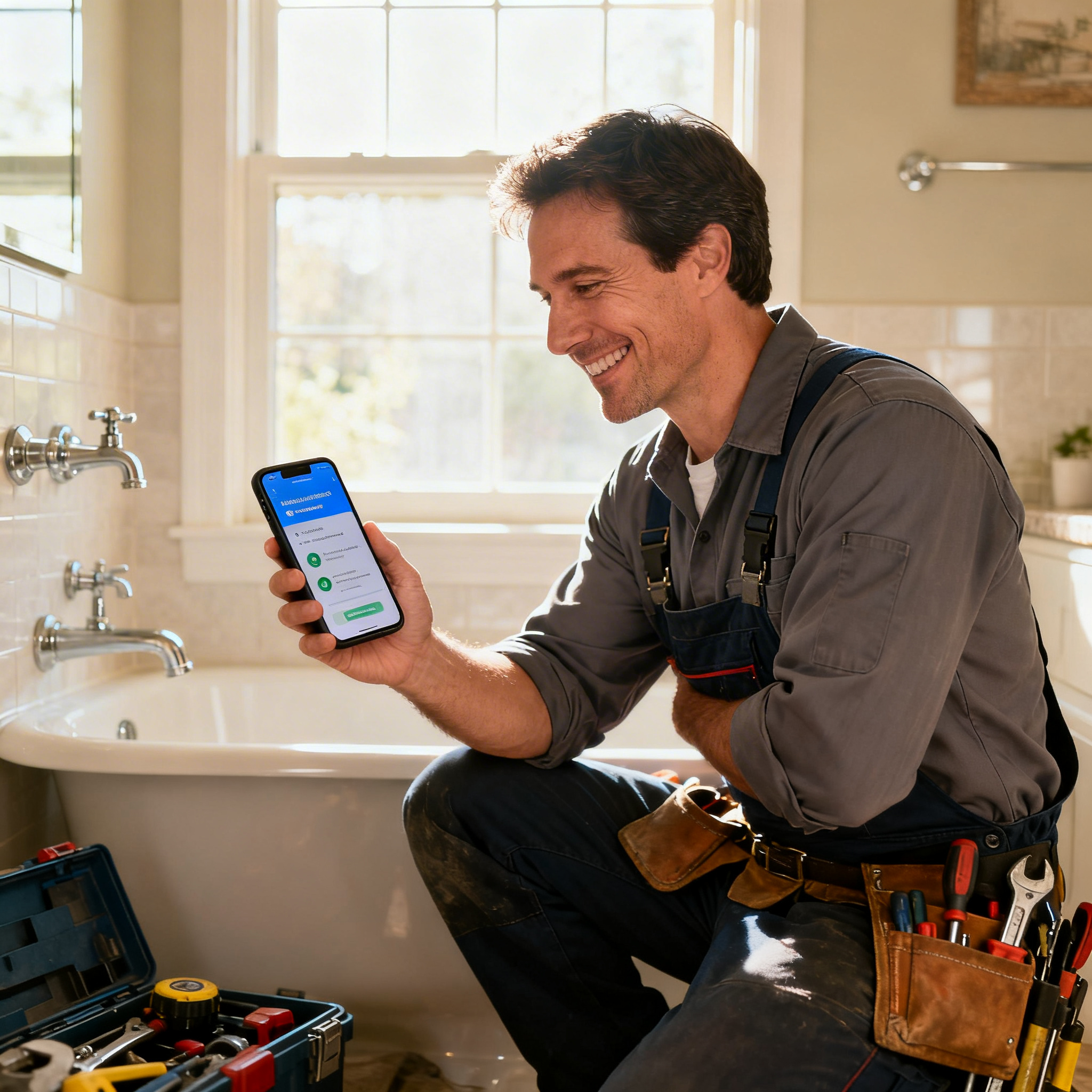
Automated Review Requests for Plumbing Companies: Turn Every Job Into a 5-Star Reputation
Your plumbing crew just finished a same-day water heater replacement. The homeowner is thrilled, shaking hands, and saying “I’ll definitely leave you a review.” But they won’t. Not because they don’t want to, but because life gets in the way. Without automated review requests for plumbing companies, that moment of gratitude disappears. Your Google Business Profile stays stuck with the same handful of reviews from two years ago. Meanwhile, the competitor down the road with 200+ recent reviews keeps winning the calls you should be getting.
Plumbing is one of the most reputation-dependent trades in home services. Homeowners are letting strangers into their homes to work on pipes hidden behind walls and under floors. Trust isn’t optional. It’s everything. And in 2024, trust is built online before a customer ever dials your number. According to BrightLocal’s Local Consumer Review Survey, a significant majority of consumers read online reviews before choosing a local business. If your review count is low or your most recent review is months old, you’re invisible to the very homeowners searching for “emergency plumber near me” right now. Sound familiar?
Here’s the good news: you don’t need to hire a marketing person or nag your techs to hand out review cards. With the right automation setup, every completed job can trigger a perfectly timed text message that makes it dead simple for the customer to tap a link and leave a review. This page breaks down exactly how plumbing companies can automate review requests using SalesCaptain, and why it works better than anything you’ve tried before.
Why Plumbing Businesses Struggle With Customer Communication
Plumbing companies face a unique communication challenge that most software vendors don’t understand. Your team isn’t sitting at desks. They’re crawling under houses, driving between jobs, and handling emergencies that don’t follow a schedule. The person who answers your phones is often the same person dispatching trucks, ordering parts, and dealing with billing. There’s no dedicated marketing team. There’s no “customer success manager.” There’s just a small crew trying to keep up with demand.
The Review Gap Problem
Most plumbers know reviews matter, but the gap between knowing and doing is enormous. A tech finishes a job, moves to the next call, and never thinks about reviews again. Even when companies try handing out business cards with a QR code or asking techs to verbally request reviews, the follow-through rate is painfully low. As outlined in this breakdown of review request automation, manual review collection simply doesn’t scale. It relies on humans remembering to ask at the right moment, and humans are busy. The result is that your happiest customers never share their experience publicly, while the rare unhappy customer is highly motivated to post a negative review without being asked.
Timing Is Everything, And You’re Missing It
There’s a narrow window after a plumbing job when a customer is most likely to leave a review. Right after the tech leaves, the homeowner is relieved, grateful, and still thinking about the experience. Wait 24 hours, and the urgency fades. Wait a week, and they’ve moved on entirely. What does that actually look like? An 11 PM emergency call, a Saturday afternoon sump pump replacement, or a Tuesday morning drain cleaning. No human can consistently send a personalized review request within that window for every single job. According to research compiled by Retently on survey and request response rates, the timing of outreach directly impacts whether people actually follow through. This is precisely why automation isn’t a luxury for plumbing companies. It’s the only realistic way to capture reviews at scale.
Reputation Directly Drives Revenue
For plumbers, online reputation isn’t a vanity metric. It’s the difference between a phone that rings constantly and one that stays quiet. Homeowners searching for plumbing help on Google are comparing star ratings, review counts, and how recent those reviews are, all within seconds. The U.S. Small Business Administration has repeatedly emphasized that online presence is one of the top growth levers for local service businesses. A plumbing company with 50 fresh reviews from the last three months will consistently outrank and outperform a competitor with 20 reviews from last year. And that’s true even if both do identical quality work. Reviews also feed directly into local SEO rankings, meaning more reviews lead to higher Google Maps placement, which leads to more calls, which leads to more revenue.
How SalesCaptain Solves Automated Review Requests for Plumbing Companies
SalesCaptain wasn’t built as a generic review tool. It’s a unified communication platform designed for service businesses like plumbing companies. That distinction matters. Review requests don’t exist in a vacuum. They’re part of a broader customer communication flow that includes answering calls, booking appointments, sending confirmations, following up after jobs, and managing conversations across text, phone, webchat, and social media. SalesCaptain handles all of that from one platform, which means your review automation is connected to your actual customer interactions. It’s not bolted on as an afterthought.
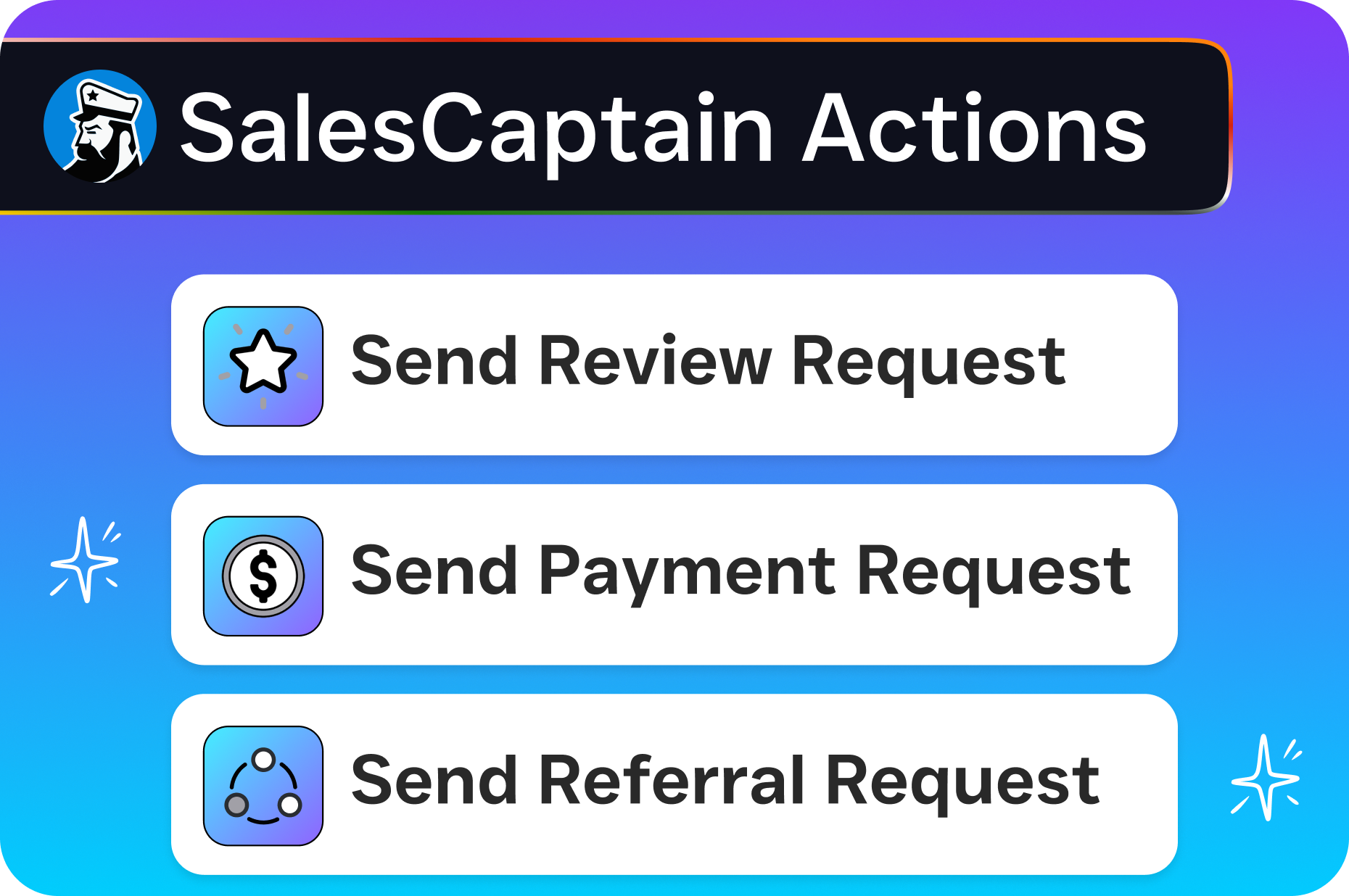
Workflow Automation That Triggers Review Requests Automatically
SalesCaptain’s drag-and-drop Workflow Automation builder lets you create trigger-based sequences that fire without any human intervention. Here’s how it works for review requests: when a job is marked as complete in your system (whether that’s through a direct status update, a CRM sync with tools like HousecallPro or ServiceFusion, or a manual trigger from your dispatcher), SalesCaptain automatically sends an SMS to the customer with a direct link to your Google review page. You control the timing. Maybe 30 minutes after job completion, or two hours, or whatever window works best for your customer base. If the customer doesn’t respond, you can set a single follow-up reminder a few days later. The entire sequence runs on autopilot, every single time, for every single job.
AI Chat Agents Handle the Conversation, Not Just the Blast
Here’s where SalesCaptain goes beyond basic review request tools. When a customer replies to your review request text, maybe they have a question, a concern, or want to mention something about the job, SalesCaptain’s AI Chat Agents respond instantly and intelligently. Instead of that reply sitting unread in a text thread, the AI agent acknowledges it, addresses simple questions, and routes issues that need human attention to the right person through the Unified Inbox. This means your review request isn’t a dead-end blast message. It’s the beginning of a two-way conversation that makes the customer feel heard. As this guide on automated review request best practices explains, personalization and responsiveness dramatically improve the likelihood that a customer actually completes the review.
Missed Call Text-Back Captures Leads AND Builds Review Volume
Plumbing companies miss a lot of calls. Techs are on jobs. The office closes at 5 PM. Weekends are hit or miss. SalesCaptain’s Missed Call Text-Back feature automatically sends an SMS to anyone whose call goes unanswered, keeping that lead warm and starting a text conversation. But here’s the connection to reviews that most people miss: every missed call you recover and convert into a completed job is another review opportunity in your automated pipeline. By capturing more leads through the AI Phone Agent and AI Chat Agents, you’re not just increasing revenue. You’re increasing the number of happy customers flowing into your review request automation. The math compounds quickly.
Key Features for Plumbing Companies
SalesCaptain includes a specific set of tools that align perfectly with how plumbing businesses actually operate. Below are the features most relevant to building a consistent, automated review collection system, and the broader communication infrastructure that supports it.
Trigger-Based Review Request Automation: Use the visual workflow builder to automatically send review request texts after job completion. Connect triggers through native integrations with HousecallPro, ServiceFusion, Zapier, or direct CRM sync to eliminate manual steps entirely. SMS and Multichannel Messaging: Reach customers via text message, the channel with the highest open and response rates for local service businesses. Also support webchat, Instagram DMs, and Facebook Messenger for businesses active on those platforms. AI Phone Agent for 24/7 Call Answering: Never miss a call, even during after-hours emergencies. The AI Phone Agent answers with natural-sounding voice, qualifies the lead, books appointments, and answers common questions like pricing and availability. This feeds more customers into your review pipeline. Unified Inbox for Team Collaboration: Every text, call, chat, and social media message lands in one inbox. Your office manager, dispatcher, and owner can all see the full conversation history with each customer, ensuring nothing falls through the cracks. Follow-Up Reminders: Set automated follow-up sequences for customers who received a review request but haven’t responded. A single gentle reminder can significantly increase your review completion rate without being pushy. Appointment Reminders and Confirmations: Reduce no-shows and last-minute cancellations by automating appointment reminder texts. Every completed appointment is a review opportunity. Fewer cancellations means more reviews. Spam Call Blocking: The AI Phone Agent filters out spam and robocalls so your team only deals with real customers and prospects. This saves hours per week and keeps your communication channels clean. and 50+ Integrations: Connect with QuickBooks for invoicing triggers, HousecallPro or ServiceFusion for job status updates, Salesforce or HubSpot for CRM tracking, and Zapier for anything custom. Your review automation stays in sync with the tools you already use.
Real Results You Can Expect
We’re not going to throw made-up statistics at you. What we can tell you is exactly what changes when plumbing companies switch from manual review collection (or no collection at all) to an automated system built on SalesCaptain. These are the outcomes that directly impact your bottom line.
A Consistent Flow of Fresh Reviews
The single biggest change is consistency. Instead of reviews trickling in randomly, three this month, zero next month, one the month after, you’ll see a steady, predictable stream of new reviews landing on your Google Business Profile. This matters because Google’s algorithm favors businesses with recent, frequent reviews over those with a higher total count but stale activity. A plumbing company completing 15-20 jobs per week that converts even a fraction of those into reviews will build a review profile that dominates local search results within months. As detailed in ReviewGen’s review generation guide, consistency in review volume is one of the strongest signals for local SEO ranking.
Higher Average Star Rating Over Time
When you automate review requests to every customer, you capture feedback from the silent majority. These are the people who were perfectly happy but would never think to leave a review on their own. These customers tend to leave 4- and 5-star reviews, which naturally pushes your average rating up. Without automation, the customers most motivated to leave reviews are the outliers: either extremely impressed or extremely upset. Automating requests to everyone balances the sample size and gives a more accurate (and typically higher) representation of your actual service quality. This isn’t about gaming the system. It’s about making sure your real reputation shows up online.
More Phone Calls From Local Search
More reviews and a higher star rating lead directly to better visibility in Google’s Local Pack. That’s the map results that appear at the top of search results for queries like “plumber near me” or “emergency plumbing [city name].” Better Local Pack placement means more impressions, more clicks, and more calls. Combined with SalesCaptain’s AI Phone Agent ensuring every one of those calls gets answered, even at 2 AM on a Saturday, you’re capturing revenue that previously leaked to competitors. The connection between review volume and local search visibility is well-documented by BrightLocal’s annual research, making this one of the most measurable ROI channels for plumbing companies.
Freed-Up Staff Time
Your office staff and techs stop spending mental energy on review collection. No more awkward verbal asks at the end of a job. No more sticky notes reminding someone to send a text. No more spreadsheets tracking who was asked and who wasn’t. The entire process runs in the background, handled by automation and AI, while your team focuses on what they’re actually good at: fixing pipes and running the business. When you consider that even 15 minutes per day spent on manual review tasks adds up to over 60 hours per year, the time savings alone justify the cost of automation.
How to Get Started in 10 Minutes
Setting up automated review requests for plumbing companies on SalesCaptain doesn’t require technical skills, coding knowledge, or a marketing degree. The platform was built for business owners who need things to work immediately without a steep learning curve. Here’s the setup process, step by step.
Step 1: Create Your Free Account
SalesCaptain offers a free Startup plan for one location. You can get started without entering a credit card. Sign up, enter your business name and location, and you’ll have access to the platform immediately. The onboarding flow walks you through the basics so you’re not staring at a blank screen wondering what to click.
Step 2: Connect Your Existing Tools
If you use HousecallPro, ServiceFusion, or another field service management tool, connect it through one of SalesCaptain’s 50+ native integrations or via Zapier. This connection is what allows job completion events to automatically trigger your review request workflow. If you don’t use any software for job tracking yet, you can also set up manual triggers or use simple status tags within SalesCaptain itself.
Step 3: Build Your Review Request Workflow
Using the visual drag-and-drop workflow builder, create a sequence that fires when a job is marked complete. Add your SMS message. Keep it short, personal, and include a direct link to your Google review page. Set the timing delay (we recommend 1-2 hours after job completion). Optionally, add a single follow-up message 3-5 days later for customers who didn’t respond to the first request. The workflow builder requires zero coding. Most plumbing company owners have this set up in under five minutes.
Step 4: Activate and Let It Run
Turn on the workflow and it runs automatically for every job going forward. Monitor responses and review completion through the Unified Inbox, where you’ll see every customer interaction in one place. As reviews start rolling in, you can also use SalesCaptain to respond to reviews. Responding to reviews is itself a ranking signal and customer trust builder. Over time, refine your message wording and timing based on what generates the best response