
AI-powered customer experience marketing (CXM) platform that helps local businesses win.



Every missed text is a missed opportunity. When a customer reaches out to your business and doesn’t hear back within minutes, they move on to a competitor who responds faster. An automatic SMS reply solves this by sending an instant, pre-written response the moment someone texts your number, calls and you can’t pick up, or fills out a form. SalesCaptain makes this easy to set up, and it works across every channel your customers use.
What Is Automatic SMS Reply?
An automatic SMS reply is a text message your business sends instantly, without a human pressing “send.” It gets triggered by a specific event: a missed call, an incoming text, a new lead form submission, or a keyword match. The customer receives a relevant, timely response within seconds, even if your entire team is busy or your office is closed.
This isn’t the same as a bulk marketing blast. Automatic replies are one-to-one, triggered by the customer’s own action. They feel personal because they’re contextual. A caller who can’t reach you gets a text saying “Sorry we missed you, how can we help?” A prospect who texts “QUOTE” gets a link to your booking page. According to SimpleTexting’s SMS marketing research, text messages have open rates above 90%, which makes auto-replies one of the most reliable ways to keep leads engaged.
Think of it as a safety net for every customer touchpoint. No matter when or how someone contacts you, they get an immediate acknowledgment and a next step. That’s the difference between a lead who waits and a lead who converts.
How Automatic SMS Reply Works in SalesCaptain
Setting up automatic SMS replies in SalesCaptain takes minutes, not hours. You don’t need any technical background. Here’s what the process looks like:
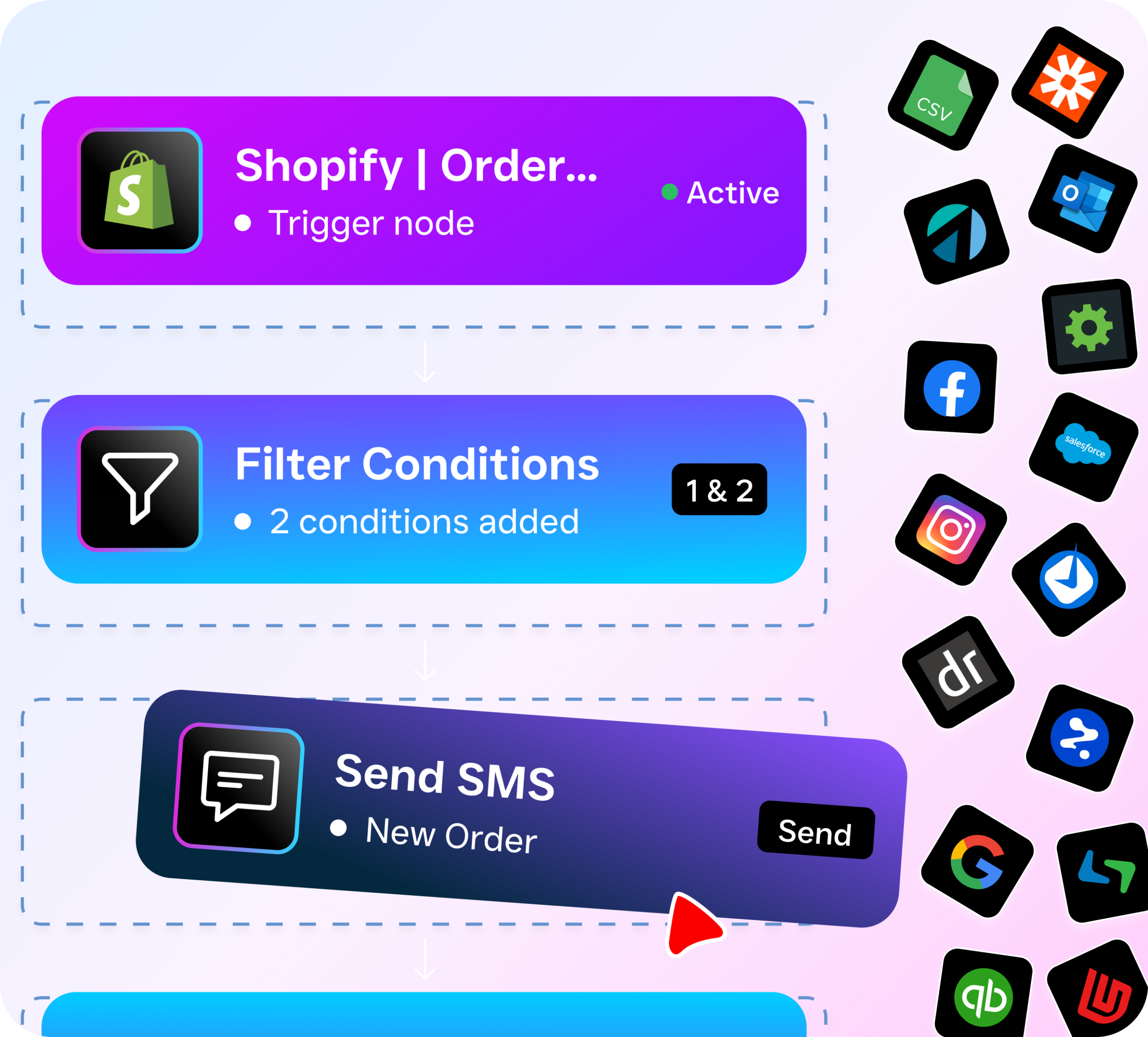
- Choose your trigger. Decide what event should fire off a text. Common triggers include missed calls, incoming texts with specific keywords, new form submissions, after-hours inquiries, or a completed appointment booking. SalesCaptain’s workflow automation builder gives you full control over these triggers.
- Write your reply message. Craft the text you want sent. You can personalize it with dynamic fields like the customer’s first name, appointment time, or the service they asked about. Keep it short, clear, and actionable. For example: “Hi {{first_name}}, thanks for reaching out! We’ll get back to you shortly. Need to book now? Tap here: {{booking_link}}”
- Set conditions and timing. Want the auto-reply to fire only during after-hours? Only for new contacts? Only when a specific keyword is detected? SalesCaptain’s drag-and-drop workflow builder lets you layer conditions without writing a single line of code.
- Activate and monitor. Once live, every triggered reply shows up in SalesCaptain’s unified inbox alongside your calls, webchat conversations, Instagram DMs, and Facebook Messenger threads. Your team sees the full history, so when they follow up, they know exactly what’s already been said.
- Refine based on results. Track which auto-replies generate responses, booked appointments, or conversions. Then adjust your message, timing, or trigger conditions to improve performance over time.
The entire setup happens inside one platform. You won’t need a separate SMS tool, a separate CRM, and a separate automation tool stitched together with duct tape. SalesCaptain handles it all natively.
Key Capabilities
- Missed Call Text-Back: The moment a call goes unanswered, SalesCaptain automatically sends a text to the caller. According to SkipCalls’ research on missed business calls, small businesses lose over $26,000 per year to unanswered calls. This single feature can recover a significant portion of that lost revenue by keeping the conversation alive.
- Keyword-Based Auto-Replies: When a customer texts a specific word like “HOURS,” “PRICE,” or “BOOK,” they receive a tailored response instantly. You can set up as many keyword-response pairs as you need, covering your most common inquiries without staff involvement.
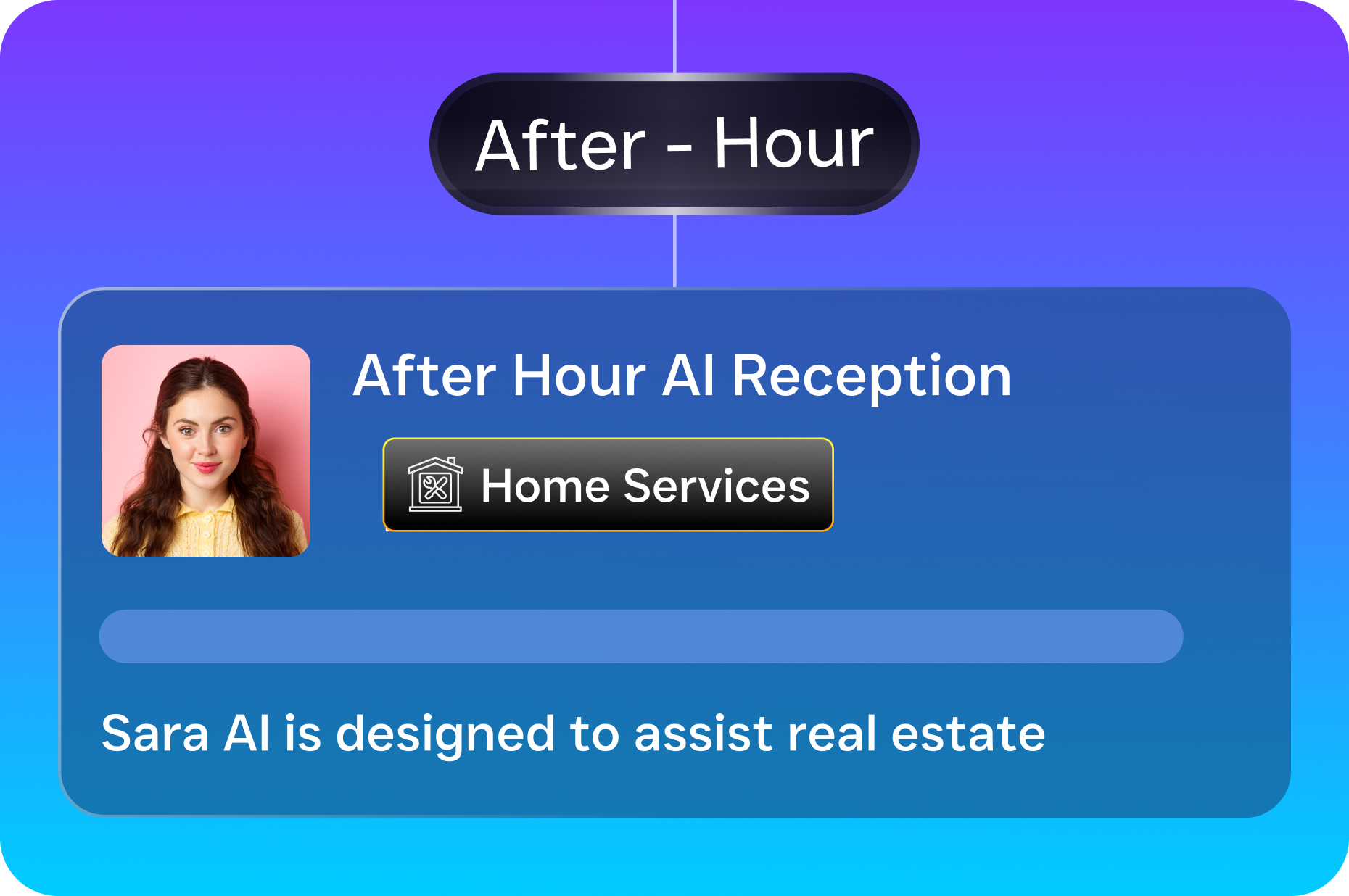
- After-Hours Automation: Your AI chat agents handle incoming messages 24/7. So even at 11 PM on a Saturday, a potential customer gets an immediate, helpful reply. No voicemail black hole. No “we’ll get back to you Monday.”
- Multichannel Consistency: Auto-replies don’t just work for SMS. SalesCaptain’s AI Chat Agents deliver the same instant-response experience across webchat, Instagram DMs, and Facebook Messenger, all managed from one unified inbox.
- Personalized Messaging with Dynamic Fields: Every auto-reply can include the customer’s name, the service they inquired about, or a direct link to your booking page. Personalization drives engagement, and Route Mobile’s SMS statistics show that personalized texts consistently outperform generic ones in response rates.
- Appointment Reminders and Follow-Up Sequences: Beyond the initial auto-reply, SalesCaptain’s workflow automation can trigger a full sequence: confirmation texts, reminder messages 24 hours before the appointment, and a follow-up after the service is complete. One setup, endless repetitions.
Who Needs This?
Automatic SMS reply isn’t a nice-to-have for most service businesses. It’s essential. Here’s who benefits most:
- Home service businesses (roofing, plumbing, HVAC, landscaping): Your team is in the field all day. Calls ring out. Texts go unanswered for hours. By the time someone responds, the homeowner has already booked another contractor. Auto-replies keep those leads warm while your crew finishes the job.
- Healthcare and wellness practices (dental, MedSpa, therapy): Patients expect quick responses. A study on missed call costs found that even one unanswered call can represent hundreds of dollars in lost revenue for appointment-based businesses. An instant text acknowledging their inquiry builds trust and reduces no-shows.
- Legal practices: Prospective clients often call multiple firms. The one that responds first usually wins. An automatic text that says “We received your message and an attorney will follow up within the hour” dramatically improves conversion rates.
- Salons, gyms, and fitness studios: Appointment-heavy businesses live and die by booking speed. Auto-replies with direct booking links cut out the back-and-forth and fill your calendar faster.
- Real estate agencies: Buyer leads go cold fast. According to SendHub’s SMS marketing data, speed-to-lead is the strongest predictor of conversion for real estate inquiries. An immediate auto-reply buys your agents the time they need to craft a personal follow-up.
- Multi-location businesses: Managing communication across several locations multiplies the complexity. SalesCaptain’s per-location pricing and unified inbox make it simple to run auto-replies tailored to each location’s hours, services, and team.
Benefits of Automatic SMS Reply
Faster Lead Response Without Hiring More Staff
The biggest win is speed. Research consistently shows that responding within five minutes makes you far more likely to convert a lead than responding within 30. But hiring a dedicated person to monitor texts and calls around the clock isn’t realistic for most small businesses. Automatic SMS reply closes that gap entirely, giving every prospect an instant response without adding headcount or payroll costs.
Revenue Recovery from Missed Calls
According to AIRA’s missed business calls data, service businesses miss a staggering number of inbound calls each week. Each one represents potential revenue walking out the door. SalesCaptain’s missed call text-back feature turns those dead ends into active conversations. Instead of a caller hanging up and dialing your competitor, they receive a text and stay engaged with your business.
Consistent Customer Experience Across Channels
Your customers don’t think in channels. They text, call, DM on Instagram, and message on Facebook, sometimes all in the same day. With SalesCaptain, auto-replies work across all of these channels, and every interaction feeds into the same unified inbox. Your team sees one continuous conversation per customer, not scattered fragments across five different apps. That consistency builds trust and prevents the “I already told the other person” frustration that drives customers away.
More Appointments, Fewer No-Shows
Auto-replies that include booking links let customers schedule on the spot. And because SalesCaptain’s workflow automation can follow up with appointment reminders, you’re reducing no-shows at the same time. The National Federation of Independent Business regularly highlights appointment reliability as a top concern for service business owners. Automating the confirmation and reminder cycle directly addresses this pain point.
How SalesCaptain Compares
Most communication platforms offer some form of auto-reply, but few deliver the full picture that SalesCaptain does. Podium, for instance, lacks an outbound workflow automation engine, so you can’t build multi-step follow-up sequences after the initial auto-reply fires. Birdeye focuses heavily on reputation management and doesn’t offer AI-powered call handling, call routing, or IVR, meaning you’re stuck managing voice and text as separate workflows. Nextiva caps SMS at 250 messages per user per month, which won’t cut it for a busy service business running auto-replies on every missed call.
OpenPhone is popular among startups, but its AI capabilities are minimal, it has only seven native integrations, and it doesn’t offer missed call text-back. SalesCaptain provides all of this natively, plus high-volume SMS, payments via text, and lead capture forms, on top of 50+ integrations with tools like HubSpot, Salesforce, ServiceFusion, HousecallPro, and Zapier.
Where SalesCaptain truly stands apart is the combination of AI voice agents, AI chat agents, and a unified inbox in one platform. You’re not bolting together three different tools. You’re running one system that handles calls, texts, webchat, social DMs, and automated workflows under a single roof. That’s simpler to manage, cheaper to maintain, and far more effective for service businesses that need everything working together.
Frequently Asked Questions
Can I set different auto-replies for business hours vs. after hours?
Yes. SalesCaptain’s workflow automation builder lets you set time-based conditions on any trigger. You can have one auto-reply during office hours (e.g., “We’ll get back to you in 10 minutes”) and a different one after hours (e.g., “We’re closed right now but will respond first thing tomorrow. Book online here: [link]”). The setup takes just a few clicks.
Does automatic SMS reply work for missed calls too, or just incoming texts?
Both. SalesCaptain’s missed call text-back feature is one of the most popular triggers. When a call goes unanswered, the caller automatically receives a text within seconds. You can also trigger auto-replies from incoming texts, form submissions, keyword matches, and more.
Will customers know it’s an automated message?
That depends on how you write it. SalesCaptain supports dynamic personalization fields, so your auto-reply can include the customer’s name and reference their specific inquiry. Most businesses craft their auto-replies to sound natural and conversational, and customers respond to them just like they’d respond to a human-sent text.
How many auto-reply workflows can I create?
There’s no hard limit on the number of workflows you can build. You can create separate auto-replies for different triggers, different services, different locations, and different time windows. SalesCaptain’s visual workflow builder makes it easy to manage them all from one dashboard.
Stop Losing Leads to Slow Response Times
SalesCaptain gives your business instant automatic SMS reply, missed call text-back, AI-powered chat agents, and a unified inbox, all in one platform. Set it up in minutes and start capturing every lead, 24/7.