
AI-powered customer experience marketing (CXM) platform that helps local businesses win.



Every missed call is a customer walking to your competitor. For small businesses that depend on appointments, the gap between “we’ll call you back” and “you’re booked for Thursday at 2pm” often determines whether you win or lose that customer. Appointment apps for small business solve this by letting customers book instantly, sending automated reminders, and syncing your team’s calendar in real time. But here’s the thing. Most scheduling tools stop there. They don’t answer your phone, respond to texts at midnight, or follow up with leads who never finished booking. Sound familiar? SalesCaptain does all of that. And it does it from a single platform your whole team can use.
What Are Appointment Apps for Small Business?
At their core, appointment apps let customers schedule time with your business without calling, emailing, or walking in. No hoops to jump through. They typically offer an online booking page, calendar management, and automated reminders. That’s the baseline. According to Signpost’s scheduling research, a significant majority of customers now prefer to book appointments online rather than by phone. And they expect to do it outside of traditional business hours.
But here’s where most appointment apps fall short. They treat scheduling as a standalone function. You get a booking link and maybe a text reminder. That’s it. What they don’t do is handle the conversation around the appointment: the initial inquiry, the follow-up when someone doesn’t show, the after-hours call from a potential customer who found you on Google at 9pm. Real scheduling power isn’t just about the calendar. It’s about capturing the lead, nurturing the conversation, and closing the booking across every channel your customers use. What does that look like in practice? SalesCaptain shows you.
How Appointment Scheduling Works in SalesCaptain
SalesCaptain doesn’t bolt scheduling onto a separate product. It’s built into the same platform that handles your calls, texts, webchat, and social media messages. Here’s how the entire flow works from first contact to confirmed appointment:
- Customer reaches out on any channel. Whether they call your business line, text your number, send a Facebook message, or use your webchat widget, the conversation lands in SalesCaptain’s Unified Inbox. Your AI Phone Agent or AI Chat Agent picks up instantly, even at 2am.
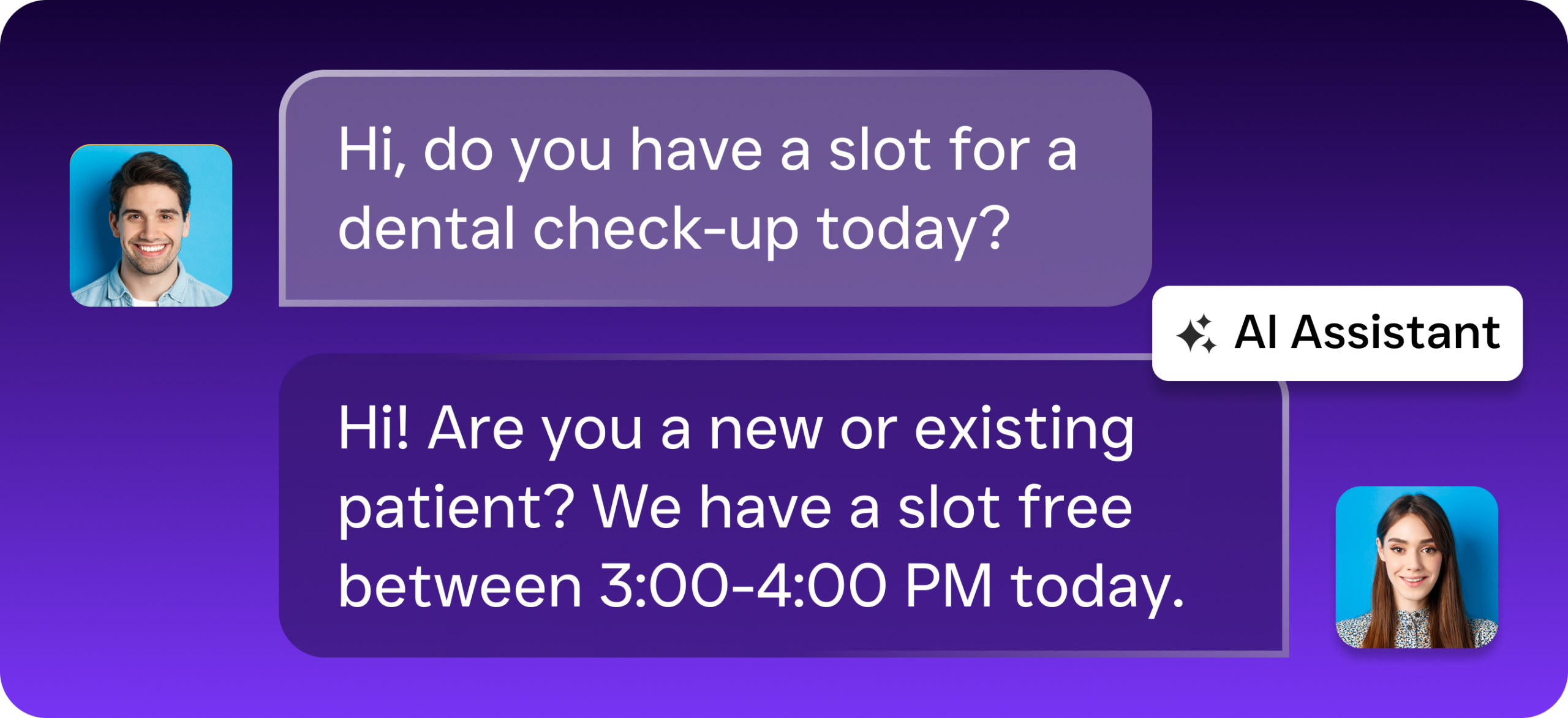
- AI qualifies the lead and offers booking. The AI agent asks the right questions: what service they need, their preferred time, and any details your team requires. It doesn’t just dump them on a booking page. Instead, it guides them through scheduling in a natural conversation.
- Appointment gets confirmed and synced. Once the customer picks a time, SalesCaptain confirms the booking, sends an immediate confirmation via text or email, and syncs the appointment to your calendar. Integrations with tools like HubSpot, Zoho, Salesforce, and HouseCallPro mean your CRM stays current without manual data entry.
- Automated reminders go out. SalesCaptain’s workflow automation sends reminder texts and emails at intervals you choose: 24 hours before, 2 hours before, or whatever works for your no-show rate. These aren’t generic messages. You can personalize them with the customer’s name, service type, and appointment details.
- Follow-up triggers fire automatically. If someone cancels or no-shows, the workflow builder triggers a rebooking sequence. If the appointment goes well, it can trigger a review request or upsell message. Every step happens without your staff lifting a finger.
The key difference here? Scheduling isn’t a separate app your team has to check. It lives inside the same inbox where all customer conversations happen. Context never gets lost between channels.
Key Capabilities
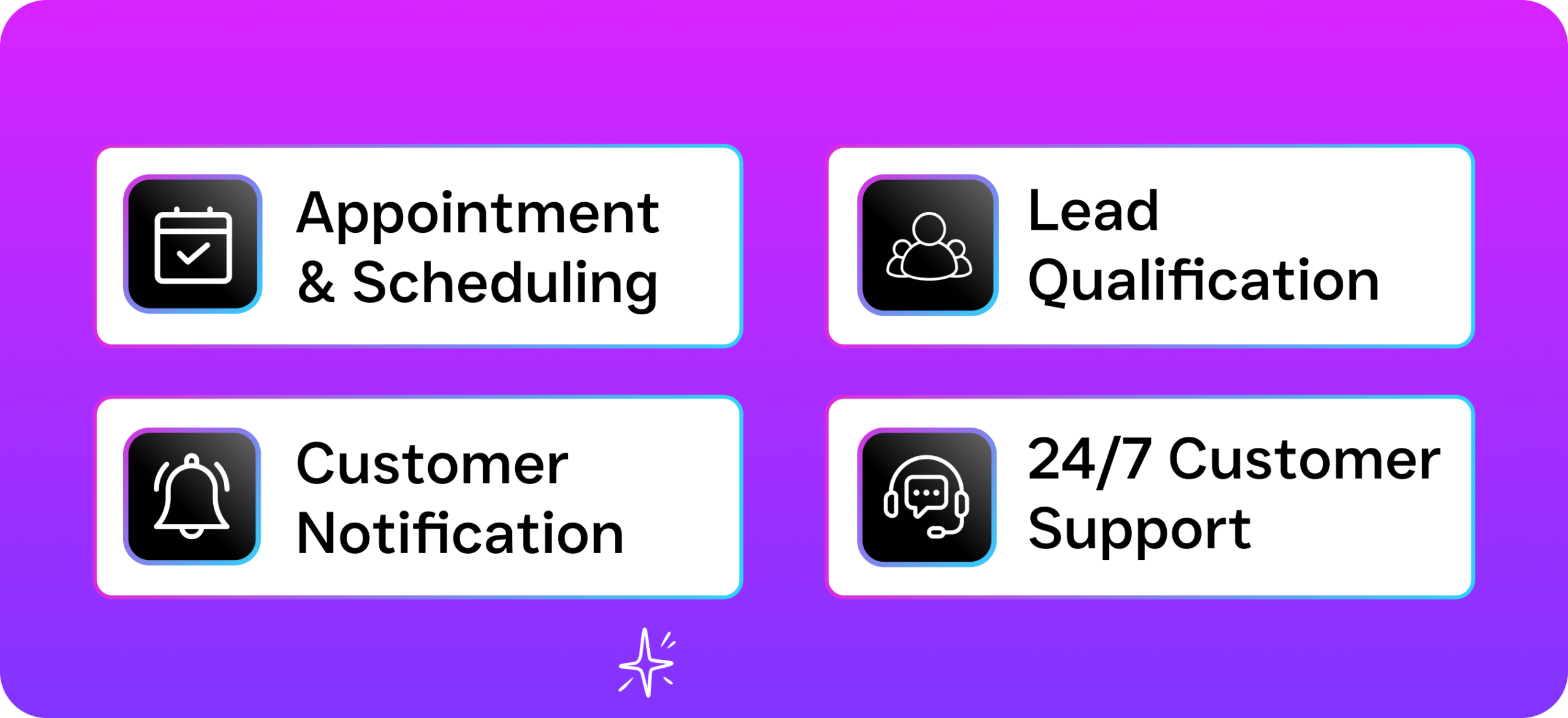
- 24/7 AI-Powered Booking: SalesCaptain’s AI Phone Agent answers calls around the clock and books appointments in natural, human-sounding conversation. No voicemail, no “press 1 for scheduling.” According to Aira’s research on missed business calls, the average small business misses a substantial share of incoming calls. Each missed call can cost over $100 in lost revenue. Your AI agent ensures those calls don’t go unanswered.
- Multichannel Lead Capture: Customers don’t just call anymore. AI Chat Agents handle SMS, webchat, Instagram DMs, and Facebook Messenger with instant responses. A lead who messages your Facebook page at 11pm gets a booking confirmation before they fall asleep. Not a reply the next morning when they’ve already called your competitor.
- Missed Call Text-Back: When a call does slip through (your AI agent is handling another caller, for example), SalesCaptain automatically sends a text to the missed caller within seconds. That text can include a booking link, a personalized message, or a prompt to start a conversation with your AI Chat Agent.
- Drag-and-Drop Workflow Automation: Build custom follow-up sequences without touching code. Set triggers for appointment confirmations, reminders, no-show rebooking, post-visit surveys, and review requests. With 50+ native integrations, these workflows connect to the tools you already use.
- AI Summaries and Transcriptions: After every call, SalesCaptain generates a full transcription and a concise summary. Your team can see exactly what was discussed, what service the customer requested, and what follow-up is needed. No need to listen to recordings.
- Call Flows with IVR Builder: For businesses that need more control, the visual Call Flow builder lets you route calls by department, time of day, or service type. After-hours calls can go directly to the AI Phone Agent for booking. Daytime calls route to your front desk with the AI as a backup.
Who Needs This?
Not every business needs a full AI communication platform for scheduling. But if any of these sound familiar, you’re probably leaving money on the table with a basic booking app:
- Home service businesses (HVAC, plumbing, roofing, landscaping): Your customers call when their AC breaks, not during your office hours. Missing that call means they’re dialing the next contractor on the list. According to research from CallSetter, home service businesses face some of the highest per-missed-call revenue losses across all industries.
- Healthcare and wellness practices (dental, MedSpa, therapy, chiropractic): High appointment volume plus high no-show rates make automated reminders and rebooking sequences essential. Plus, patients increasingly expect to book via text or web. Not by calling and waiting on hold.
- Legal practices: Initial consultations are the lifeblood of client acquisition. A potential client who calls after hours and gets voicemail is unlikely to leave a message. They’ll call the next firm on their list. With Clio integration, SalesCaptain fits directly into legal practice management.
- Salons, gyms, and fitness studios: These businesses run on tight schedules and recurring appointments. Automated reminders reduce no-shows. Mindbody integration keeps class and appointment calendars in sync.
- Real estate agencies: Showing requests come in at all hours. An AI agent that can qualify a buyer and schedule a showing without human intervention gives your agents more selling time. Fewer administrative headaches too.
- Multi-location businesses: If you operate 2, 5, or 50 locations, per-location pricing at $159/month scales affordably. Each location gets its own AI agents, call flows, and booking setup. All managed from a single dashboard.
Benefits of Appointment Scheduling with SalesCaptain
Capture Revenue You’re Currently Losing
The math is straightforward. Voksha’s analysis of missed call costs shows that small businesses lose significant revenue annually from unanswered calls alone. When your AI Phone Agent picks up every call and books every qualified lead, that lost revenue turns into booked appointments. You don’t need to hire a receptionist or an after-hours answering service. The AI handles it at $0.12 per minute. That’s a fraction of what human receptionists cost.
Reduce No-Shows Without Manual Work
No-shows are expensive. Especially for service businesses that block out time and turn away other customers. SalesCaptain’s automated reminder sequences go out via text and email on the schedule you set. Because the reminders come from the same number and inbox where the customer originally booked, they feel personal. Not like spam from a faceless system. If a customer needs to reschedule, they simply reply to the text and the AI handles the change.
Free Your Staff from Phone and Text Duty
Your front desk staff or office manager probably spends hours each day answering the same questions: “Do you’ve availability this week?” “How much does a consultation cost?” “What’s your address?” The AI Phone Agent and AI Chat Agents handle these repetitive conversations automatically. That frees your team to focus on delivering service, not managing the phone. According to Gitnux’s scheduling statistics, businesses that adopt online scheduling see meaningful reductions in administrative workload.
One Platform Instead of Five
Most small businesses cobble together a phone system, a scheduling app, a texting tool, a social media manager, and a CRM. That’s five logins. Five bills. And five places where customer data can fall through the cracks. SalesCaptain replaces that entire stack with a single Unified Inbox. Calls, texts, webchat, Instagram DMs, Facebook messages, and appointment data all live in one place. Your team sees the full picture of every customer interaction without switching tabs.
How SalesCaptain Compares
Most competitors in the appointment scheduling space are either standalone booking tools or broad communication platforms that don’t handle scheduling natively. Podium offers text-based communication and some booking features. But it lacks outbound workflow automation, a power dialer, and real-time speech analytics. If you need to trigger a rebooking sequence when a customer no-shows, you’re out of luck.
Birdeye focuses primarily on reputation management. While it includes some messaging features, it has no call routing, no IVR, no call flow builder, and no AI voice agent for handling inbound calls. So if a customer calls instead of texting, you’re back to relying on staff to answer.
Tools like Nextiva offer strong phone systems. But they cap SMS at 250 messages per user per month, which is a serious limitation if you’re sending appointment reminders to a full client roster. They also lack a visual leads form, payments via text, and the kind of AI-powered call handling that lets you truly automate scheduling end-to-end. The FeatherHQ comparison of AI receptionist software ranks platforms by their ability to combine voice AI with booking. SalesCaptain stands out for unifying both capabilities in one product.
SalesCaptain’s free Startup plan gives you a single location at no cost. Let you test the platform before committing. The Business plan at $159/month per location includes the full suite: AI Phone Agent, AI Chat Agents, Unified Inbox, Call Flows, Workflow Automation, and 50+ integrations. No per-user pricing that balloons as your team grows.
Frequently Asked Questions
Can SalesCaptain replace my current appointment scheduling app?
Yes. SalesCaptain handles the entire scheduling workflow, from initial customer contact through booking confirmation and automated reminders. Because it also manages your phone system, texting, and social messaging, you’re consolidating multiple tools into one. If you use a specialized tool like Mindbody or HouseCallPro, SalesCaptain integrates with them. Your existing calendar and client data stay in sync.
How long does it take to set up AI appointment booking?
Most businesses are up and running within a day. You don’t need technical expertise. The AI Phone Agent and AI Chat Agents are configured through a guided setup process. You define your services, availability, and qualifying questions. Call Flows use a drag-and-drop builder. No code involved.
What happens if a customer wants to talk to a real person instead of the AI?
SalesCaptain’s Call Flows support warm and cold transfers. If a caller requests a human, the AI agent can route them to the appropriate team member instantly. During business hours, you can set the AI as a backup. It only engages when your staff is unavailable. After hours, it handles everything autonomously.
Does SalesCaptain work for businesses with multiple locations?
Absolutely. The per-location pricing model means each location gets its own AI agents, phone number, call flows, and booking setup. You manage all locations from a single dashboard. Separate reporting and workflows exist for each. The Enterprise plan at $300/month per location adds advanced features for larger operations.
Stop Losing Appointments to Missed Calls and Slow Responses
SalesCaptain’s AI Phone Agent, AI Chat Agents, and Unified Inbox give your small business 24/7 appointment booking across every channel, without hiring more staff. Start with the free plan and see the difference in your first week.