
AI-powered customer experience marketing (CXM) platform that helps local businesses win.


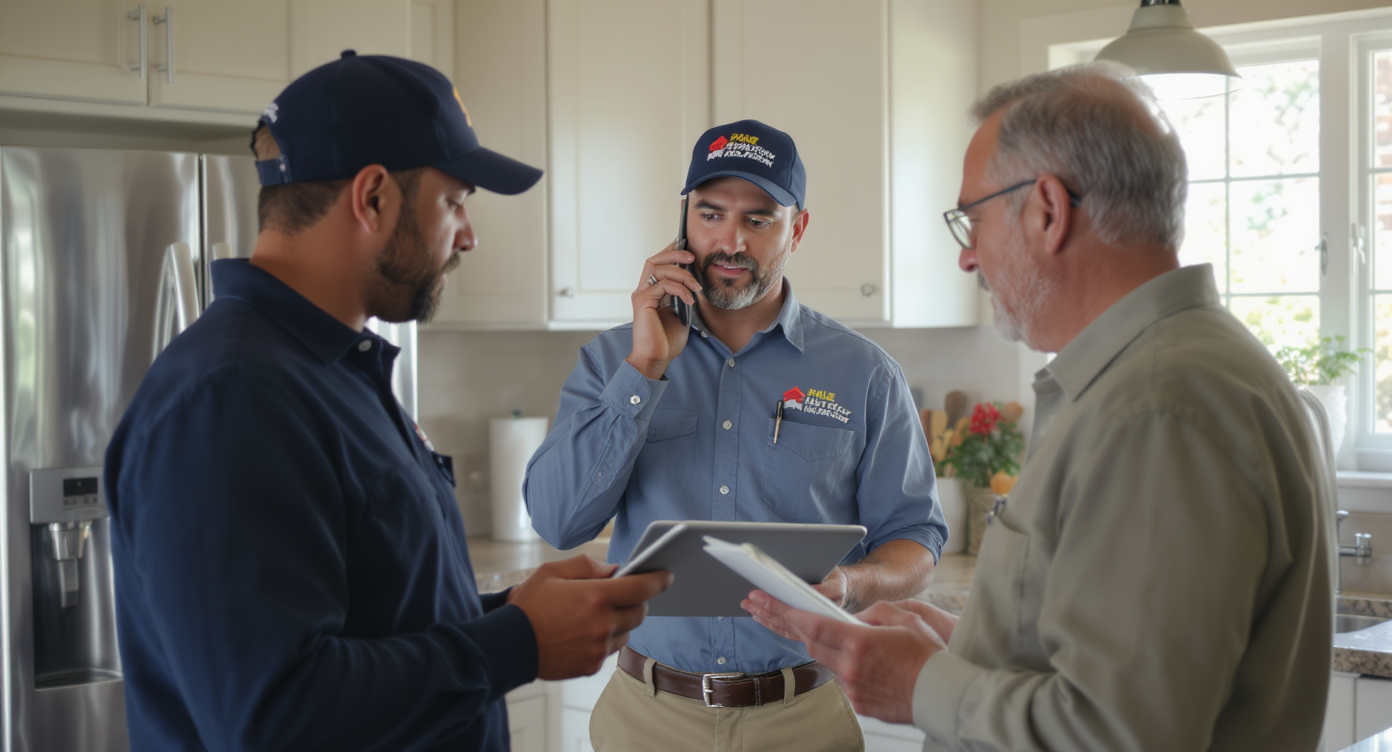
You’re running a roofing crew, a plumbing outfit, or an HVAC shop. A homeowner calls at 6:47 PM about a leaking pipe. Nobody picks up. That call goes straight to a competitor who answers on the first ring. Sound familiar? According to recent small business data, missed calls cost service businesses thousands in lost revenue every month. If you’ve been using Dialpad and feeling the gaps, you’re not alone. Finding the right Dialpad alternative for home services can mean the difference between a booked job and a lost customer.
A Dialpad alternative for home services is a communication platform built specifically for plumbers, electricians, and HVAC contractors. Unlike Dialpad’s sales-focused features, these alternatives prioritize fast call answering, job dispatch integration, and customer management—helping service businesses capture missed calls and book more appointments.
Free weekly newsletter
Growth tips for service businesses
Every Tuesday — actionable ideas to get more leads, reviews, and repeat customers. No fluff.
Quick Answer
Home service businesses need call systems with dispatching integration, appointment scheduling, and mobile access—features Dialpad lacks for this industry. Top alternatives include platforms built specifically for contractors and plumbers, offering automatic call routing, two-way messaging, job tracking, and lead assignment in one place. These systems typically cost less while delivering higher answer rates and reducing missed appointments.
What Is a Dialpad Alternative for Home Services?
Dialpad is a cloud-based business phone system. It was built primarily for sales teams and tech-forward offices. The platform offers AI-powered transcription, call analytics, and video conferencing. For a software company or a sales bullpen, those features make sense. But home service businesses? They need something totally different.
A Dialpad alternative for home services is a communication platform designed to handle the specific challenges contractors, technicians, and field service teams face every day. That includes after-hours call answering, appointment booking, missed-call follow-up, and managing conversations across phone, text, and social media. The ideal alternative doesn’t just replace Dialpad’s calling features. It fills the gaps Dialpad leaves open for businesses where every inbound call could be a $500 to $5,000 job.
Why Dialpad Falls Short for Home Service Businesses
Dialpad isn’t a bad product. It’s just built for a different audience. When you evaluate it through the lens of a plumber, roofer, landscaper, or HVAC tech, several limitations become obvious.
Home service calls don’t stop at 5 PM. Emergencies happen on weekends. They happen on holidays. They happen late at night.Your after-hours callers hit voicemail, and research on missed call costs shows most of those callers won’t leave a message. They’ll just call someone else.
Missing Toll-Free Minutes and High-Volume SMS
Dialpad doesn’t include toll-free minutes. That matters if you serve customers across a wide geographic area. It also lacks high-volume SMS capabilities. For home service businesses running seasonal promotions or sending appointment reminders? That’s a real constraint. SalesCaptain, by contrast, includes both toll-free minutes and high-volume SMS as part of its platform.
No Social Chat or Unified Inbox
Homeowners increasingly reach out through Facebook Messenger. Instagram DMs. Webchat. Dialpad doesn’t natively support social chat channels. So your team ends up juggling multiple apps, missing messages, and losing track of conversations. A platform built for service businesses consolidates all of those channels into one place.
Built for Sales Teams, Not Service Teams
Features like custom sales playbooks and AI scorecards are useful for outbound sales organizations. A roofing company doesn’t need call scorecards. It needs a system that picks up the phone at 9 PM, captures the caller’s address and service request, and books the estimate automatically. According to Bizstim’s phone system rankings, the best small business phone systems are those that match the way a business actually operates, not the other way around.
What to Look for in a Home Services Communication Platform
Choosing the right platform isn’t about picking the one with the most features. It’s about finding the one that solves your actual problems. Here’s what matters most.
- 24/7 call answering: Whether it’s an AI agent or a smart call flow, every call should get answered. Period. No voicemail black holes.
- Missed-call text-back: If a call does slip through, the system should automatically text the caller back within seconds. Speed matters here.
- Appointment booking: The platform should book jobs directly onto your calendar without requiring a dispatcher or office manager to intervene.
- Multichannel messaging: Homeowners use text, webchat, Facebook, and Instagram. Your system should handle all of them from one inbox.
- Integrations with field service tools: Look for native connections to platforms like HousecallPro, ServiceFusion, or Jobber. If your phone system and your job management software don’t talk to each other, you’re creating double work.
- Simple setup: You shouldn’t need an IT department to configure call routing or build an IVR menu. Drag-and-drop builders save hours.
- Affordable per-location pricing: Multi-location businesses need pricing that scales. Per-user pricing gets expensive fast when you’ve got technicians, dispatchers, and office staff.
The Entrepreneur guide to business phone systems reinforces this point: the best system is the one that fits your workflow, not one that forces you to change how you operate.
How Other Alternatives Compare
Several platforms compete in this space. Each has strengths, but most share a common weakness: they weren’t designed with home service businesses in mind.
| Feature | Dialpad | Aircall | Nextiva | OpenPhone | SalesCaptain |
|---|---|---|---|---|---|
| Missed-Call Text-Back | No | No | No | No | Yes |
| Social Chat (FB, IG) | No | No | No | No | Yes |
| Unified Inbox | Limited | Limited | Limited | Basic | Yes |
| High-Volume SMS | No | No | Capped at 250/user | Limited | Yes |
| Toll-Free Minutes | No | No | Yes | No | Yes |
| HousecallPro / ServiceFusion | No | No | No | No | Yes |
| Pricing | $15/user | $30/license | $20/user | $15/user | Free to $159/location |
Aircall is the most expensive option at $30 per license.It’s a call center tool, not a home services platform. Nextiva caps SMS at 250 messages per user per month. That won’t last a week during busy season for most contractors. OpenPhone is a clean, simple phone app. But its AI capabilities are minimal. It supports only seven integrations. None of these platforms offer the kind of AI receptionist functionality that home service businesses actually need.
How SalesCaptain Helps
SalesCaptain was built specifically for service businesses. Whether you’ve got one location or five. Instead of retrofitting a sales-focused phone system into your workflow, you get a platform that already understands how your business operates.
The AI Phone Agent answers every call 24/7. It uses a natural-sounding voice. It qualifies leads by asking about the service needed, captures the caller’s details, books appointments directly, and blocks spam. No human has to be involved. For an HVAC company that gets 40% of its calls after hours, that’s a game changer.
Beyond voice, SalesCaptain’s AI Chat Agents handle SMS, webchat, Instagram DMs, and Facebook Messenger. When a homeowner sends a message through your website at midnight asking about gutter repair pricing, the AI responds instantly. It captures their contact info. It schedules an estimate. Missed-call text-back is baked in, so even if a call somehow slips through, the system texts the caller back within seconds.
Everything flows into a single Unified Inbox where your office staff or dispatchers can see calls, texts, social messages, and notes in one view. No more switching between apps. No more lost conversations. And with native integrations to HousecallPro, ServiceFusion, and Zapier, your communication platform stays connected to your job management workflow.
Pricing works per location, not per user. Your free plan covers one location. The Business plan runs $159 per month per location. That covers your entire team at that location. For a landscaping company with three crews and an office manager, that’s dramatically cheaper than paying per-seat pricing across four or five users on Dialpad or Aircall.
Key Takeaways
Dialpad is a capable phone system. But home service businesses face challenges that Dialpad simply wasn’t designed to solve. After-hours call answering. Instant lead follow-up. Multichannel messaging. Field service integrations. These aren’t optional extras in this industry. They’re the core requirements.
- Missed calls directly translate to lost jobs. Any Dialpad alternative for home services must prioritize 24/7 call answering and missed-call text-back.
- Per-user pricing penalizes growing teams. Per-location pricing scales better for businesses with technicians, dispatchers, and office staff.
- Social channels and webchat aren’t luxuries. Homeowners contact businesses through whatever channel is most convenient, and you need to be there.
- AI voice agents aren’t futuristic. They’re practical tools that let small teams compete with larger companies without hiring additional staff.
The right communication platform doesn’t just replace your phone system. It becomes the operational backbone that helps your business capture more leads, book more jobs, and grow without adding headcount.
Frequently Asked Questions
Can SalesCaptain’s AI Phone Agent actually book appointments for my home service business?
Yes. The AI Phone Agent qualifies callers. It captures service details and contact information. It books appointments directly onto your calendar. It handles this around the clock without any human involvement. Late-night emergency calls get booked instead of going to voicemail.
Does SalesCaptain integrate with field service management software?
SalesCaptain offers native integrations with HousecallPro, ServiceFusion, and over 50 other tools including Zapier, QuickBooks, and Salesforce. Your call data, appointment bookings, and customer conversations can sync directly with the platforms you already use to manage jobs.
How does per-location pricing work compared to Dialpad’s per-user model?
Dialpad charges $15 per user per month. Costs scale with every person you add. SalesCaptain charges per location: free for one location, $159/month for the Business plan, or $300/month for Enterprise. Everyone at that location, from dispatchers to technicians, is covered under one price. For a team of five, that’s often less than what you’d pay per-user elsewhere.
What happens if the AI can’t handle a caller’s request?
SalesCaptain’s call flows let you set custom routing rules. If the AI determines a call needs human attention, it can transfer the caller to a specific team member, put them in a queue, or take a detailed message for follow-up. You control exactly how each scenario gets handled through the drag-and-drop call flow builder.
Is SalesCaptain difficult to set up without technical expertise?
No. The platform uses visual, drag-and-drop builders for call flows and workflow automation. Most home service businesses get up and running quickly without needing IT support. The AI agents are configured through guided setup, not code.
Ready to see it in action?
See how home services companies use SalesCaptain to handle more calls without expensive phone systems.
Book a Free Demo →See How SalesCaptain Can Help Your Home Service Business
Stop losing jobs to missed calls and slow follow-up. SalesCaptain gives you an AI-powered phone and text system built for service businesses. You get 24/7 call answering, instant lead capture, and a unified inbox for every channel. Start with a free plan and see the difference in your first week.