
AI-powered customer experience marketing (CXM) platform that helps local businesses win.


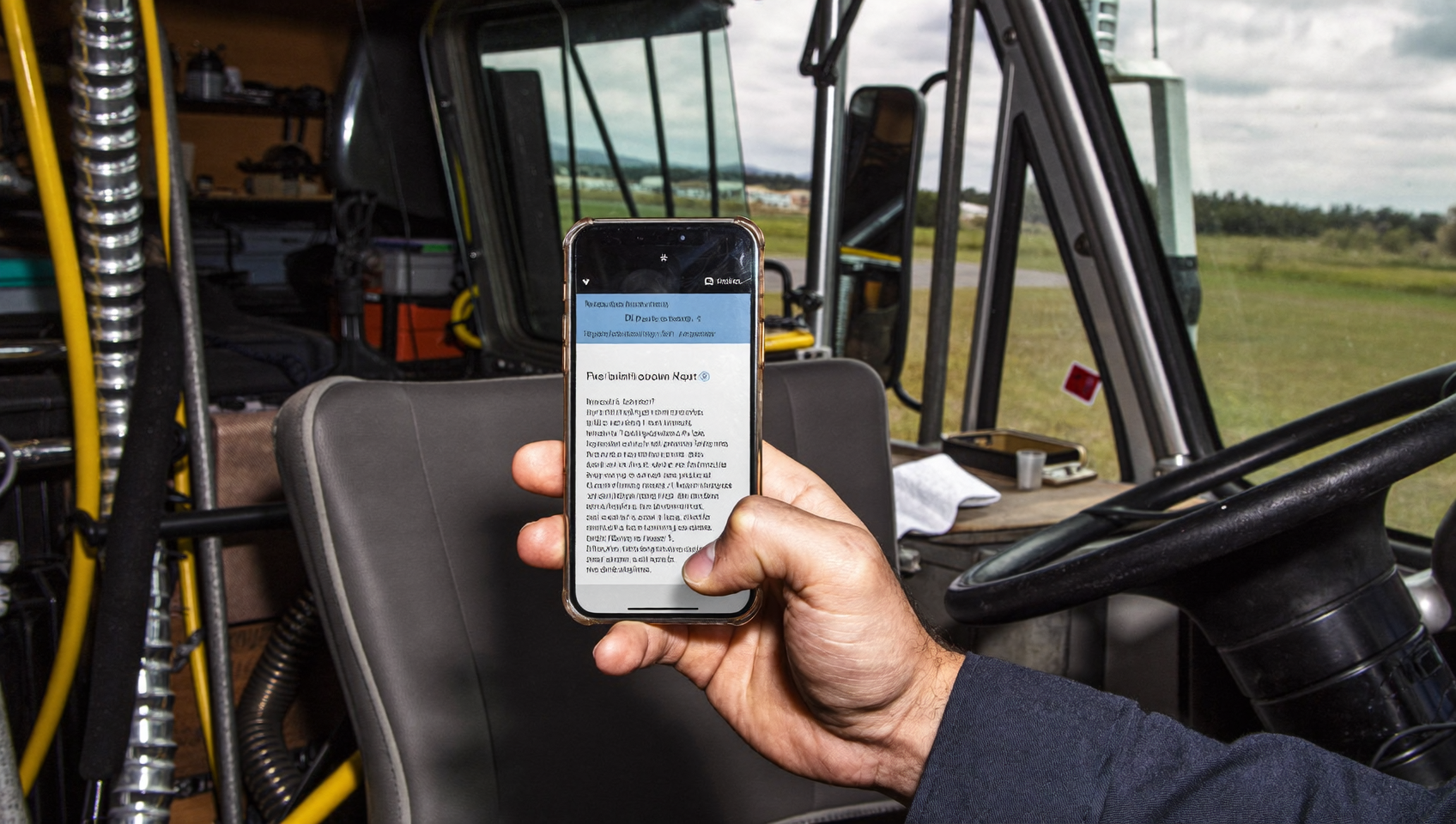
A mass text tool lets you send one message to hundreds or thousands of contacts at once, without typing each one individually. It’s incredibly fast. For service businesses like roofing companies, dental offices, HVAC shops, and salons, it’s one of the fastest ways to fill open appointment slots, announce promotions, send payment reminders, and re-engage past customers. But here’s the thing: most mass texting platforms stop at the send button. They don’t connect your texts to your phone calls, your webchat, or your team’s inbox. SalesCaptain does. It combines high-volume SMS with AI-powered phone agents, a unified inbox, and workflow automation so every text you send becomes part of a larger customer conversation, not just a broadcast.
A mass text tool sends a single SMS message to hundreds or thousands of contacts simultaneously, making it ideal for service businesses to fill appointment slots, announce promotions, and re-engage customers. Unlike basic texting platforms, advanced tools integrate SMS with phone, chat, and automation to keep conversations connected.
Free weekly newsletter
Growth tips for service businesses
Every Tuesday — actionable ideas to get more leads, reviews, and repeat customers. No fluff.
Quick Answer
A mass text tool for service businesses enables you to send SMS messages to multiple customers simultaneously while integrating with calling, messaging platforms, and your inbox for unified communication. This integration allows you to track responses, schedule follow-ups, and manage customer conversations across channels from one dashboard, improving response rates and customer engagement compared to standalone texting solutions.
What Is a Mass Text Tool?
A mass text tool is software that sends a single SMS or MMS message to a large list of recipients simultaneously. Think of it as email marketing’s faster, more personal cousin. SMS open rates consistently exceed 90%, dwarfing email’s typical 20-30% range. That’s a huge difference. So why wouldn’t you use texting? Businesses that depend on appointments, repeat visits, and time-sensitive offers increasingly rely on texting instead of, or alongside, email.
But a good mass text tool isn’t just a firehose. It should also handle personalization tokens (so “Hi {{first_name}}” replaces with each contact’s actual name), schedule sends for optimal times, and stay compliant with federal regulations like the Telephone Consumer Protection Act (TCPA) and 10DLC carrier requirements. Without those guardrails, you risk fines and blocked messages. With them? Mass texting becomes one of the highest-ROI channels a local business can run.
Mass Texting vs. One-to-One Texting
One-to-one texting is a conversation. Mass texting is a broadcast. Both matter—a lot. When a lead texts your business asking about availability, that’s one-to-one. When you text 500 past customers a 15%-off reactivation offer, that’s mass. The best platforms handle both in the same interface so your team doesn’t juggle separate tools. Research from Text Request’s 2024 report shows businesses using texting for both inbound and outbound communication see stronger engagement than those using it for campaigns alone. That’s worth noting.
How a Mass Text Tool Works in SalesCaptain
Sending a bulk text campaign in SalesCaptain takes minutes, not hours. Here’s what happens:
- Import or segment your contacts. Upload a CSV, sync contacts from an integration like Housecall Pro, ServiceTitan, or Shopify, or filter your existing database by tags, last appointment date, or location.
- Compose your message. Write your text using personalization tokens like first name, appointment date, or outstanding balance. Add images, links, or attach a payment request using SalesCaptain’s Payments via Text feature.
- Use auto URL shortening and click tracking. Any link you include gets shortened automatically so it doesn’t eat into your character limit. SalesCaptain tracks who clicks, giving you real engagement data instead of guesswork.
- Schedule or send immediately. Choose to blast it right now or schedule the send for a specific date and time. You can also stagger delivery so replies don’t flood your inbox all at once.
- Monitor replies in your unified inbox. Every response lands in the same inbox where your team sees calls, webchat messages, Instagram DMs, Facebook Messenger threads, and email. No context switching required.
- Automate follow-ups. Use SalesCaptain’s drag-and-drop workflow builder to trigger automatic follow-up texts, reminders, or even an AI phone call to contacts who don’t reply within a set time.
Each step happens inside one platform. You won’t need a separate tool for SMS campaigns, another for your phone system, and a third for your CRM.
📺 Watch: How to Create an SMS Campaign
Key Capabilities
- High-volume SMS. Send to large lists without worrying about throttling or deliverability. SalesCaptain supports high-volume SMS built into its business phone system infrastructure.
- Advanced templating and personalization. Go beyond “Hi {{first_name}}.” Pull in appointment details, invoice amounts, service addresses, or custom fields to make every mass text feel like a personal message.
- Click tracking and auto URL shortening. Know exactly who clicked your links. Shortened URLs keep messages concise while giving you campaign-level analytics.
- Payments via Text. Include a payment link directly in your mass text. Customers tap, pay through Stripe, Helcim, or Authorize.net, and you get paid without a phone call or an invoice chase. Especially useful for sending balance-due reminders to dozens of customers at once.
- Missed call text-back. This isn’t a mass text feature per se, but it complements campaigns perfectly. Every missed call automatically triggers a personalized text, so leads who call because of your campaign still get a response even if your team can’t pick up. Aira’s data shows a significant percentage of business calls go unanswered, making this safety net essential.
- Multilingual messaging. Serve diverse customer bases by composing and sending texts in multiple languages. SalesCaptain’s AI translation capabilities help your team communicate without hiring bilingual staff.
Who Needs This?
Mass texting isn’t reserved for enterprise marketing departments. It’s a practical tool for small and mid-sized service businesses that rely on repeat customers and appointment bookings. Here’s who benefits most:
- Home services companies (roofing, plumbing, HVAC, landscaping, appliance repair) who need to fill schedule gaps, announce seasonal promotions, or send payment reminders to dozens of open invoices.
- Healthcare and wellness practices (dental offices, MedSpas, therapy clinics) who send appointment reminders, recall notices for overdue patients, or new-service announcements.
- Salons, gyms, and fitness studios that run flash sales, class reminders, or membership renewal campaigns.
- Legal practices that need to notify clients about case updates or remind them of upcoming consultations.
- Real estate agencies sending open house invitations, new listing alerts, or market updates to buyer and seller lists.
- Operations managers and business owners who want one tool instead of three, and don’t have a dedicated marketing team to manage complex platforms.
If you’ve ever copied and pasted the same text to 30 different contacts, you already need a mass text tool. The question becomes: do you pick a standalone texting app or a platform that also handles your calls, chat, and follow-ups?
Benefits of a Mass Text Tool for Your Business
Speed That Matches Customer Expectations
Customers expect fast responses. Really fast. Klaviyo’s 2024 SMS benchmarks show click-through rates on SMS campaigns consistently outperform email across industries. That speed works both ways. You reach customers faster, and they respond faster. A plumbing company sending a “We have openings tomorrow” text at 3 PM can fill those slots by 5 PM. Can email do that? Not a chance.
Revenue Recovery Without Extra Staff
Unpaid invoices pile up. And chasing them one by one burns staff hours. With SalesCaptain’s mass text tool, you can filter contacts with outstanding balances, compose a friendly payment reminder with a tap-to-pay link, and send it to your entire list. The payment processes through your existing gateway. No phone tag. No awkward conversations. Your team reclaims hours every week.
Follow-Up Automation That Closes the Loop
Sending a mass text is step one. What happens when 40 people reply? In a standalone texting tool, your team scrambles. But in SalesCaptain, replies flow into the unified inbox alongside calls and chats. Workflow automation can sort, tag, and even auto-respond to common replies. For instance, a “Yes, book me” response can trigger an automatic appointment confirmation, while a “How much?” reply gets routed to your sales team with the customer’s full history attached.
Better Data for Better Decisions
Click tracking tells you which offers resonate. Reply rates reveal which customer segments are most engaged. Over time, you build a data-driven texting strategy instead of guessing. Because SalesCaptain connects your texting data with call logs, chat history, and CRM records, you see the full picture of how a campaign performs across channels.
How SalesCaptain Compares
Plenty of platforms offer mass texting. Fewer combine it with a full phone system, AI voice agents, and a unified inbox. That’s where it gets interesting.
Podium offers texting and reviews, but it doesn’t include a power dialer, post-call analytics, or real-time speech analytics for calls. So your texting campaigns and phone conversations live in separate worlds. Nextiva caps SMS at 250 messages per user per month, which makes large campaigns impractical without upgrading. It also lacks Payments via Text and a leads form. When you consider how much revenue missed calls cost, a platform that separates calling from texting creates blind spots.
Dialpad offers SMS but doesn’t support high-volume SMS natively, and it lacks social chat channels like Instagram and Facebook Messenger. Aircall charges $30 per license with a three-seat minimum and doesn’t include Payments via Text, auto URL shortening, or click tracking in its SMS features. For a service business running campaigns and handling inbound replies, those gaps add up quickly.
SalesCaptain bundles mass texting with AI phone agents that can answer the calls your campaigns generate, missed-call text-back for overflow, and integrations with tools small businesses already use, like Housecall Pro, ServiceTitan, and Shopify. The result? A single platform where every customer touchpoint connects, from the first mass text to the final payment.
Frequently Asked Questions
Is mass texting legal for businesses?
Yes, but you must follow TCPA guidelines. That means getting explicit consent before texting someone, honoring opt-out requests immediately, and identifying your business in each message. SalesCaptain’s platform includes opt-out management and compliance features to help you stay within the rules. The FCC’s consumer guide on unwanted texts outlines the federal requirements every business should know.
How many texts can I send at once with SalesCaptain?
SalesCaptain supports high-volume SMS, so you can send campaigns to large contact lists. Delivery speed depends on carrier throughput and your 10DLC registration status, but the platform is built for businesses that need to reach hundreds or thousands of contacts in a single send.
Can I send mass texts and handle phone calls from the same platform?
Yes. That’s one of SalesCaptain’s core differentiators. Your mass text campaigns, inbound calls, AI phone agent conversations, webchat, and social media DMs all live in one unified inbox. Your team sees every interaction in context, regardless of channel.
What’s the difference between mass texting and SMS marketing?
SMS marketing is the strategy. Mass texting is the tactic. SMS marketing includes planning campaigns, segmenting audiences, tracking ROI, and optimizing over time. A mass text tool is the software that executes the sends. SalesCaptain provides both the tool and the supporting infrastructure, like workflow automation and analytics, to run a real SMS marketing program.
Do recipients see each other’s numbers in a mass text?
No. SalesCaptain sends mass texts as individual messages to each recipient. It’s not a group text. Each person receives the message as if it were sent directly to them, and their replies come back privately to your inbox.
Can I include payment links in my mass texts?
Absolutely. SalesCaptain’s Payments via Text feature lets you embed a secure payment link in any text message. Customers tap, pay through your connected gateway (Stripe, Helcim, or Authorize.net), and the transaction completes without a phone call or separate invoice.
Ready to see it in action?
See how service businesses use SalesCaptain to send targeted texts that actually convert leads.
Start Sending Smarter Mass Texts Today
SalesCaptain’s mass text tool is part of a complete communication platform that includes AI phone agents, a unified inbox, and workflow automation. Plans start free for one location, with Business plans at $159/month per location.