
AI-powered customer experience marketing (CXM) platform that helps local businesses win.


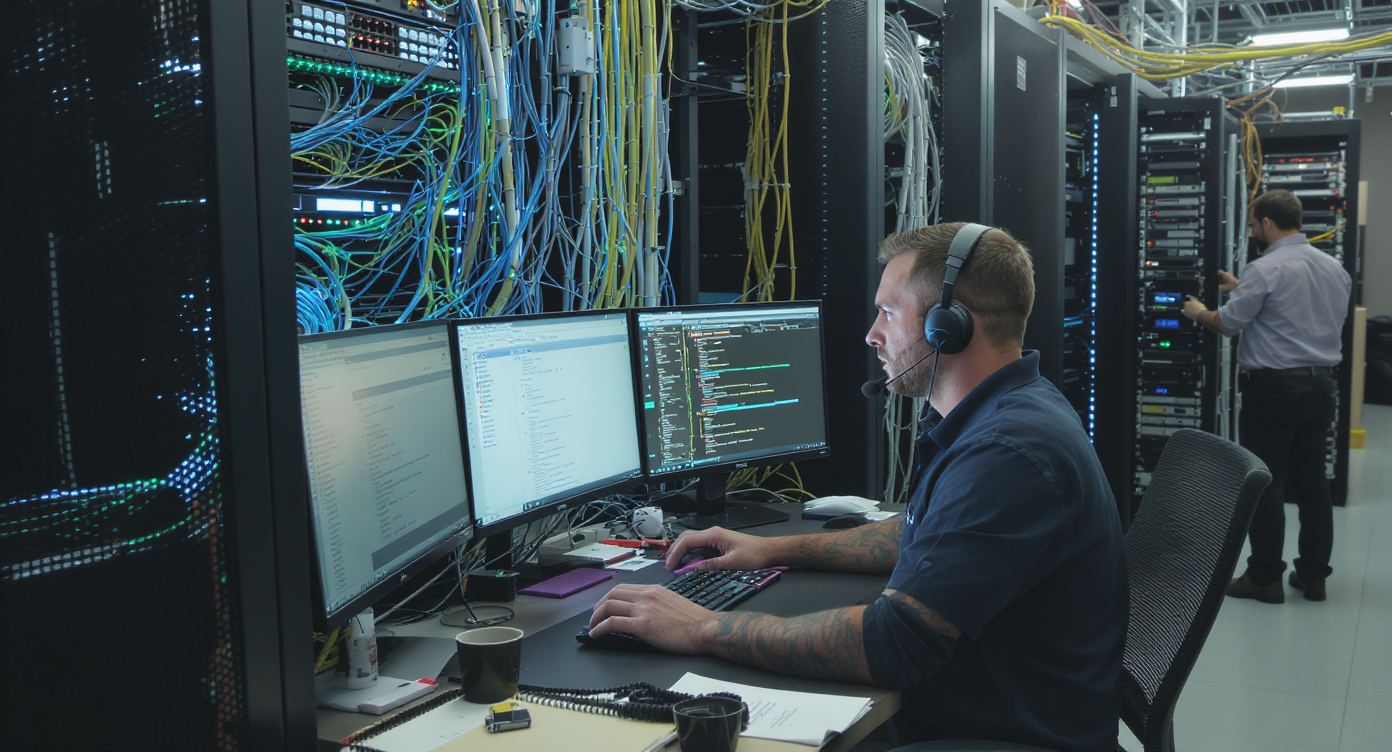
When an IT support company misses a client’s call, the damage goes way beyond one lost ticket. That caller might be a business owner whose entire network is down. Every minute of silence pushes them closer to a competitor’s number. Finding the best phone system for IT support companies isn’t just about call quality or price per seat. It’s about building a communication backbone that matches the urgency and complexity of your work. Sound familiar?
The best phone system for IT support companies combines reliable voice calls with intelligent call routing, after-hours coverage, and multichannel communication to handle time-sensitive client issues simultaneously. These systems connect technicians, dispatchers, and clients across multiple service requests, ensuring no critical call goes missed when network downtime costs businesses thousands per minute.
What Makes a Phone System Right for IT Support
A phone system for IT support companies needs to do more than ring a desk phone. It’s the central nervous system connecting your technicians, dispatchers, and clients across multiple service requests happening simultaneously. Unlike a retail shop or a restaurant, your team handles time-sensitive issues. A delayed response can mean hours of downtime for the client.
The right system combines reliable voice calls with smart routing, after-hours coverage, and multichannel communication. Your clients might call, text, or send a message through your website chat. And they expect a fast response regardless of the channel. According to research on the cost of missed calls, small businesses lose significant revenue every time a call goes unanswered. For IT support firms, that cost compounds because one missed call often represents an ongoing contract relationship, not a one-time transaction.
Features IT Support Companies Should Prioritize
Not every phone system feature matters equally for IT support. Some capabilities are table stakes. Others genuinely separate the contenders from the pretenders. Here’s what deserves your attention when evaluating options.
Call Routing and IVR That Actually Works
Your clients shouldn’t have to explain their problem three times before reaching the right technician. A well-built IVR (interactive voice response) system lets callers self-select based on issue type, whether it’s a network outage, a password reset, or a billing question. Beyond basic menus, look for call routing rules that adapt based on time of day, technician availability, and priority level. Without this, your front desk becomes a bottleneck during peak hours.
After-Hours and Overflow Call Handling
IT emergencies don’t follow business hours. A server crash at 2 AM needs acknowledgment. Even if your team can’t start working on it until morning. Missed call statistics consistently show that most callers won’t leave a voicemail. They’ll just call someone else. Your phone system needs a real after-hours strategy, whether that’s AI-powered answering, automated text-back, or intelligent forwarding to on-call staff.
Multichannel Communication
Many IT support interactions start as calls but continue over text or chat. A client might call to report an issue, then send a screenshot via text. Then they follow up through your website’s chat widget. If each channel lives in a separate tool, your team wastes time switching between apps. You’ll lose context along the way. The best systems consolidate everything into one view.
Key Features Checklist
When comparing platforms, make sure these capabilities are included rather than bolted on as expensive add-ons:
- Call recording and transcription for documentation and training purposes
- Voicemail-to-text so technicians can triage without listening to every message
- CRM integration with tools like HubSpot, Salesforce, or Zoho to keep client records updated
- Team collaboration features like internal notes and call whispering for junior staff
- Scalable pricing that doesn’t punish you for adding new hires or locations
Common Mistakes When Choosing a Phone System
Most IT support companies make the same handful of errors when selecting a phone platform. Avoiding these pitfalls saves you from a painful migration six months down the road.
Picking Based on Price Per Seat Alone
A $15/user system looks attractive until you realize it lacks call queueing, real-time analytics, or proper call coaching tools. According to FinancesOnline’s analysis of business phone system statistics, companies increasingly prioritize feature depth over raw cost. Cheap systems often cap SMS volumes. They restrict integrations or charge extra for basic features like toll-free minutes. Calculate total cost of ownership, not just the sticker price.
Ignoring the AI Conversation
AI-powered phone features aren’t a gimmick anymore. They’re rapidly becoming standard. VoIP industry research from Zoom highlights how AI-driven call handling is reshaping business communication expectations. For IT support companies specifically, AI can answer common questions like “What’s your hourly rate?” or “Do you support Macs?” without pulling a technician away from billable work. Dismissing AI means accepting a staffing bottleneck that’ll only grow as you scale.
Overlooking the Unified Inbox Problem
Here’s a scenario that plays out daily at IT support firms: a client texts about a printer issue. They call about it an hour later. Then they send a Facebook message asking for an update. Three different team members see three different threads. Nobody realizes it’s the same person with the same problem. Fragmented communication tools create this chaos. Yet many companies still cobble together separate apps for calls, texts, and social messages, then wonder why things fall through the cracks.
How Popular Platforms Compare for IT Support
Several well-known phone systems target small and mid-sized businesses. But they weren’t all built with the same use case in mind. Understanding their strengths and gaps helps narrow your shortlist.
OpenPhone, priced at $15 per user, works well as a basic phone app for startups. However, it lacks call coaching, call queueing, and real-time speech analytics. For an IT support team that needs to train junior technicians or monitor live calls, those gaps are significant. Aircall, at $30 per license, is the most expensive mainstream option. And it still doesn’t include AI-powered call answering, webchat, or missed-call text-back. Its focus leans heavily toward outbound sales call centers rather than inbound service operations.
Dialpad offers solid AI features at $15 per user. But it doesn’t include audio conferencing, toll-free minutes, or high-volume SMS. If your IT support company runs remote troubleshooting sessions or sends bulk service notifications, you’ll hit those limitations quickly. RingCentral and Nextiva, both at $20 per user, are established names. Yet they lack capabilities like voicemail drop, payments via text, and WhatsApp integration. Plus, both have steeper learning curves that G2 reviewers frequently mention.
The pattern across these platforms is consistent: most were built as general-purpose phone systems or sales dialers. They weren’t designed for service businesses that handle urgent inbound requests, need AI-powered coverage, and communicate across multiple channels simultaneously.
How SalesCaptain Helps IT Support Companies
SalesCaptain was built specifically for service businesses. That makes it a strong fit for IT support operations. Rather than stitching together a phone system, a chatbot platform, and a separate inbox tool, you get everything in one place. Per-location pricing starts free.
The AI Phone Agent answers calls around the clock. It responds with natural-sounding voice messages. It can qualify leads, answer FAQs about your services, book appointments, and block spam calls. For an IT support company, that means a 2 AM call from a client with a downed server gets acknowledged immediately. The caller receives confirmation that their request was logged. Your on-call technician gets notified based on your custom call flow rules.
What sets SalesCaptain apart from alternatives is the combination of capabilities in a single platform:
- AI Chat Agents handle SMS, webchat, Instagram DMs, and Facebook Messenger, so no client inquiry gets lost regardless of channel
- Unified Inbox pulls calls, texts, social messages, and email into one collaborative view with full contact history
- Call Coaching and Whispering lets senior technicians guide newer staff during live calls without the client hearing
- AI Summaries and Transcriptions automatically create searchable records of every call, perfect for documentation-heavy IT environments
- Workflow Automation triggers follow-ups, CRM updates, and reminders with a drag-and-drop builder
- 50+ integrations including HubSpot, Salesforce, Zoho, and Zapier to connect with your existing tech stack
Pricing is transparent: the Business plan runs $159/month per location. AI call minutes cost $0.12 each. Compare that to hiring an after-hours receptionist. Or paying $30+ per seat for a platform that still can’t answer calls with AI. For multi-location IT firms, the per-location model scales far more affordably than per-user pricing that balloons with every new hire.
Key Takeaways
Choosing the best phone system for IT support companies comes down to matching your communication needs with a platform that was actually built for service businesses. General-purpose VoIP tools and sales dialers leave critical gaps. You’ll notice them in after-hours coverage, multichannel messaging, and AI-powered call handling.
Prioritize systems that offer intelligent call routing, unified communication across every channel, and AI capabilities that reduce your team’s manual workload. According to Verified Market Reports, the small business phone systems market continues growing rapidly. That means more options will appear. But more options doesn’t mean better options. Focus on platforms designed for inbound service operations, not outbound sales teams.
The bottom line: your phone system should work as hard as your technicians do. It should capture every call, qualify every lead, and keep clients informed even when your team is busy solving someone else’s problem.
FAQ
What phone system features matter most for IT support companies?
Call routing, IVR menus, after-hours call handling, call recording with transcription, and CRM integration are essential. Because IT support deals with urgent inbound requests, you also need multichannel communication (SMS, webchat, social) and some form of AI or automated answering to prevent missed calls outside business hours.
How much should an IT support company expect to pay for a phone system?
Per-user pricing ranges from $15 to $30/month across popular platforms. But that doesn’t include add-ons for features like AI, toll-free numbers, or advanced call routing. Per-location pricing models, like SalesCaptain’s $159/month plan, can be more cost-effective for teams with multiple technicians. You aren’t charged for each seat.
Can AI really handle IT support calls effectively?
AI phone agents handle routine calls extremely well. They’re ideal for qualifying new leads, answering common questions about services and pricing, and booking consultation calls. They capture after-hours messages. Complex technical troubleshooting still requires a human. But AI keeps your phone lines covered for the 60-70% of calls that don’t need a senior technician.
Why isn’t a regular VoIP system enough for IT support?
Standard VoIP gives you voice calls and maybe basic texting. IT support companies need unified communication across calls, SMS, webchat, and social channels. Plus automation for follow-ups and CRM updates. A basic VoIP system forces you to add separate tools for each of these. Then you wonder why things fall through the cracks.
How do I avoid losing clients to missed after-hours calls?
Set up AI-powered call answering that captures caller information, acknowledges their issue, and routes urgent requests to on-call staff. Missed-call text-back is another essential feature. It sends an automatic text to anyone whose call you can’t answer. According to CallJolt’s research on missed call costs, most callers won’t try again if their first call goes unanswered. So automated acknowledgment is critical.
See How SalesCaptain Can Help Your IT Support Company
SalesCaptain gives IT support businesses AI-powered phone answering, multichannel messaging, and a unified inbox. All in one platform with transparent pricing. Stop losing clients to missed calls. Start delivering the responsive communication your customers expect.
Visit SalesCaptain to explore the platform and start for free.