
AI-powered customer experience marketing (CXM) platform that helps local businesses win.


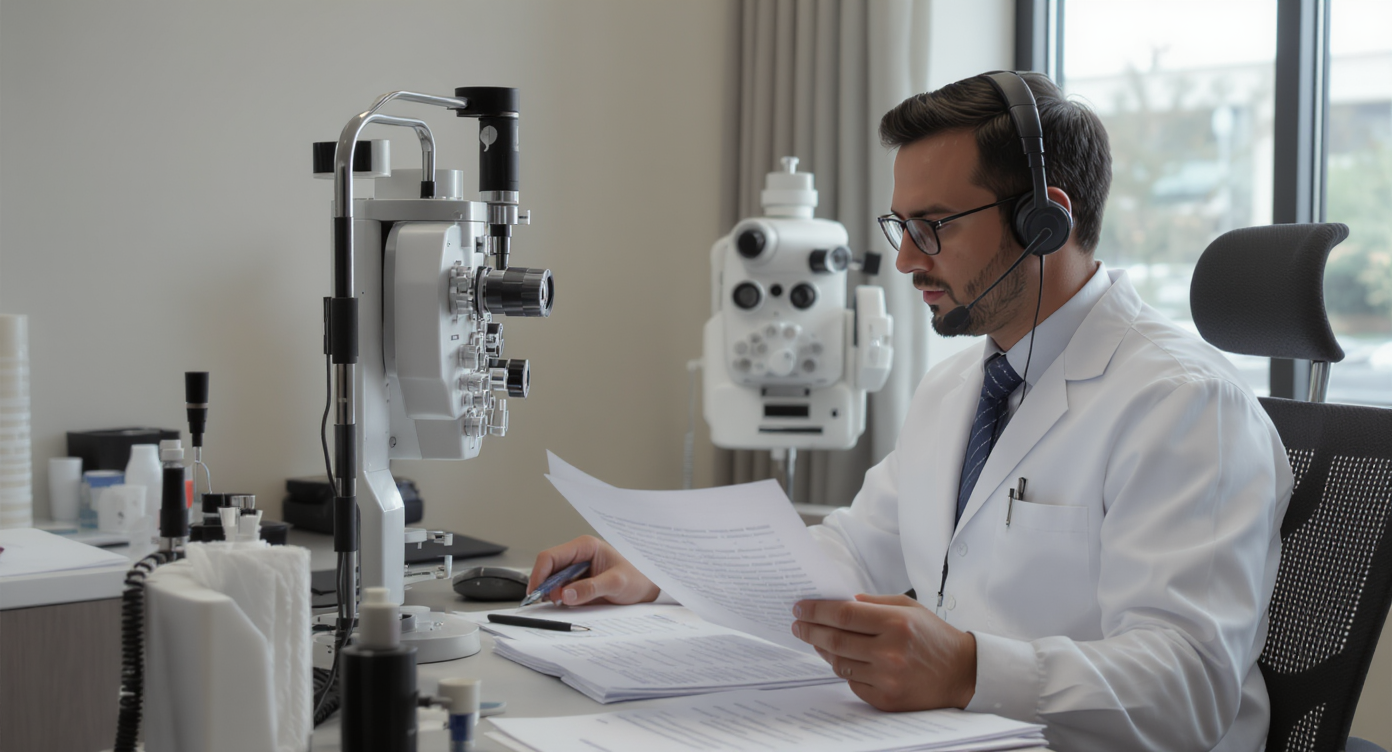
A patient calls your optometry practice to schedule an eye exam. Nobody picks up. They don’t leave a voicemail either. Instead, they call the next practice on Google. Sound familiar? That scenario plays out constantly, and research suggests a significant percentage of business calls go unanswered. Finding the best phone system for optometry practices isn’t just a tech decision. It’s about keeping patients. It’s a revenue decision, a staff efficiency decision, and a patient retention decision all rolled into one.
The best phone system for optometry practices is a dedicated VoIP solution that handles appointment scheduling, recall reminders, multi-location routing, and after-hours calls in one platform. It prevents missed patient calls, improves front desk efficiency, and reduces the need for multiple separate tools.
What Makes a Phone System Right for Optometry
A phone system for an optometry practice goes way beyond basic calling. It’s the central hub connecting your front desk to patients, insurance coordinators, referring doctors, and vendors. Unlike a generic VoIP line, the right system handles appointment scheduling, recall reminders, after-hours calls, and multi-location routing. No more juggling multiple tools or sticky notes.
Free weekly newsletter
Growth tips for dental & medical practices
Every Tuesday — actionable ideas to get more leads, reviews, and repeat customers. No fluff.
What sets optometry apart is the appointment-driven workflow. Most patient interactions start with a phone call or text—whether it’s booking an annual exam, asking about contact lens orders, or confirming insurance coverage. Your phone system needs to support that entire cycle. From first contact through follow-up. Not just connecting two people on a call.
Core Features Every Optometry Practice Needs
Not all phone systems are built equal. And not all features matter the same way in an eye care setting. Before comparing vendors, you’ll want a clear picture of what actually moves the needle for your practice.
Automated Call Handling and Routing
When three patients call at once during Monday morning rush, your system needs to handle overflow without dropping anyone. Call routing distributes incoming calls across your team based on rules you set. Department, location, time of day—you choose. An IVR menu can direct patients to scheduling, billing, or optical without tying up your receptionist. These aren’t luxury features. They’re absolutely essential for any multi-line practice.
After-Hours Coverage
Most optometry offices close by 5 or 6 PM. But patients often call in the evening after work. According to research on the cost of missed calls, every unanswered call carries a measurable revenue impact. A system that captures after-hours calls through voicemail, automated text-back, or an AI agent keeps those patients from slipping away. Your competitor gets the call instead.
Appointment Reminders and Follow-Up
No-shows drain optometry practices every year. Your phone system should integrate with or include automated reminders via text and voice. Recall campaigns for annual exams and contact lens reorders? Those are especially valuable. They generate recurring revenue without any marketing spend.
Must-Have Features at a Glance
- Call recording for training, compliance, and dispute resolution
- Voicemail transcription so staff can scan messages quickly between patients
- Missed call text-back to automatically engage patients who couldn’t get through
- Multi-location support if you operate more than one office
- secure communication for handling protected health information
- Hold music and custom greetings that reflect your brand and reduce perceived wait times
Why Traditional Phone Systems Fall Short for Modern Practices
Landline-based systems and even basic VoIP setups worked fine a decade ago. But patient expectations have shifted dramatically. People want to text your office. Not sit on hold. They expect an instant response. Not a callback tomorrow morning. And your staff shouldn’t need to toggle between a desk phone, a scheduling app, a texting platform, and an email client just to manage one patient interaction.
The Multi-Tool Problem
Many practices cobble together separate tools for calling, texting, reviews, and patient communication. One platform for phone calls, another for appointment reminders, a third for webchat. That fragmentation creates blind spots. A patient texts about their appointment, but your front desk only sees phone messages. Or a voicemail sits unheard for hours because nobody checked the system before lunch. The result? Inconsistent communication that erodes trust.
According to industry analysis of the business phone systems market, the shift toward unified platforms reflects a broader trend among small businesses seeking consolidated communication tools. Practices still relying on disconnected systems are increasingly at a disadvantage.
Staffing Constraints Amplify the Issue
Optometry practices typically run lean at the front desk. You might have one or two receptionists handling check-ins, insurance verifications, and phone calls simultaneously. Every call pulls them away from an in-office patient. That creates friction. And hiring another staff member just to answer phones is expensive—often $35,000 or more per year when you factor in benefits and training. A smarter phone system should reduce that burden. Not add to it.
How to Evaluate Phone Systems for Your Practice
Choosing the right system involves more than reading feature lists. Here’s a practical framework for comparing options that actually fits an optometry workflow.
Pricing Structure Matters More Than Sticker Price
Some vendors charge per user. That gets costly fast if you’ve got multiple staff members. Others charge per location, which scales better for practices with two or three offices. Watch for hidden costs. Toll-free numbers. SMS overages. Add-on integrations. Per-user pricing from providers like Aircall at $30 per license or Nextiva at $20 per user can add up quickly when you’ve got five or six people who need access. Per-location pricing often works out more predictably for small practices.
Integration with Your Practice Management Software
Your phone system should connect to tools you already use. If you’re running your practice on a platform that syncs with HubSpot, Salesforce, or Zoho, that connection saves hours of manual data entry each week. Native integrations beat Zapier workarounds for reliability. But having Zapier as a fallback expands your options considerably.
Questions to Ask Every Vendor
- Does the system include AI-powered call handling or just basic voicemail?
- Can it send automated text-backs when calls go unanswered?
- Is there a unified inbox where staff can see calls, texts, and messages in one place?
- What’s the uptime guarantee? Anything below 99.9% should raise concerns.
- How does pricing change as you add locations or team members?
- Can you customize call flows without needing IT support?
Vendors like Weave focus primarily on healthcare verticals. They understand the clinical context. But their feature set has gaps. No social chat integration, no WhatsApp support, no advanced templating and personalization. Birdeye is strong in reputation management. But it lacks core phone features like call routing, IVR builders, and hold music. Neither provides AI-powered voice agents that can actually handle calls autonomously.
How SalesCaptain Helps Optometry Practices
SalesCaptain brings together AI voice agents, AI chat agents, and a unified inbox in a single platform. That’s a combination you won’t find with most competitors. For optometry practices specifically, your phones are covered 24/7 with an AI receptionist that books appointments, answers common questions about insurance or office hours, qualifies new patients, and blocks spam calls before they waste anyone’s time.
The AI Phone Agent doesn’t just take messages. It holds natural conversations, follows custom call flows you build with a drag-and-drop editor, and routes complex calls to the right person when human attention is needed. After each call, AI summaries and transcriptions capture what was discussed. Your team can follow up without relying on memory or handwritten notes.
Beyond voice, SalesCaptain’s AI Chat Agents handle SMS, webchat on your practice website, Instagram DMs, and Facebook Messenger. When a patient texts about rescheduling, they get an instant reply. Even if your front desk is swamped. Missed call text-back kicks in automatically when a call goes unanswered. That patient stays engaged instead of lost.
Everything flows into one unified inbox where your team sees calls, texts, social messages, and internal notes together. No toggling between apps. No missing a message because it came through the wrong channel. With workflow automation, you can set up appointment reminders, recall campaigns, and follow-up sequences that run without manual effort.
Pricing starts with a free plan for a single location. The Business tier is $159 per month per location. That flat per-location model means you’re not paying more every time you add a team member. Plus, 50+ native integrations including QuickBooks, HubSpot, and Zapier make it straightforward to connect with your existing tools. The platform maintains 99.99% uptime. So the cost of downtime and missed calls stops being a concern.
Key Takeaways
The best phone system for optometry practices handles more than calls. It captures after-hours patients, automates appointment reminders, unifies every communication channel, and reduces the load on your front desk staff. Traditional landlines and fragmented tool stacks can’t keep up. Patients want faster, more flexible ways to reach you.
When evaluating systems, prioritize per-location pricing, AI-powered call handling, unified messaging, and integrations with your existing practice tools. Features like missed call text-back, call recording, voicemail transcription, and custom call flows aren’t optional extras anymore. They’re what separates practices that grow from those that quietly lose patients every week.
According to recent business phone system statistics, adoption of cloud-based unified communication platforms continues to accelerate among small businesses. Optometry practices that modernize their phone infrastructure now will be better positioned to capture and retain patients in an increasingly competitive landscape. Your phone system should work as hard as your clinical team does.
Frequently Asked Questions
What features should an optometry practice phone system include?
At minimum, look for call routing, IVR menus, voicemail transcription, call recording, missed call text-back, and appointment reminder automation. AI-powered call handling and a unified inbox for calls, texts, and messages are increasingly important for practices that want to reduce missed calls and staff workload.
How much does a phone system for an optometry practice cost?
Pricing varies widely. Per-user models range from $15 to $30 per person per month. That adds up with multiple staff. Per-location pricing, like SalesCaptain’s $159 per month per location, often works out cheaper for practices with several team members. Always factor in costs for add-ons, toll-free numbers, and SMS.
Can an AI phone agent really handle patient calls for an eye care office?
Yes. Modern AI voice agents can book appointments, answer questions about office hours and insurance, qualify new patients, and route complex inquiries to staff. They don’t replace your team for clinical conversations. But they handle the repetitive calls that consume most of your receptionist’s day.
Is a cloud-based phone system reliable enough for a medical practice?
Cloud-based systems with 99.99% uptime guarantees are more reliable than most landline setups. They also offer redundancy. Your calls don’t go down if there’s a local power outage. They route to mobile devices or AI agents automatically instead.
How does a unified inbox help an optometry practice specifically?
Patients contact your office through phone, text, website chat, and social media. Without a unified inbox, messages get missed or answered late. A single view of all patient communications ensures nothing falls through the cracks. That’s especially important for contact lens reorders, recall reminders, and insurance follow-ups that arrive through different channels.
Ready to see it in action?
See how optometry practices use SalesCaptain to book more eye exams without hiring staff.
Book a Free Demo →See How SalesCaptain Can Help Your Optometry Practice
SalesCaptain gives your practice an AI-powered phone system with voice agents, chat agents, and a unified inbox built for appointment-driven businesses. Stop losing patients to missed calls and start automating the communication that keeps your schedule full.