
AI-powered customer experience marketing (CXM) platform that helps local businesses win.


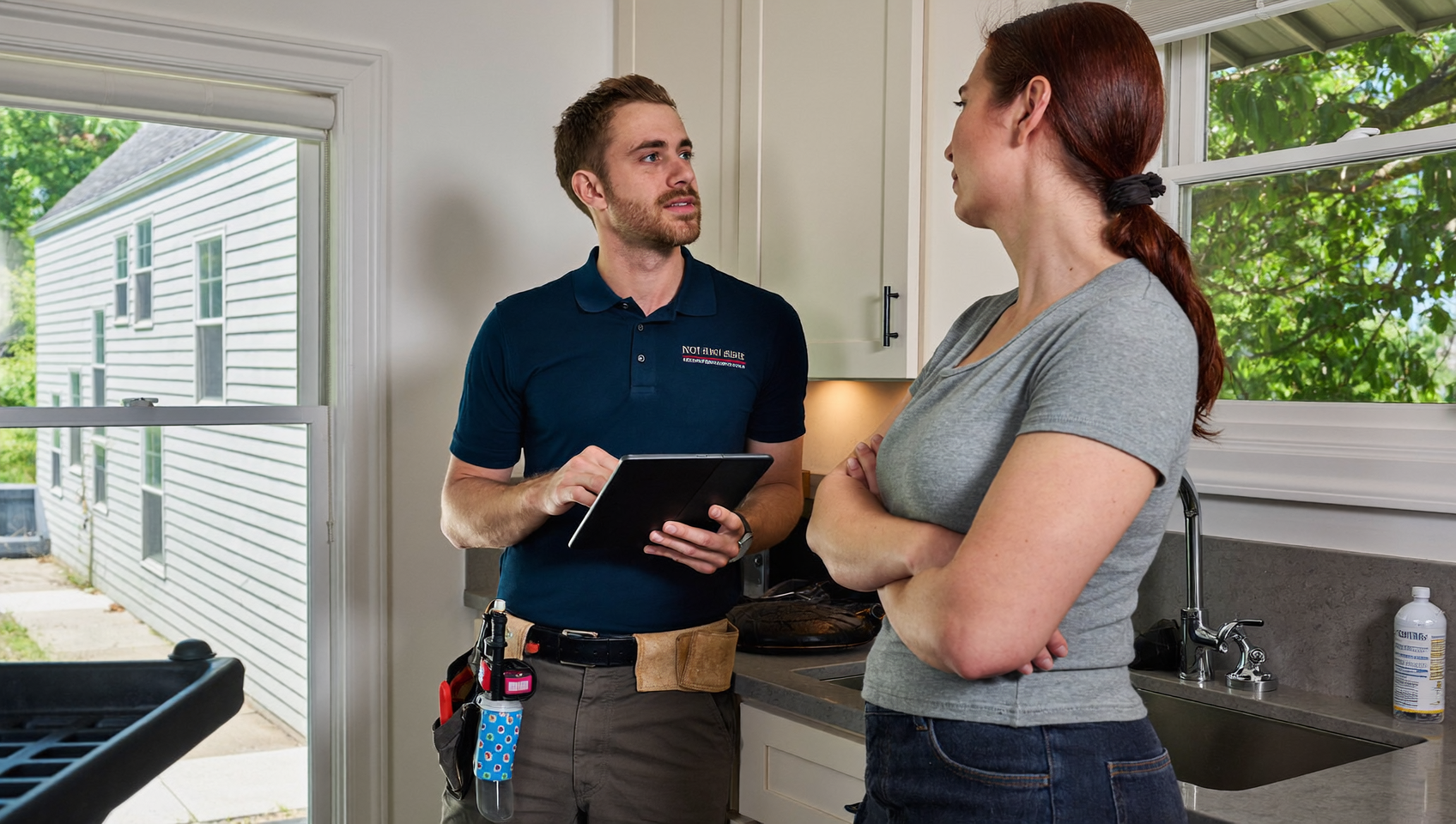
Your dispatch team books a job in ServiceTitan, but nobody follows up with the customer by text. A technician finishes a repair, and the homeowner never gets a review request. Meanwhile, three after-hours calls hit voicemail and disappear. These gaps don’t just frustrate customers—they cost real revenue. Finding the best ServiceTitan integrations for customer communication is how contractors close those gaps and turn every interaction into a growth opportunity.
The best ServiceTitan integrations for customer communication connect your job data to texting, calling, review, and chat tools that work outside the platform. They close communication gaps by automating follow-ups, booking confirmations, and customer feedback requests—turning routine interactions into revenue opportunities.
Free weekly newsletter
Growth tips for service businesses
Every Tuesday — actionable ideas to get more leads, reviews, and repeat customers. No fluff.
Quick Answer
ServiceTitan integrates with Twilio for SMS and voice automation, Slack for internal team messaging, Zapier for workflow connectivity, and Google Workspace for email management. These tools eliminate communication gaps by automating customer touchpoints, centralizing messages across channels, and enabling instant notifications so nothing slips through the cracks.
What Are ServiceTitan Integrations for Customer Communication?
ServiceTitan is a field service management platform built for trades like HVAC, plumbing, electrical, and roofing. It handles dispatching, invoicing, and job management exceptionally well. But here’s the thing: it wasn’t designed to be a full communication stack. That’s where integrations come in. A customer communication integration connects ServiceTitan’s job and customer data to external tools that handle calls, texts, chat, reviews, and follow-ups.
Think of it this way: ServiceTitan knows what work your team is doing. communication integrations ensure the customer hears from you at every stage, from the first inquiry to the post-job review request. The right integration pulls triggers from ServiceTitan (like a completed appointment or a new estimate) and automatically fires off a text, an email, a call, or a chat message. No manual work required.
Why Customer Communication Integrations Matter for Service Businesses
Contractors lose money when communication breaks down. Research shows a significant percentage of business calls go unanswered, and each missed call can represent hundreds in lost revenue. For a roofing company running ServiceTitan, a missed call during a busy season isn’t just an inconvenience. It’s a lead that walks straight to a competitor.
The Cost of Disconnected Systems
Most contractors cobble together separate tools for texting, calling, and reviews. One person manages the Google Voice number. Someone else checks the Facebook page. Voicemails pile up overnight. And by morning? The homeowner’s already moved on. Data-driven breakdowns of missed call costs show that even a handful of unanswered calls per week can add up to five or six figures in annual lost revenue. That’s real money.
What a Connected Stack Looks Like
When your communication platform integrates natively with ServiceTitan, every job status change can trigger a customer-facing action. What does that look like in practice?
- New appointment booked: Customer immediately receives a confirmation text with the technician’s name and arrival window.
- Tech en route: An automated SMS notifies the homeowner, reducing “where’s my tech?” calls.
- Job completed: A review request goes out within an hour while the experience is still fresh.
- Estimate sent: A follow-up text checks in two days later if the estimate hasn’t been accepted.
- After-hours call: An AI agent answers, qualifies the lead, and creates a contact in ServiceTitan for next-day follow-up.
None of this requires your office staff to remember, manually text, or chase down leads. It just happens automatically. And that consistency? That’s what separates contractors who grow from those who plateau.
Key Features to Look for in ServiceTitan Communication Integrations
Not every integration is built equally. Some offer surface-level connections, like pushing a contact name into a CRM. Others provide deep, two-way data flow that actually changes how your business operates. Before you pick a tool, here’s what matters.
Two-Way Data Sync
A one-way integration only sends data in one direction—say from ServiceTitan to your texting tool. That’s useful but limited. A two-way integration means actions in your communication platform (like booking an appointment through an AI agent) can write data back into ServiceTitan. This eliminates double entry. Your dispatch board stays current without manual updates. A recent roundup of top ServiceTitan integrations highlights how critical bidirectional sync is for operational efficiency.
Multichannel Coverage
Customers don’t just call anymore. They text, they DM on Facebook, they fill out web forms, and they message through Instagram. Your integration should cover all of these channels in one place. If you’re using one tool for texting and another for social media and a third for calls, you’re creating the exact fragmentation you’re trying to solve. That defeats the purpose.
AI and Automation Capabilities
Manual follow-ups don’t scale. Look for integrations that include AI-powered responses, automated workflows triggered by ServiceTitan events, and intelligent routing. For example, AI answering services are gaining traction among small businesses specifically because they handle after-hours and overflow calls without adding headcount. The best options let you customize call flows and scripts so the AI sounds like your brand, not a generic robot.
Ease of Setup and Daily Use
Your office manager shouldn’t need a computer science degree to configure an integration. Drag-and-drop workflow builders, visual call flow editors, and pre-built templates matter. If it takes weeks to set up or requires a consultant, it’s probably not the right fit for an SMB running ServiceTitan.
How Different Integration Approaches Compare
Service businesses typically choose from three paths when connecting ServiceTitan to their communication tools. Each has trade-offs worth understanding before you commit. A comprehensive breakdown of available ServiceTitan integrations shows just how varied the ecosystem has become.
| Approach | Pros | Cons | Best For |
|---|---|---|---|
| Native two-way integration | Real-time sync, no middleware, reliable triggers | Fewer tools offer it; depends on the platform | Businesses wanting a single connected stack |
| Zapier / webhook connection | Connects almost anything; flexible | Can break silently; adds a subscription cost; slight delays | Businesses with custom or niche tools |
| Manual / CSV export | No cost; works with any tool | Labor-intensive; error-prone; no real-time triggers | Very small operations with low volume |
Native integrations are almost always the better choice for customer communication. Timing matters. A follow-up text that arrives two minutes after a job is completed feels proactive. The same text arriving six hours later (because a Zapier workflow failed or a CSV didn’t get uploaded) feels like an afterthought. ServiceTitan’s own benchmark data emphasizes that speed of customer engagement directly correlates with business performance in the trades.
How SalesCaptain Helps
SalesCaptain offers a native, two-way integration with ServiceTitan. When an appointment is created or a job status changes in ServiceTitan, SalesCaptain can automatically trigger texts, AI phone calls, or workflow actions. And when SalesCaptain’s AI Phone Agent books a new appointment over the phone, it can push that booking back into ServiceTitan, keeping your dispatch board accurate.
Here’s what makes SalesCaptain particularly well-suited for contractors running ServiceTitan:
- AI Phone Agent: Answers calls 24/7 with natural-sounding voice AI. It qualifies leads, books appointments, answers FAQs, blocks spam, and routes callers. Your after-hours calls don’t hit a generic voicemail anymore.
- AI Chat Agents: Cover SMS, webchat, Instagram DMs, and Facebook Messenger. Instant responses capture leads before they bounce to a competitor.
- Unified Inbox: Every call, text, webchat message, social DM, and email lands in one collaborative inbox. Your team sees the full customer history without switching tabs.
- Workflow Automation: A drag-and-drop builder lets you create follow-up sequences triggered by ServiceTitan events. Post-job review requests, estimate reminders, and appointment confirmations run automatically.
- AI Summaries and Transcriptions: Every call gets transcribed and summarized. Your office manager can scan a two-sentence summary instead of listening to a six-minute recording.
Pricing starts with a free plan for a single location. Makes it accessible for smaller shops. The Business plan runs $159/month per location, and AI call minutes cost $0.12/minute. For multi-location contractors, per-location pricing scales more predictably than competitors like Aircall (which starts at $30 per license with a three-seat minimum and charges $0.49/minute for AI voice agent capabilities) or Nextiva (which caps SMS at 250 messages per user per month).
Because SalesCaptain combines AI voice agents, AI chat agents, and a unified inbox in a single platform, contractors don’t need to stitch together three or four separate tools. That simplicity matters when your office team is already juggling dispatching, billing, and customer complaints.
Key Takeaways
The best ServiceTitan integrations for customer communication share a few non-negotiable traits: two-way data sync, multichannel coverage, AI-powered automation, and easy setup. Contractors who connect their communication tools natively to ServiceTitan see faster response times, fewer missed calls, and more consistent follow-ups. Those who rely on manual processes leave revenue on the table every single day.
Prioritize integrations that trigger real-time customer messages from ServiceTitan job events. Look for platforms that handle calls, texts, and social messages in one inbox. And make sure whatever you choose can scale as you add locations and technicians. Your communication stack should grow your business, not add more work to your plate.
FAQ
Does ServiceTitan have built-in customer communication features?
ServiceTitan includes some basic communication tools like automated appointment reminders and customer notifications. However, it doesn’t offer AI-powered call answering, multichannel chat agents, or a unified inbox for all your communication channels. That’s why most contractors integrate a dedicated communication platform alongside ServiceTitan.
Can I connect ServiceTitan to my communication tools through Zapier?
Yes, Zapier and webhooks can connect ServiceTitan to many tools. However, these middleware connections can introduce delays and sometimes break without warning. For customer communication where timing is critical, a native two-way integration tends to be more reliable. Less ongoing maintenance too.
What happens to after-hours calls if I’m using ServiceTitan?
ServiceTitan itself doesn’t answer phone calls. Without a connected AI phone agent or answering service, after-hours calls typically go to voicemail. Many callers won’t leave a message. They’ll call a competitor instead. An AI phone agent that integrates with ServiceTitan can answer those calls, qualify the lead, and book the appointment directly into your dispatch board.
How do I know if an integration is truly “two-way” with ServiceTitan?
Ask two questions: Can data from ServiceTitan trigger actions in the communication tool? And can the communication tool write data (like a new customer or appointment) back into ServiceTitan? If the answer to both is yes, it’s genuinely two-way. If it only reads from ServiceTitan but can’t write back, it’s one-way. That limits its usefulness for booking and lead capture.
Will adding a communication integration slow down ServiceTitan?
No. Native integrations use APIs (application programming interfaces) that run in the background. They don’t affect ServiceTitan’s performance. Your dispatch board, invoicing, and scheduling all continue working normally while the integration handles communication tasks separately.
Ready to see it in action?
See how service businesses use SalesCaptain to automate customer communication alongside ServiceTitan.
See How SalesCaptain Connects with ServiceTitan
SalesCaptain’s native ServiceTitan integration gives your contracting business AI-powered calls, texts, and chat in one unified inbox, with two-way data sync that keeps your dispatch board current. Stop losing after-hours leads and start automating every customer touchpoint.