
AI-powered customer experience marketing (CXM) platform that helps local businesses win.


Every service business knows the frustration: a lead fills out a form, and then nothing happens for hours. Maybe days. Sound familiar? By the time someone follows up, that prospect has already called a competitor. SMS drip campaign software solves this by automating a timed sequence of text messages that nurture leads, remind customers about appointments, and drive repeat business. If you’re running a home services company, dental practice, law firm, or any appointment-driven business, drip campaigns over text aren’t optional anymore. They’re how you stay top of mind without burning out your staff.
SMS drip campaign software automates sequences of text messages sent to leads and customers based on specific triggers like form submissions or missed appointments. Service businesses use it to nurture leads automatically, reduce no-shows, and drive repeat business without manual follow-up.
Free weekly newsletter
Growth tips for service businesses
Every Tuesday — actionable ideas to get more leads, reviews, and repeat customers. No fluff.
Quick Answer
SMS drip campaign software automates scheduled text message sequences to nurture leads over time. It sends personalized messages based on triggers or timing intervals, keeping prospects engaged without manual effort. This approach reduces response delays, improves follow-up consistency, and converts more leads into bookings by staying top-of-mind when customers are most likely to buy.
What Is SMS Drip Campaign Software?
An SMS drip campaign is a pre-built sequence of text messages sent automatically based on a trigger. That trigger could be a missed call, a new lead submission, a booked appointment, or even a completed job. Unlike a one-off blast, a drip campaign spaces messages out over hours, days, or weeks to keep your business in front of the right person at the right time.
Think of it this way: a homeowner requests a roofing estimate through your website. Within seconds, they get a confirmation text. Two hours later, a follow-up arrives with a link to your reviews. What does that look like in practice? The next morning, another message checks whether they have questions. Three days later, if they haven’t booked, a final nudge goes out with a limited-time offer. No one on your team typed any of those messages. That’s the power of drip campaign automation.
According to SimpleTexting’s SMS marketing research, text messages see open rates far above email. And Textline’s drip campaign guide confirms that sequenced messaging significantly outperforms single-touch outreach for lead conversion. Drip campaigns work. They’re persistent without being pushy, and they meet customers on the channel they actually check.
How SMS Drip Campaigns Work in SalesCaptain
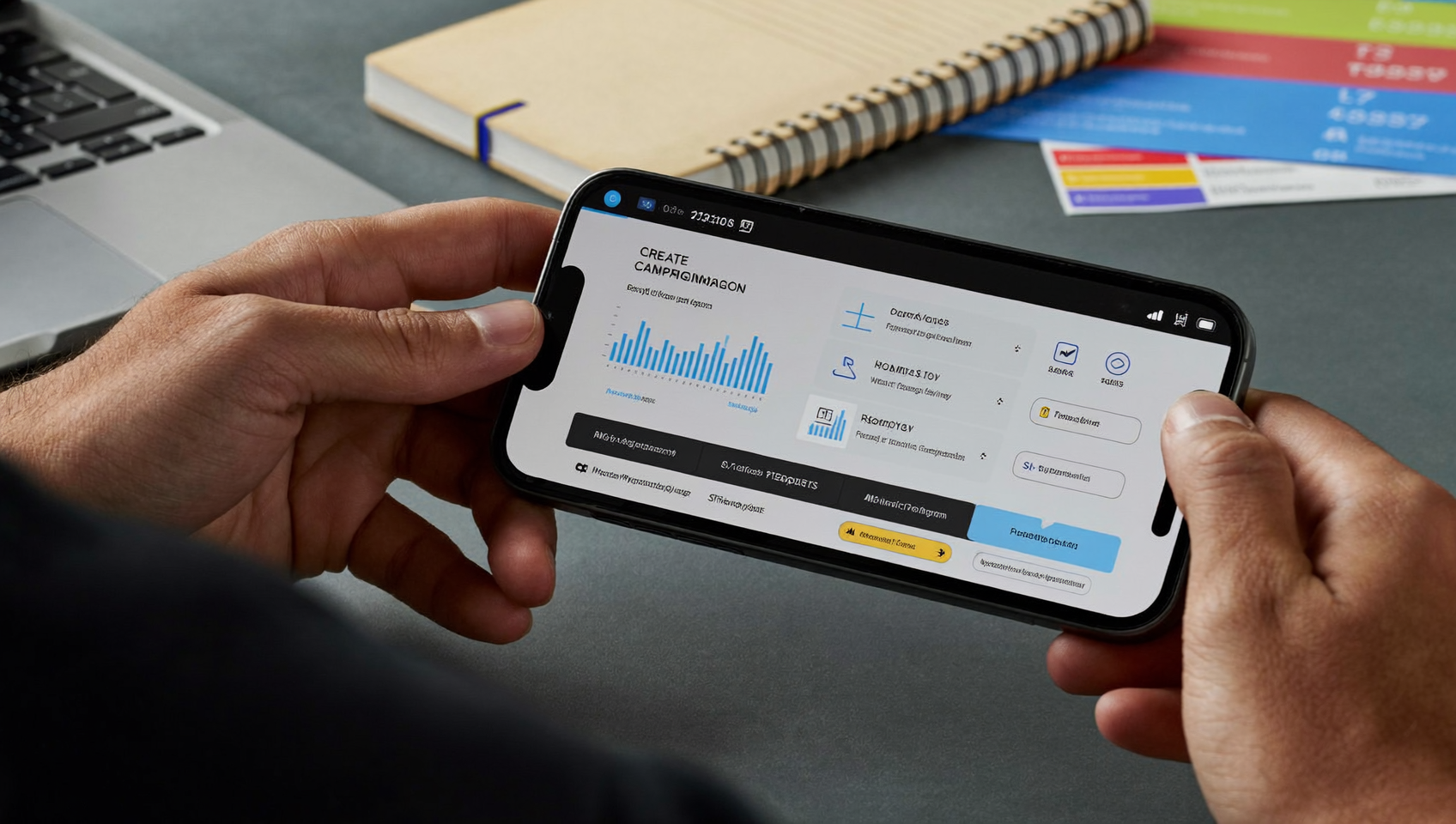
SalesCaptain’s Workflow Automation builder lets you create multi-step drip campaigns visually, without writing code or hiring a developer. Here’s how you’d set one up from scratch:
- Choose your trigger. Pick what kicks off the sequence. Options include a missed call, a new contact added from your website form, a specific tag applied to a lead, or an event from an integrated tool like Housecall Pro, ServiceTitan, or JobNimbus. For example, “when a new estimate request comes in from Housecall Pro” can start the drip automatically.
- Build your message sequence. Add each SMS step to the workflow using the drag-and-drop builder. Write the message, set the delay between steps (minutes, hours, or days), and personalize each text with merge fields like the customer’s first name, appointment date, or service type.
- Set conditions and branches. Not every lead should get the same follow-up. Add “if/then” logic so that a lead who books an appointment exits the drip, while one who hasn’t responded gets an escalation message or a phone call from your AI Phone Agent.
- Activate and monitor. Turn the workflow on, and every qualifying lead enters the sequence automatically. Track delivery, responses, and conversions from the Unified Inbox, where every reply lands alongside your calls, webchat messages, and social DMs.
- Refine based on results. Review which messages generate replies and which get ignored. Adjust timing, copy, or branch logic without rebuilding the entire workflow.
Because SalesCaptain connects natively with over 50 tools, your drip campaigns can react to real events happening in your business software. A completed job in ServiceTitan can trigger a review request sequence. A new patient in DrChrono can kick off an onboarding drip. You’re not sending texts into a vacuum. You’re responding to what’s actually happening in your business.
📺 Watch: How to Create a Lead Follow-Up Sequence
Key Capabilities
- Trigger-based automation: Start drip sequences from missed calls, form submissions, CRM events, appointment bookings, or custom tags. Every campaign fires based on real customer actions, not arbitrary schedules.
- Visual workflow builder: Drag-and-drop interface that lets you map out entire sequences, add delays, insert conditions, and preview the customer journey before going live. No technical expertise required.
- Missed call text-back: One of SalesCaptain’s most popular automations. When a call goes unanswered, a text is sent immediately, starting a drip that can qualify the lead, answer common questions, or book an appointment. Research from Nextiva’s analysis of missed call costs shows how much revenue businesses lose from unanswered calls. Automated text-back recovers those opportunities.
- Multi-channel follow-up: While this article focuses on SMS, SalesCaptain’s workflows can mix text messages with AI phone calls, emails, and internal notifications within the same drip sequence. A lead who doesn’t respond to two texts might get a call from your AI Phone Agent on day three.
- Advanced personalization and URL shortening: Merge fields pull in customer data automatically, and built-in URL shortening with click tracking shows you exactly who engaged with your links.
- CRM sync across 50+ integrations: Drip campaigns stay in sync with your existing tools. Whether you use Housecall Pro, Acuity Scheduling, Zoho CRM, or connect through Zapier, contact data flows both ways so your sequences always reflect the latest customer status.
Who Needs This?
SMS drip campaigns aren’t just for e-commerce brands blasting promo codes. They’re critical for any business where the speed and consistency of follow-up directly affects revenue. Here’s who benefits most:
- Home services companies (roofing, HVAC, plumbing, landscaping): Leads shop multiple providers. The first business to respond consistently wins the job. Drip campaigns ensure your follow-up happens in seconds, not whenever someone remembers to call back.
- Dental and medical practices: Appointment reminders, post-visit follow-ups, and recall sequences reduce no-shows and keep the schedule full. Integrations with DrChrono make patient-specific drips possible.
- Legal practices: New client intake often stalls because leads go cold during the consultation scheduling process. A drip that confirms interest, shares what to bring, and reminds about the appointment keeps potential clients engaged. Clio integration means SalesCaptain can react to new matters and contacts automatically.
- Salons, gyms, and fitness studios: Membership renewals, class reminders, and win-back campaigns for lapsed members all perform better as timed sequences than one-off messages.
- Real estate agencies: Buyer and seller leads need nurturing over weeks or months. A well-timed drip keeps your name in front of them without requiring your agents to manually follow up on every contact.
- Multi-location businesses: SalesCaptain’s per-location pricing ($159/month for Business, $300/month for Enterprise) means each location can run its own drip campaigns with localized messaging, all managed from one account.
Benefits of SMS Drip Campaign Software
Faster Lead Response Without More Staff
The data is clear: response time matters enormously. According to Bloomtools’ research on missed call costs, slow follow-up is one of the biggest revenue leaks for small businesses. With SalesCaptain, the moment a lead comes in, your drip campaign responds. Your team doesn’t need to be there. The system handles it.
For businesses that can’t afford to hire a dedicated follow-up person, this changes everything. One workflow replaces what would otherwise require a part-time employee doing nothing but sending texts and checking on leads all day. That’s serious savings.
Consistent Nurturing That Actually Converts
Most leads don’t convert on the first touch. They need multiple interactions before they’re ready to book or buy. A drip campaign delivers those touches reliably. Every lead gets the same professional sequence, regardless of whether your office manager is swamped or your receptionist called in sick.
Consistency builds trust too. When a prospect receives a well-timed, relevant text, your business looks organized and attentive. Klaviyo’s SMS benchmarks show that sequenced campaigns generate stronger engagement across industries compared to isolated messages. That pattern holds for service businesses too.
Reduced No-Shows and Better Retention
Appointment-based businesses lose significant revenue to no-shows. An automated reminder sequence works best. Think: a confirmation text when booked, a reminder 24 hours before, and a final nudge two hours prior. This cuts no-show rates dramatically. After the appointment, a follow-up drip can request a review, offer a rebooking incentive, or check on satisfaction. Your front desk doesn’t have time for all this manually.
How SalesCaptain Compares
Several platforms offer some form of SMS automation, but most fall short for service businesses in meaningful ways. ActiveCampaign is a strong email marketing tool, but it doesn’t include a phone system, AI voice agent, or unified inbox. You’d need to stitch together multiple tools to match what SalesCaptain provides in one place.
Podium offers texting features but lacks an outbound workflow automation engine. So while you can text customers, building a multi-step drip sequence with conditional logic and CRM-triggered starts isn’t something it’s designed for. SalesCaptain also offers real-time speech analytics and post-call analytics that Podium doesn’t. Your phone interactions feed into your drip campaigns with more intelligence.
Weave handles appointment reminders well for healthcare practices, but it doesn’t support social chat or WhatsApp. Its automation capabilities are narrower too. SalesCaptain’s advanced templating and personalization, combined with auto URL shortening and click tracking, give you more control over your SMS sequences. You’ll see clearer visibility into what’s working.
Here’s the core difference: most competitors treat SMS as one channel among many, bolted on as an afterthought. SalesCaptain was built from the ground up as a unified communication platform where SMS drip campaigns work alongside AI phone agents, webchat, social messaging, and a shared inbox. Your drip campaign can start with a missed call, continue over text, escalate to an AI voice call, and log everything in one place. That end-to-end workflow isn’t something you can replicate by combining separate tools, as noted by TechnologyAdvice’s review of AI answering services, which highlights the value of platforms that unify voice and messaging automation.
Ready to see it in action?
See how service businesses use SalesCaptain to automate SMS campaigns that convert leads into customers.
Book a Free Demo →Frequently Asked Questions
How many messages should an SMS drip campaign include?
There’s no single answer, but most effective drip sequences for service businesses include three to six messages spread over one to two weeks. The first message should go out within minutes of the trigger event. Subsequent messages can be spaced by hours or days depending on urgency. SalesCaptain’s workflow builder lets you test different cadences easily.
Can I combine SMS drips with phone calls and other channels?
Yes. SalesCaptain’s workflows support multi-channel sequences. You can start with a text, follow up with an AI phone call if there’s no response, send an email, and notify your team internally, all within the same automated workflow. Every interaction shows up in the Unified Inbox for full visibility.
Do I need technical skills to build drip campaigns in SalesCaptain?
No. The drag-and-drop workflow builder is designed for business owners and operations managers, not developers. You choose triggers, write your messages, set delays, and add conditions visually. If you can use a smartphone, you can build a drip campaign.
What integrations can trigger an SMS drip campaign?
SalesCaptain has native two-way integrations with tools like Housecall Pro, ServiceTitan, JobNimbus, DrChrono, Acuity Scheduling, Zoho CRM, and Clio. Event-based triggers are available from QuickBooks Online, Square, and others. For tools like Jobber, HubSpot, or Salesforce, you can connect via Zapier. Any event from these systems can start a drip sequence. A new job created, invoice paid, or appointment booked—all trigger automatically.
How much does SalesCaptain’s SMS drip campaign software cost?
SalesCaptain offers a free Startup plan for one location. The Business plan is $159/month per location, and the Enterprise plan is $300/month per location. AI call minutes are billed at $0.12/minute. SMS messaging costs depend on volume, and all plans include access to the workflow automation builder where you create drip campaigns.
Can I stop a drip campaign automatically when a lead converts?
Absolutely. You can set exit conditions within any workflow. For instance, if a lead books an appointment (detected via your scheduling integration), they automatically exit the nurture drip and can enter a different sequence, like an appointment reminder flow. This prevents awkward double-messaging and keeps your communication relevant.
Build Your First SMS Drip Campaign Today
SalesCaptain gives you the workflow builder, AI agents, and unified inbox to automate your follow-up and stop losing leads to slow response times. Start with the free plan and build your first drip campaign in minutes.