
AI-powered customer experience marketing (CXM) platform that helps local businesses win.



Business contact management software keeps every customer interaction, note, and conversation thread in one place so your team can actually follow up instead of guessing who called last Tuesday. Sound familiar? For service businesses juggling phone calls, texts, social media messages, and walk-ins, scattered contact information isn’t just annoying. It costs real money. According to recent CRM research from Fit Small Business, nearly 74% of businesses say their CRM or contact management system gives them better access to customer data, yet a huge number of SMBs still rely on spreadsheets, sticky notes, or disconnected apps. SalesCaptain’s unified inbox and AI-powered communication tools solve this by combining contact management with the actual channels your customers use to reach you.
What Is Business Contact Management Software?
At its core, business contact management software is a system that stores, organizes, and tracks every person your business interacts with. That includes leads who filled out a form, customers who called your office, and prospects who sent a DM on Instagram. But modern contact management goes way beyond a digital Rolodex. It ties each contact to their full communication history across every channel, so anyone on your team can pick up a conversation without asking “what did we talk about last time?”
Traditional CRMs like Salesforce or HubSpot offer contact management as one piece of a massive suite. However, these platforms weren’t designed for a plumber with three trucks or a med spa with two locations. They’re complex, expensive at scale, and require dedicated setup time. What service businesses actually need is contact management that’s built into the same tool where customer conversations happen. That’s a fundamentally different approach.
Why Spreadsheets and Basic CRMs Fall Short
A spreadsheet can store names and phone numbers, sure. But it can’t show you that a customer texted yesterday, called this morning, and left a voicemail you haven’t returned. It also can’t automatically update when a new lead messages you on Facebook. Here’s the real damage: According to Validity’s 2024 State of CRM Data Management report, poor data quality costs businesses an average of 12% of their revenue. For a service business doing $500K a year, that’s $60K lost to bad data hygiene. The root cause? Contacts living in disconnected systems that nobody updates consistently.
How Business Contact Management Software Works in SalesCaptain
SalesCaptain doesn’t treat contact management as a standalone feature bolted onto a phone system. Instead, every contact record is automatically built and enriched through real conversations happening across your channels. What does that look like in practice?
- A customer reaches out on any channel. Whether they call your business line, send an SMS, message your Instagram page, start a webchat, or email your team, SalesCaptain captures their information and creates a contact record automatically. No manual entry required.
- The unified inbox ties the conversation to that contact. Every interaction, across every channel, appears in a single timeline. Your receptionist can see the text thread and the call transcript in the same view. If your AI Phone Agent handled the initial call, its summary and transcription are right there too.
- AI enriches the record in real time. SalesCaptain’s AI Summaries and Transcriptions pull out key details from calls: what the customer needs, what was promised, and what follow-up is required. These notes attach to the contact record automatically, so your team doesn’t need to type up call notes after every conversation.
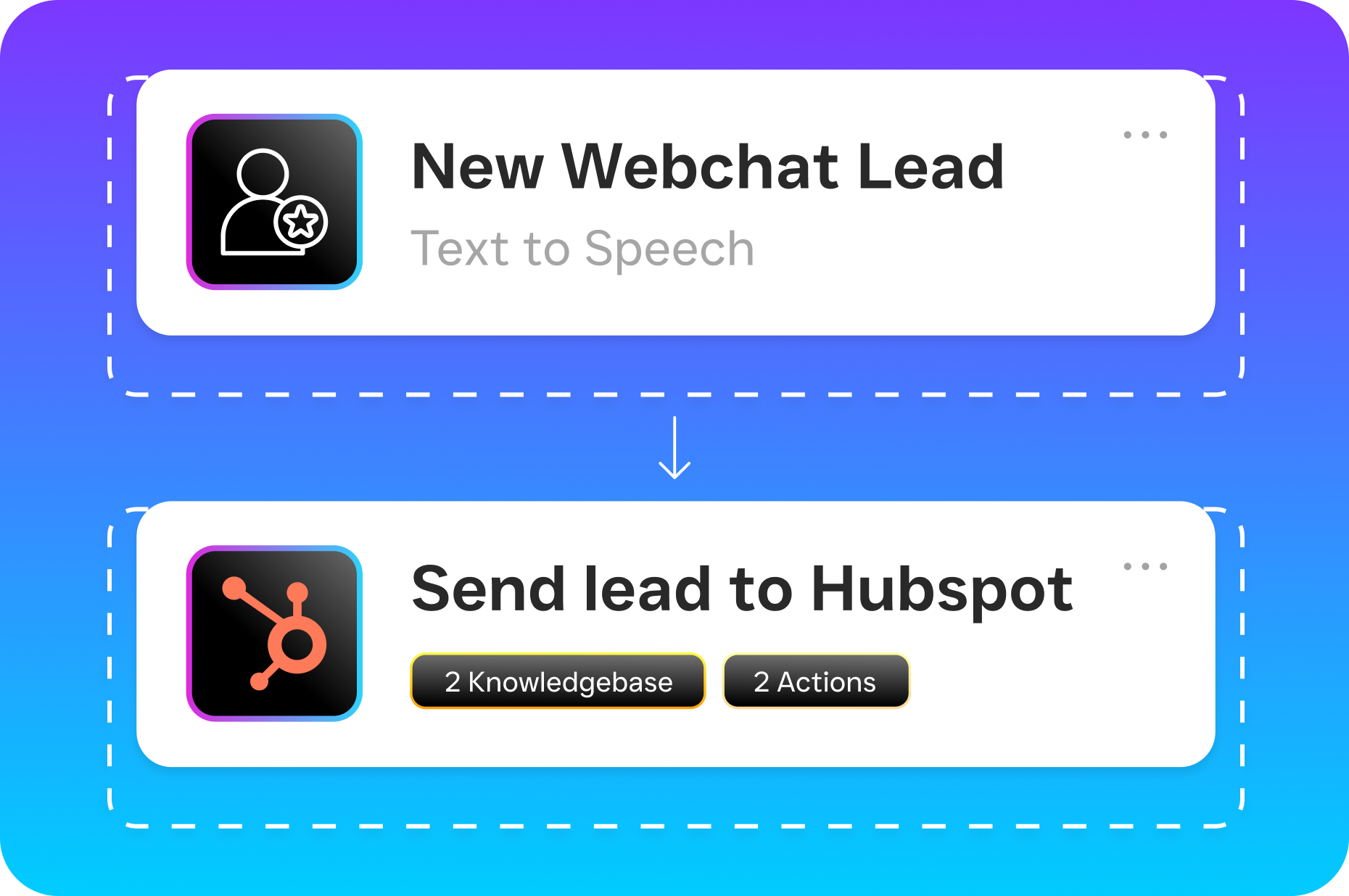
- Workflow automations trigger based on contact activity. Once a contact enters the system, SalesCaptain’s drag-and-drop Workflow Automation can send a follow-up text, schedule a reminder, update a CRM field in HubSpot or Zoho, or notify a team member. These actions fire based on what the contact actually did, not on a generic drip schedule.
- Your team collaborates from one place. Because the unified inbox supports team collaboration, multiple people can view the same contact, see notes from colleagues, and pick up conversations without starting from scratch. Real-time tracking shows who’s handling what.
Key Capabilities
- Automatic contact creation across all channels. Every inbound call, text, webchat, Instagram DM, and Facebook Messenger conversation generates or updates a contact record. You’ll never lose a lead because someone forgot to log a phone call.
- Full conversation history in one timeline. Each contact shows their complete interaction history, regardless of channel. A customer who called Monday and texted Wednesday appears as one unified thread, not two disconnected records.
- AI-generated call summaries and transcriptions. SalesCaptain’s AI automatically transcribes calls with speaker distinction and generates concise summaries highlighting decisions, action items, and follow-ups. These attach directly to the contact record.
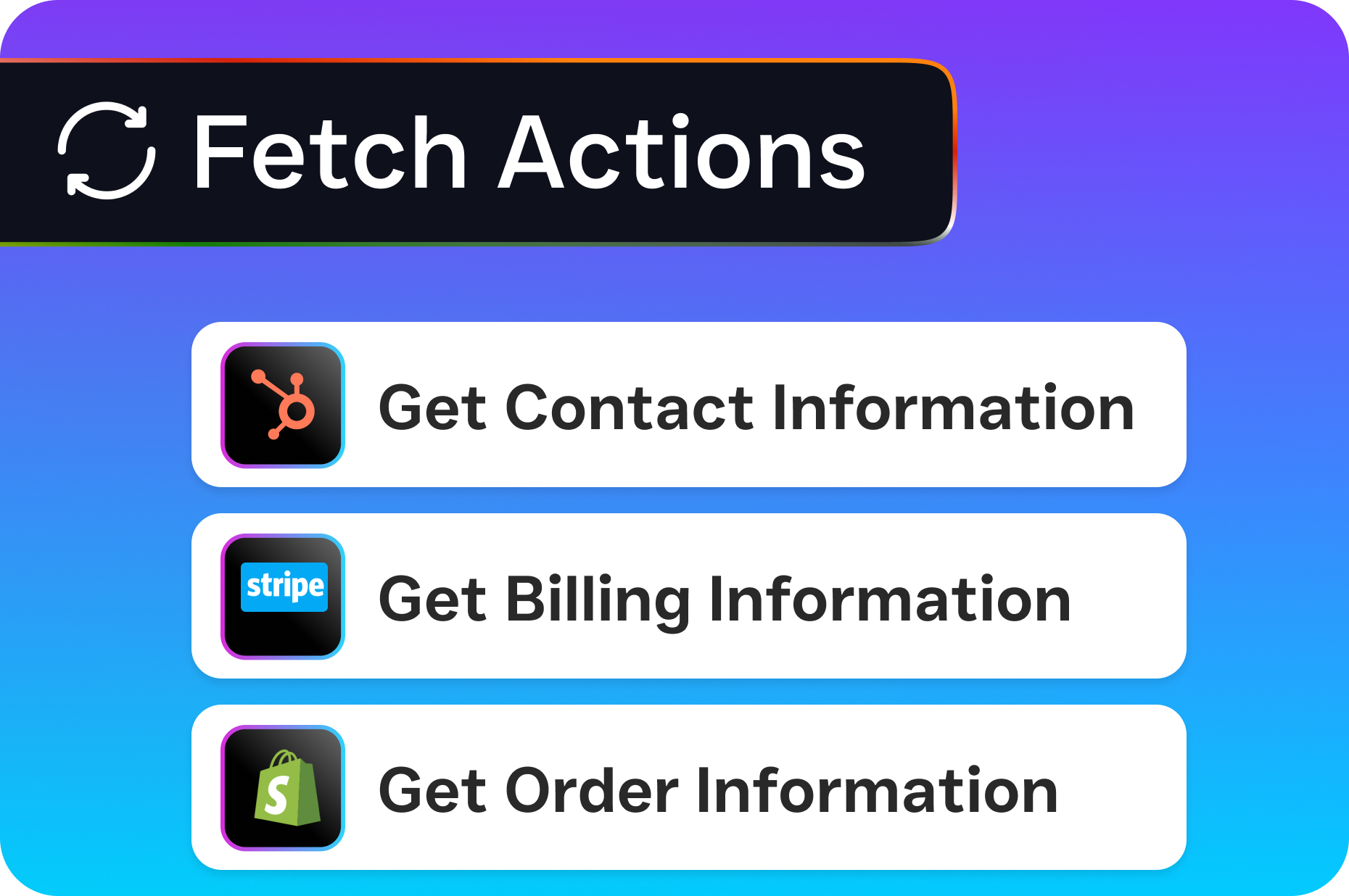
- 50+ native integrations for CRM sync. Contact data flows to and from tools your business already uses, including HubSpot, Salesforce, Zoho, ServiceFusion, HousecallPro, Mindbody, Clio, QuickBooks, Shopify, and more through Zapier. Changes sync both ways, so your records stay consistent.
- Trigger-based workflow automation. Set up automated sequences tied to contact activity. A missed call can trigger a text-back message. A booked appointment can fire a confirmation SMS and a CRM update. A new lead can route to the right team member based on service type or location.
- Team collaboration with real-time tracking. Multiple team members can view contact records, add notes, and see who’s actively working a conversation. There’s no more “did anyone call this person back?” guessing.
Who Needs This?
Not every business needs enterprise CRM software with 200 custom fields and a six-month implementation timeline. But almost every service business needs a reliable way to manage contacts alongside real customer conversations. Here’s who benefits most:
- Home service companies (roofing, plumbing, HVAC, landscaping, appliance repair) that receive dozens of calls and texts daily and can’t afford to lose track of a single estimate request.
- Healthcare and wellness practices (dental offices, med spas, therapy clinics) that need to tie patient communication history to appointment records while staying organized across multiple contact methods.
- Legal practices where every client interaction matters for case management and where missed follow-ups can mean lost retainers.
- Appointment-heavy businesses (salons, gyms, fitness studios) that juggle high volumes of booking requests, reschedules, and reminders across text and phone.
- Multi-location businesses where contact records need to stay consistent across 2, 5, or 50 locations without each office maintaining its own separate system.
- Business owners and operations managers who are the primary decision makers and need visibility into how their team handles customer communication without micromanaging every call.
Benefits of Business Contact Management Software
Stop Losing Revenue to Missed Follow-Ups
The connection between contact management and revenue is direct. Research from Aira shows that 62% of business calls go unanswered, and each missed call can represent significant lost revenue. But the problem isn’t just missed calls. It’s the follow-up that never happens because nobody tracked the contact. When every interaction automatically creates and updates a contact record, your team has zero excuse for dropping the ball. And SalesCaptain’s missed call text-back feature compounds this, because even calls your AI Phone Agent can’t resolve still get a response.
Grow Without Hiring More Staff
According to Keap’s 2024 State of Business Growth Survey, a top challenge for small businesses is handling increased customer volume without proportionally increasing headcount. SalesCaptain’s contact management works alongside AI Phone Agents and AI Chat Agents that handle initial customer interactions 24/7. The AI qualifies leads, books appointments, answers FAQs, and logs everything to the contact record. Your team steps in only when human judgment is needed. That means three people can manage the communication load that used to require six.
End the Chaos of Multi-Channel Communication
Your customers don’t care which channel they use to reach you. They expect you to remember the conversation regardless. Without unified contact management, a customer who texts about an appointment and then calls to change it becomes two disconnected interactions handled by two different people. SalesCaptain’s unified inbox eliminates this by threading every channel into a single contact view. The result? Faster responses, fewer mistakes. And customers who feel like you actually know who they’re.
How SalesCaptain Compares
Most tools in this space force you to choose between good contact management and good communication tools. Platforms like Aircall ($30 per license) focus heavily on call center functionality but don’t offer webchat, email channels, or AI voice agents. You’d need a separate system for non-phone contacts. Similarly, OpenPhone ($15 per user) provides a clean phone experience but has minimal AI capabilities and only 7 integrations, which makes it tough to keep contact data synced across your business tools.
Podium and Birdeye lean toward reputation management and review collection. While they handle some messaging, Birdeye lacks core telephony features like call routing, IVR, and call flow builders. Podium doesn’t offer outbound workflow automation or transparent pricing. Neither provides the kind of AI-powered contact enrichment that SalesCaptain delivers through automatic call transcription and summaries.
On the CRM side, Freshworks reports that CRM adoption continues climbing, but heavy platforms like Salesforce and HubSpot require significant setup and ongoing management that most SMBs can’t sustain. SalesCaptain takes a different path: contact management that’s built into the communication layer itself. There’s no separate CRM to configure. Your contacts are managed where your conversations happen, and native integrations push data to your CRM of choice if you need one.
SalesCaptain also includes features competitors charge extra for or simply don’t offer: payments via text, auto URL shortening, click tracking, voicemail drop, and real-time speech analytics. Per-location pricing (starting free for one location, $159/month for Business) scales more affordably than per-user models that punish you for growing your team.
Frequently Asked Questions
Is SalesCaptain a CRM or a contact management tool?
SalesCaptain is a unified communication platform with built-in contact management. It isn’t a traditional CRM, but it handles the contact organization and conversation tracking that service businesses need most. If you already use a CRM like HubSpot, Salesforce, or Zoho, SalesCaptain syncs contact data with it through 50+ native integrations. You get the best of both worlds without duplicating effort.
Can SalesCaptain manage contacts across multiple locations?
Yes. SalesCaptain’s pricing is per-location, and each location maintains its own contacts, conversations, and team access. Multi-location businesses can manage everything from a single account while keeping data organized by site. This structure works well for franchises, multi-office practices, and home service companies operating across territories.
How does AI improve contact management in SalesCaptain?
Every call handled by SalesCaptain’s AI Phone Agent or your human team gets automatically transcribed and summarized. The AI identifies key details like customer needs, decisions made, and required follow-ups, then attaches them to the contact record. This eliminates manual note-taking and ensures your contact data stays current without extra work from your staff.
What happens to contacts from missed calls?
SalesCaptain creates a contact record for every missed call and can automatically send a text-back message so the lead doesn’t go cold. According to Voksha’s analysis of missed call costs, even a short delay in response dramatically reduces the chance of converting a lead. Automated text-back ensures every caller gets an immediate response, even at 2 AM.
Start Managing Your Contacts Where Your Conversations Happen
SalesCaptain brings every customer interaction into one place, with AI that keeps your contact records accurate and your follow-ups on track. The free plan covers one location with no credit card required. Sign up at SalesCaptain.com and see what organized contact management looks like when it’s built into your communication platform.