
AI-powered customer experience marketing (CXM) platform that helps local businesses win.


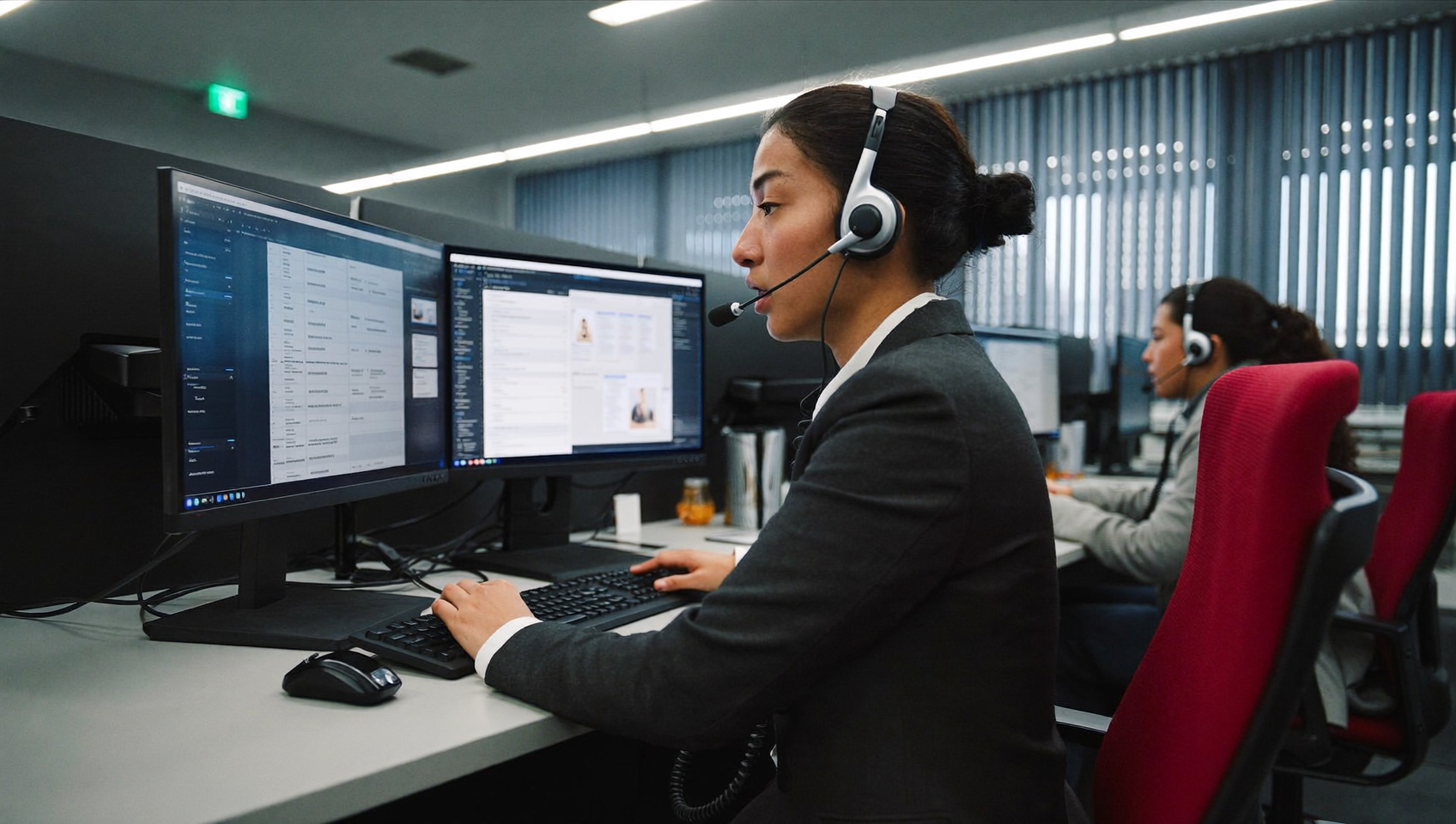
A customer calls in with a billing dispute. Your agent handles it perfectly. But a week later, the customer claims the opposite was said. Without a recording, it’s your word against theirs. This scenario plays out daily in call centres everywhere, and it’s just one reason why call centre call recording has become essential for modern business communication.
Call centre call recording captures audio from customer and agent conversations, storing them locally or in the cloud for easy retrieval. Recordings protect both parties in disputes, enable quality assurance, ensure compliance, and provide training material—making them essential for modern contact centres.
Free weekly newsletter
Growth tips for service businesses
Every Tuesday — actionable ideas to get more leads, reviews, and repeat customers. No fluff.
Quick Answer
Call centre call recording captures and stores audio from customer interactions, creating verifiable records for quality assurance, compliance, and dispute resolution. These recordings help resolve billing disagreements, train staff, investigate complaints, and meet regulatory requirements across industries like finance and healthcare. Most systems automatically transcribe calls and allow keyword searching for faster issue resolution.
What Is Call Centre Call Recording?
Call centre call recording captures audio from inbound and outbound phone conversations between agents and customers. Recordings live locally, in the cloud, or in a hybrid setup, and they’re typically linked to a customer record for easy retrieval later. But it goes way beyond just keeping a copy. Recordings serve as a foundation for quality assurance, compliance, dispute resolution, agent training, and customer experience improvement.
Most modern platforms record calls automatically once you enable the feature. Some add layers on top of the raw audio too—AI-generated transcriptions, speaker identification, and call summaries. These extras turn a passive recording into an active business intelligence tool. Instead of listening to a 20-minute call to find one detail, you can scan a transcript or read a two-paragraph summary that pulls out the key takeaways. Sound familiar?
Why Call Recording Matters for Service Businesses
Recording calls isn’t just a “nice to have” for large enterprises. For service businesses, where customer relationships depend on trust and follow-through, recordings solve real operational problems. Here’s why they matter.
Dispute Resolution and Liability Protection
When a customer disputes what was promised on a call, a recording eliminates ambiguity. You pull up the exact conversation, confirm the details, and resolve the issue quickly. This protection is significant. A roofing company that records a call confirming a project scope can avoid costly misunderstandings about what was included in the estimate. And that’s just one scenario.
Quality Assurance and Agent Training
Listening to real calls is one of the most effective ways to coach a team. Managers can identify patterns—agents who consistently miss upsell opportunities or who struggle with objection handling. According to research from Call Centre Helper’s annual survey, quality monitoring remains a top priority for contact centres, and call recordings are the primary data source for those programs. Without recordings, quality reviews rely on memory and self-reporting. Both are unreliable.
Compliance and Regulatory Requirements
Certain industries have strict requirements around documenting customer interactions. Healthcare practices, financial services, and legal firms often need to retain records of verbal agreements or disclosures. Even outside regulated industries, a recording can protect your business during legal proceedings. But compliance also means following call recording laws, which vary by state and country. We’ll cover that below.
Customer Experience Insights
Recordings reveal what customers actually care about. Not what you think they care about. By reviewing calls, you can identify recurring complaints, common questions, and friction points in your customer journey. That data feeds directly into better scripts, improved FAQ pages, and smarter call flows. According to the IBISWorld analysis of the U.S. call centre industry, businesses that invest in customer experience analytics tend to outperform competitors who rely on gut instinct alone. The difference is real.
Essential Features to Look for in Call Recording Software
Not all recording solutions are equal. Some simply capture audio. Others give you tools to actually do something useful with it. What does that look like in practice? Here’s what separates a basic recorder from a genuinely helpful system.
- Automatic recording: Calls should be captured by default, with the option to pause or exclude specific calls when needed. Manual recording introduces human error.
- Cloud storage with search: Recordings stored in the cloud are accessible from anywhere and don’t depend on a single server. Search by date, caller, agent, or keyword to find what you need fast.
- AI transcription: Converting audio to text makes recordings scannable. You shouldn’t have to listen to an entire call just to find one sentence. Speaker distinction (who said what) adds another layer of clarity.
- AI summaries: A concise, auto-generated summary of each call’s key points, action items, and customer concerns saves significant review time. Think of it as the “executive brief” for every conversation.
- Integration with your CRM or job management tool: Recordings linked directly to a customer’s contact record are far more useful than files sitting in a separate system. The best platforms sync recordings to tools like popular CRM and field service platforms so your team can access them in context.
- Compliance controls: Features like consent announcements, pause/resume during sensitive information exchange, and retention policies help you stay on the right side of recording laws.
- Role-based access: Not everyone on your team needs to hear every recording. Granular permissions ensure that only authorized staff can listen to or download call audio.
When evaluating platforms, pay attention to what happens after the recording. Raw audio files alone don’t drive improvement. The real value comes from transcription, summaries, and integration. These are the tools that turn recordings into actionable insights.
Call Recording Laws and Best Practices
Before you flip the switch on recording, you need to understand the legal landscape. Recording laws vary significantly. Getting this wrong can result in fines or lawsuits. Here’s a practical overview.
One-Party vs. Two-Party Consent
In the United States, federal law (the Wiretap Act under 18 U.S.C. § 2511) allows recording with one-party consent. That means only one person on the call needs to know the call is being recorded. However, several states require all-party (often called “two-party”) consent, including California, Florida, Illinois, and others. If your business operates across state lines, the safest approach is to default to two-party consent everywhere.
Practical Compliance Steps
Following best practices protects your business and builds trust with callers. Here’s what to keep in mind:
- Always disclose: Play an automated message at the start of every call informing the caller that the call may be recorded. This satisfies two-party consent requirements and sets expectations.
- Offer an opt-out: In some jurisdictions, callers have the right to decline recording. Give them an alternative, like a callback or email, if they object.
- Establish retention policies: Don’t store recordings indefinitely unless required. Set clear timeframes for how long recordings are kept before deletion.
- Secure your storage: Encrypt recordings both in transit and at rest. Limit access through role-based permissions so only authorized team members can retrieve them.
- Document your policy: Create a written call recording policy that covers consent procedures, storage duration, access controls, and deletion protocols. Make sure your team knows it.
For businesses in regulated industries, consult legal counsel about any additional requirements specific to your sector. Healthcare practices, for example, need to consider patient privacy regulations alongside general recording laws. It’s worth the conversation.
Getting More Value from Your Recordings
Most businesses record calls. Fewer actually use the recordings. The gap between “we record everything” and “we learn from every call” is where competitive advantage lives. Here are concrete ways to extract more value.
Build a Training Library
Select standout calls—both excellent and poor—and use them as training materials. New hires learn faster from real examples than from scripts alone. Organize your library by topic: objection handling, appointment booking, complaint resolution, upselling. A dental office might save examples of how top-performing staff handle insurance questions. A plumbing company could archive calls where technicians successfully explain repair options. The possibilities are endless.
Identify Process Gaps
If five callers this week asked the same question about your cancellation policy, that’s a process gap. Either your website doesn’t answer it clearly, or your team isn’t communicating it consistently. Recordings surface these patterns faster than any survey could. The U.S. contact centre market research from Kentley Insights points to improved first-call resolution as a major driver of customer retention. And recordings are the primary tool for diagnosing why first-call resolution fails.
Track After-Hours Missed Opportunities
If your system records voicemails or after-hours calls, review them regularly. Many service businesses lose leads simply because callers don’t get a response until the next morning. According to analysis by Aira, a significant percentage of business calls go unanswered. Each one represents potential lost revenue. Recordings of missed calls and voicemails can help quantify the problem and justify investing in solutions like AI answering or after-hours call handling.
How SalesCaptain Helps
SalesCaptain’s phone system includes built-in call recording alongside AI-powered transcriptions and summaries. Every call is automatically transcribed with clear speaker distinction. You can see exactly what your team said versus what the customer said. On top of that, AI summaries pull out the key decisions, action items, and follow-ups from each conversation. Managers don’t need to listen to full recordings to stay informed.
These capabilities sit inside SalesCaptain’s unified inbox. Recordings and transcripts are attached directly to the customer’s contact record alongside their texts, webchat messages, and social media conversations. Your team gets full context without switching between tools. For service businesses using integrations with platforms like Housecall Pro, ServiceTitan, or JobNimbus, call data flows alongside job and appointment information. You get a complete customer picture.
The AI Phone Agent takes this further by handling calls autonomously. It books appointments, qualifies leads, and answers FAQs around the clock. Every AI-handled call is recorded and summarized automatically. You get visibility into interactions that happen when no human agent is available. Combined with features like call coaching and whispering (which aren’t available on platforms like OpenPhone or Aircall), SalesCaptain gives managers real-time tools to improve call quality. Improvements happen as conversations happen, not just after the fact.
Key Takeaways
Call centre call recording is foundational infrastructure. Not optional overhead. It protects your business legally, sharpens your team’s performance, and reveals customer insights you can’t get any other way. The most effective recording setups go beyond raw audio. They include AI transcription, automated summaries, and tight integration with your existing business tools.
Compliance isn’t complicated if you default to full disclosure. Always inform callers, store securely, set retention policies, and document your process. And don’t just record calls—use them. Build training libraries, diagnose process gaps, and quantify what’s happening after hours. The businesses that treat recordings as a learning engine will consistently outperform those that let files sit untouched in storage. That’s not theory. It’s proven.
Do I need to tell callers they’re being recorded?
In most cases, yes. While some U.S. states only require one-party consent, several states including California, Florida, and Illinois require all parties to be informed. The safest and most professional practice is to always disclose recording at the start of every call. Do this regardless of where your business operates. A simple automated greeting handles this automatically. No extra effort needed.
How long should I keep call recordings?
There’s no universal answer. Retention periods depend on your industry and applicable regulations. Many service businesses retain recordings for 90 days to one year. Healthcare and legal practices may need longer retention. Set a clear policy, document it, and configure your system to auto-delete recordings after your specified timeframe. Consistency matters here.
What’s the difference between call recording and call transcription?
Recording captures the audio of a conversation. Transcription converts that audio into written text. Often it includes speaker labels so you can see who said what. Transcription makes recordings searchable and scannable. This saves significant time when you need to find a specific detail. You don’t have to listen to an entire call anymore.
Can AI replace manual call review?
AI tools like automated summaries and transcription dramatically reduce review time. Instead of listening to every recording, managers can scan AI-generated summaries. These highlight key decisions, customer concerns, and action items. However, periodic manual review of full recordings is still valuable. You need it for nuanced coaching and quality assurance. AI handles the volume. Humans handle the judgment calls.
Does call recording affect call quality or performance?
Modern cloud-based recording systems have no noticeable impact on call audio quality. SalesCaptain’s phone system maintains 99.99% uptime with crystal-clear audio. Recording is enabled or not—doesn’t matter. The recording happens server-side, so there’s no added latency or distortion on the call itself. Your calls stay crystal clear.
Ready to see it in action?
See how call centres use SalesCaptain to record and analyze every call automatically.
Book a Free Demo →See How SalesCaptain Can Help
SalesCaptain gives service businesses built-in call recording, AI transcriptions, and AI summaries inside one unified communication platform. Every call is captured, transcribed, and summarized automatically. Your team can focus on customers instead of note-taking. Visit salescaptain.com to explore the platform and start recording smarter today.