
AI-powered customer experience marketing (CXM) platform that helps local businesses win.



A cloud-based call center gives service businesses a way to handle every inbound and outbound call over the internet, without on-premise hardware, phone line contracts, or a room full of staff. If you’re running a plumbing company, dental practice, law firm, or any appointment-driven business, you’ve likely felt the pain of missed calls turning into lost revenue. SalesCaptain’s cloud-based call center combines a full business phone system with AI-powered voice agents and a unified inbox, so your team can manage calls, texts, and messages from one place, whether it’s 2 PM or 2 AM.
What Is a Cloud-Based Call Center?
A cloud-based call center replaces traditional phone infrastructure with internet-hosted technology. Instead of physical PBX systems and copper wiring, your calls route through cloud servers. That means your team can answer calls from any device, anywhere, with nothing to install on-site. The cloud handles call routing, voicemail, IVR menus, call recording, and analytics automatically.
This model has been growing fast. According to Precedence Research, the global cloud-based contact center market is projected to grow significantly through 2034, driven by businesses moving away from legacy phone systems. For SMBs in particular, the shift makes sense: you don’t need IT staff to manage it, there’s no capital expenditure on equipment, and you can scale up or down as your business changes.
However, not all cloud call center platforms are built the same. Most were designed for large enterprises or outbound sales teams. They come loaded with features you’ll never use, paired with complexity that slows you down. What service businesses actually need is a system that answers calls reliably, captures leads, books appointments, and works across every communication channel. That’s the gap SalesCaptain fills.
How a Cloud-Based Call Center Works in SalesCaptain
Setting up your cloud-based call center on SalesCaptain takes minutes, not weeks. Here’s how the process works from start to finish:
- Get your business phone number. Choose a local or toll-free number, or port your existing number. SalesCaptain’s phone system runs on 99.99% uptime with crystal-clear audio quality.
- Build your call flow. Use the visual IVR builder to create custom call routing. You can set up menus (“Press 1 for scheduling, press 2 for billing”), route calls to specific team members, or send after-hours calls directly to your AI Phone Agent.
- Deploy your AI Phone Agent. Configure a natural-sounding AI voice agent that answers calls 24/7. It can book appointments, qualify leads, answer FAQs about your services, and block spam callers. No scripting knowledge required.
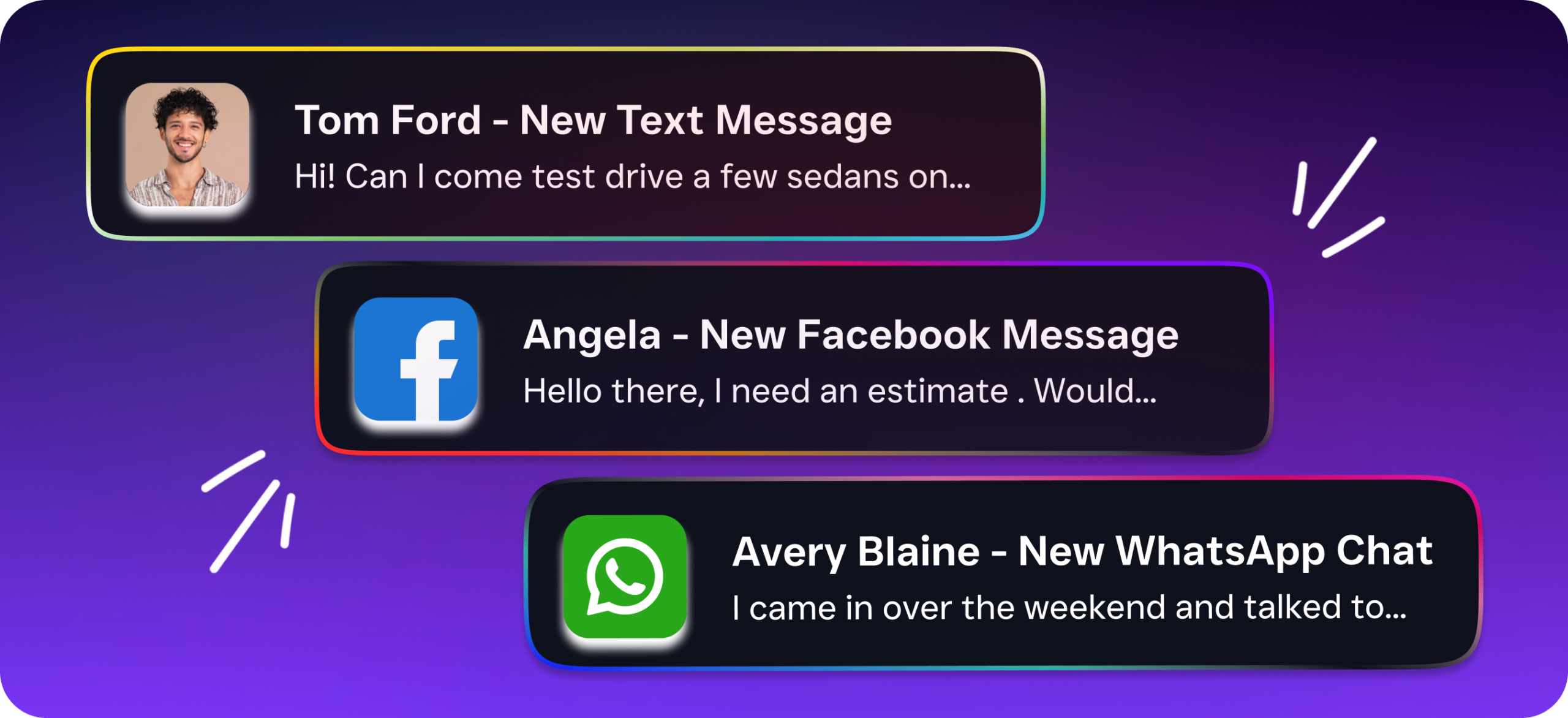
- Connect your channels. Every call, text, webchat, Instagram DM, and Facebook message flows into one unified inbox. Your team sees the full conversation history for each contact, regardless of which channel they used.
- Automate follow-ups. Use the drag-and-drop workflow builder to trigger automatic actions. A missed call can fire off a text-back within seconds. A completed appointment can send a review request. A new lead can sync to your CRM through one of 50+ integrations with tools like HubSpot, Salesforce, ServiceFusion, or HousecallPro.
Once everything’s connected, your cloud call center runs continuously. Calls that come in at midnight get the same professional experience as calls during business hours. And because it’s all cloud-hosted, your team can manage it from a laptop, tablet, or phone.
Key Capabilities
SalesCaptain’s cloud-based call center goes well beyond basic call handling. Here are the capabilities that matter most for service businesses:
- AI Phone Agent with 24/7 Availability, Your AI agent picks up every call, qualifies callers, books appointments in real time, and provides answers to common questions. It sounds natural, not robotic, and handles after-hours calls so you never lose a lead while you sleep.
- IVR and Custom Call Routing, Build multi-level phone menus and route calls based on department, location, time of day, or caller intent. Warm and cold transfers are both supported, along with hold music and call queuing.
- Real-Time Speech Analytics and Sentiment Analysis, Every call gets analyzed as it happens. SalesCaptain identifies caller sentiment and provides post-call analytics so you can spot trends, coach your team, and improve service quality.
- Missed Call Text-Back, When a call goes unanswered (it happens), an automatic text message goes out within seconds. According to OnceHub’s research on missed calls, the revenue lost from unanswered calls adds up quickly for small businesses. This feature keeps the conversation alive.
- Call Coaching and Whispering, Managers can listen in on live calls and whisper guidance to team members without the caller hearing. It’s invaluable for training new hires and maintaining consistent service quality.
- Power Dialer, For outbound campaigns like appointment reminders, follow-ups, or re-engagement, the built-in power dialer lets your team work through call lists efficiently without manual dialing.
Who Needs This?
A cloud-based call center isn’t just for large companies with dedicated support departments. In fact, smaller businesses benefit the most because they’re the ones who can’t afford to miss calls or hire additional staff. Here’s who gets the biggest return from SalesCaptain’s platform:
- Home service companies (roofing, plumbing, HVAC, landscaping, appliance repair) that receive high call volumes and need to book jobs fast before prospects call the next contractor on Google.
- Legal practices where a missed intake call means a lost client. Integration with Clio keeps case information organized alongside call records.
- Healthcare and wellness businesses (dental offices, MedSpas, therapy practices, medical clinics) managing heavy appointment schedules and patient inquiries across multiple channels.
- Salons, gyms, and fitness studios where booking speed directly impacts revenue. Customers expect instant confirmation, not a callback “when we get a chance.”
- Real estate agencies juggling buyer inquiries, showing requests, and seller follow-ups across phone, text, and social media simultaneously.
- Multi-location businesses that need a consistent phone experience across all sites without managing separate systems at each location.
The common thread? These are all businesses where phone calls drive revenue, and every missed call has a direct cost. Research from SkipCalls shows that small businesses can lose $26,000 or more per year from missed calls alone. A cloud-based call center with AI answering eliminates that gap.
Benefits of a Cloud-Based Call Center
Capture More Revenue Without Hiring More Staff
The biggest win is straightforward: you answer more calls and book more jobs without adding headcount. Your AI Phone Agent handles the repetitive calls that eat up your team’s day, things like “What are your hours?”, “Do you serve my area?”, and “Can I schedule for next Tuesday?” That frees your staff to focus on work that actually requires a human. For a roofing company getting 30+ calls a day, that shift can mean the difference between growing and staying stuck.
Consistent Experience Across Every Interaction
Customers don’t care if it’s Monday morning or Saturday night. They expect a professional response either way. With SalesCaptain, every caller gets the same quality of interaction because your AI agent doesn’t have bad days, doesn’t rush through calls before lunch, and doesn’t forget to ask for the caller’s email. That consistency builds trust, particularly for businesses competing in crowded local markets.
Lower Costs Than Traditional Alternatives
Traditional answering services charge per call or per minute, and costs escalate as volume grows. AI receptionist comparisons show that human-staffed services like Smith.ai and Ruby can cost significantly more than AI-powered alternatives at scale. SalesCaptain’s AI calls run at $0.12 per minute, with plans starting at $159/month per location. There’s even a free plan for single-location businesses getting started. As your call volume increases, your per-interaction cost goes down instead of up.
Visibility Into What’s Actually Happening
Most service business owners don’t know how many calls they’re missing, what callers are asking about, or which marketing channels drive the most phone inquiries. SalesCaptain’s real-time analytics and post-call reporting give you that visibility. You’ll see call volume patterns, AI agent performance, sentiment trends, and conversion rates. These insights help you make better decisions about staffing, marketing spend, and service offerings.
How SalesCaptain Compares
The cloud call center space has plenty of options, but most weren’t built with service businesses in mind. Aircall, at $30 per license per month, focuses heavily on enterprise sales teams. It doesn’t offer a Voice AI Agent, missed-call text-back, webchat, or an email channel. Plus, there’s no real-time AI for live calls. If you’re a dental office or HVAC company, you’re paying for a tool designed for someone else’s workflow.
Dialpad comes in at $15 per user but doesn’t include toll-free minutes, audio conferencing, high-volume SMS, or social chat. It’s built for tech-forward sales teams, not for a plumber who needs an AI agent to book emergency calls at 10 PM. Similarly, OpenPhone offers a basic phone app at $15 per user with minimal AI capabilities (widely rated as limited), only 7 integrations, no call coaching, and no HIPAA compliance. For healthcare or wellness businesses, that’s a non-starter.
Nextiva, at $20 per user, caps SMS at 250 messages per user per month, doesn’t support WhatsApp, and lacks features like call coaching, voicemail drop, or payments via text. According to Mordor Intelligence’s cloud contact center analysis, businesses are increasingly looking for platforms that combine voice, messaging, and AI in a single solution. That’s exactly what SalesCaptain delivers, and it’s the only platform combining AI voice agents, AI chat agents, and a unified inbox in one tool.
Where SalesCaptain stands apart is the combination of depth and simplicity. You get call coaching and whispering, real-time speech analytics, sentiment analysis, a power dialer, toll-free minutes, and a complete workflow automation engine. Yet you don’t need technical expertise to set any of it up. The per-location pricing model also scales more affordably for multi-location businesses than per-user licensing, where costs multiply with every new hire.
One honest note: some competitors offer features SalesCaptain doesn’t, like call flip (switching a call from desktop to mobile mid-conversation), AI scorecards, and QoS reporting. If those specific features are critical to your workflow, it’s worth evaluating accordingly. But for the vast majority of service businesses, the combination of AI automation, multichannel communication, and an accessible price point makes SalesCaptain the stronger fit. Market projections from Yahoo Finance show cloud contact center adoption accelerating at over 25% annually, and the businesses that adopt AI-powered platforms now will have a significant head start over those still relying on manual processes.
What’s the difference between a cloud-based call center and a traditional call center?
A traditional call center requires physical phone equipment, on-site servers, and dedicated office space. A cloud-based call center runs entirely over the internet, so there’s no hardware to buy or maintain. Your team can answer calls from any device, anywhere. Updates and new features deploy automatically without IT involvement, and you can scale up or down without purchasing additional equipment.
Can a cloud-based call center work for a single-location business?
Absolutely. SalesCaptain offers a free plan for single-location businesses, so you can start with a full cloud phone system and AI features without any monthly cost. Many solo operators and small teams use it to make sure they never miss a call, even when they’re on a job site or with a patient. You don’t need multiple locations to benefit.
How does SalesCaptain’s AI Phone Agent handle complex calls?
The AI Phone Agent is trained on your business information, services, FAQs, and scheduling availability. It handles straightforward interactions like appointment booking, lead qualification, and common questions independently. For calls that need human judgment, it routes them to the right team member using warm or cold transfers. You define the rules for when the AI handles a call versus when it escalates.
Is SalesCaptain’s cloud call center reliable enough for a business that depends on phone calls?
Yes. SalesCaptain’s phone system runs on 99.99% uptime with crystal-clear audio quality. That level of reliability means roughly five minutes of downtime per year, which is better than most traditional phone systems. Call recording, voicemail, and your AI agent continue working around the clock regardless of your team’s availability.
What integrations does SalesCaptain support?
SalesCaptain offers 50+ native integrations, including CRMs like HubSpot, Salesforce, and Zoho, industry tools like ServiceFusion, HousecallPro, Mindbody, and Clio, plus e-commerce and accounting tools like Shopify and QuickBooks. Zapier connectivity extends that even further. These integrations mean your call data, lead information, and appointment bookings sync automatically with the tools you already use.
Build Your Cloud-Based Call Center With SalesCaptain
Stop losing calls and start closing more business. SalesCaptain gives you AI-powered call answering, a unified inbox, and workflow automation built specifically for service businesses. Plans start free for a single location, and your AI Phone Agent can be live in minutes.