
AI-powered customer experience marketing (CXM) platform that helps local businesses win.



A cloud based phone system gives your business a professional phone line that runs over the internet instead of copper wires and on-premise hardware. If you’re a service business owner tired of missing calls after hours, juggling multiple apps for calls and texts, or paying too much for a system your team barely uses, this is the upgrade worth evaluating. SalesCaptain’s cloud phone system pairs 99.99% uptime with an AI phone agent that answers every call, so your business never goes silent, even at 2 a.m.
What Is a Cloud Based Phone System?
A cloud based phone system (also called a hosted VoIP or cloud PBX) routes your business calls through the internet rather than traditional phone lines. There’s no bulky hardware to install. Your team takes calls from desk phones, laptops, or mobile devices, wherever they happen to be. The provider hosts and maintains the infrastructure, which means you don’t need an IT department to keep things running.
What makes modern cloud phone systems different from the ones that launched a decade ago is the layer of intelligence built on top. Today’s best platforms don’t just connect calls. They answer them with AI, route them based on caller intent, transcribe conversations in real time, and feed data back into your CRM automatically. That shift matters because the cloud business phone systems market is growing rapidly through 2033, driven by SMBs replacing legacy setups with platforms that do far more than ring a phone.
For service businesses like plumbing companies, dental offices, law firms, and salons, a cloud phone system isn’t just a cost play. It’s a capacity play. You handle more volume without hiring more staff, and you capture revenue that used to leak through unanswered calls.
How a Cloud Based Phone System Works in SalesCaptain
Setting up SalesCaptain’s phone system doesn’t require technical expertise. Here’s what the process looks like from sign-up to live calls:
- Choose or port your number. Pick a new local or toll-free business number, or bring your existing one. SalesCaptain supports number porting so you keep the number your customers already know.
- Build your call flow. Use the visual IVR builder to set up greetings, menu options, and routing rules. For example, press 1 for appointments, press 2 for billing, or route after-hours calls directly to your AI Phone Agent.
- Activate the AI Phone Agent. Configure your AI agent with your business details, FAQs, appointment availability, and qualification criteria. The agent handles calls in a natural-sounding voice, books appointments, and blocks spam, no human needed.
- Connect your tools. Sync with your CRM or field service software. SalesCaptain integrates with HubSpot, Salesforce, Zoho, ServiceFusion, HousecallPro, Clio, QuickBooks, and 50+ other platforms.
- Go live. Calls start flowing through immediately. Every conversation lands in the Unified Inbox alongside your texts, webchat messages, and social DMs, giving your team one place to manage all communication.
Most businesses are fully operational within a day. There’s no waiting for hardware shipments, no technician visits, and no complex PBX programming.
Key Capabilities
- AI-Powered Call Answering, 24/7. SalesCaptain’s AI Phone Agent picks up every call around the clock. It qualifies leads, books appointments, answers common questions, and routes complex calls to the right person. According to industry research on missed call costs, small businesses lose significant revenue annually from calls that go to voicemail. This agent eliminates that problem entirely.
- Visual IVR and Call Routing. Build multi-level phone trees without code. Route calls by department, location, time of day, or caller intent. Set up ring groups so your whole team or just specific members get notified.
- Call Coaching and Whispering. Managers can listen in on live calls and whisper guidance to team members without the caller hearing. This is a capability missing from competitors like OpenPhone, Dialpad, and Nextiva.
- Voicemail Drop. Pre-record voicemail messages and drop them in one click during outbound campaigns. Your team saves hours compared to leaving manual voicemails on every call.
- Real-Time Speech Analytics and Sentiment Analysis. SalesCaptain analyzes live calls for tone, keywords, and caller sentiment. Your team gets actionable insights without reviewing recordings after the fact.
- Unified Inbox for All Channels. Calls, SMS, webchat, Instagram DMs, Facebook Messenger, and email all land in one collaborative inbox. Contact history stays intact, so anyone on your team can pick up a conversation without asking the customer to repeat themselves.
Who Needs This?
Not every business has the same phone requirements, but certain profiles benefit the most from a cloud based phone system with AI built in:
- Home service companies (roofers, HVAC, plumbers, landscapers) that miss calls when crews are on job sites and can’t afford a full-time receptionist at every location.
- Legal practices where every missed intake call is a potential client who calls the next firm on the list. Speed to answer directly impacts case volume.
- Healthcare and wellness providers (dental offices, MedSpas, therapy practices) juggling appointment scheduling, confirmations, and patient inquiries across multiple channels.
- Salons, gyms, and fitness studios that rely on appointment bookings and lose revenue every time a call goes unanswered during a busy class or service.
- Multi-location businesses that need consistent call handling across 2, 5, or 20+ sites without staffing a receptionist at each one.
- Operations and sales managers looking to track call performance, coach reps in real time, and ensure no lead falls through the cracks.
According to the State of the Cloud 2024 survey, small businesses plan to double their public cloud usage and triple hybrid cloud adoption by 2026. Phone systems are one of the first workloads moving to the cloud, especially for service businesses that depend on fast, reliable customer communication.
Benefits of a Cloud Based Phone System for Your Business
Capture Revenue You’re Currently Losing
Missed calls cost real money. A detailed analysis from OnceHub shows just how quickly unanswered calls erode a service business’s bottom line. With SalesCaptain’s AI Phone Agent answering 24/7, including weekends and holidays, you stop that bleed. The agent books appointments and qualifies leads in real time, so your pipeline fills even when your team is off the clock.
Scale Without Hiring More Staff
Adding a receptionist costs $30,000 or more per year, according to Bureau of Labor Statistics wage data for receptionists. SalesCaptain’s AI handles the same call volume at $0.12 per minute. That math gets even more compelling when you run multiple locations, since the per-location pricing ($159/month for Business, $300/month for Enterprise) replaces per-user pricing that inflates fast with larger teams.
Simplify Your Tech Stack
Most service businesses cobble together a phone provider, a texting tool, a webchat widget, and maybe a social media management app. Each one has its own login, its own billing, and its own disconnected data. SalesCaptain replaces that patchwork with a single platform where calls, texts, webchat, social DMs, and email all converge. Your team spends less time switching tabs and more time serving customers.
Maintain Consistency Across Locations
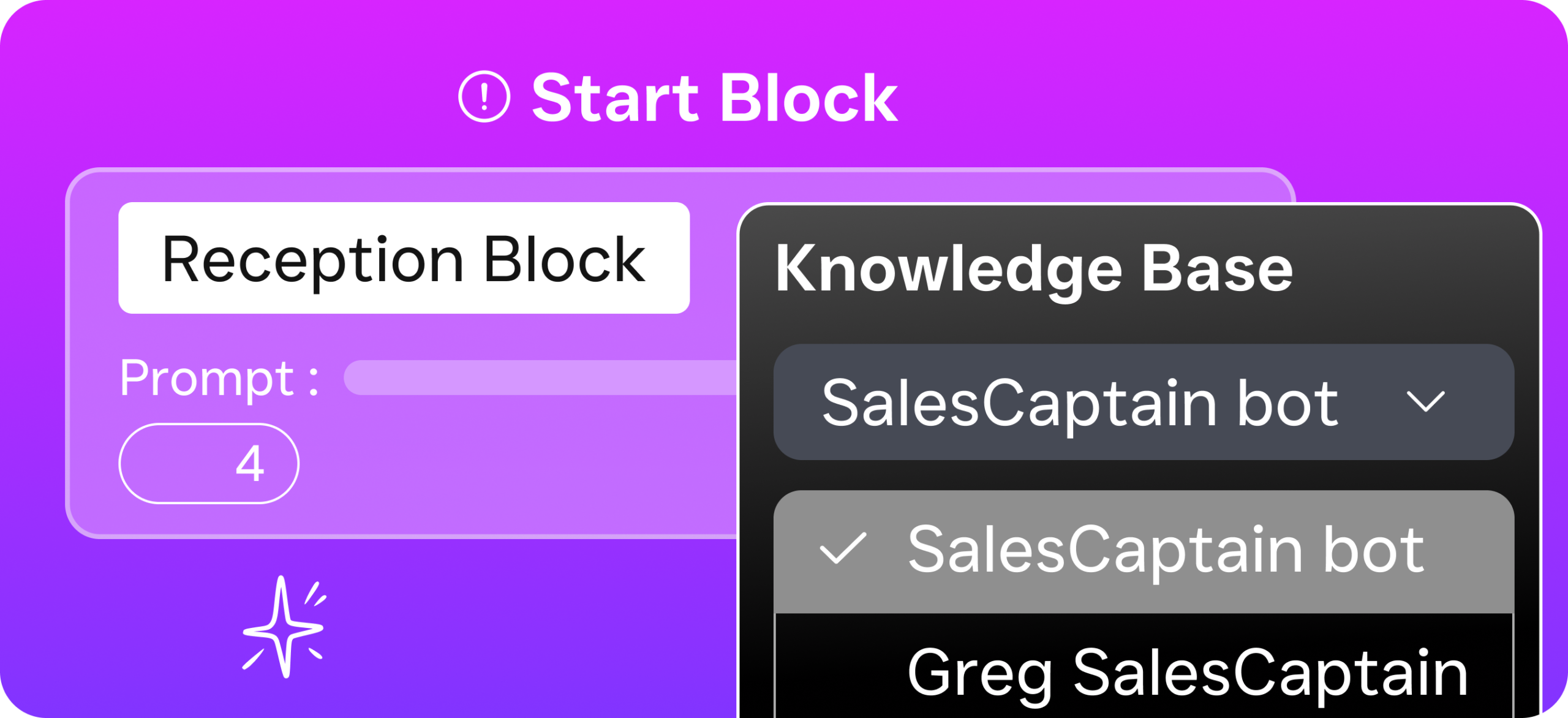
When you’ve got three roofing offices or five dental locations, the customer experience shouldn’t vary based on who happens to answer the phone. Standardized call flows, a shared AI agent trained on your business specifics, and a unified inbox ensure every location delivers the same professional response. That consistency builds trust, and trust drives repeat business.
How SalesCaptain Compares
The cloud phone market is crowded. However, most platforms fall into one of two camps: they’re either basic phone systems that lack AI, or they’re enterprise platforms with pricing and complexity that don’t fit service businesses. SalesCaptain sits in a gap that few competitors fill.
Take Aircall at $30 per license per month. It’s built for call center teams and doesn’t include a Voice AI Agent, webchat, WhatsApp, missed-call text-back, or an email channel. You’re paying a premium for a narrower product. OpenPhone starts lower at $15 per user, but it lacks call coaching, call queueing, sentiment analysis, and has minimal AI capabilities. Neither platform gives you a unified inbox that spans voice, text, chat, and social.
Dialpad includes strong AI transcription but doesn’t offer toll-free minutes, audio conferencing, or high-volume SMS, features that service businesses rely on daily. Nextiva caps SMS at 250 messages per user per month and doesn’t support WhatsApp, voicemail drop, or call coaching. RingCentral is a solid enterprise option, yet it lacks voicemail drop, WhatsApp, and the leads form and payment-via-text features that help service businesses convert inquiries into booked, paid appointments.
SalesCaptain’s differentiator isn’t any single feature. It’s the combination: AI voice agents, AI chat agents, a full phone system, workflow automation, and a unified inbox, all in one platform built specifically for SMBs. You don’t need to stitch together three or four tools to get the same result. According to the cloud business phone systems market forecast through 2029, platforms that integrate AI and multi-channel communication are pulling ahead, and that’s exactly where SalesCaptain is positioned.
Frequently Asked Questions
Can I keep my existing business phone number?
Yes. SalesCaptain supports number porting, so you can transfer your current business number to the platform. Your customers won’t notice any change, but you’ll immediately gain access to AI call answering, IVR routing, and the unified inbox.
How much does a cloud based phone system from SalesCaptain cost?
SalesCaptain offers a free Startup plan for one location. The Business plan runs $159/month per location, and the Enterprise plan is $300/month per location. AI call minutes are billed at $0.12/minute. There’s no per-user pricing, which keeps costs predictable as your team grows.
Do I need special hardware or IT support to set up the system?
No. SalesCaptain runs entirely in the cloud. Your team can take and make calls from any computer, smartphone, or tablet. There’s nothing to install on-site, and most businesses are up and running within a single day.
What happens to calls after business hours?
SalesCaptain’s AI Phone Agent answers calls 24/7. After hours, it greets callers in a natural voice, answers FAQs, books appointments based on your availability, qualifies leads, and blocks spam. If a caller needs a human, the agent captures their details and routes a notification to your team for follow-up first thing in the morning.
Stop Missing Calls. Start Growing.
SalesCaptain’s cloud based phone system gives your business 24/7 AI call answering, a unified inbox for every channel, and the tools to scale without hiring more staff. Join the service businesses already capturing more leads and booking more appointments around the clock.