
AI-powered customer experience marketing (CXM) platform that helps local businesses win.



Choosing the right CRM software can feel overwhelming. Hundreds of platforms promise better lead tracking, faster follow-ups, and higher close rates. But most CRM software review guides focus on enterprise tools that weren’t built for service businesses. If you run a roofing company, dental practice, law firm, or salon, you need a CRM that does more than store contacts. You need one that actually communicates with your customers across calls, texts, webchat, and social media, without forcing your team to juggle five different apps. That’s where SalesCaptain fits in, and why this review focuses on what matters most: real communication, real automation, and real results for SMBs.
What Is CRM Software?
At its core, CRM (Customer Relationship Management) software is a system that tracks every interaction between your business and your customers. It stores contact details, logs communication history, tracks deal stages, and helps your team follow up consistently. Recent CRM market data from DemandSage shows the industry is worth well over $80 billion globally, which reflects how central these tools have become for businesses of all sizes.
However, most CRM platforms were designed for large sales teams closing B2B deals. They’re loaded with pipeline visualizations, marketing attribution models, and complex reporting dashboards. For a plumbing company or a MedSpa with five employees, that’s overkill. What you actually need is a system that captures every lead, responds instantly, books appointments, and keeps all your conversations in one place.
Where Traditional CRMs Fall Short for Service Businesses
Traditional CRMs like Salesforce or HubSpot excel at contact management and deal tracking. But they don’t answer your phone. They don’t text back a missed call. They don’t respond to an Instagram DM at 10 PM on a Saturday. According to Fit Small Business, a significant percentage of small businesses still struggle with CRM adoption because the tools are too complex for their workflows. The gap isn’t in data storage. It’s in communication automation, the piece that actually converts leads into paying customers.
How CRM Software Works in SalesCaptain
SalesCaptain approaches CRM differently. Instead of building a database you’ve to manually update, the platform automatically captures and manages customer relationships through AI-powered communication. Here’s how the process works from the moment a lead reaches out to the moment they become a repeat customer.
- A lead contacts your business. Whether they call your number, send a text, fill out a webchat form, or message you on Instagram or Facebook, SalesCaptain captures their information automatically. No manual entry required.
- AI responds instantly. The AI Phone Agent answers calls 24/7, qualifies leads, answers FAQs, and books appointments. Simultaneously, AI Chat Agents handle SMS, webchat, and social DMs with instant, human-sounding responses. Research from Aira shows missed calls cost businesses significantly every year, so this instant-response capability matters.
- Every interaction lands in the Unified Inbox. Calls, texts, emails, social messages, and internal notes all appear in a single collaborative inbox. Your entire team can see the full conversation history without switching between apps.
- Workflow Automation triggers follow-ups. Based on how the lead was captured, SalesCaptain’s drag-and-drop automation builder fires off follow-up texts, appointment reminders, CRM updates, and internal notifications. No one has to remember to follow up manually.
- AI Summaries and Transcriptions log the details. Every phone call gets transcribed and summarized automatically. Your team can review key points, action items, and customer concerns without re-listening to recordings.
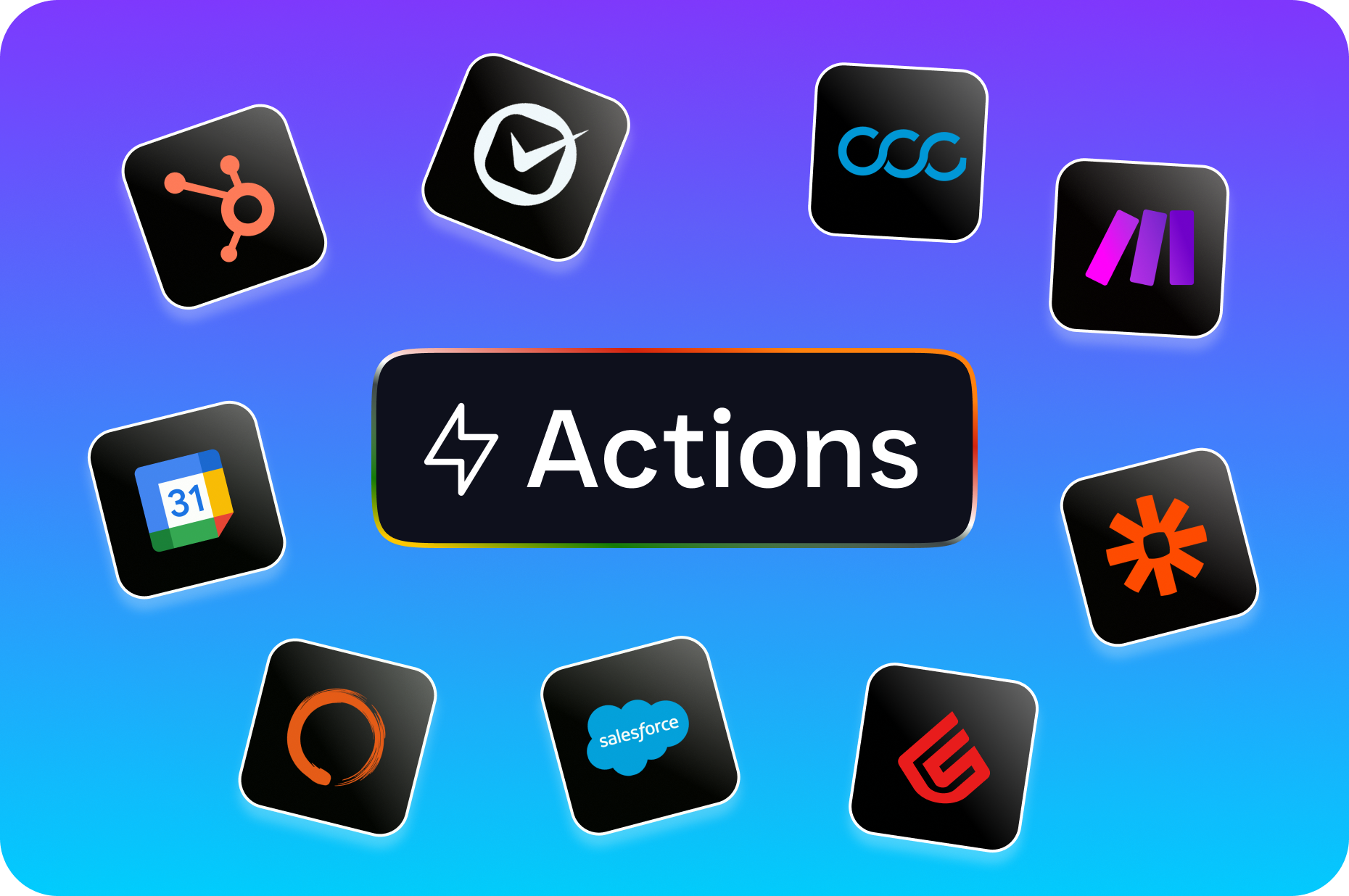
- Integrations sync data to your existing tools. SalesCaptain connects natively with HubSpot, Salesforce, Zoho, ServiceFusion, HousecallPro, Mindbody, Shopify, QuickBooks, Clio, and 40+ more platforms through Zapier.
Key Capabilities
What separates SalesCaptain from a standard CRM isn’t just contact management. It’s the combination of AI communication, unified messaging, and automation built specifically for service businesses. Here are the capabilities that matter most.
- AI Phone Agent with 24/7 Call Answering: A natural-sounding AI voice agent picks up every call, qualifies leads, books appointments, blocks spam, and routes callers based on custom call flows you build with a drag-and-drop editor. After-hours calls are captured instead of lost.
- Multichannel AI Chat Agents: Automated responses across SMS, webchat, Instagram DMs, and Facebook Messenger. Leads get instant replies and can book appointments without waiting for a human to be available.
- Unified Inbox with Full Contact History: One inbox for all channels, with real-time tracking, team collaboration tools, and complete conversation history attached to each contact. No more checking five different apps to piece together a customer’s journey.
- Missed Call Text-Back: When a call goes unanswered, SalesCaptain automatically sends a text to the caller. SkipCalls reports that small businesses lose over $26,000 per year from missed calls alone. This feature directly recovers those leads.
- Drag-and-Drop Workflow Automation: Build trigger-based automations for follow-up sequences, appointment reminders, review requests, CRM syncs, and internal notifications. No coding required.
- AI Call Summaries and Transcription: Every call is transcribed with speaker identification and then summarized into key takeaways, action items, and follow-up needs. Your team saves hours per week by skipping manual note-taking.
Who Needs This?
SalesCaptain isn’t for every business. It’s built for a specific type of company, one that relies on inbound leads, appointment bookings, and ongoing customer communication to drive revenue. If your business matches any of the profiles below, this platform solves problems you’re likely dealing with right now.
- Home service companies (roofing, plumbing, HVAC, landscaping, appliance repair) that miss calls during jobs and lose leads to competitors who respond faster.
- Healthcare and wellness practices (dental offices, MedSpas, therapy practices, medical clinics) that need HIPAA-aware communication and automated appointment reminders.
- Legal practices that can’t afford to miss a potential client’s first call and need every conversation documented with transcriptions.
- Appointment-heavy businesses (salons, gyms, fitness studios) where booking efficiency directly impacts revenue.
- Real estate agencies that need instant lead response across multiple channels to win listings and close deals.
- Multi-location businesses (1 to 5+ locations) looking for per-location pricing that scales affordably without per-user licensing costs.
- Business owners and operations managers who want to grow revenue without hiring additional front-desk or reception staff.
Benefits of CRM Software Built Around Communication
Capture Every Lead Without Adding Headcount
The biggest drain on service businesses isn’t marketing. It’s leakage. You spend money to generate calls and inquiries, then lose a chunk of them because no one’s available to respond. Dialzara’s analysis of missed call costs confirms that slow response times are one of the top reasons leads choose a competitor. With SalesCaptain’s AI Phone and Chat Agents, every call, text, and message gets an immediate response, even at 2 AM on a holiday. That means more booked appointments from the same marketing spend.
Eliminate the App Juggling
Most service businesses cobble together a phone system, a texting tool, a webchat widget, a Facebook inbox, and a separate CRM. Each one has its own login, its own notifications, and its own version of customer history. SalesCaptain’s Unified Inbox consolidates all of those channels into a single view. Your team sees the full picture for every contact, regardless of how that person reached out. That cuts context-switching, reduces errors, and speeds up response times across the board.
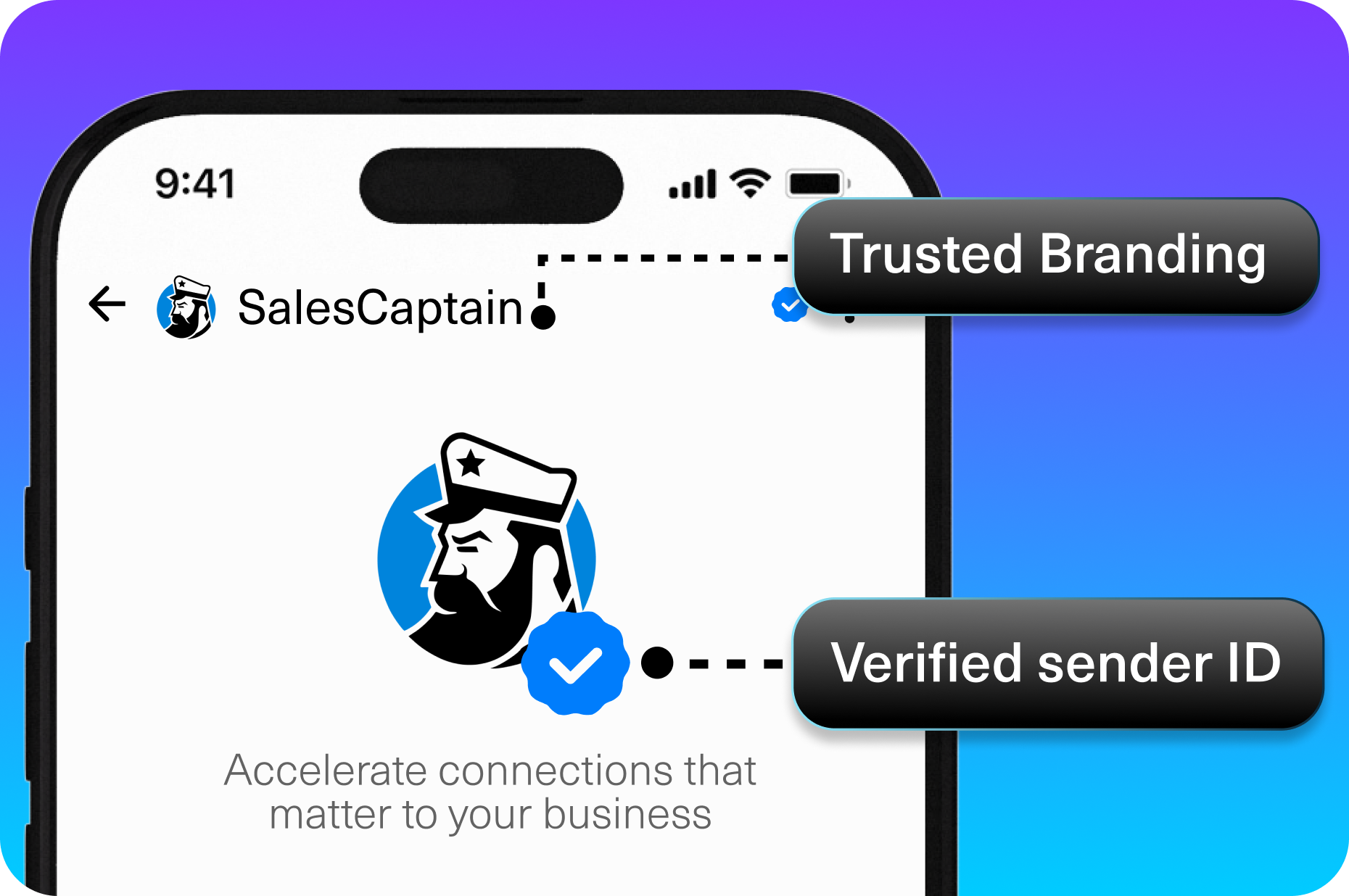
Automate the Follow-Up That Actually Closes Deals
CRM statistics from Freshworks consistently show that businesses with automated follow-up sequences close at significantly higher rates than those relying on manual outreach. SalesCaptain’s workflow automation handles this without your team lifting a finger. Once you build a sequence, every lead gets the right follow-up at the right time, whether that’s a text two minutes after a missed call, a reminder the day before an appointment, or a review request after a completed job.
Scale Without Per-User Pricing Traps
Many CRM platforms charge per user per month, which punishes growing teams. SalesCaptain uses per-location pricing instead: free for one location, $159/month for the Business plan, and $300/month for Enterprise. AI call minutes run $0.12/minute. Your entire staff can use the platform without multiplying your software costs every time you hire someone.
How SalesCaptain Compares
In any honest CRM software review, the comparison question comes up fast. How does SalesCaptain stack up against established names? The answer depends on what you value most.
Platforms like Aircall charge $30 per license per month and focus primarily on call center operations. They lack Leads Forms, Payments via Text, and real-time AI for calls. Dialpad, at $15 per user, doesn’t include audio conferencing, toll-free minutes, or social chat. OpenPhone starts at $15 per user but has minimal AI capabilities (often rated around 1 out of 5 for AI features on G2 review platforms) and only seven integrations. None of these platforms offer a native AI voice agent that answers calls, books appointments, and qualifies leads automatically.
Podium and Birdeye both keep their pricing opaque. Birdeye’s VoIP features are particularly limited, with no call routing, call coaching, IVR, or call flow builder. Podium lacks outbound workflow automation and WhatsApp support. SalesCaptain is the only platform in this category that combines AI voice agents, AI chat agents, and a unified inbox into a single tool, built specifically for service businesses.
For businesses already using a CRM like Salesforce, HubSpot, or Zoho, SalesCaptain isn’t a replacement for your contact database. It’s the communication and automation layer that plugs into those systems, handling the part that traditional CRMs can’t: real-time, AI-powered conversations across every channel your customers use. LinkPoint360’s CRM research underscores that CRM value is directly tied to adoption and actual usage, and a tool that automates communication inherently drives higher engagement than one that requires manual data entry.
Frequently Asked Questions
Is SalesCaptain a CRM or a communication platform?
It’s both. SalesCaptain manages customer relationships through automated communication across calls, SMS, webchat, and social media. It also integrates natively with CRMs like HubSpot, Salesforce, Zoho, and Clio, so it can serve as your primary customer management system or enhance the CRM you already use.
How much does SalesCaptain cost compared to other CRM tools?
SalesCaptain offers a free Startup plan for one location. The Business plan is $159/month per location, and the Enterprise plan is $300/month per location. AI call minutes are billed at $0.12/minute. Unlike most competitors, pricing is per location, not per user, so your whole team can access the platform without increasing the subscription cost.
Can the AI Phone Agent really handle complex customer conversations?
Yes. The AI Phone Agent is built for natural-sounding conversations. It can answer FAQs, qualify leads by asking screening questions, book appointments directly into your calendar, route urgent callers to specific team members, and block spam. Every call is also transcribed and summarized automatically for your team’s review.
What integrations does SalesCaptain support?
SalesCaptain has 50+ native integrations, including HubSpot, Salesforce, Zoho, ServiceFusion, HousecallPro, Mindbody, Rezdy, Shopify, QuickBooks, and Clio. For anything else, Zapier connectivity extends the platform to thousands of additional tools.
Stop Losing Leads to Missed Calls and Slow Follow-Ups
SalesCaptain gives your service business AI-powered communication across every channel, a unified inbox for your entire team, and workflow automation that runs 24/7. No per-user fees. No technical setup required. See it in action for your business today.