
AI-powered customer experience marketing (CXM) platform that helps local businesses win.


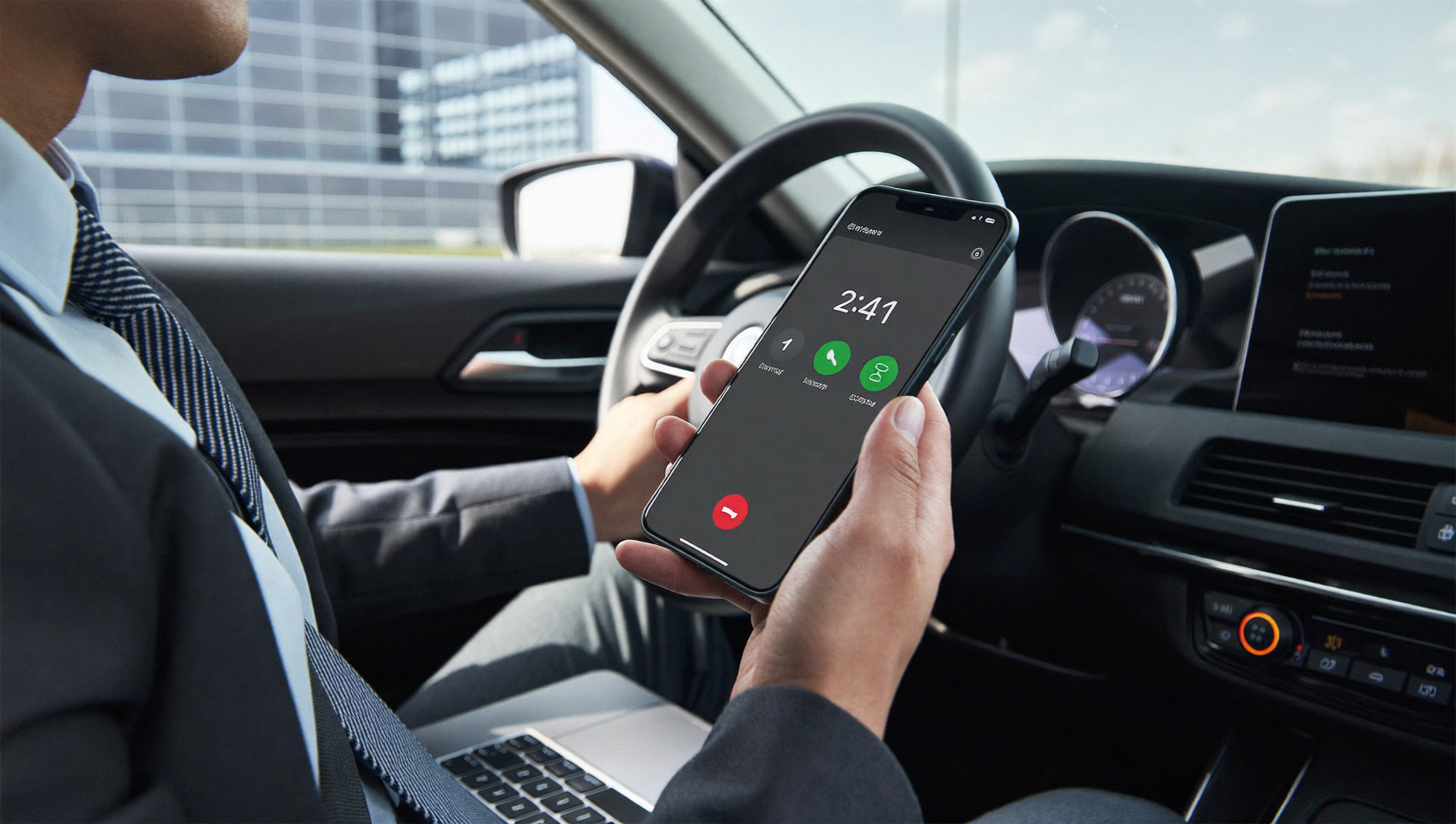
Forwarding calls from one phone to another sounds simple. But for service businesses? It’s the difference between winning a customer and losing one forever. Every unanswered ring is a missed opportunity. What does that actually cost you? Research on the cost of missed calls consistently shows that most callers won’t leave a voicemail or try again. They’ll just call your competitor instead. SalesCaptain’s call forwarding and call flow system makes sure that doesn’t happen, routing every inbound call to the right person, device, or AI agent automatically.
Forwarding calls from one phone to another redirects incoming calls from one number to a different device or line. Modern call forwarding goes beyond basic redirection, intelligently routing calls to the right person, device, or AI agent to ensure no customer call goes unanswered and no opportunity is missed.
Free weekly newsletter
Growth tips for service businesses
Every Tuesday — actionable ideas to get more leads, reviews, and repeat customers. No fluff.
Quick Answer
Call forwarding redirects incoming calls from one phone number to another, ensuring you never miss important contacts. Most carriers offer this feature through settings or codes—typically dialing *72 followed by your forwarding number. You can forward calls to any device: mobile, landline, or office phone. This keeps you reachable across multiple devices simultaneously, perfect for managing calls while away from your desk or office.
What Is Call Forwarding?
Call forwarding is the process of redirecting an incoming call from one phone number to another. At its most basic, it means a call that rings your office line gets sent to your cell phone. But that’s where basic forwarding ends. Modern forwarding does so much more.
Traditional call forwarding—the kind you activate with star codes on your carrier—has serious limitations. It’s all or nothing. You can’t set rules. You can’t route by time of day. And you can’t split calls between team members. For a solo operator who just wants after-hours coverage, carrier-level forwarding might work. But any business with a team, multiple locations, or high call volume? It falls short fast.
Where Basic Forwarding Breaks Down
Think about a plumbing company. Three technicians, a front desk person, and an after-hours emergency line. A simple “forward all calls to my cell” setup creates chaos. Who actually gets the call? What if they’re on another job? What if it’s a spam caller wasting a technician’s time? These are the exact problems that missed call statistics highlight. And they add up to real revenue loss.
Modern call forwarding means something different: intelligent routing. Rules-based. Time-aware. Integrated with the rest of your communication stack. That’s what SalesCaptain delivers through its call flow builder.
How Call Forwarding Works in SalesCaptain
SalesCaptain doesn’t just forward calls. It lets you design the entire journey a caller takes from the moment they dial your number. Here’s how:
- Choose or port your business number. You can use an existing number or get a new local or toll-free number directly inside SalesCaptain. Porting takes minutes, not weeks.
- Open the drag-and-drop call flow builder. This visual tool lets you map out exactly what happens with every incoming call. No coding, no IT support needed.
- Set your forwarding rules. Route calls based on business hours, caller location, team availability, or IVR menu selections. For example, sales calls go to your sales team during the day, and after 6 PM, they route to your AI Phone Agent.
- Add fallback layers. If the first person doesn’t answer within a set number of rings, the call rolls to the next team member, then to voicemail, or to the AI agent. You decide the sequence.
- Activate and monitor. Once your flow is live, every call is logged in the unified inbox. You’ll see who called, who answered, and what happened, all in real time.
The entire setup takes less time than configuring carrier-level forwarding through star codes. And you’ll have dramatically more control. According to the answering services industry analysis, businesses are rapidly moving away from basic forwarding toward intelligent routing. That’s no accident.
Key Capabilities
- Time-based routing. Automatically forward calls to different destinations based on business hours, lunch breaks, holidays, or custom schedules you define per location.
- Sequential and simultaneous ring. Ring one phone first, then another in sequence, or ring multiple team members at once so the fastest person picks up.
- AI Phone Agent as a forwarding destination. Instead of sending unanswered calls to a generic voicemail, route them to SalesCaptain’s AI Phone Agent. It answers naturally, qualifies the lead, books appointments, and blocks spam, all without human involvement.
- IVR menu integration. Play a professional greeting and let callers choose where they want to go. “Press 1 for appointments, press 2 for billing.” Each option forwards to a different team member, department, or AI agent.
- Missed call text-back. When a call can’t be answered by anyone, SalesCaptain automatically sends an SMS to the caller. That text can start a conversation with your AI Chat Agent, so you don’t lose the lead even if nobody picks up.
- Warm and cold transfers. When a team member does answer, they can transfer the caller to another person with context (warm transfer) or directly (cold transfer), keeping the experience smooth.
Who Needs This?
Forwarding calls is a universal need. But certain businesses feel the pain of missed calls more acutely than others. Sound familiar? If your revenue depends on answering inbound calls quickly, this feature is critical.
- Home service businesses like roofers, HVAC companies, plumbers, and landscapers who are on job sites all day and can’t sit by a desk phone.
- Legal practices where a missed call from a potential client means they’ve already called three other attorneys.
- Healthcare and wellness providers including dental offices, MedSpas, and therapy practices that need after-hours appointment booking.
- Multi-location businesses that need to route calls to the nearest or most available location without the caller knowing the difference.
- Solo operators and small teams who wear multiple hats and can’t afford a receptionist but also can’t afford to miss calls.
- Operations managers and business owners who want visibility into every call without micromanaging their staff.
The U.S. Small Business Administration reports that small businesses make up over 99% of all U.S. firms. Most don’t have dedicated call center staff. Intelligent call forwarding bridges that gap.
Benefits of Forwarding Calls with SalesCaptain
Stop Losing Revenue to Missed Calls
Every missed call has a dollar value. For a roofing company, one missed call could mean a $10,000 job that went to a competitor. That’s real money. According to industry research on missed call costs, small businesses lose significant revenue each month simply because nobody picked up. SalesCaptain’s layered forwarding, combined with the AI Phone Agent fallback, ensures that virtually zero calls go unanswered.
Grow Without Hiring More Staff
Hiring a full-time receptionist costs $30,000 to $45,000 per year. Add benefits and training on top. SalesCaptain’s AI Phone Agent handles the same work for $0.12 per minute. It doesn’t call in sick. It works nights, weekends, and holidays. Your existing team stays focused on the work that actually requires a human, while the AI handles routine calls, appointment bookings, and FAQs.
Professional Experience on Every Call
Callers hear a polished greeting. Not six rings followed by a busy tone. Whether the call routes to your front desk, a technician’s mobile phone, or the AI agent, the experience feels consistent and professional. That consistency builds trust. Especially for first-time callers who are evaluating whether to hire you.
Complete Visibility Into Call Activity
Every forwarded call lands in SalesCaptain’s unified inbox alongside your texts, webchat messages, and social media DMs. You’ll see full call logs. AI-generated transcriptions. Summaries too. So if a customer calls back and says “I spoke with someone last Tuesday about a quote,” your team can pull up the exact conversation in seconds. No more confusion.
How SalesCaptain Compares
Most phone systems offer some form of call forwarding. But there’s a wide gap between basic forwarding and intelligent routing and that gap matters.
OpenPhone, while affordable at $15 per user, has minimal AI capabilities. No call coaching or whispering. Only seven integrations. Neither platform gives you the ability to forward an unanswered call to an AI agent that can hold a full conversation, book an appointment, and log the interaction in a unified inbox.
Dialpad offers forwarding and some AI features. But it doesn’t include toll-free minutes, audio conferencing, or high-volume SMS. Nextiva caps SMS at 250 messages per user per month. Plus, it lacks voicemail drop and call coaching. For businesses evaluating AI answering services, SalesCaptain stands out because it combines the phone system, the AI agent, and the unified inbox in a single platform. And you can start with a free plan.
SalesCaptain’s per-location pricing also scales more predictably than per-user models. A 10-person team on Aircall costs $300 per month just for the phone system. With SalesCaptain, that same team at one location pays $159 per month. You’ll get AI voice agents, chat agents, and a full unified communication suite included.
Frequently Asked Questions
Can I forward calls to a cell phone and an AI agent at the same time?
Yes, absolutely. SalesCaptain’s call flow builder lets you ring a cell phone first. If nobody answers within a set number of rings, the call automatically routes to the AI Phone Agent. You can also set simultaneous ring so both destinations ring at once. The AI picks up if the human doesn’t.
Will my existing business phone number work with SalesCaptain?
Absolutely. You can port your current business number into SalesCaptain. Once ported, all your call forwarding rules, IVR menus, and AI agent routing apply to that number. Callers won’t notice any change except better, faster service.
Does call forwarding also handle text messages?
Call forwarding applies to voice calls. However, SalesCaptain’s missed-call text-back feature automatically sends an SMS to any caller who doesn’t reach a live person. That text can connect them to your AI Chat Agent. So you’re covered on both channels from a single platform.
How is this different from the call forwarding my phone carrier offers?
Carrier-level forwarding using star codes like *72 is a blunt instrument. It forwards all calls to one number with no rules. No time-based routing. No team distribution. No fallback to AI. SalesCaptain’s approach gives you a visual builder, multiple forwarding layers, AI agent integration, and full call logging in your unified communication system. That’s what modern answering service standards demand.
Ready to see it in action?
See how businesses use SalesCaptain to forward calls automatically and never miss a lead.
Never Miss Another Call
SalesCaptain’s intelligent call forwarding and AI Phone Agent ensure every caller reaches someone. Whether it’s your team or an AI that books appointments and qualifies leads on your behalf. Set up your call flows in minutes with a free plan.