
AI-powered customer experience marketing (CXM) platform that helps local businesses win.



If you’re comparing Goodcall vs SalesCaptain for service businesses, you’re likely searching for an AI-powered phone solution that can handle customer calls, capture leads, and reduce the chaos of missed communication. This comparison breaks down exactly where each platform excels and where it falls short, so you can make the right decision for your business. We’ll cover features, pricing, messaging capabilities, and real use-case guidance based on verified product data.
What Is Goodcall?
Goodcall is an AI answering service designed for small businesses that need basic automated call handling. Starting at $59/month, it provides an AI agent that can answer incoming calls, greet callers, and route simple inquiries. It’s a straightforward product that focuses narrowly on voice AI without extending into broader communication channels. Several Goodcall alternative roundups note that while the platform handles basic answering well, businesses often outgrow it quickly once they need messaging, automation, or multi-channel support.
What Is SalesCaptain?
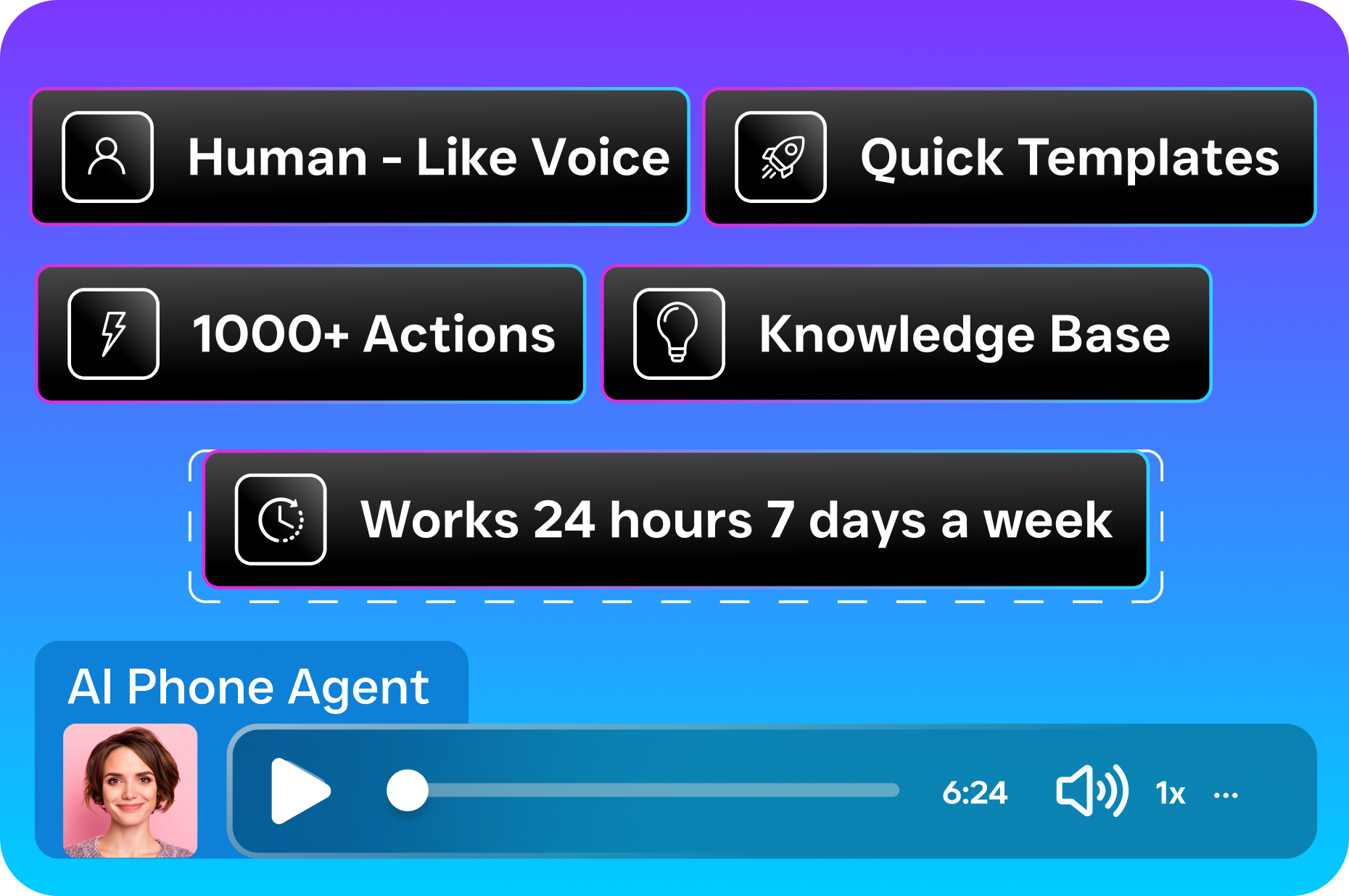
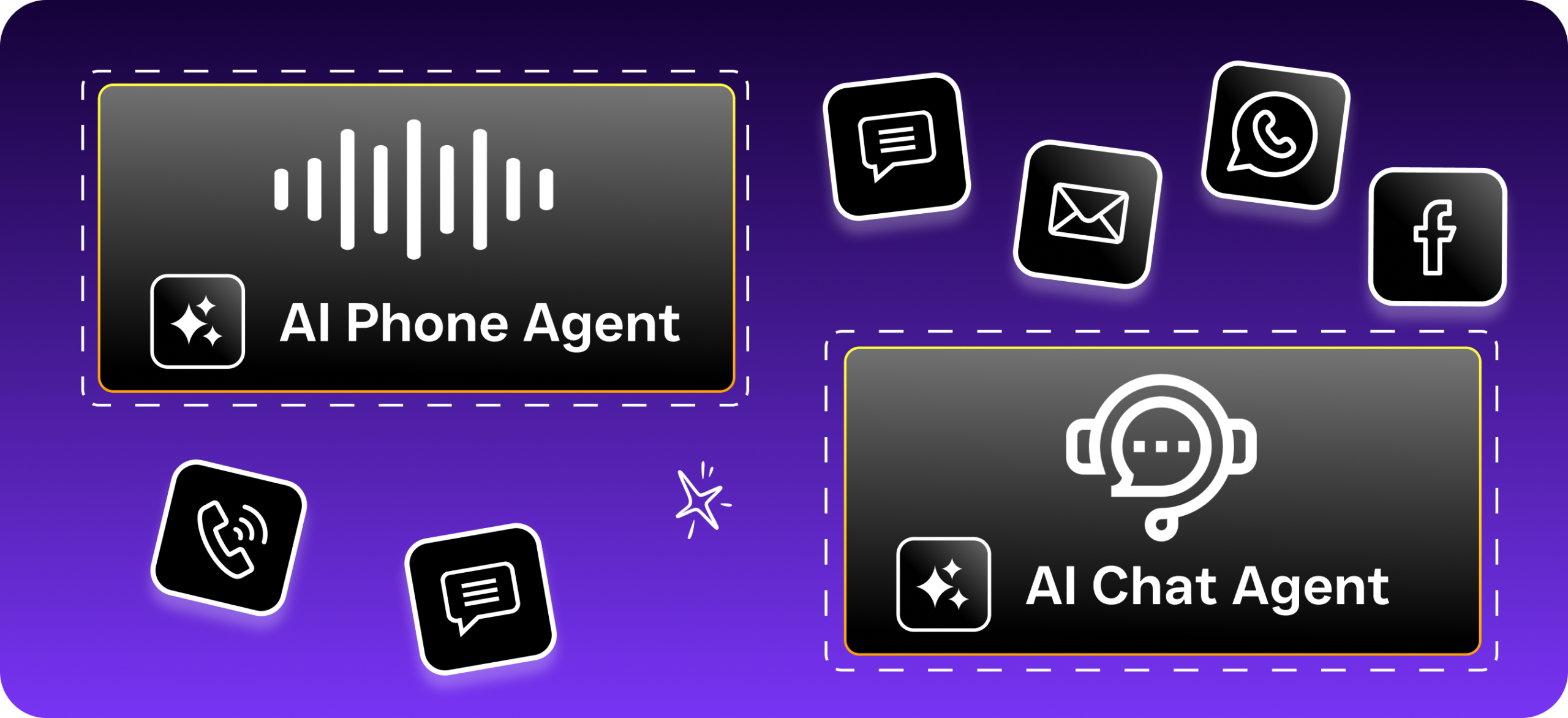
SalesCaptain is a unified communication platform built specifically for service businesses. It combines AI phone agents, AI chat agents, a collaborative inbox, a full business phone system, and workflow automation into a single tool. Unlike point solutions that only handle one channel, SalesCaptain lets you manage calls, SMS, webchat, Instagram DMs, Facebook Messenger, WhatsApp, and email from one place.
The platform starts with a free plan for one location, with paid plans at $159/month per location. That price includes features most competitors charge extra for: call flow builders, IVR, AI transcription and summaries, missed call text-back, review management, and Text-to-Pay. You can read verified user feedback on G2 and Capterra to see how real businesses rate the platform.
Goodcall vs SalesCaptain: Feature Comparison
Here’s a side-by-side look at the core capabilities that matter most for service businesses. Every value below comes from verified product data, not marketing claims.
| Feature | SalesCaptain | Goodcall |
|---|---|---|
| AI Voice Agent | ✓ | ✓ |
| AI Chat Agent (SMS, Webchat, Social) | ✓ | ✗ |
| Unified Inbox | ✓ | ✗ |
| WhatsApp Messaging | ✓ | ✗ |
| Two-Way SMS | ✓ | ✗ |
| Review Management | ✓ | ✗ |
| Text-to-Pay | ✓ | ✗ |
| Workflow Automation Builder | ✓ | ✗ |
| Call Flow Builder with IVR | ✓ | ✗ |
| AI Transcription and Summaries | ✓ | ✗ |
| Call Coaching and Whispering | ✓ | ✗ |
| Sentiment Analysis | ✓ | ✗ |
| 50+ Integrations (HubSpot, Salesforce, Zapier, etc.) | ✓ | Limited |
| Starting Price | Free (1 location) | $59/month |
| Best For | Service businesses needing full communication automation | Small businesses needing basic AI answering |
The table makes it clear: Goodcall competes on one dimension, voice AI. SalesCaptain covers that same ground and then extends across every communication channel a service business actually uses day to day.
Where Goodcall Falls Short
Goodcall isn’t a bad product. For a solo operator who simply wants an AI to pick up calls, it works. But service businesses don’t just take phone calls anymore. Customers text, DM, chat on your website, and expect fast replies across all of them. That’s where Goodcall’s limitations become real problems.
No Unified Inbox for Customer Communication
Goodcall doesn’t offer a central inbox that pulls together calls, texts, social messages, and email. For a plumbing company or dental practice juggling inquiries from five different channels, that means your team is switching between apps constantly. Context gets lost, response times slow down, and leads slip through the cracks. According to research from Aira, a significant percentage of business calls go unanswered, and without a unified system, follow-up across other channels rarely happens either.
No SMS Campaigns or Messaging Automation
Goodcall can’t send two-way SMS. It can’t run text campaigns. There’s no missed call text-back, no appointment reminders via text, and no ability to re-engage leads through automated message sequences. For service businesses, texting isn’t optional. It’s how most customers prefer to communicate, especially for appointment confirmations and quick questions. As competitor analysis from Bigly Sales points out, the absence of messaging capabilities is one of the most common reasons businesses look beyond Goodcall.
Limited Integrations and No Workflow Builder
Service businesses run on tools like HubSpot, ServiceFusion, HousecallPro, QuickBooks, and Clio. Goodcall’s integration ecosystem is narrow compared to SalesCaptain’s 50+ native connections plus Zapier support. Without a visual workflow builder, you also can’t automate follow-up sequences, CRM updates, or internal notifications based on call outcomes. Every manual step your team has to take is a step where a lead might go cold.
No Review Management or Advanced Call Analytics
Online reviews drive new business for service companies. Goodcall doesn’t include any review management tools. It also lacks advanced call monitoring features like sentiment analysis, call coaching, real-time speech analytics, and post-call summaries. These aren’t nice-to-haves for a growing service business. They’re how you improve your team’s performance, identify training gaps, and understand what customers actually care about.
Why SalesCaptain Is the Better Choice for Service Businesses
The gap between these two platforms isn’t subtle. SalesCaptain was purpose-built for service businesses that need to handle high volumes of customer communication without hiring more staff. Here’s what that looks like in practice:
- AI phone and chat agents work together. Your AI voice agent books an appointment on a call. The AI chat agent sends a confirmation via SMS and a reminder 24 hours before. No human touches it.
- Every channel feeds into one inbox. Calls, texts, webchat conversations, Instagram DMs, Facebook Messenger, WhatsApp messages, and email all show up in one collaborative space. Your whole team sees the full history for every contact.
- Missed call text-back recovers lost revenue. According to research on the cost of missed calls, a single unanswered call can cost a service business hundreds of dollars. SalesCaptain automatically texts back anyone you can’t pick up, keeping that lead warm instead of sending them to a competitor.
- Workflow automation eliminates repetitive tasks. The drag-and-drop builder lets you create trigger-based automations for follow-ups, reminders, CRM syncs, and internal notifications. Once it’s set up, it runs without oversight.
- Call flow builder with IVR gives callers a professional experience. Custom greetings, menu options, smart routing, after-hours handling, and voicemail-to-text are all configurable without any technical skill.
- Text-to-Pay turns conversations into revenue. Send a payment link via text during or after a conversation. For home service businesses especially, this speeds up collections significantly.
- AI transcription and summaries make every call searchable. Your team doesn’t need to re-listen to recordings. Summaries capture decisions, action items, and customer concerns automatically.
- 50+ integrations connect to tools you already use. HubSpot, Salesforce, Zoho, ServiceFusion, HousecallPro, Mindbody, Shopify, QuickBooks, Clio, and Zapier are all supported natively.
The OnceHub analysis on missed call costs reinforces why having multiple automated recovery channels matters so much. A voice-only solution catches some of these opportunities. A platform that covers voice, text, chat, and social catches nearly all of them.
Which Should You Choose?
If you’re a one-person operation that only receives a handful of calls per day and you don’t need texting, chat, or automation, Goodcall can handle that at $59/month. It’s a simple, focused tool for a simple use case. However, most service businesses outgrow that model quickly, especially once they add a second employee, open another location, or start getting leads from their website and social media.
For any service business that deals with appointment scheduling, multi-channel customer communication, team collaboration, or lead follow-up, SalesCaptain is the stronger platform by a wide margin. You get a free plan to start, per-location pricing that scales affordably, and a feature set that covers AI calling, messaging, workflows, and analytics in one tool. Goodcall can’t match that depth, and adding separate tools to fill the gaps costs more than SalesCaptain’s all-in-one approach. The NFIB consistently reports that small business owners cite time management and staffing as top challenges. Consolidating your communication stack into one platform directly addresses both.
Frequently Asked Questions
Can SalesCaptain’s AI agent handle common service business questions like pricing, availability, and booking?
Yes. SalesCaptain’s AI voice agent can answer FAQs, qualify leads, book appointments, and route callers based on custom call flows you create. You don’t need any technical background to set it up. The AI chat agents handle the same tasks across SMS, webchat, and social DMs.
Does Goodcall support SMS or text messaging?
No. Goodcall doesn’t offer two-way SMS, text campaigns, missed call text-back, or any messaging automation. If texting is part of how your customers communicate with you, you’d need a separate tool alongside Goodcall.
How does SalesCaptain’s pricing compare to Goodcall for a multi-location business?
SalesCaptain charges $159/month per location on the Business plan, with a free plan available for one location. Goodcall starts at $59/month. However, SalesCaptain includes unified inbox, AI chat agents, workflow automation, call flows, Text-to-Pay, review management, and 50+ integrations. Adding equivalent tools to Goodcall would cost significantly more than the price difference.
Can SalesCaptain help reduce no-shows for my service business?
Absolutely. SalesCaptain’s AI chat agents can send automated appointment reminders via SMS, and the workflow automation builder lets you create custom reminder sequences. Missed call text-back also re-engages leads who might otherwise forget to call back and schedule.
Is SalesCaptain difficult to set up if I’m not technical?
No. SalesCaptain was built for non-technical business owners. The call flow builder, workflow automations, and AI agent setup all use drag-and-drop visual interfaces. There’s no coding involved, and you don’t need to hire anyone to get it running.
Try SalesCaptain Free for Your Service Business
Stop losing leads to missed calls, slow follow-ups, and disconnected communication tools. SalesCaptain gives you AI phone agents, AI chat agents, a unified inbox, workflow automation, and a full business phone system, all in one platform with a free plan to start.
Start your free account at SalesCaptain.com and see the difference a purpose-built service business communication platform makes.