
AI-powered customer experience marketing (CXM) platform that helps local businesses win.



A customer walks into your store, browses for twenty minutes, asks a few questions, and leaves without buying. Your staff moves on to the next person. No one follows up. That potential sale vanishes. For retail businesses, this scenario plays out dozens of times a day, and it’s one of the most expensive habits to ignore. Learning how to automate follow ups for retail businesses is the difference between a one-time browser and a loyal repeat customer.
What Is Automated Follow-Up for Retail?
Automated follow-up is the practice of using software to send timely, relevant messages to customers after an interaction, without requiring a team member to manually draft and send each one. In retail, that interaction could be an in-store visit, an online purchase, an abandoned cart, a phone inquiry, or even a missed call.
Instead of relying on your staff to remember who needs a callback or which customer asked about a restock, automation handles it on a schedule you define. Think appointment reminders for personal shopping sessions, post-purchase thank-you texts, restock alerts, or re-engagement campaigns for customers who haven’t visited in 90 days. The system triggers these messages based on specific customer actions or time intervals, so nothing slips through the cracks.
Why Manual Follow-Ups Fail in Retail
Most retail owners understand that follow-ups matter. The problem isn’t awareness. It’s execution. Manual follow-ups break down for a few predictable reasons, and understanding them helps you see why automation isn’t optional anymore.
Volume Overwhelms Your Team
A busy retail location might interact with hundreds of customers per week across in-store visits, phone calls, website chats, and social media messages. Expecting your staff to track each interaction and send personalized follow-ups is unrealistic. Even dedicated employees forget, especially during peak hours or seasonal rushes. According to OnceHub’s research on missed calls, small businesses lose significant revenue simply because inquiries go unanswered. The same principle applies to follow-ups that never happen.
Inconsistency Kills Momentum
When follow-ups depend on individual employees, you get wildly inconsistent results. One associate might text a customer the same day. Another might write a note and forget about it. A third might never follow up at all. That inconsistency means your customer experience varies from person to person, which erodes trust over time.
Speed Matters More Than You Think
Research from Harvard Business Review found that companies responding to leads within an hour were nearly seven times more likely to qualify the lead than those who waited even sixty minutes longer. In retail, a customer who asked about a product yesterday has likely already bought it elsewhere today. Manual processes simply can’t match that speed.
How to Build a Retail Follow-Up System That Runs Itself
Automating your follow-ups doesn’t require a technical background or a massive budget. It does require a clear structure. Here’s a practical, step-by-step approach that works for retail businesses of any size.
Step 1: Map Your Customer Touchpoints
Before you automate anything, identify every moment a customer interacts with your business. Most retail owners undercount these. Your list should include:
- In-store visits where a customer provides contact info (loyalty sign-up, wish list, special order)
- Phone calls and missed calls about product availability, hours, or pricing
- Online purchases including abandoned carts
- Social media messages on Instagram, Facebook, and webchat
- Event attendance such as in-store demos, trunk shows, or seasonal sales
Each of these touchpoints represents a follow-up opportunity. Once you’ve mapped them, you can assign a follow-up sequence to each one.
Step 2: Create Three Core Campaigns
You don’t need dozens of campaigns to start. Three well-built sequences cover most retail scenarios and give you a strong foundation to build on.
The Welcome Campaign fires immediately after a customer gives you their contact information for the first time. It should introduce your brand story, highlight your best-sellers or current promotions, and set expectations for how often you’ll be in touch. Keep it to two or three messages over the first week.
The Post-Purchase Campaign activates after a transaction. A thank-you text within an hour, a product care tip two days later, and a review request after a week. This sequence builds loyalty and generates the social proof that drives new customers to your store. According to the U.S. Chamber of Commerce’s guide on business automation tools, post-purchase engagement is one of the highest-ROI automation workflows a small business can set up.
The Re-Engagement Campaign targets customers who haven’t purchased or visited in a set period, typically 60 to 90 days. A simple “We miss you” text with a small incentive can reactivate customers who’d otherwise be gone for good.
Step 3: Choose the Right Channels
Email open rates for retail hover around 15-20%, which means four out of five messages go unread. SMS, on the other hand, consistently sees open rates above 90%. For retail businesses, text-based follow-ups outperform email in almost every measurable way: speed, engagement, and conversion.
However, the best approach is multichannel. Some customers prefer texts. Others respond to Instagram DMs. A few still want phone calls. Your automation system should support all of these, so you’re reaching each customer on the channel they actually use.
Step 4: Set Triggers and Timing
Effective automation runs on triggers, not calendars. Rather than sending a blast to your entire list on Tuesday mornings, you want messages that fire based on specific customer behavior.
- Missed call → Instant text-back with a link to browse your catalog or book a callback
- Purchase completed → Thank-you message within 30 minutes, care instructions on day 2
- Abandoned cart → Reminder at 1 hour, second reminder at 24 hours with a discount code
- No purchase in 60 days → Re-engagement offer with personalized product recommendations
- Birthday or anniversary → Celebratory message with exclusive in-store offer
Timing matters enormously. A follow-up sent five minutes after a missed call feels helpful. The same message sent three days later feels irrelevant. As Nextiva’s analysis of missed call costs shows, speed of response directly correlates with conversion rates for small businesses.
Making Automated Follow-Ups Feel Personal
The biggest concern retail owners have about automation is sounding robotic. It’s a valid worry. Nobody wants to receive a message that obviously came from a machine. But the best automated follow-ups don’t feel automated at all. Here’s how to get that right.
Use Real Language, Not Marketing Speak
Write your automated messages the way your best salesperson would talk. Short sentences. Conversational tone. First names. Specific product references when possible. “Hey Sarah, the jacket you tried on last week just went on sale” performs dramatically better than “Dear valued customer, we’re excited to announce our seasonal markdown event.”
Personalize with Data You Already Have
Your POS system and CRM already capture purchase history, product preferences, visit frequency, and average order value. Use that data to segment your follow-ups. A customer who buys premium products should get different messages than a bargain shopper. A weekly regular needs different re-engagement timing than someone who visits quarterly. According to Plat.ai’s research on business intelligence automation, even basic data segmentation can dramatically improve campaign performance for small businesses.
Keep a Human in the Loop
Automation should handle the repetitive, time-sensitive work. But when a customer replies with a complex question or a complaint, a real person should step in immediately. The best systems make this handoff invisible, so the customer never feels like they’ve been talking to a bot. Your team monitors conversations and jumps in only when their expertise actually adds value.
How SalesCaptain Helps
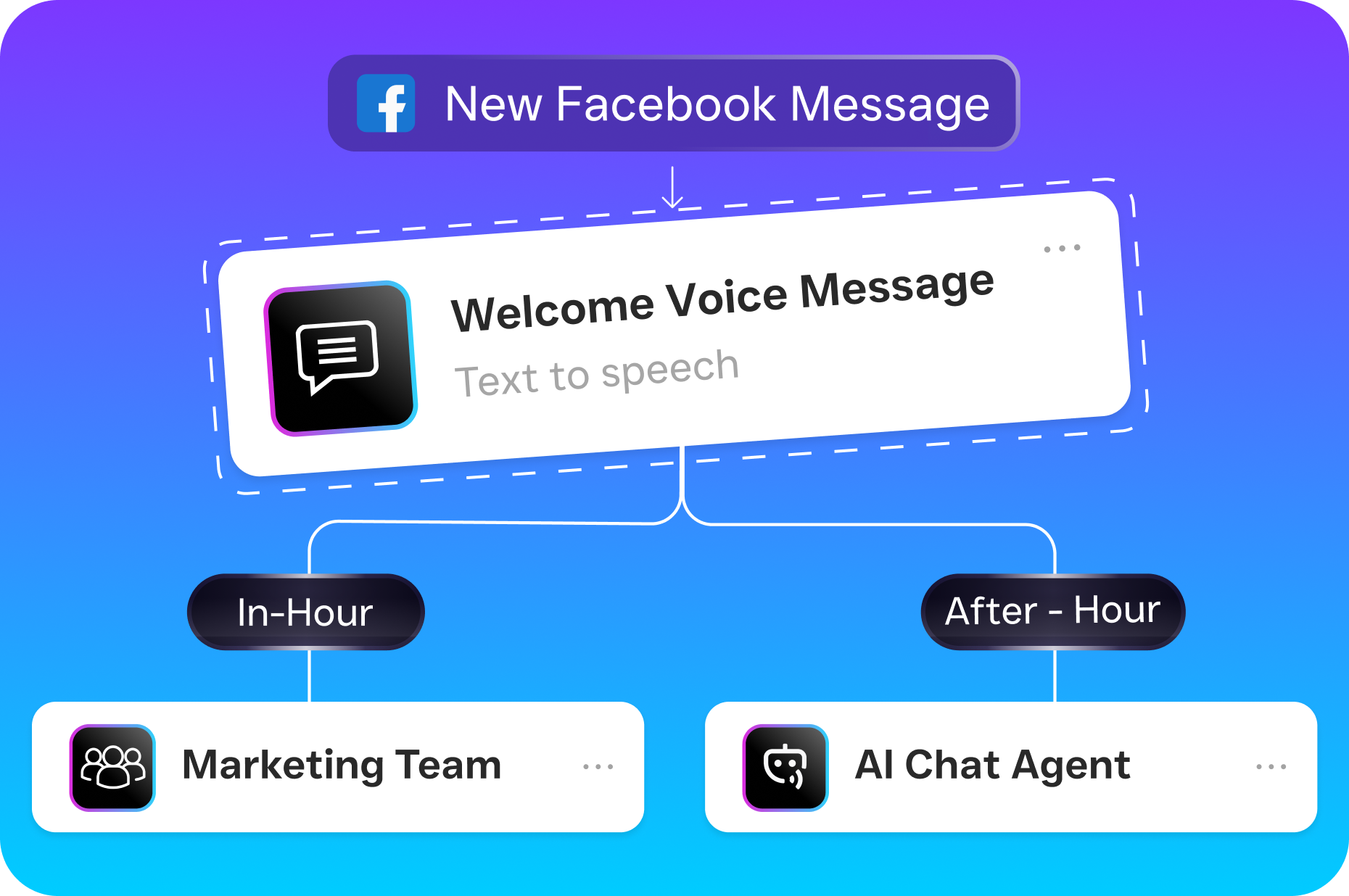
SalesCaptain was built specifically for the kind of follow-up challenges retail businesses face. Its Workflow Automation feature gives you a visual, drag-and-drop builder where you can create trigger-based follow-up sequences without writing code or hiring a developer. You set the trigger, define the message, choose the channel, and the system handles the rest.
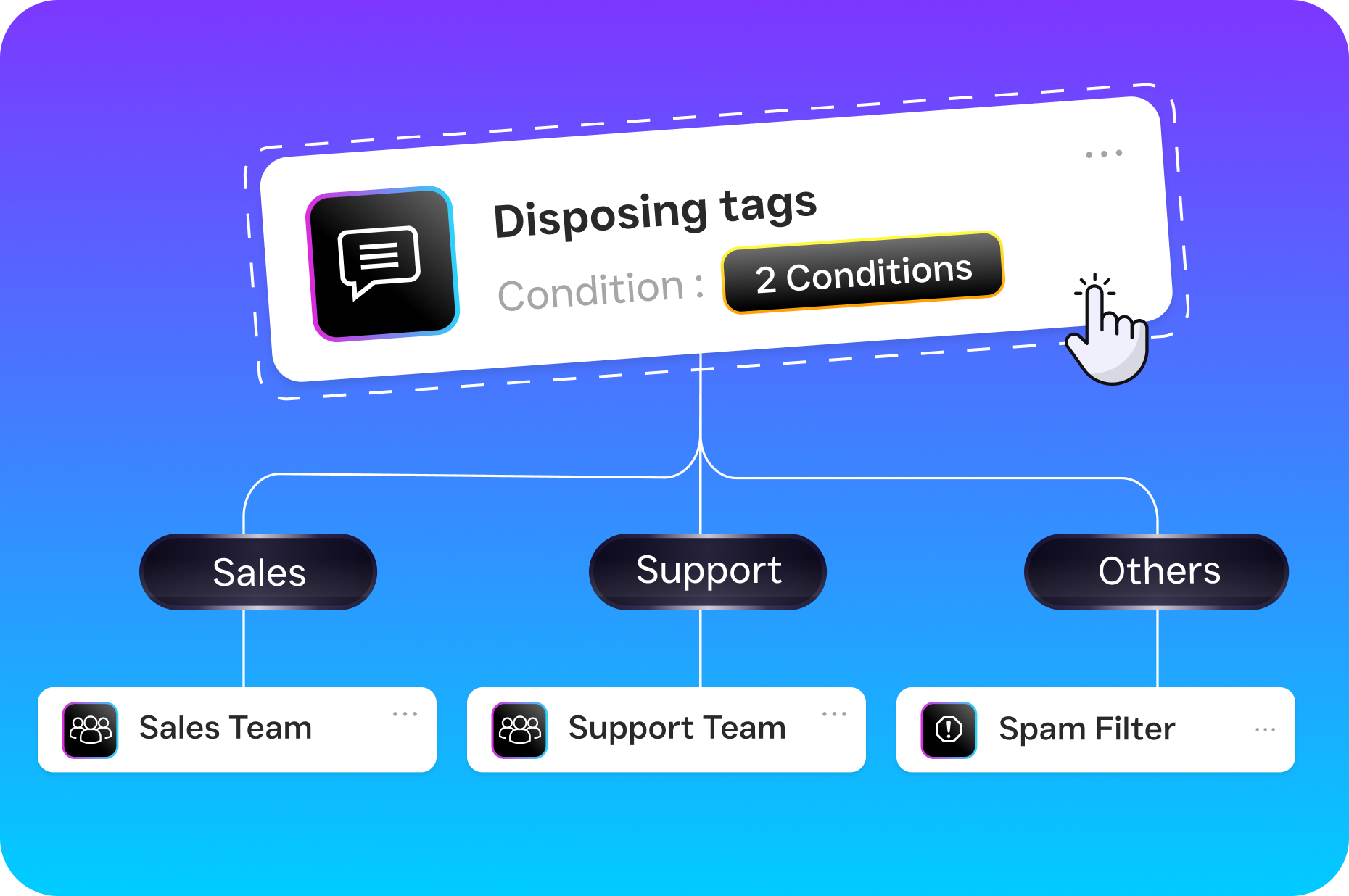
What makes SalesCaptain particularly effective for retail is how it combines multiple tools into one platform. Your follow-ups can run across SMS, webchat, Instagram DMs, and Facebook Messenger through the AI Chat Agents, while the AI Phone Agent handles missed calls with instant text-back, appointment booking, and FAQ answering around the clock. Every interaction, regardless of channel, flows into a single Unified Inbox where your team can see the full customer history and jump into any conversation when needed.
For retail businesses running multiple locations, SalesCaptain’s per-location pricing keeps costs predictable. The free Startup plan covers a single location, while the Business plan at $159/month per location includes the full automation suite. With over 50 integrations including Shopify, HubSpot, Salesforce, and QuickBooks, your follow-up workflows can pull data from the tools you’re already using and sync everything automatically.
Key Takeaways
Automating follow-ups for your retail business isn’t about replacing the human touch. It’s about making sure that touch actually happens, every time, for every customer. Manual processes break down at scale, and most retail businesses hit that breaking point sooner than they expect.
- Map every customer touchpoint before you build a single automation
- Start with three core campaigns: welcome, post-purchase, and re-engagement
- Prioritize SMS and multichannel messaging over email-only approaches
- Use behavior-based triggers instead of calendar-based blasts
- Write messages in your brand’s natural voice, not corporate marketing language
- Keep your team ready to step in when automation reaches its limits
The retailers who win repeat business aren’t necessarily the ones with the best products or lowest prices. They’re the ones who stay in touch. Automation is how you stay in touch at scale without burning out your team.
Frequently Asked Questions
How quickly can I set up automated follow-ups for my retail store?
Most platforms, including SalesCaptain, let you build and launch your first follow-up workflow in under an hour. You’ll spend more time writing good messages than configuring the technology. Start with one simple sequence, like a post-purchase thank-you, and expand from there.
Won’t automated messages annoy my customers?
Only if they’re irrelevant or too frequent. Well-timed, personalized follow-ups actually increase customer satisfaction because they show you’re paying attention. The key is using behavior-based triggers so messages arrive when they’re genuinely useful, not just when your marketing calendar says so.
Do I need a CRM to automate follow-ups?
A CRM helps, but it isn’t strictly required to get started. Platforms like SalesCaptain include built-in contact management and can sync with existing CRM tools like HubSpot, Salesforce, or Zoho. If you’re starting from scratch, the platform’s native contact tracking is enough to run effective campaigns.
What’s the best channel for retail follow-ups: email, text, or phone?
SMS consistently outperforms email for retail follow-ups in terms of open rates and response speed. However, the most effective strategy uses multiple channels. A missed call triggers a text. A purchase triggers an SMS thank-you and an email receipt. Social media inquiries get follow-ups on the same platform. Match the channel to the customer’s preference.
How do I measure whether my automated follow-ups are working?
Track three core metrics: response rate (how many customers reply or click), conversion rate (how many follow-ups lead to a purchase or visit), and opt-out rate (how many customers unsubscribe). If your opt-out rate climbs above 2-3%, your messaging frequency or relevance needs adjustment. Most automation platforms provide these analytics natively.
See How SalesCaptain Can Help
SalesCaptain gives retail businesses the AI-powered follow-up automation, unified inbox, and multichannel messaging they need to convert more browsers into buyers. Start with the free plan and build your first workflow today.