
AI-powered customer experience marketing (CXM) platform that helps local businesses win.


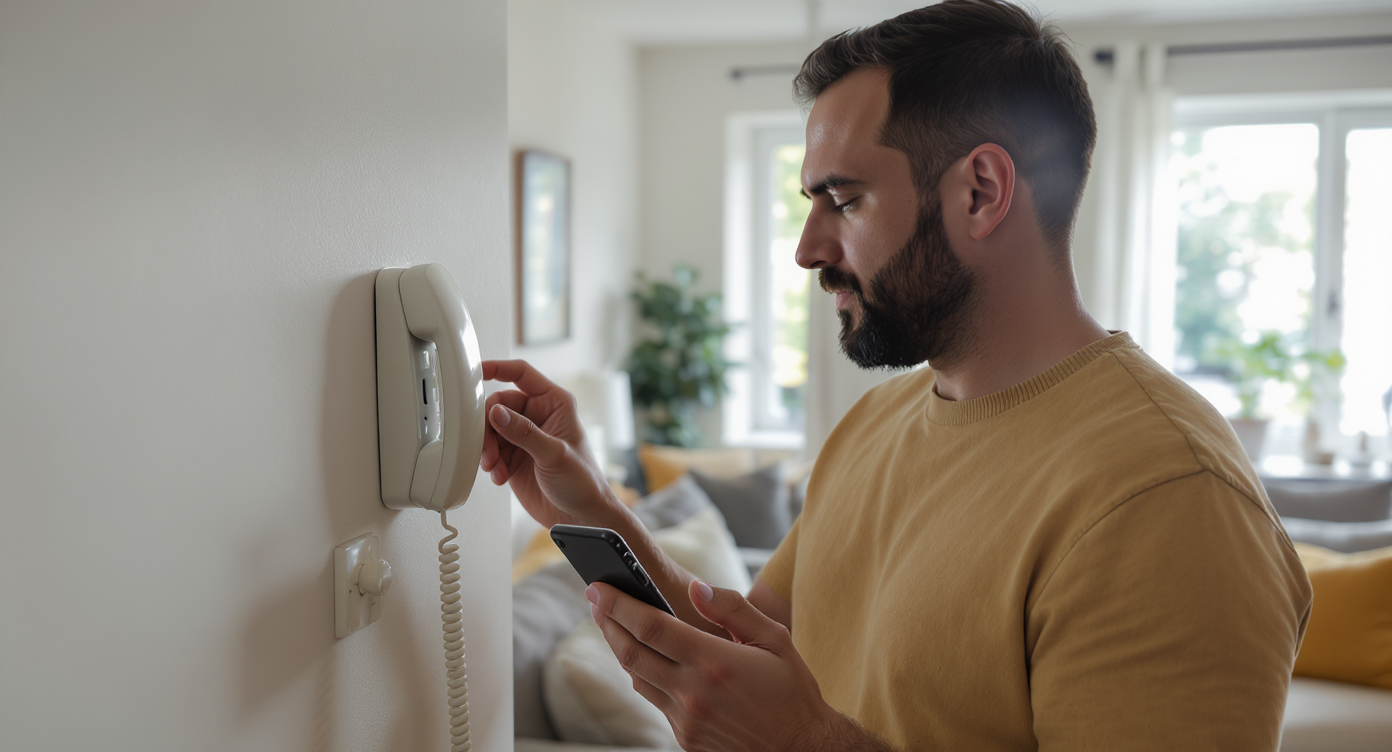
You’re at dinner when a potential customer calls your office. Nobody picks up. By the time you check your voicemail the next morning, they’ve already hired your competitor. Sound familiar? This scenario plays out thousands of times every day across small businesses in the U.S. Knowing how to call forward home phone lines to your cell, your team, or even an automated system can prevent those losses entirely.
Call forwarding home phone redirects incoming calls from your landline to another device like your cell phone, office, or team member’s line. This ensures you never miss important calls, whether you’re away from home or managing multiple locations, preventing lost business opportunities.
What Is Call Forwarding?
Call forwarding is a phone feature that automatically redirects incoming calls from one number to another. Someone dials your home phone or business landline. The call rings on a different device instead—like your mobile phone, a coworker’s line, or a virtual receptionist. The caller never knows the difference. To them, it feels like reaching you directly.
There are several types of call forwarding worth understanding. Unconditional forwarding sends every call to the new number regardless of whether the original line’s free. Conditional forwarding only kicks in under specific circumstances, such as when the line’s busy, unanswered after a set number of rings, or unreachable. Most home phone providers and VoIP systems support both. The setup steps differ depending on your carrier and equipment though.
How to Set Up Call Forwarding on a Home Phone
The exact process depends on whether you’re using a traditional landline from a carrier like AT&T, Verizon, or CenturyLink, or a VoIP-based home phone through a provider like Spectrum or Xfinity. However, the general steps follow a consistent pattern across most U.S. carriers.
Star Code Method for Landlines
Most traditional landlines in the United States use star codes managed by the phone carrier’s network. Here’s the standard process:
- Activate unconditional forwarding: Pick up your home phone, dial *72, then enter the 10-digit number you want calls forwarded to. Wait for a confirmation tone or announcement, then hang up.
- Deactivate forwarding: Pick up the phone and dial *73. You’ll hear a confirmation tone indicating that forwarding has been turned off.
- Forward when busy: Dial *90 followed by the destination number to activate. Use *91 to deactivate.
- Forward when unanswered: Dial *92 followed by the destination number. Deactivate with *93.
One important detail: you typically need to stay on the line until you hear the forwarded number ring or until you receive a stutter dial tone. Hang up too early and the forwarding won’t activate. Also, some carriers charge a small monthly fee for call forwarding as an add-on feature. Check your plan first.
VoIP and Digital Home Phones
If your home phone runs through a cable or internet provider, you’ll usually manage forwarding through an online account portal or a companion app. For instance, Xfinity Voice customers can log into the Xfinity website, navigate to their voice settings, and toggle call forwarding from there. Spectrum and similar providers offer comparable dashboards. The advantage here? More granular control. You can set schedules, create forwarding rules by time of day, and even forward to multiple numbers simultaneously.
Carrier-Specific Variations
While *72 works for most U.S. carriers, there are exceptions. Some regional carriers use different star codes. Certain business lines require contacting customer support to enable the feature. Before dialing, check your carrier’s support page or call their helpline to confirm the correct code. Getting it wrong won’t break anything. It’ll just waste your time.
Why Call Forwarding Matters for Small Business Owners
Many small business owners still list a home phone or office landline as their primary contact number. That’s fine until you step away from the desk. According to research on the cost of missed calls, small businesses can lose significant revenue annually from unanswered phone calls. Every missed ring is a potential customer choosing someone else.
The problem is especially acute for service businesses. A homeowner with a burst pipe isn’t going to leave a voicemail and wait. They’ll call the next plumber on the list. And that’s lost revenue. Data from SchedulingKit confirms that missed calls directly translate to lost revenue, particularly for appointment-driven businesses like HVAC companies, dental offices, and legal practices.
Call forwarding solves the most basic version of this problem. It ensures that when your home phone or office line goes unanswered, the call reaches someone who can help. But there’s more to consider. It’s worth being honest about the limitations too.
The Limits of Basic Call Forwarding
Traditional call forwarding is binary. It sends calls to one number, and that’s it. There’s no intelligence behind it. If the forwarded number’s also busy or unanswered, the call goes to voicemail anyway. You also can’t forward based on caller intent. You can’t route different types of calls to different people. And you can’t capture lead information automatically. For a solo operator forwarding calls to a personal cell phone, these limitations might be acceptable. But as your business grows, you’ll hit a ceiling fast.
Consider the 2024 small business profiles from the SBA, which show that millions of U.S. small businesses operate with fewer than 20 employees. These teams can’t afford dedicated receptionists. Yet they’re fielding calls from customers, vendors, and spam callers all day long. Simple forwarding helps. But it doesn’t solve the underlying capacity problem.
Smarter Alternatives to Traditional Call Forwarding
Once you’ve outgrown the *72 approach, there are more capable options worth exploring. Each builds on the concept of forwarding but adds layers of intelligence and automation.
Virtual Phone Numbers
A virtual business number forwards calls to any device without exposing your personal or home number. You publish the virtual number on your website and marketing materials. Behind the scenes, it routes to your cell, your team’s phones, or an answering service. This gives you forwarding-like behavior with better privacy and flexibility.
IVR and Call Flow Systems
Interactive voice response (IVR) systems greet callers with a menu: “Press 1 for scheduling, press 2 for billing.” Instead of blindly forwarding all calls to one number, an IVR routes each caller to the right person or department. Modern call flow builders let you design these paths visually. No code. No telecom consultant needed. You can set up after-hours rules, holiday greetings, and overflow routing all in one place.
AI-Powered Call Handling
The newest approach skips forwarding altogether. An AI phone agent picks up the call, holds a natural conversation, answers common questions, and books appointments directly into your calendar. According to a comparison of virtual AI receptionists, these systems now outperform traditional answering services in speed, consistency, and cost. They don’t take lunch breaks. They don’t call in sick. And they don’t put callers on hold.
For businesses that receive high call volumes, especially service businesses where missed call rates are particularly damaging, AI call handling represents a meaningful step beyond basic forwarding.
How SalesCaptain Helps
SalesCaptain takes the concept of call forwarding and extends it into a full communication platform designed specifically for service businesses. Instead of forwarding your home phone to a single cell number and hoping for the best, you can route calls through intelligent call flows. They respond differently based on time of day, caller history, or business rules.
The platform’s AI Phone Agent answers calls 24/7 with a natural-sounding voice. It doesn’t just take messages. It qualifies leads, books appointments, answers FAQs, and blocks spam—all without human intervention. For calls that do need a real person, SalesCaptain’s call routing and IVR builder ensure callers reach the right team member on the first try.
What makes the platform particularly useful for businesses currently relying on basic forwarding is the Unified Inbox. Every call, text, webchat message, and social media DM lands in one collaborative view. Your team sees the full conversation history regardless of channel. So when a customer calls your forwarded number and then sends a follow-up text, both interactions are linked in a single thread.
SalesCaptain also includes features you won’t find in traditional forwarding setups:
- AI call summaries and transcriptions so you never lose track of what was discussed
- Missed call text-back that automatically sends an SMS when you can’t answer
- Workflow automation for follow-ups, reminders, and CRM updates triggered by call outcomes
- 50+ integrations with tools like HubSpot, Salesforce, HousecallPro, and QuickBooks
Pricing starts with a free plan for a single location. Paid plans run $159/month per location. That’s a fraction of what you’d spend on a human receptionist. The revenue recovered from fewer missed calls typically pays for itself within weeks.
Key Takeaways
Learning how to call forward home phone lines is a useful first step toward never missing a customer call. The star code method (*72 to activate, *73 to deactivate) works on most U.S. landlines. VoIP providers offer similar options through online dashboards. It’s simple. It’s free or low-cost. And it works.
However, basic forwarding has real limits. It can’t route calls intelligently. It can’t capture lead information. And it can’t handle multiple simultaneous calls. As your business grows, you’ll need call flows, IVR menus, or AI-powered agents. These turn every inbound call into a productive interaction, not just a redirected ring. The businesses that thrive aren’t just forwarding calls. They’re building systems that ensure every caller gets the right response, every time.
Frequently Asked Questions
Does call forwarding from a home phone cost extra?
It depends on your carrier. Many providers include basic call forwarding in standard phone plans. But some charge $2 to $5 per month as an add-on. Check with your specific carrier before activating. Also note that if you’re forwarding to a long-distance number, you may incur per-minute charges on top of the feature fee.
Can I forward my home phone to a cell phone and still receive calls on both?
Standard unconditional forwarding (*72) redirects all calls to the destination number. Your home phone won’t ring. If you want both phones to ring, you’ll need a “simultaneous ring” or “find me/follow me” feature. These are available through some VoIP providers and cloud phone systems. Traditional star codes don’t support this though.
What happens if the forwarded number doesn’t answer either?
The call typically goes to the voicemail of whichever number it was forwarded to. So if you forward your home phone to your cell and your cell goes to voicemail, the caller hears your cell’s voicemail greeting. Not your home phone’s. This can be confusing for callers who dialed your business number and hear a personal greeting.
Is there a way to forward calls only during certain hours?
Basic landline star codes don’t support time-based rules. You’d need a VoIP system, a virtual phone number, or a cloud-based call flow builder. These platforms let you define business hours, after-hours routing, and holiday schedules in one configuration.
Can I forward my home phone to multiple numbers at once?
Traditional landline forwarding supports only one destination number at a time. To ring multiple numbers simultaneously or in sequence, you’ll need a cloud phone system with hunt group or ring group functionality. These features are standard on most modern business phone platforms. Basic carrier forwarding doesn’t support them though.
See How SalesCaptain Can Help
Stop relying on basic call forwarding that sends every call to one number and hopes for the best. SalesCaptain gives your business AI-powered call handling, intelligent routing, and a unified inbox for every channel, starting with a free plan.
Visit SalesCaptain.com to set up your AI phone agent and start capturing every call today.