
AI-powered customer experience marketing (CXM) platform that helps local businesses win.



Every missed call from your home phone is a potential customer who called at the wrong time. Maybe you were running errands, picking up supplies, or meeting a client across town. Whatever the reason, that call went unanswered. And according to OnceHub’s research on missed calls, small businesses lose significant revenue every year from calls that simply go to voicemail. If you’re wondering how to forward calls from home phone to cell phone, you’re already thinking about the right solution. Let’s walk through every method available, from carrier-based codes to smarter alternatives that won’t just forward your calls but actually transform how your business handles communication.
What Is Call Forwarding from a Home Phone?
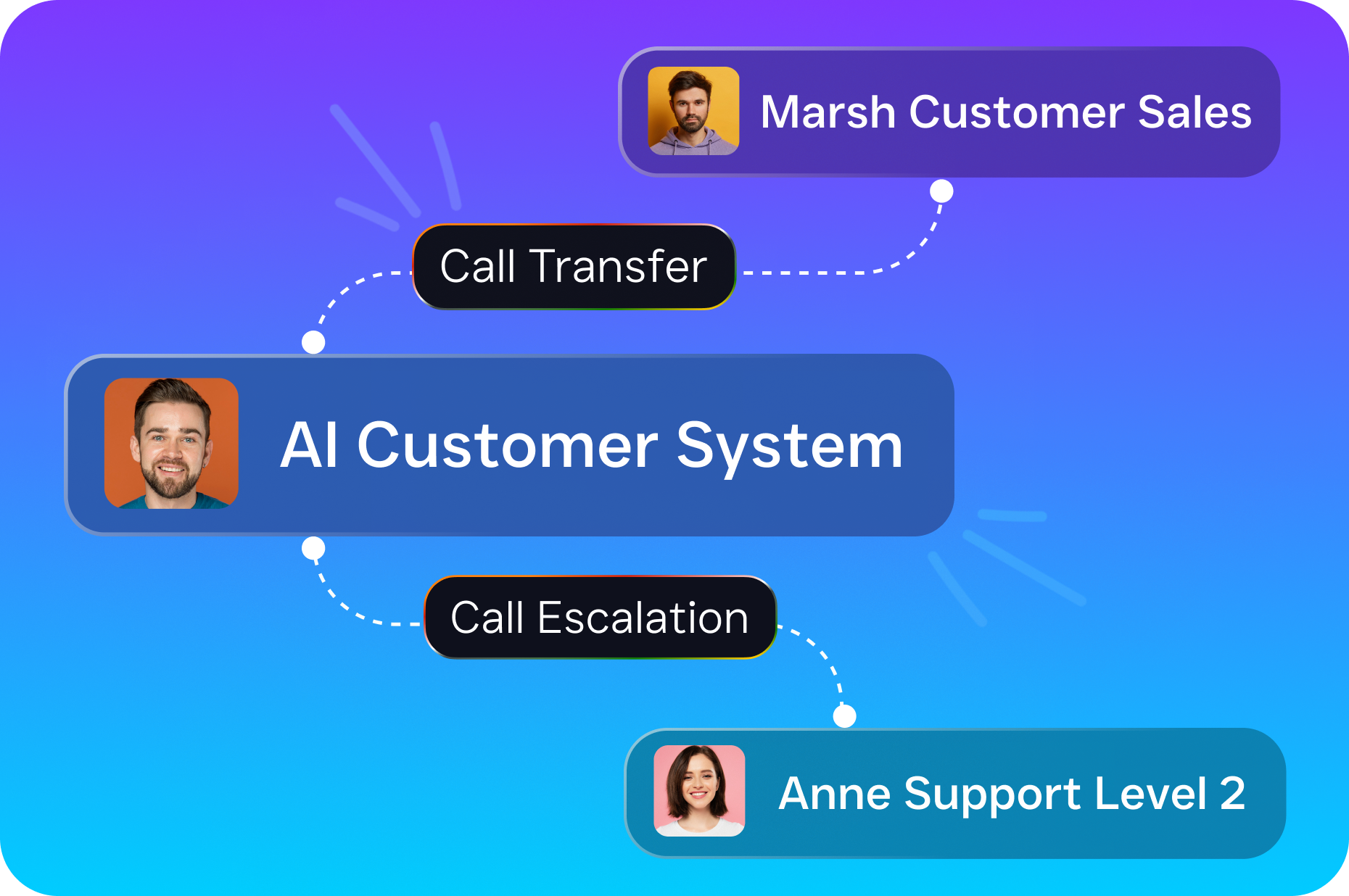
Call forwarding is a phone feature that redirects incoming calls from one number to another. When you set it up on your home phone (also called a landline), calls that come in ring on your cell phone instead. You don’t need to be sitting next to your desk. The caller dials the same number they’ve always used, and the call reaches you wherever you’re.
Most landline carriers have offered this feature for decades. It typically works through a short dial code you enter on the handset itself. However, the exact process varies depending on whether you’re using a traditional copper-line phone, a fiber-optic service like Verizon FiOS, or a VoIP-based home phone. The good news is that all three support forwarding in some form. The key differences are in how you activate it and what it costs.
How to Set Up Call Forwarding on a Traditional Landline
The standard method works across most U.S. carriers, including AT&T, CenturyLink, and Windstream. It uses star codes dialed directly from your handset. No app, no website, no technician visit required.
Activating Unconditional Call Forwarding
Unconditional forwarding sends every incoming call to your cell phone, regardless of whether your home phone is busy or ringing. Here’s how to do it:
- Pick up your home phone and listen for a dial tone.
- Dial *72 followed immediately by your 10-digit cell phone number (for example, *72-555-123-4567).
- Wait for a confirmation tone or a short ring followed by a tone. Some carriers require the forwarding number to answer before activation completes.
- Hang up. All calls to your home number now ring on your cell.
To turn it off, pick up the home phone and dial *73. Wait for a confirmation tone, then hang up. Calls return to ringing at home as usual.
Conditional Forwarding Options
Not every situation calls for sending all calls away from your home phone. Conditional forwarding gives you more control. For instance, you might only want calls forwarded when your line is busy or after several rings go unanswered.
- Forward on busy: Dial *90 + your cell number. Calls forward only when your home line is already in use. Deactivate with *91.
- Forward on no answer: Dial *92 + your cell number. Calls forward after a set number of rings. Deactivate with *93.
Keep in mind that these codes work for most traditional carriers, but some regional providers use slightly different sequences. If *72 doesn’t work, call your carrier’s support line and ask for the correct activation code. Also, many carriers charge a small monthly fee for call forwarding, typically between $2 and $8 per month, though it’s often bundled into a calling features package.
Forwarding on VoIP and Fiber Home Phones
If your home phone runs through an internet connection (services like Vonage, magicJack, Ooma, or Xfinity Voice), you’ll usually manage forwarding through an online dashboard or app rather than star codes. Log in to your account, find the call forwarding or call management section, and enter your cell phone number. The interface makes it easier to set schedules, like forwarding only after 6 PM or on weekends.
Fiber-optic services from Verizon FiOS and AT&T Fiber typically support both the star-code method and an online portal. Either approach works fine. According to the U.S. Small Business Administration, millions of small businesses still operate with a primary landline number, so knowing both methods matters.
Why Simple Call Forwarding Falls Short for Businesses
Forwarding your home phone to your cell phone solves one problem: you stop missing calls when you’re away from your desk. But it creates several new ones that most business owners don’t think about until they’re deep into it.
Your Cell Phone Becomes a Bottleneck
Once forwarding is active, every single call hits your personal cell. That means business calls interrupt dinners, weekend outings, and time with your family. There’s no filtering. A spam robocall gets the same treatment as a high-value lead. You can’t route calls to a team member without physically handing over your phone.
Plus, if you’re already on a call, the next caller gets sent to your cell’s voicemail, which probably has a personal greeting. That’s not a great first impression for someone calling about a $5,000 roofing job or a legal consultation. Research from SkipCalls shows small businesses lose over $26,000 per year from missed calls alone.
No After-Hours Intelligence
Basic call forwarding doesn’t know what time it’s. It doesn’t know if you’re in a meeting or sleeping. It can’t answer a simple question like “What are your hours?” or “Do you offer free estimates?” Every call requires your personal attention, which isn’t sustainable when you’re trying to grow a business.
According to NerdWallet’s small business research, the majority of small businesses operate with fewer than 20 employees. That means there’s rarely a dedicated person available to answer every call. Forwarding pushes the burden entirely onto you.
What You Actually Need Beyond Forwarding
For a personal phone with light call volume, *72 forwarding is perfectly fine. But businesses that depend on inbound calls need more than a redirect. They need a system that can answer, qualify, book, and route, all without a human picking up.
- Automatic call answering with professional greetings
- Appointment booking during and after business hours
- Lead qualification so you know who’s worth calling back first
- Spam filtering to block junk calls before they reach you
- Missed-call text-back so callers get an immediate SMS response even when nobody answers
Better Alternatives to Basic Landline Forwarding
Several phone platforms and business tools go well beyond what a carrier’s forwarding feature offers. Here’s how the main categories compare for a business owner looking to upgrade from a home phone setup.
| Feature | Carrier Forwarding (*72) | VoIP Business Phone | AI-Powered Phone System |
|---|---|---|---|
| Call forwarding to cell | Yes | Yes | Yes |
| Custom call routing / IVR | No | Yes (most platforms) | Yes |
| 24/7 automated answering | No | Basic voicemail only | Yes, with AI voice agent |
| Appointment booking on calls | No | No | Yes |
| Missed-call text-back | No | Some platforms | Yes |
| Spam call blocking | No | Limited | Yes |
| Unified inbox (calls, texts, chat) | No | Partial | Yes |
| Typical monthly cost | $2 to $8/mo | $15 to $30/user/mo | $0 to $159/location/mo |
Platforms like Dialpad and Nextiva handle call forwarding and VoIP well, but they’re built primarily for internal team communication. Dialpad, for instance, doesn’t include toll-free minutes or audio conferencing, and Nextiva caps SMS at 250 messages per user per month. Neither offers a true AI voice agent that can actually converse with callers, answer questions, and book appointments without human involvement.
How SalesCaptain Helps
SalesCaptain replaces the entire chain of forwarding your home phone to your cell with something far more capable. Instead of redirecting calls to a phone that may or may not get answered, SalesCaptain’s AI Phone Agent picks up every call, 24/7, with a natural-sounding voice that handles real conversations.
Here’s what that looks like in practice. A homeowner calls your roofing business at 8:30 PM on a Thursday. Your home phone would’ve gone to voicemail. With SalesCaptain, the AI agent answers, asks about the project, checks your calendar, and books an estimate for the next available slot. The caller never waits on hold, never hits voicemail, and never calls your competitor instead.
Beyond voice, SalesCaptain brings everything into a single unified inbox. Calls, SMS, webchat messages, Instagram DMs, and Facebook Messenger conversations all show up in one place. Your team can collaborate on responses without switching between apps. And the workflow automation builder handles follow-up sequences, appointment reminders, and CRM updates automatically.
For businesses still running off a home phone number, SalesCaptain also provides dedicated business phone numbers with an IVR builder, call routing, voicemail, and call recording. You get 99.99% uptime and crystal-clear audio quality. And because pricing starts with a free plan for one location and scales to $159/month per location for the business tier, it’s built for the economics of a small service business, not an enterprise IT budget. AI call minutes run just $0.12 per minute, far cheaper than human receptionist services like Smith.ai or Ruby that charge several dollars per call.
SalesCaptain also connects with tools you likely already use, including HubSpot, Salesforce, Zoho, HousecallPro, QuickBooks, and 50+ other integrations commonly used by small businesses.
Key Takeaways
Knowing how to forward calls from home phone to cell phone is a useful skill, and the *72 method works for basic personal use. However, businesses that rely on incoming calls need more than a simple redirect. Forwarding doesn’t answer questions, book appointments, or filter out spam. It just moves the ringing from one device to another.
For any service business handling more than a handful of calls per day, the real goal isn’t forwarding. It’s making sure every caller gets a response, whether that’s a live conversation, an AI-powered booking, or an instant text-back. The businesses that capture those calls are the ones that grow, according to recent data on missed-call revenue loss.
Stop thinking about where your calls ring. Start thinking about what happens when they do.
Frequently Asked Questions
Can I forward my landline to my cell phone for free?
Most carriers include basic call forwarding in their service plans, though some charge a small monthly fee between $2 and $8. The star-code activation itself (*72) doesn’t cost extra per use on most plans. Check with your specific carrier to confirm whether it’s included or billed as an add-on feature.
Does call forwarding work if my home phone is unplugged?
If you activated forwarding before unplugging the phone, it should continue working because the forwarding instruction lives with your carrier, not your handset. However, if you need to deactivate it later, you’ll need to plug the phone back in and dial *73. VoIP-based home phones are different: if the internet connection drops, forwarding may stop unless you’ve configured it through the provider’s online portal.
Will the caller see my cell phone number when I answer a forwarded call?
No. The caller sees whatever number they dialed, which is your home phone number. Your cell phone number stays private. However, if you call them back from your cell, they’ll see your cell number unless you’re using a business phone system that lets you choose your outbound caller ID.
Can I forward calls from my home phone to multiple cell phones?
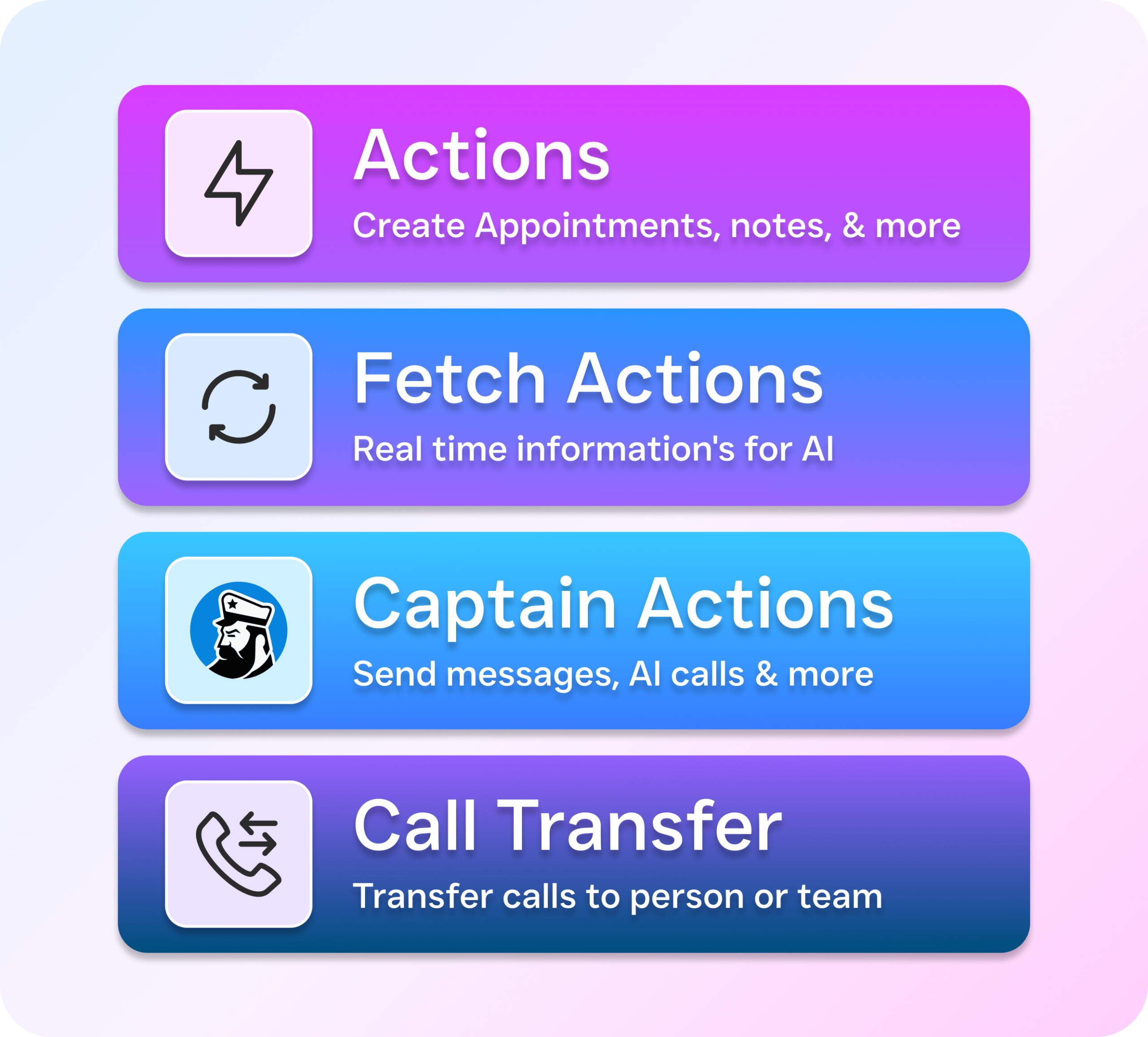
Standard carrier forwarding with *72 only supports one destination number at a time. If you need calls to ring on multiple phones simultaneously or in sequence, you’ll need a VoIP service or a business phone system with call routing and ring groups. SalesCaptain’s phone system, for example, supports custom call flows that can ring multiple team members before falling back to the AI agent.
What happens if my cell phone doesn’t answer a forwarded call?
The call follows your cell phone’s own settings. Typically, it goes to your cell’s voicemail after several rings. That means the caller hears your personal voicemail greeting instead of your business one. For businesses, this creates a poor experience. An AI phone agent or a dedicated business phone system avoids this problem entirely by providing a professional fallback every time.
See How SalesCaptain Can Help
Stop losing customers to missed calls and clunky forwarding setups. SalesCaptain’s AI Phone Agent answers every call, books appointments, and qualifies leads around the clock, so you don’t have to be glued to your phone. With a free plan for one location and AI calls at just $0.12/minute, it’s built for businesses your size.
Start your free account at SalesCaptain.com and let your phone work as hard as you do.