
AI-powered customer experience marketing (CXM) platform that helps local businesses win.



You’re in a meeting, on vacation, or simply away from your desk, and your business line keeps ringing. Every unanswered call is a missed opportunity. Research shows small businesses lose $26,000 or more per year from missed calls. Knowing how to forward your calls to another number is one of the simplest ways to make sure you never lose a customer to silence.
What Is Call Forwarding?
Call forwarding is a phone feature that redirects incoming calls from one number to another. Instead of letting a call ring endlessly or go to voicemail, it automatically sends the caller to a different phone, whether that’s your cell, a colleague’s line, or an answering service. The caller doesn’t know anything changed on their end. They just hear ringing and then a voice picks up.
There are several types of call forwarding, and the distinctions matter. Unconditional forwarding sends every call to another number no matter what. Conditional forwarding only kicks in under specific circumstances, like when your line is busy, you don’t answer within a set number of rings, or your phone is unreachable. Most phone providers, both mobile carriers and VoIP platforms, support all of these variations. Understanding which type you need will shape how you set it up.
How to Forward Calls on Any Phone or System
The exact steps depend on whether you’re using a mobile carrier, a landline, or a cloud-based business phone system. Here’s a breakdown of the most common methods.
Forwarding Calls on Mobile Phones
Both iPhone and Android devices have built-in call forwarding settings, though the path to get there differs slightly. On an iPhone, go to Settings → Phone → Call Forwarding, toggle it on, and enter the number you want calls sent to. Android users typically find it under Phone app → Settings → Calls → Call Forwarding. Select the forwarding condition (always, when busy, when unanswered, when unreachable) and enter your target number.
If your carrier supports star codes, you can also activate forwarding with a quick dial. For most US carriers, dialing *72 followed by the destination number activates unconditional forwarding. To turn it off, dial *73. However, these codes vary by carrier, so check with yours before relying on them.
Forwarding Calls on Landlines
Traditional landlines use the same star code system. Pick up the handset, dial *72, then the full 10-digit number you want to forward to, and wait for a confirmation tone or message. Some providers require you to stay on the line until the destination phone rings or answers. Deactivation works the same way, just dial *73.
Forwarding Calls on Business VoIP and Cloud Phone Systems
Cloud-based phone systems offer far more control than carrier-level forwarding. Instead of simple “send everything to this number” rules, you can build conditional logic around your forwarding. For example, you might forward calls to your mobile only during business hours, send after-hours calls to a voicemail box, and route weekend calls to an on-call team member.
Most VoIP platforms let you configure forwarding through a web dashboard or mobile app. The setup usually involves:
- Selecting the phone number or extension you want to modify
- Choosing a forwarding rule (always, on no answer, on busy, by schedule)
- Entering the destination number or selecting an internal extension
- Setting a ring duration before the forward triggers
- Saving and testing the configuration
This is where business phone systems pull ahead of basic carrier forwarding. They give you scheduling, multiple forwarding destinations, and fallback options that a simple *72 code can’t match.
Why Call Forwarding Matters for Your Business
For service businesses especially, the phone is still the primary way customers reach you. A homeowner with a burst pipe isn’t browsing your website at 2 AM. They’re calling. And if nobody picks up, they’re calling the next plumber on the list. The true cost of a missed call goes beyond one lost job. It includes the lifetime value of that customer and every referral they’d have sent your way.
Call forwarding solves the immediate problem of availability. But it also addresses a deeper operational challenge: how do you handle call volume without hiring more staff? According to Forbes Advisor, the vast majority of US businesses have fewer than 20 employees. That means most don’t have a dedicated receptionist. Forwarding ensures that incoming calls still reach a real person, even if that person is a business owner working from their truck.
There are also scenarios where forwarding is essential for compliance and continuity. Healthcare practices need to route after-hours calls to an on-call provider. Legal offices can’t let client calls go unanswered during litigation. Salons and fitness studios lose same-day bookings when phones ring out. In each case, a well-configured forwarding setup acts as a safety net.
Best Practices and Common Mistakes
Setting up call forwarding takes about two minutes. Setting it up well takes a bit more thought. Here are the practices that separate a reliable forwarding setup from one that creates more problems than it solves.
Do It Right
- Test your forwarding before relying on it. Call your own number from a different phone and confirm calls actually reach the destination. You’d be surprised how often a typo in the forwarding number goes unnoticed for days.
- Use conditional forwarding instead of unconditional whenever possible. Sending every call away from your main line means you lose the ability to answer at your desk. Forward only when you’re busy, unreachable, or outside hours.
- Set a reasonable ring duration. Too short (one or two rings) and you’ll never have time to pick up. Too long (eight or more rings) and the caller hangs up before the forward triggers. Three to four rings is the sweet spot for most businesses.
- Create a fallback chain. Forward to your mobile first, then to a colleague, then to voicemail. A single forwarding destination is a single point of failure.
- Update your forwarding rules as your schedule changes. Holiday hours, vacations, and seasonal demand shifts should all trigger forwarding adjustments.
Avoid These Mistakes
One of the most common errors is forgetting to deactivate forwarding. You set it up for a weekend trip, come back Monday, and spend the whole day wondering why your desk phone is silent. Set a calendar reminder to turn it off, or better yet, use a scheduled rule that handles this automatically.
Another pitfall is forwarding to a number that also goes to voicemail quickly. If your mobile’s voicemail picks up after three rings, and your forwarding rule waits four rings before triggering, the caller hears your personal voicemail greeting instead of your business one. That’s a confusing experience for customers. Make sure the destination phone’s ring time is long enough to actually allow an answer.
Finally, don’t use forwarding as a permanent replacement for a proper phone system. Carrier-level forwarding doesn’t give you call recording, analytics, or multi-destination routing. It’s a band-aid. Missed call data by industry shows how costly gaps in availability really are, and simple forwarding alone won’t close all those gaps.
How SalesCaptain Helps
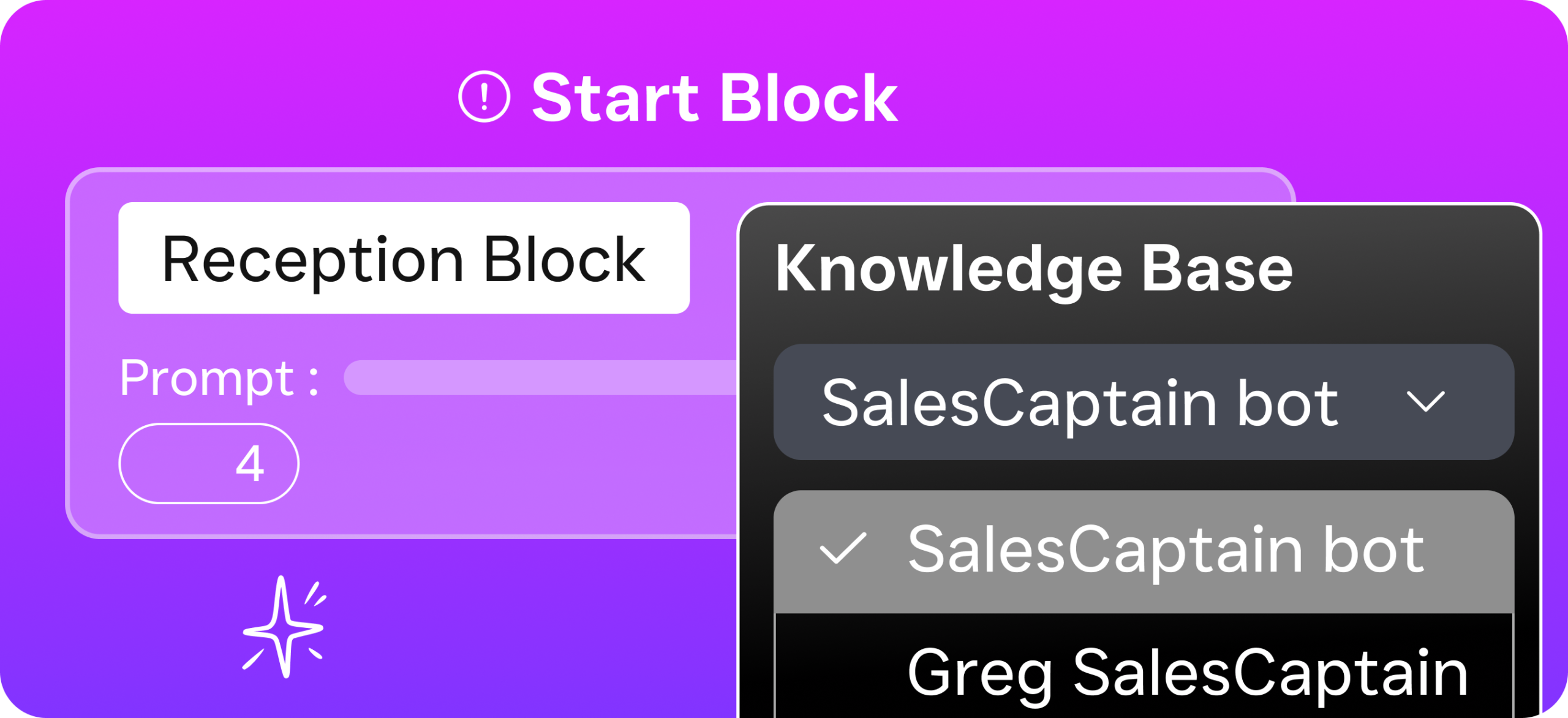
Call forwarding gets calls to a human. But what happens when there’s no human available? That’s where SalesCaptain’s approach goes further. Instead of just routing calls, SalesCaptain lets you build complete call flows with a drag-and-drop builder. You can route calls based on time of day, department, or caller intent, with IVR menus, hold music, warm and cold transfers, and voicemail fallbacks all configured in one visual interface.
For the hours when nobody can pick up, SalesCaptain’s AI Phone Agent answers with a natural-sounding voice, qualifies the lead, books appointments, answers FAQs, and blocks spam. It’s 24/7 coverage without the cost of hiring after-hours staff. Every call also gets an AI-generated transcription and summary, so your team knows exactly what was discussed and what follow-up is needed, even for calls that happened at midnight.
Beyond voice, SalesCaptain brings every communication channel into a single unified inbox. Calls, SMS, webchat, Instagram DMs, Facebook Messenger, and email all land in one place. So when a missed call triggers a text-back, you see the full conversation thread right next to the call record. AI receptionists are becoming the new standard for small businesses, and SalesCaptain combines that capability with call routing, workflow automation, and multi-channel messaging in a single platform starting with a free plan.
Compared to platforms like Aircall, which charges $30 per license and lacks an AI voice agent or missed-call text-back, or OpenPhone, which has minimal AI capabilities and only seven integrations, SalesCaptain offers a more complete solution for service businesses. With 50+ native integrations including HubSpot, Salesforce, HousecallPro, and Clio, it fits into the tools you’re already using.
Key Takeaways
Learning how to forward your calls to another number is a fundamental skill for any business owner. Whether you use star codes on a mobile carrier, toggle a setting in your phone’s menu, or configure rules in a cloud phone system, the mechanics are straightforward. What matters more is the strategy behind it: using conditional forwarding, building fallback chains, and making sure your forwarding rules evolve with your schedule.
Simple forwarding solves availability. But for service businesses handling real volume, the financial impact of missed calls demands more than a redirect to your personal cell. A purpose-built business phone system with AI-powered call handling, intelligent routing, and multi-channel communication is what turns a ringing phone into revenue. Don’t settle for a band-aid when you need a system.
Frequently Asked Questions
Does call forwarding also forward text messages?
No. Standard carrier call forwarding only redirects voice calls. Text messages (SMS and MMS) aren’t affected and will still arrive at the original number. If you need to manage both calls and texts from a single system, you’ll need a business communication platform that handles both channels natively, rather than relying on carrier-level forwarding.
Can I forward calls to another number if I don’t have my phone with me?
Yes, but it depends on how your forwarding is set up. If you’ve already configured conditional forwarding (forward when unreachable), calls will automatically redirect when your phone is off or out of range. However, if you need to activate forwarding remotely, you’ll typically need access to your carrier’s online account portal or a cloud phone system’s web dashboard to make the change.
How much does call forwarding cost?
Most mobile carriers include basic call forwarding at no extra charge on postpaid plans. However, forwarded calls still use your minutes, and if you’re forwarding to a long-distance or international number, standard long-distance rates apply. Business VoIP systems usually include forwarding as a core feature within their monthly plan pricing. NerdWallet’s small business data consistently shows that communication tools are among the most cost-effective investments for growing companies.
Why do callers get a busy signal after I activate call forwarding?
This usually happens when the destination number is already in use or has its own call forwarding enabled, creating a loop. Some carriers also limit the number of simultaneous forwarded calls. Check that the destination number is active, available, and not also set to forward back to the original line. Restarting the forwarding setup from scratch often resolves the issue.
What’s the difference between call forwarding and call routing?
Call forwarding sends calls from one number to one other number. Call routing is more sophisticated. It directs calls based on rules like time of day, caller input (press 1 for sales, press 2 for support), agent availability, or even caller location. Business phone systems use call routing to distribute calls across teams, while basic call forwarding is a single redirect with no logic behind it.
See How SalesCaptain Can Help
Stop losing customers to missed calls. SalesCaptain gives you AI-powered call handling, intelligent call flows, and a unified inbox for every channel, all in one platform built for service businesses. Start with a free plan and see the difference 24/7 availability makes.