
AI-powered customer experience marketing (CXM) platform that helps local businesses win.


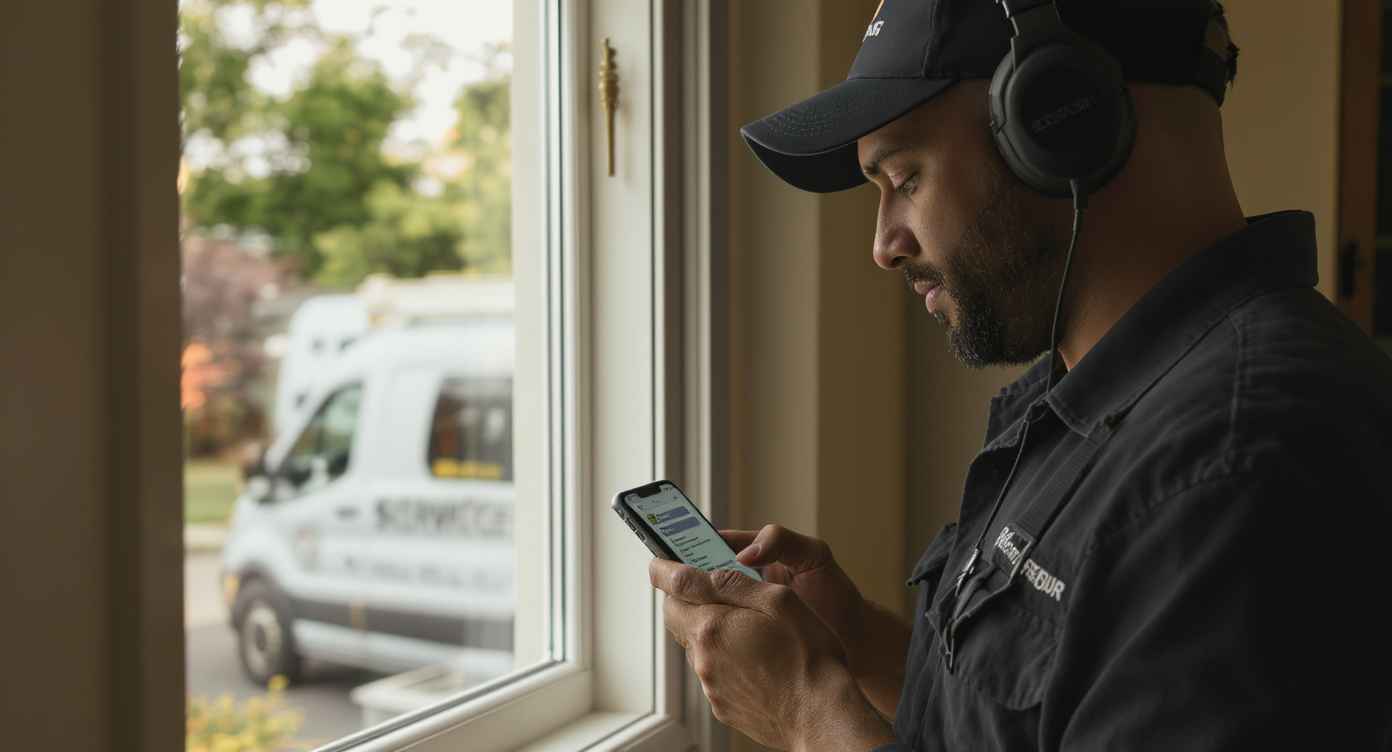
If your field service team runs on Jobber, you already know how critical it’s to keep client records, job requests, and scheduling in one place. But here’s what most users miss: customer communication still happens everywhere else. Calls come in on personal phones. Texts go unanswered after hours. New leads slip away before anyone creates a record. A Jobber integration for customer communication changes that. It connects your field service software directly to an AI-powered communication platform, so every call, text, and chat automatically syncs with Jobber. SalesCaptain delivers exactly this—giving home service businesses a way to capture, respond to, and follow up with every customer without jumping between apps.
Jobber integration for customer communication connects your field service software directly to a communication platform, so calls, texts, and chats automatically sync with Jobber. This eliminates scattered customer data across multiple apps and ensures no leads or messages fall through the cracks.
Free weekly newsletter
Growth tips for service businesses
Every Tuesday — actionable ideas to get more leads, reviews, and repeat customers. No fluff.
Quick Answer
A Jobber integration for customer communication connects your service business software with messaging and calling tools, automatically syncing calls, texts, emails, and notes in one place. This eliminates missed messages, reduces response time, and ensures every team member sees the full customer conversation history, keeping leads and jobs on track.
What Is a Jobber Integration for Customer Communication?
At its core, this integration creates a two-way bridge between Jobber and your business phone and messaging system. When a new caller reaches you, their information automatically becomes a client record in Jobber. If they describe a service need, a request gets created too. When your team makes notes or schedules follow-ups in your communication platform, those details sync back to Jobber. Nothing falls through the cracks.
Most field service businesses operate lean. According to Enlyft’s market data on Jobber users, the majority have fewer than 50 employees. That means there’s rarely someone answering calls all day. So when a homeowner calls about a leaking pipe at 7 PM, no one picks up. No record gets created. That lead calls someone else instead. A Jobber integration eliminates that problem by automating client creation, capturing call summaries, and triggering follow-ups—all without manual data entry. Your leads don’t disappear.
Why Communication Is the Missing Piece in Jobber Workflows
Jobber excels at quoting, scheduling, invoicing, and dispatching. But it wasn’t designed to be your phone system or messaging hub. Your team still needs a way to handle inbound calls, send texts, respond to website chat, and manage social media DMs. Without a unified communication layer, you’re copying phone numbers from voicemail into Jobber by hand. Or you’re forgetting to do it at all. The integration solves this. Your CRM stays accurate. Response times stay fast.
How the Jobber Integration Works in SalesCaptain
Setting up the connection between SalesCaptain and Jobber is straightforward. No technical expertise needed. Here’s the complete process:
- Connect your Jobber account. Inside SalesCaptain, navigate to the integrations panel and authenticate your Jobber account with a few clicks. No API keys to hunt down, no developer needed.
- Configure per-number sync settings. Choose which of your SalesCaptain phone numbers should sync data to Jobber. If you run multiple locations or service lines, you can route different numbers to different Jobber accounts or keep everything consolidated.
- Set up automatic client and request creation. When a new caller or texter reaches your business, SalesCaptain checks Jobber for an existing client match. If none exists, it creates a new client record automatically. You can also configure it to generate a new service request from the call details.
- Enable AI call summary sync. After every call, SalesCaptain’s AI generates a summary of what was discussed, including the customer’s issue, any scheduling preferences, and follow-up items. That summary gets pushed directly into the Jobber client record as a note.
- Activate click-to-call from Jobber. Once connected, your team can initiate calls directly from within Jobber client records. No more switching tabs or dialing numbers manually.
- Test and go live. Run a few test calls and texts to confirm everything syncs correctly, then flip the integration to active mode. Most teams are fully live in under 30 minutes.
Key Capabilities
- Automatic client and request creation: Every inbound call or text from a new number triggers automatic client creation in Jobber. If the caller describes a service need, a request record is generated too. Your admin team never has to manually enter lead data again.
- AI call summary sync: SalesCaptain’s AI Summaries and Transcriptions feature generates a concise recap of every conversation. These summaries sync to Jobber as client notes, giving your dispatchers and technicians full context before they arrive at a job site.
- Click-to-call from Jobber: Your team can call any client directly from their Jobber record through SalesCaptain’s phone system, which means calls are tracked, recorded, and summarized automatically rather than made from personal cell phones with no record.
- Per-number sync settings: Control exactly which phone numbers push data to Jobber. A plumbing line can sync to one Jobber account while an HVAC line syncs to another, or both can feed the same account with tagged source tracking.
- 24/7 AI call answering with Jobber sync: SalesCaptain’s AI Phone Agent answers calls around the clock, qualifies leads, books appointments, and answers common questions. Every interaction is captured and synced to Jobber, so your after-hours calls don’t just go to voicemail.
- Missed call text-back: When a call goes unanswered (even by AI), SalesCaptain’s AI Chat Agent immediately texts the caller back, captures their details, and syncs the contact to Jobber. According to research on missed call costs, small businesses lose significant revenue from unanswered calls, so this feature alone can pay for the platform.
Who Needs This?
Not every business uses Jobber, but if you do, this integration becomes essential once your inbound lead volume grows. Here’s who benefits most:
- Roofing companies fielding dozens of calls daily after storms, needing every lead captured and routed to the right estimator in Jobber.
- HVAC contractors managing seasonal spikes where after-hours calls can represent half the week’s revenue.
- Plumbing businesses dealing with emergency calls at all hours. Speed of response directly determines who gets the job.
- Landscaping and lawn care companies running tight schedules where a missed quote request means a competitor wins the contract. The National Association of Landscape Professionals has noted that customer responsiveness is a top differentiator in the industry.
- Appliance repair services where customers expect a same-day or next-day response and won’t wait for a callback.
- Office managers and dispatchers who currently spend hours each day copying call details into Jobber manually.
- Business owners who want visibility into every customer interaction without micromanaging their team’s phone habits.
Benefits of a Jobber Integration for Customer Communication
Faster Lead Response Without Adding Staff
Speed wins in home services. Studies on missed call costs consistently show that the first business to respond captures the job most of the time. With SalesCaptain’s AI Phone Agent answering calls 24/7 and syncing new leads directly into Jobber, your response time drops to seconds. You don’t need to hire a receptionist or a call center. The AI handles intake. Your team picks up in Jobber with full context already attached. That’s the difference.
Eliminating Double Data Entry
Every minute your dispatcher spends typing a caller’s name, address, and issue into Jobber is a minute they aren’t scheduling or communicating with existing customers. Automatic client and request creation removes that friction completely. And because AI-generated call summaries sync as notes, your technicians show up to jobs already knowing what the customer described on the phone. Better customer experience. More efficient crews.
Complete Communication History in One Place
SalesCaptain’s Unified Inbox pulls every channel together. Calls, texts, webchat, Instagram DMs, Facebook Messenger, email—it’s all there. When that data syncs to Jobber, you get two views working together. Your communication team works from SalesCaptain’s inbox for real-time conversations. Your field team works from Jobber for scheduling and job management. Both see the same information. Neither has to ask, “Did the customer mention anything else?”
After-Hours Revenue Capture
Home service emergencies don’t follow business hours. A burst pipe at midnight. A broken AC unit on a Sunday afternoon. According to recent data on missed call impact, after-hours calls represent massive revenue opportunity that most small businesses let ring out. With SalesCaptain’s AI answering those calls and creating Jobber records automatically, your Monday morning starts with a queue of qualified leads. No voicemail box full of hang-ups.
How SalesCaptain Compares
Several platforms offer phone systems or messaging tools for service businesses. But few combine AI voice agents, AI chat agents, and a unified inbox into one platform that actually integrates with Jobber. Podium offers texting and reviews, but it lacks outbound workflow automation. And it doesn’t provide a real-time AI voice agent for inbound calls. Birdeye is primarily a reputation management tool with weak VoIP capabilities: no call routing, no IVR, no call flow builder, and no AI for calls.
On the phone system side, Aircall charges $30 per license per month and still doesn’t offer a Voice AI Agent, webchat, or missed-call text-back. OpenPhone is more affordable at $15 per user but has minimal AI capabilities (rated low for AI on review platforms like G2), only 7 integrations, and no call coaching or power dialer. Neither platform was built for field service businesses relying on Jobber.
SalesCaptain is different. It’s purpose-built for service businesses and SMBs. The free Startup plan lets you test the platform with one location before committing. Paid plans start at $159/month per location, and AI call minutes are billed at just $0.12/minute with no per-seat licensing. For a roofing company or HVAC contractor running 2-3 locations, that’s dramatically more affordable than stacking separate tools for phones, texting, AI, and Jobber sync.
FAQ
Does SalesCaptain’s Jobber integration work with all Jobber plans?
Yes, it does. The integration connects to your Jobber account regardless of your plan. You’ll authenticate through SalesCaptain’s integrations panel, and sync settings are fully configurable on our side.
Can the AI Phone Agent actually book jobs in Jobber?
The AI Phone Agent captures caller details, qualifies the lead, and creates a client record and service request in Jobber. Your dispatcher or office manager then reviews the request and schedules the job. The AI handles intake and data entry. Your team focuses on dispatch decisions.
What happens if a caller is already a client in Jobber?
SalesCaptain checks for an existing client match before creating a new record. If the caller’s phone number matches an existing Jobber client, the call summary and any new details are added to the existing client record as notes. No duplicates created.
Is there a limit on how many calls or texts sync to Jobber?
No limit exists. Every interaction processed through SalesCaptain can push data to Jobber, whether you handle 10 calls a day or 200. AI call minutes are billed at $0.12/minute, and that’s competitive with top-rated AI answering services that often charge significantly more per interaction.
Ready to see it in action?
See how service businesses use SalesCaptain to handle customer calls without leaving Jobber.
Connect Jobber to Your Customer Communication Platform
Stop losing leads to missed calls and manual data entry. SalesCaptain’s Jobber integration gives your field service business 24/7 AI-powered communication with automatic client sync, so every caller becomes a record and every conversation becomes context your team can act on.