
AI-powered customer experience marketing (CXM) platform that helps local businesses win.



If you’re a service business owner researching Lightspeed Retail X, you’re probably looking for better ways to manage your retail operations. Lightspeed’s X-Series point-of-sale system handles inventory and transactions well, but here’s the gap it won’t fill: customer communication. Every missed call, every unanswered text, every slow response to an inquiry costs you revenue. And for service businesses that depend on appointments, repeat clients, and fast follow-ups, that gap is enormous. The real question isn’t just which POS you use. It’s whether your entire customer communication system is built to capture and convert every lead that comes your way.
Why Service Business Businesses Struggle With Customer Communication
Service businesses face a unique challenge that pure retail operations don’t. You’re not just processing transactions at a counter. You’re booking appointments, fielding questions about pricing and availability, following up on estimates, and managing ongoing client relationships across phone calls, texts, social media, and email. That complexity creates cracks, and leads slip through them daily.
Consider the typical scenario. A potential customer calls your plumbing company at 6:30 PM. Nobody answers because your office closed at 5. They call the next company on Google, and that competitor picks up. You’ve just lost a job worth hundreds of dollars, maybe thousands, because of a 90-minute gap in coverage. According to Zipline’s 2026 State of Retail Communication Report, communication breakdowns are the top reason customer-facing initiatives fail. While that research focuses on retail, the principle applies even more sharply to service businesses where every interaction is high-touch.
The Multi-Channel Problem
Your customers don’t pick one channel and stick with it. Some call. Some text. In fact, some send a Facebook message at midnight. Others fill out a contact form on your website. managing all of these separately means messages get lost, response times vary wildly, and your team wastes hours switching between apps. The U.S. Small Business Administration consistently identifies operational inefficiency as a primary barrier to growth for small businesses, and fragmented communication sits right at the center of that problem.
Why a POS System Alone Isn’t Enough
Tools like Lightspeed Retail X are excellent at what they do. Inventory management, sales analytics, and transaction processing are critical functions. But a POS doesn’t answer your phone at 9 PM. It doesn’t text back a missed caller within seconds. It won’t qualify a lead who messages you on Instagram. For service businesses, the revenue bottleneck isn’t usually at the register. It’s in the space between a customer’s first inquiry and a booked appointment. That’s where you need a completely different kind of tool.
How SalesCaptain Solves This
SalesCaptain fills the communication gap that POS systems like Lightspeed Retail X leave wide open. It’s a unified communication platform built specifically for service businesses, combining AI-powered phone agents, chat agents, and a collaborative inbox into one system. Instead of hiring more staff to handle growing call volume, you deploy AI agents that work around the clock.
AI Phone Agent for 24/7 Call Handling
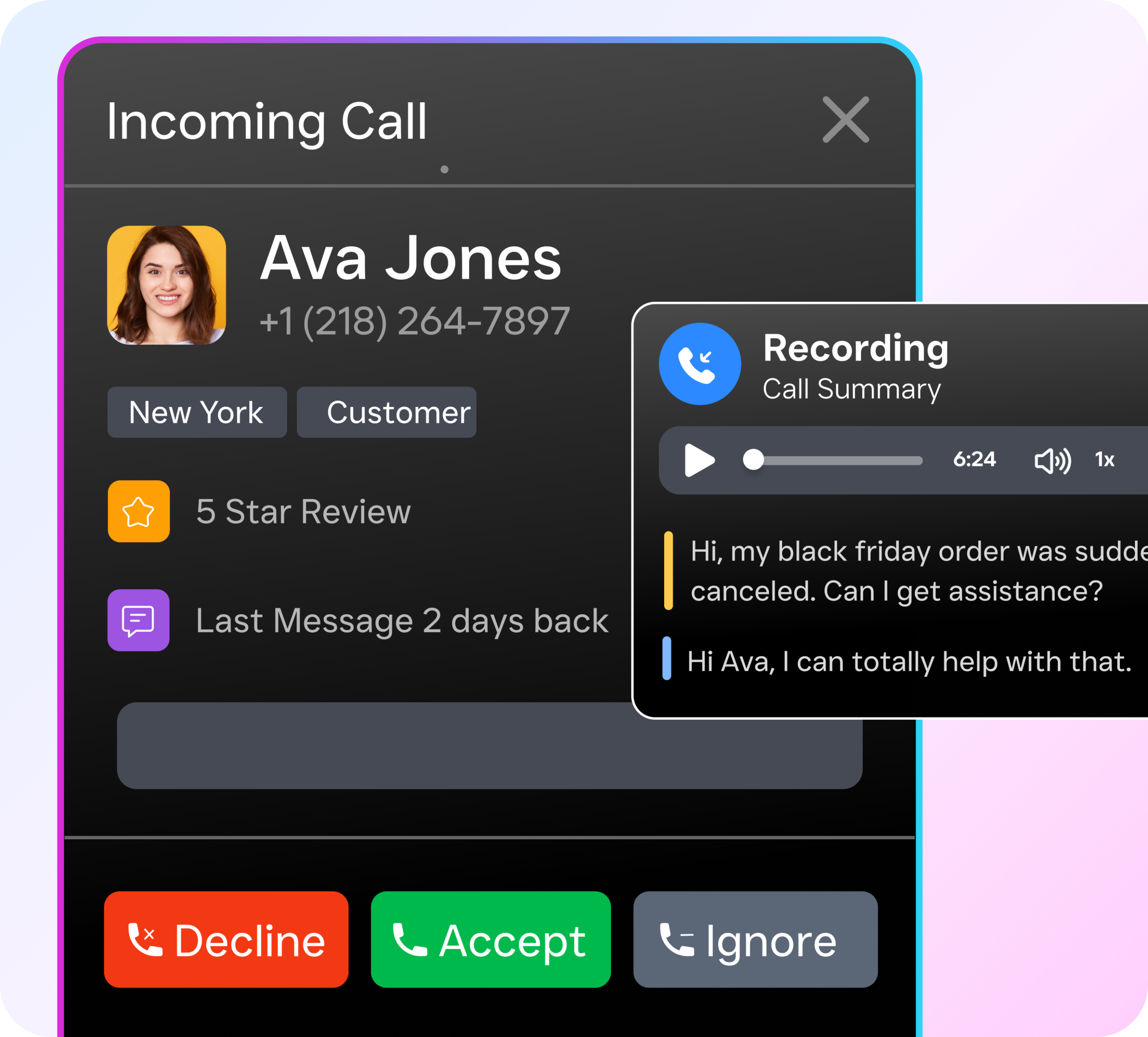
SalesCaptain’s AI Phone Agent answers every call with a natural-sounding voice, whether it’s 2 PM or 2 AM. It doesn’t just take messages. It books appointments, qualifies leads by asking the right questions, answers frequently asked questions about your services, and blocks spam calls so your team isn’t wasting time. As Smallforce’s guide to AI receptionists notes, the best AI phone solutions for small businesses are those that handle calls end-to-end without requiring technical expertise to set up. SalesCaptain’s drag-and-drop call flow builder makes configuration straightforward, even if you’ve never touched automation software before.
AI Chat Agents Across Every Channel
Beyond phone calls, SalesCaptain deploys AI chat agents on SMS, webchat, Instagram DMs, and Facebook Messenger. When a potential customer texts your business number after seeing your truck in their neighborhood, the AI responds instantly, captures their contact info, and books a consultation. Missed call? The system automatically sends a text-back so you never lose that lead. According to Aira’s 2026 review of AI receptionists, businesses using AI-powered response systems see dramatically faster lead engagement compared to those relying solely on human staff.
One Inbox for Everything
Perhaps the most practical feature for busy service businesses is SalesCaptain’s Unified Inbox. Every call, text, webchat message, social media DM, and email lands in a single collaborative workspace. Your team sees the full history of every customer interaction in one place. No more digging through three different apps to figure out what a client said last Tuesday. Real-time tracking means managers can monitor communication quality without standing over anyone’s shoulder.
Key Features for Service Business Businesses
SalesCaptain was designed from the ground up for the kinds of businesses that run on appointments, estimates, and repeat customers. Here are the features that matter most for service operations.
- After-Hours Call Capture: The AI Phone Agent picks up every call outside business hours, qualifies the caller, and either books an appointment or collects details for next-day follow-up. You stop losing evening and weekend leads entirely.
- Missed Call Text-Back: When a call goes unanswered during busy periods, the system automatically sends an SMS within seconds. That instant response keeps the prospect engaged instead of dialing your competitor.
- Workflow Automation: SalesCaptain’s drag-and-drop builder lets you create automated follow-up sequences, appointment reminders, CRM updates, and internal notifications. With over 50 integrations including HubSpot, Salesforce, ServiceFusion, and HousecallPro, it fits into your existing tech stack.
- AI Summaries and Transcriptions: Every call is automatically transcribed and summarized. Your team gets a concise note with key takeaways, action items, and customer concerns. That’s invaluable for training new hires and ensuring nothing falls through the cracks.
- Call Flows with IVR: Build custom call routing paths so callers reach the right department or team member on the first try. Menu options, greetings, hold music, forwarding rules, and AI agent handoffs are all configurable without any coding.
- Multi-Location Support: Each business location gets its own phone number and communication setup, all managed from one dashboard. Pricing starts at $159 per month per location, with a free plan available for single-location businesses.
Real Results You Can Expect
The outcomes service businesses see with SalesCaptain directly address the pain points that tools like Lightspeed Retail X weren’t designed to solve. Here’s what shifts when your communication infrastructure actually works.
Fewer Missed Opportunities
Every call gets answered. Every text gets a response. For example, every social media message gets acknowledged within seconds, not hours. Lightspeed’s own busy season guide emphasizes the importance of fast customer engagement during peak periods. SalesCaptain ensures that speed stays consistent year-round, not just during the holidays.
Lower Staffing Costs
Hiring a full-time receptionist costs $30,000 or more per year, and they still can’t work nights or weekends. Traditional answering services charge per call and don’t integrate with your systems. SalesCaptain’s AI agents cost $0.12 per minute for calls, with no per-call minimums and no staffing overhead. For most service businesses, that translates to significant monthly savings while actually improving response quality.
Better Follow-Through on Every Lead
Automated workflows ensure that no lead goes cold. Once the AI captures a prospect’s information, it can trigger a follow-up text, update your CRM, notify the right team member, and send an appointment confirmation. Manual processes break down when you’re busy. Automation doesn’t. Research from Harvard Business Review has consistently shown that speed of response is one of the strongest predictors of lead conversion, particularly for local service businesses where customers expect rapid engagement.
Operational Visibility
With AI transcriptions and summaries, plus the unified inbox showing every interaction across channels, business owners gain clear visibility into how customer communication is actually being handled. You’ll spot patterns, identify training needs, and make decisions based on real data rather than guesswork.
How to Get Started
Setting up SalesCaptain doesn’t require technical expertise or a lengthy onboarding process. Here’s what the process looks like.
- Sign up for a free account. SalesCaptain offers a free startup plan for single-location businesses, so you can explore the platform without any financial commitment.
- Set up your business phone number. Choose a new number or port your existing one. The phone system runs on 99.99% uptime with crystal-clear audio quality.
- Build your AI Phone Agent. Use the drag-and-drop call flow builder to define how calls should be handled. Set up greetings, FAQ responses, appointment booking rules, and after-hours routing. No coding required.
- Activate AI Chat Agents. Connect your SMS, webchat widget, Instagram, and Facebook Messenger channels. Configure the AI to respond with your business information, capture leads, and book appointments.
- Connect your existing tools. Integrate with your CRM, field service management software, or scheduling system using one of over 50 native integrations. If your tool isn’t natively supported, Zapier bridges the gap.
- Launch and monitor. Go live and use the unified inbox to track every interaction. Review AI summaries and transcriptions to refine your call flows and messaging over time.
Most businesses complete the full setup in under a day. As GetNextPhone’s 2026 comparison of AI receptionists highlights, the best platforms combine powerful features with fast deployment, and SalesCaptain consistently ranks among the easiest to launch.
Is SalesCaptain a replacement for Lightspeed Retail X?
No. SalesCaptain isn’t a POS system. It handles the customer communication side of your business, while Lightspeed Retail X handles transactions and inventory. They solve different problems, and many service businesses benefit from running both. SalesCaptain captures and converts leads through AI-powered phone and chat agents. Lightspeed processes their purchases once they’ve been converted.
Can SalesCaptain work alongside my current phone system?
Yes. You can port your existing number into SalesCaptain’s phone system, or you can use call forwarding to route overflow and after-hours calls to the AI agent while keeping your current setup for daytime operations. The call flow builder gives you full control over how calls are routed.
What types of service businesses use SalesCaptain?
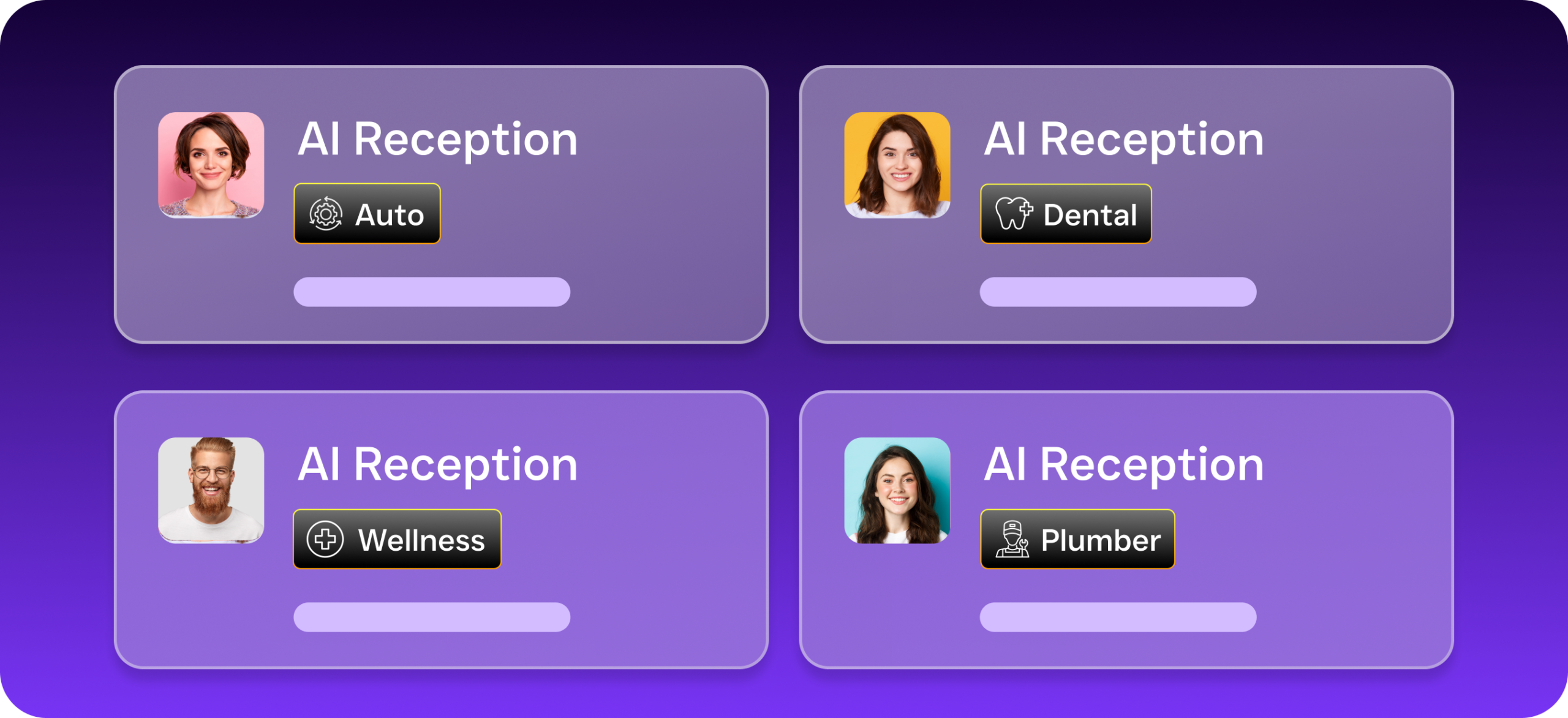
The platform is built for any appointment-heavy or lead-driven service business. Home services companies like roofers, plumbers, HVAC technicians, and landscapers are among the most common users. Legal practices, dental offices, MedSpas, salons, fitness studios, and real estate agencies also use the platform. If your business depends on answering inquiries quickly and booking appointments, it’s a fit.
How does SalesCaptain’s pricing compare to hiring a receptionist or answering service?
SalesCaptain’s AI phone calls cost $0.12 per minute. A full-time receptionist costs $15-20 per hour at minimum, and traditional answering services often charge $1-2 per call plus monthly fees. For most service businesses handling 50-200 calls per month, SalesCaptain costs a fraction of either alternative while providing 24/7 coverage, instant text-back, and multi-channel support that no human receptionist can match alone.
Do I need technical skills to set up the AI agents?
Not at all. SalesCaptain’s call flow builder and chat agent configuration use visual drag-and-drop interfaces. You define what the AI should say, what questions it should ask, and where it should route callers, all without writing a single line of code. If you can build a basic slideshow, you can build an AI agent on SalesCaptain.
Service businesses that rely on tools like Lightspeed Retail X for their POS needs still have a major operational gap in customer communication. SalesCaptain closes that gap with AI agents that answer calls, respond to messages, capture leads, and book appointments around the clock. It’s the communication infrastructure your business needs to grow without adding headcount.