
AI-powered customer experience marketing (CXM) platform that helps local businesses win.


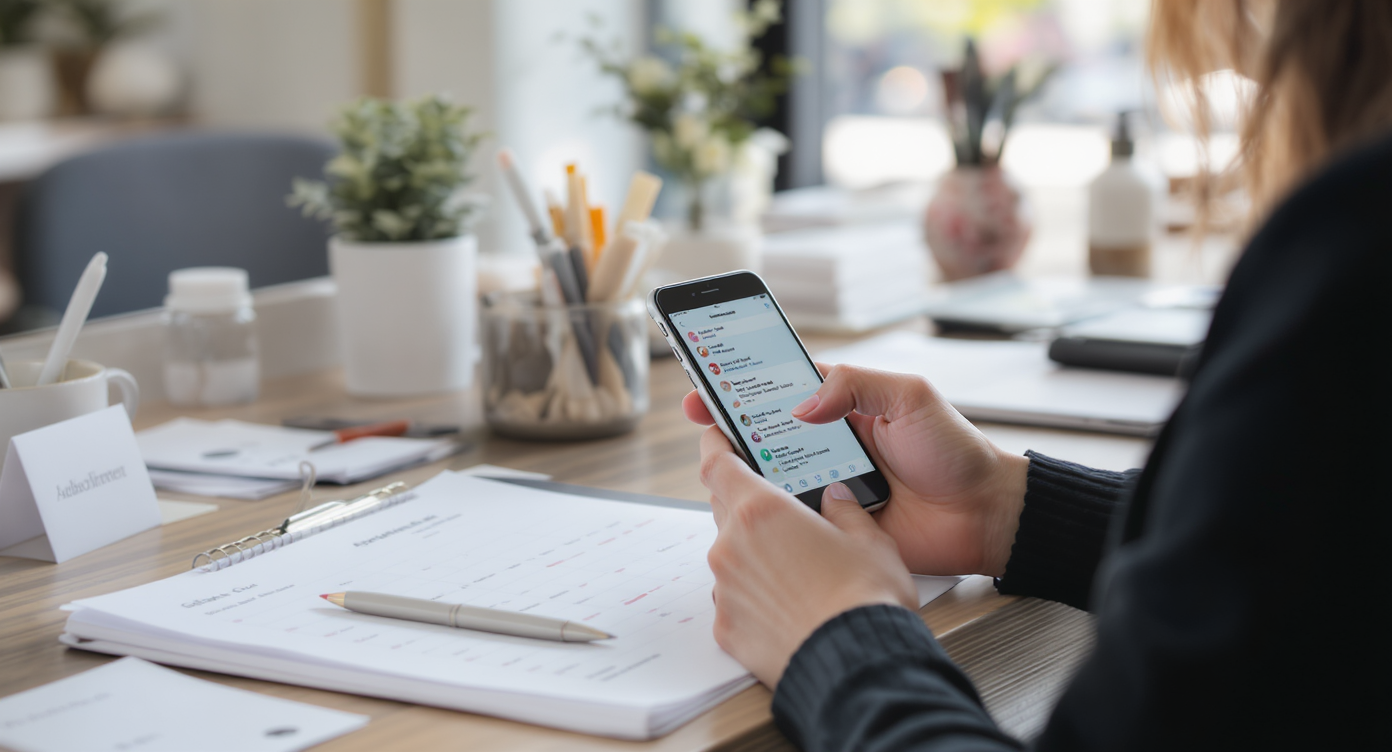
You just ran a weekend promotion, but half your customer list didn’t hear about it until Monday. The other half saw an email they never opened. Sound familiar? Meanwhile, your competitor down the street sent a quick text blast and booked out their entire Saturday. That’s the gap a mass texting service for business closes, and it’s why SMS has become the default channel for service businesses that need fast, reliable customer communication.
A mass texting service for business lets you send a single SMS message to hundreds or thousands of contacts instantly. Unlike email, texts are opened within minutes, making it ideal for appointment reminders, promotions, and time-sensitive announcements. Most platforms handle replies, opt-outs, and compliance automatically.
Free weekly newsletter
Growth tips for service businesses
Every Tuesday — actionable ideas to get more leads, reviews, and repeat customers. No fluff.
Quick Answer
Mass texting services send promotional or transactional SMS messages to large customer groups simultaneously. They achieve 98% open rates within minutes, making them ideal for appointment reminders, flash sales, and customer updates. Businesses integrate these platforms via APIs or web dashboards, segment audiences by preferences, and track delivery and engagement metrics in real-time.
What Is a Mass Texting Service for Business?
A mass texting service lets you send a single SMS message to dozens, hundreds, or thousands of contacts at once. Unlike one-to-one texting, it’s built for scale. You compose one message, select your audience, and the platform delivers it to every recipient on your list within seconds. Most services also handle replies, opt-outs, and compliance tracking so you don’t have to manage those manually.
Related guide: ez texting.
But a modern mass texting platform goes way beyond simple broadcast messages. Today’s tools support personalization tokens, scheduled sends, segmented lists, and two-way conversations. According to a 2024 State of SMS Engagement report, business texting is on the rise across industries, driven by consumer preference for quick, non-intrusive communication. For service businesses especially, that preference translates directly into booked appointments and repeat customers.
Why Mass Texting Works Better Than Other Channels
Email open rates for small businesses hover around 20%. Social media organic reach keeps shrinking. Phone calls go to voicemail more often than not. SMS is different. It consistently delivers open rates above 90%, with most messages read within three minutes of delivery. That kind of immediacy isn’t available from any other marketing channel.
Speed Creates Revenue
Service businesses live and die by response time. When a roofing company sends a storm-damage promotion 30 minutes after a hailstorm, every minute counts. Email might land in a promotions tab hours later. A text message arrives instantly, and the customer can reply “YES” to book an inspection before they’ve even called a competitor. According to SimpleTexting’s small business marketing research, SMS is one of the highest-performing channels for direct customer engagement among small and mid-sized businesses.
Customers Actually Prefer It
There’s a reason appointment reminders, shipping notifications, and payment confirmations all arrive by text. Consumers have trained themselves to trust and act on SMS. It feels personal without being invasive. And unlike a phone call, it doesn’t interrupt their day. For businesses that depend on repeat bookings—salons, dental offices, fitness studios—that preference is a competitive advantage worth building around.
📺 Watch: How to Create an SMS Campaign
Must-Have Features in a Mass Texting Platform
Not every texting tool is built for the way service businesses actually operate. Some are designed for e-commerce brands sending coupon codes. Others target enterprise marketing teams running complex drip campaigns. Here’s what matters most when you’re a local or regional business trying to fill your schedule and keep customers coming back.
- Two-way messaging: Broadcast-only tools are a dead end. You need recipients to be able to reply, ask questions, and confirm appointments directly in the same thread.
- Contact segmentation: Sending the same message to every contact wastes money and annoys people. Segment by service type, location, last visit date, or lead status so each message feels relevant.
- Personalization tokens: A text that says “Hi Sarah, your HVAC tune-up is due next month” converts dramatically better than a generic reminder. Look for platforms that insert first names, appointment details, and custom fields automatically.
- Compliance management: The FCC’s TCPA regulations require explicit consent before sending marketing texts. Your platform should handle opt-in tracking, opt-out keywords (STOP), and consent records so you aren’t exposed to fines.
- Scheduling and automation: Manually sending texts at 9 AM every Tuesday isn’t sustainable. Automation lets you trigger messages based on events, like sending a follow-up 24 hours after a missed call or a review request after a completed job.
- High-volume sending: If you’re running a flash sale or seasonal campaign, you need a platform that won’t throttle your messages or cap your sends. Some tools limit SMS volume per user per month, which defeats the purpose of mass texting.
- Analytics and click tracking: You should know exactly how many messages were delivered, how many were opened, and how many people clicked your link. Without this data, you’re guessing.
One feature that often gets overlooked is missed call text-back. According to recent small business missed call data, a significant percentage of callers who reach voicemail never call back. An automatic text sent immediately after a missed call—something like “Sorry we missed you! How can we help?”—recovers leads that would otherwise disappear. It’s not technically mass texting, but it’s the kind of text automation that belongs in the same platform.
How to Run an Effective Mass Text Campaign
Buying a tool is the easy part. Getting results from it requires a clear strategy. What does that look like in practice? Here’s a framework that works for service businesses across industries.
Build Your List the Right Way
Never buy a list. Purchased phone numbers haven’t opted in, so texting them violates TCPA rules and will get your number flagged as spam. Instead, collect numbers through your existing touchpoints: website forms, intake paperwork, appointment booking flows, and in-person sign-ups. Always include clear opt-in language that explains what kind of messages they’ll receive and how often.
Write Messages That Drive Action
You’ve got roughly 160 characters to work with before a text splits into two segments (which costs more). Keep it tight. Lead with the value, include one clear call to action, and skip the fluff. Here are a few templates that work well:
- Appointment reminder: “Hi [First Name], just a reminder about your appointment tomorrow at 2 PM. Reply C to confirm or R to reschedule.”
- Seasonal promotion: “[Business Name]: Spring AC tune-ups are 20% off this week only. Book now: [link]”
- Re-engagement: “Hey [First Name], it’s been 6 months since your last visit. We’d love to see you again. Reply YES for 15% off your next service.”
- Review request: “Thanks for choosing [Business Name]! Mind leaving us a quick review? It really helps: [link]”
Notice each example is under 160 characters, includes personalization where possible, and tells the recipient exactly what to do next. That’s the formula.
Time Your Sends Strategically
Sending a promotional text at 6 AM on a Sunday won’t win you fans. Research from SMS marketing industry analysis shows that mid-morning on weekdays tends to produce the best engagement for service businesses. But your audience might be different. Test a few time slots, track your reply rates, and adjust. Also, respect quiet hours. Most compliance guidelines suggest avoiding texts before 8 AM or after 9 PM in the recipient’s time zone.
Measure and Iterate
After each campaign, review your delivery rates, response rates, opt-out rates, and any link clicks. A high opt-out rate means your messages are too frequent or irrelevant. Low click-through suggests your offer isn’t compelling enough. These numbers tell you exactly what to fix for next time. Great texting programs aren’t built overnight. They’re refined over weeks and months of real data.
How Platforms Compare for Service Business Texting
The market is crowded. Most platforms emphasize different strengths. Some are built for e-commerce, others for healthcare, and many for enterprise sales teams. For service businesses that need mass texting alongside phone, chat, and social communication, the gaps between tools become obvious quickly.
Podium, for instance, is popular among local businesses, but it doesn’t offer outbound workflow automation or transparent pricing, which makes it harder to plan campaigns at scale. Nextiva caps SMS at 250 messages per user per month—a limit most active service businesses would blow through in a single campaign. Dialpad lacks high-volume SMS support entirely, and Aircall doesn’t offer payments via text, auto URL shortening, or click tracking for SMS campaigns.
The takeaway isn’t that these are bad products. It’s that few platforms combine mass texting, phone, chat, and automation in a single tool designed for service businesses. Most require you to bolt together multiple subscriptions, which creates data silos and costs more over time.
How SalesCaptain Helps
SalesCaptain approaches mass texting as one piece of a larger communication system. Rather than offering SMS as a standalone feature, it’s built into a unified inbox that handles calls, texts, webchat, Instagram DMs, Facebook Messenger, and email in one place. Your team doesn’t need to switch between apps to see a customer’s full conversation history.
On the texting side specifically, SalesCaptain includes high-volume SMS, advanced personalization and templating, auto URL shortening with click tracking, and payments via text. Because it’s also a full phone system, you get missed call text-back built in. Every unanswered call automatically triggers a text to the caller, turning a potential lost lead into an active conversation. According to industry data on the cost of missed calls, this kind of recovery can represent tens of thousands of dollars in annual revenue for a typical service business.
The workflow automation builder ties everything together. You can set up trigger-based sequences—like sending a review request text 2 hours after a job is marked complete in your CRM—without writing any code. With 50+ native integrations including HubSpot, Salesforce, HousecallPro, and ServiceFusion, your texting campaigns stay in sync with the tools you already use. And because SalesCaptain prices per location rather than per user, a 10-person team costs the same as a 2-person team at the same location.
Key Takeaways
A mass texting service for business isn’t a nice-to-have anymore. It’s a core channel for reaching customers who don’t open emails and don’t answer phone calls. The best platforms combine high-volume sending with two-way messaging, automation, compliance tools, and analytics, all in a single interface your team can actually use.
For service businesses specifically, the real power comes from connecting mass texting to the rest of your communication stack. Standalone SMS tools create another silo. Platforms that unify texting with phone, chat, and CRM workflows eliminate the gaps where leads and customers fall through. Pick the tool that fits how your business actually operates, not just the one with the longest feature list.
Frequently Asked Questions
Is mass texting legal for businesses?
Yes, but only when recipients have given explicit consent to receive your messages. The TCPA and FCC regulations require documented opt-in, clear opt-out mechanisms (like replying STOP), and adherence to quiet hours. Your texting platform should track consent automatically. But the legal responsibility rests with your business.
How much does a mass texting service typically cost?
Pricing varies widely. Some platforms charge per message (often $0.01 to $0.05 per text), while others include SMS in a monthly subscription. SalesCaptain, for example, starts with a free plan for one location, with paid plans at $159/month per location that include high-volume SMS alongside phone, chat, and automation features. Watch for per-user pricing that inflates costs as your team grows.
What’s the difference between mass texting and SMS marketing?
Mass texting is the delivery mechanism: sending one message to many contacts at once. SMS marketing is the strategy behind it, including audience targeting, campaign timing, message optimization, and conversion tracking. You need both. A platform that sends texts but doesn’t offer segmentation, analytics, or automation won’t produce meaningful results.
Can I send mass texts from my existing business phone number?
Most modern platforms allow you to text from your current business number, which keeps your brand consistent and avoids confusing customers with unfamiliar numbers. SalesCaptain provides a unified number for calls, SMS, and fax, so customers always see the same number regardless of how you’re reaching them.
How many texts can I send at once?
This depends entirely on your platform and your number type. A standard 10-digit long code (10DLC) registered for business use can typically send hundreds of messages per minute. Short codes and toll-free numbers support even higher throughput. Be aware that some platforms impose per-user monthly caps, which can limit your campaign size unexpectedly.
Ready to see it in action?
See how businesses use SalesCaptain to send mass texts that actually get responses.
Book a Free Demo →See How SalesCaptain Can Help
SalesCaptain combines mass texting, AI phone agents, webchat, social messaging, and workflow automation in one platform built for service businesses. Start with a free plan and see what unified communication looks like for your team.